
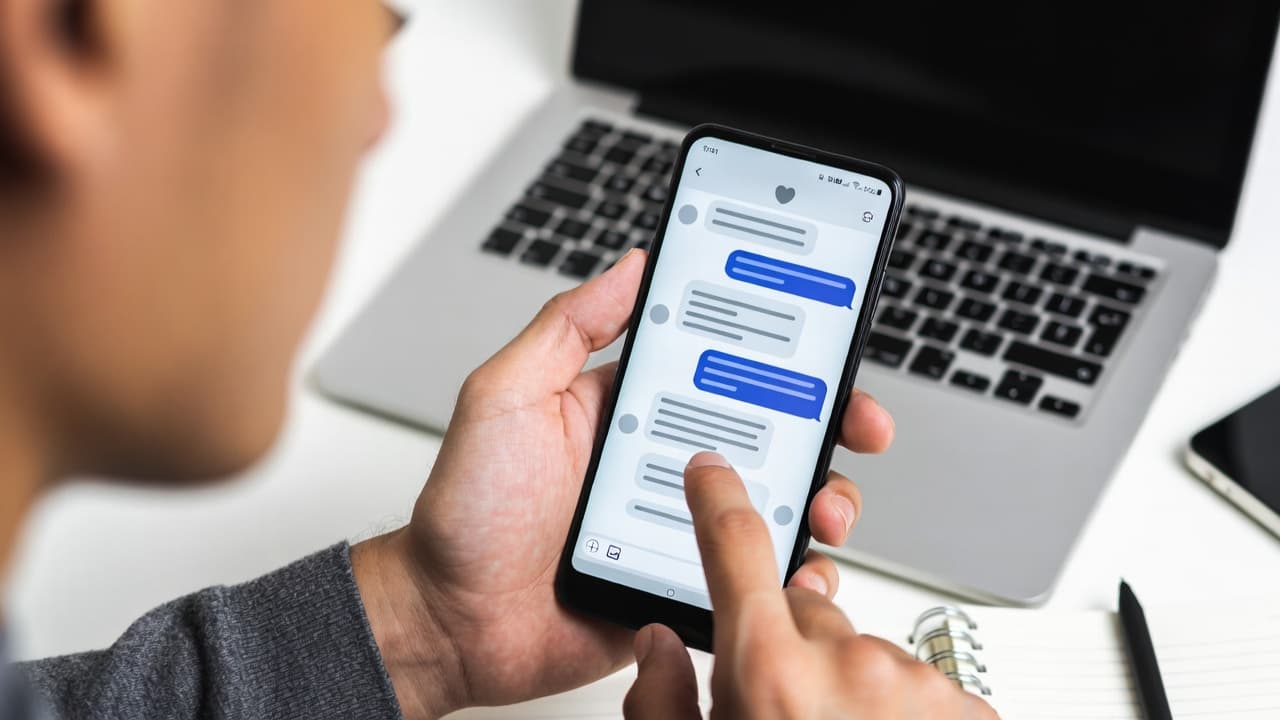

What Is a Fake Screenshot Generator?
A fake screenshot generator is a web tool that creates realistic mockups of chat conversations and social media posts. Instead of screenshotting real apps, you build the conversation from scratch: set usernames, type messages, pick a theme, and export a clean image. These tools are used for marketing, content creation, design, and video production.
Looking for a tool to create realistic message mockups? We spent a week testing the major generators available in 2026, creating identical mockups across apps, comparing customization options, and noting the small details that separate good tools from great ones. Here's what we found.
Tested in May 2026: Quick Verdict
Mockly is the best fit when you need broad app coverage, chat mockups, all mockup types, 3D phone mockups, and chat video export in one workflow. Single-purpose tools can still be fine if you only need one narrow format.
If you only care about chat tools, read the focused best fake chat generators comparison.
| Tool | Best for | Video | 3D | Watermark notes |
|---|---|---|---|---|
| Mockly | Broad mockup workflows | Yes | Yes | Watermark-free on paid plans |
| Zeoob | Social media examples | No | No | Varies by tool |
| FakeWhats | WhatsApp-only images | No | No | Ad-supported |
| iFake Text Message | iMessage-only images | No | No | App dependent |
What to Look for in a Screenshot Generator
Everyone's needs are different, but here are the criteria that mattered most in our testing:
- Platform variety: How many messaging apps are supported?
- Customization options: Can you adjust appearance, timing, and details?
- Export quality: What formats and resolutions are available?
- Ease of use: How quickly can you create a mockup?
- Pricing: What's the cost for features you need?
Our Testing Method
We created the same WhatsApp conversation in each tool, then tried replicating a Discord server interaction and an iMessage thread. We also timed how long each mockup took from start to export.
The Comparison
1. Mockly
Full disclosure: this is our product. But we'll be honest about where it shines and where it doesn't. Mockly supports 23 chat apps and 40+ apps total across chats, AI chats, posts, comments, stories, and emails. That breadth is useful if you need variety, but may be overkill if you only ever make WhatsApp mockups.
Key Features:
- Chat mockups: WhatsApp, iMessage, Slack, Discord, Telegram, and 16 more (21 total)
- Social media posts: Instagram, X, Facebook, LinkedIn, Threads, Pinterest, TikTok, Bluesky
- AI chat mockups: ChatGPT, Claude, Gemini, Grok, Perplexity
- Real-time preview with dark/light mode toggle
- High-resolution PNG exports, plus video export on Premium
- Transparent background support
Here's what a Mockly iMessage mockup looks like:
iMessage with Mockly
iMessage that looks like the real app
Mockly is also the only tool in this list with a 3D phone view. The same conversation, one toggle later:
Pros:
- Wide platform selection (40+ apps) covers most use cases
- Live preview makes iteration quick
- API available for automation workflows
- Frequent updates add new apps
Cons:
- Premium required for some features
- No mobile app yet
- Can feel overwhelming if you only need one platform
- Learning curve for advanced customization
Pricing: Free + Premium
2. Zeoob
Zeoob offers a simpler interface focused primarily on social media mockups.
Key Features:
- Twitter/X mockups
- Instagram post and story mockups
- Basic customization options
- Web-based interface
Pros:
- Simple to use
- Good for social media focus
- Free tier available
Cons:
- Limited messaging apps
- Less realistic styling
- Fewer customization options
- Outdated interface design
Pricing: Free with limitations
3. FakeWhats
As the name suggests, FakeWhats specializes in WhatsApp mockups only.
Key Features:
- WhatsApp chat generator
- Basic message customization
- Voice message simulation
Pros:
- Focused on WhatsApp
- Easy to use
Cons:
- Single platform only
- Limited features
- Dated visual design
- No dark mode support
Pricing: Free with ads
4. iFake Text Message
iFake focuses on iMessage-style mockups for iOS users.
Key Features:
- iMessage mockups
- iPhone-style interface
- Basic customization
Pros:
- Good iMessage replication
- Simple interface
Cons:
- iOS only
- Limited platform options
- Basic features only
Pricing: Free with in-app purchases
Feature Comparison Table
| Feature | Mockly | Zeoob | FakeWhats | iFake |
|---|---|---|---|---|
| Chat Apps | 21 | 3 | 1 | 1 |
| Social Posts | 8 | 4 | 0 | 0 |
| AI Chats | 5 | 0 | 0 | 0 |
| Dark Mode | Yes | Limited | No | No |
| Export Quality | High | Medium | Low | Medium |
| Transparent BG | Yes | No | No | No |
| API Access | Yes | No | No | No |
| Group Chats | Yes | No | No | No |
| Image Messages | Yes | Limited | Yes | Yes |
How They Compare in Practice
When we tested each tool, Mockly's app variety stood out, but that won't matter to everyone. If you're a WhatsApp-only user, FakeWhats might actually be simpler. Here's a Discord mockup to show what Mockly's multi-app support looks like:
Discord Server Chat
Perfect for gaming and community content
For professional content, Mockly is currently the only tool we found with AI chat mockups. Useful if that's what you need, irrelevant if it isn't:
Claude AI Conversation
Showcase AI assistant interactions
Use Case Recommendations
Choose Mockly if you:
- Need multiple app support
- Want professional-quality mockups
- Require API integration
- Create content for diverse audiences
Choose Zeoob if you:
- Only need social media mockups
- Want a completely free option
- Don't need high customization
Choose FakeWhats if you:
- Only need WhatsApp mockups
- Want the simplest possible tool
- Don't mind ads
Our Take
If you need multiple apps or plan to scale your content production, Mockly is worth exploring. If you only need WhatsApp mockups and want the simplest path, FakeWhats does that one thing well. The right choice depends on your actual workflow.
Related Guides
Learn how to use these tools effectively:
- Complete Guide to Fake Screenshots
- How to Tell If a Screenshot Is AI Generated
- How Marketers Use Mockly
- Fake Chat Screenshots for Filmmakers
- Message Mockups for Marketing
Frequently Asked Questions
Are fake screenshot generators free?
Most offer a free tier with basic features. Mockly has a free plan that covers the essentials, with Premium features available separately. FakeWhats and Zeoob are free with ads or limited functionality.
Which generator is best for WhatsApp mockups?
For WhatsApp only, FakeWhats is simple and focused. If you need WhatsApp plus other apps (iMessage, Slack, Discord), Mockly covers 40+ apps in one tool.
Can I use generated mockups commercially?
Yes. Mockups you create are yours to use in marketing, ads, presentations, and content. Just follow FTC guidelines if you're using them as testimonials in advertising.
Getting Started
Want to see how these tools compare for your use case? Try Mockly's free tier and see the difference yourself.
Try it yourself
Create your first mockup in under a minute
40+ apps. Free to try, no signup needed.
Start your mockupAbout the author
Elena Brooks
Content Editor
Elena writes step-by-step tutorials and practical guides for creating realistic chat and social mockups. She focuses on helping creators quickly turn ideas into polished visuals that look believable in demos, landing pages, and client work.
Tags
More from the blog
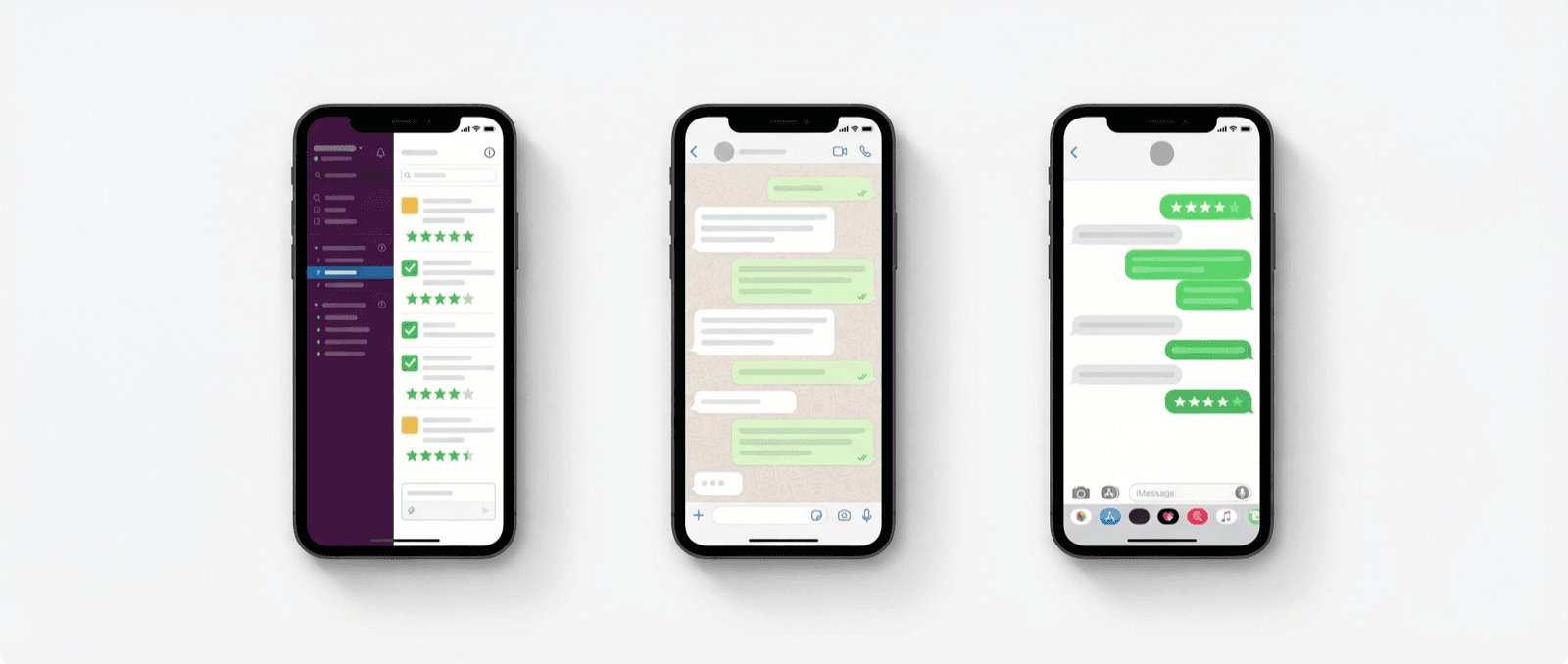
Slack vs WhatsApp vs iMessage for Testimonial Credibility
How Slack, WhatsApp, and iMessage change the credibility of testimonial mockups, and which one to use for B2B, consumer, and presentation contexts.

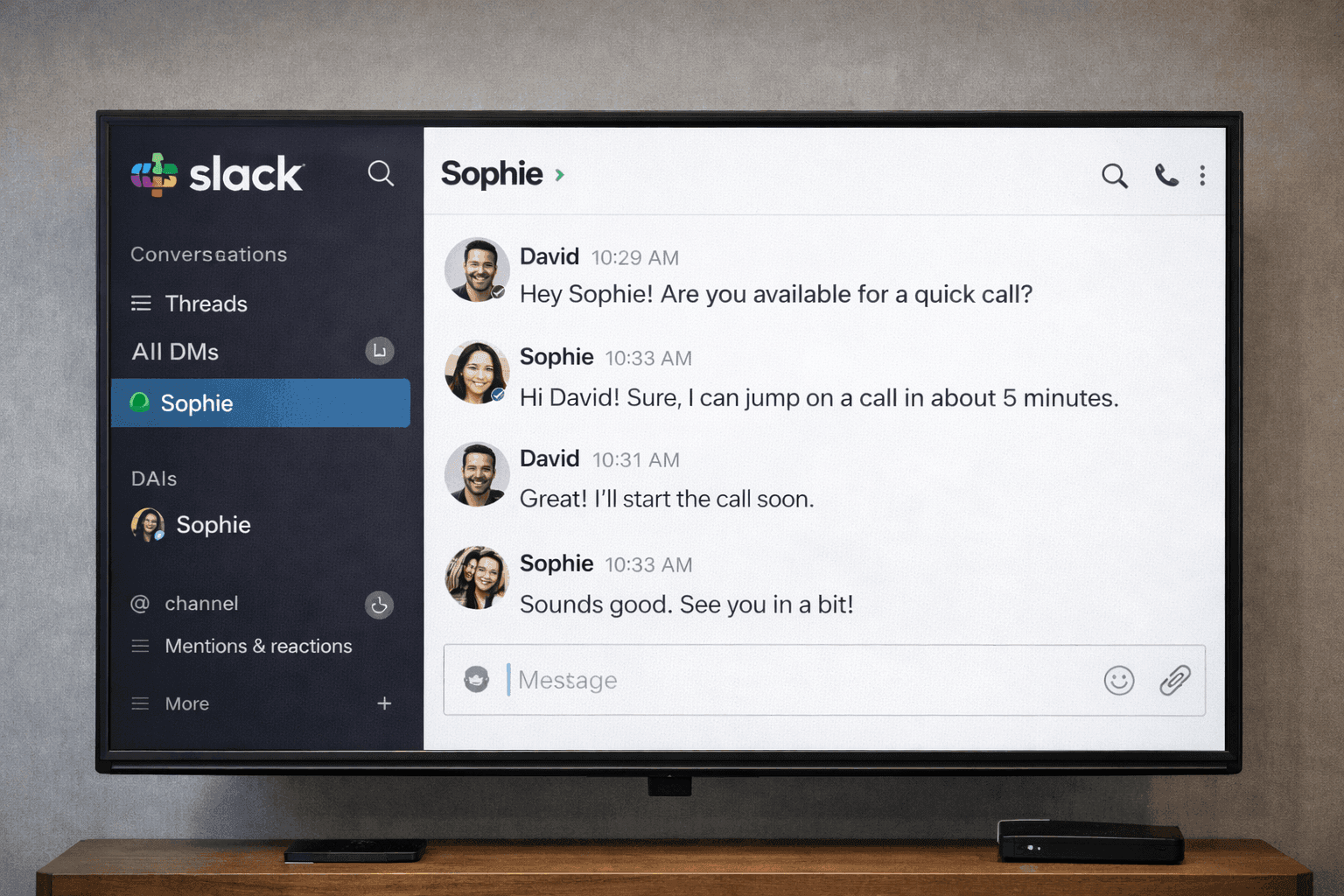
Fake Chat Screenshots for Filmmakers & Video Production | Guide 2026
How filmmakers and video producers create realistic phone screen props with fake chat screenshots. Free tools for film, TV, documentaries, and YouTube content.

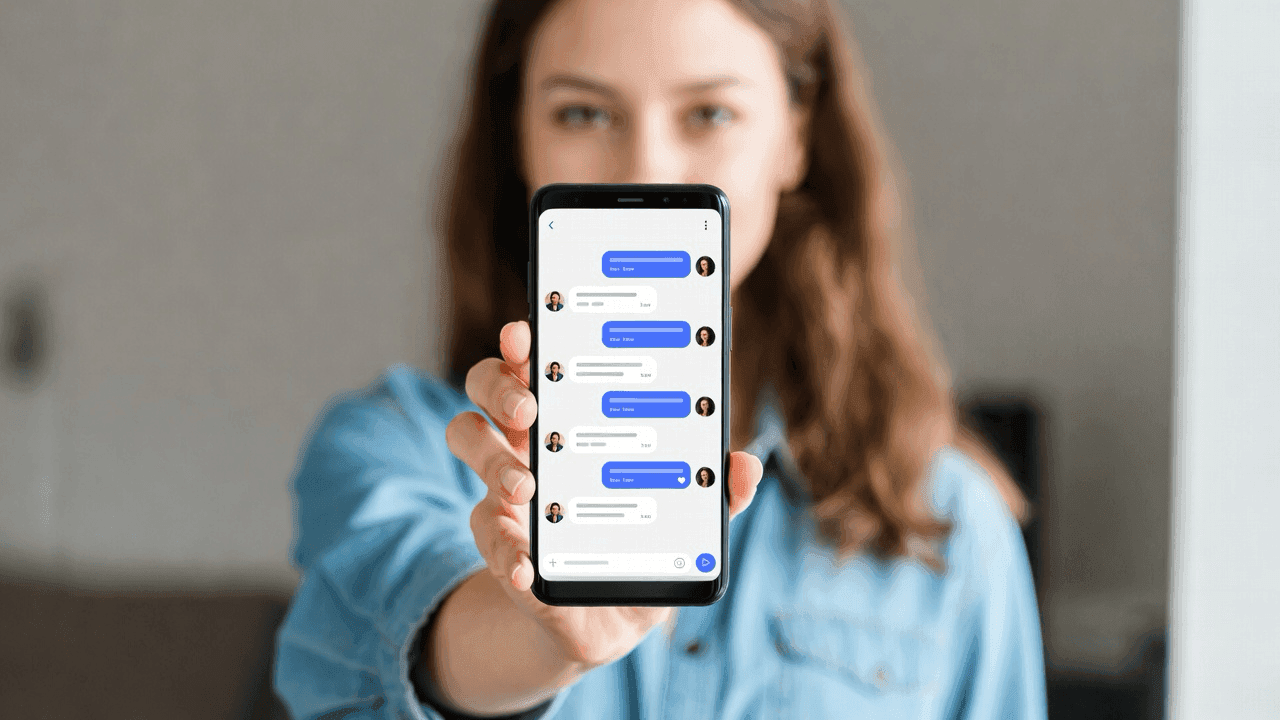
How to Make Fake Chat Screenshots (2026 Guide)
Step-by-step guide to creating fake WhatsApp, iMessage, and Discord chat mockups. Free online generator, no download needed. For marketing and content creation.