
The number one fake LINE chat generator

Create Fake LINE Chat Screenshots

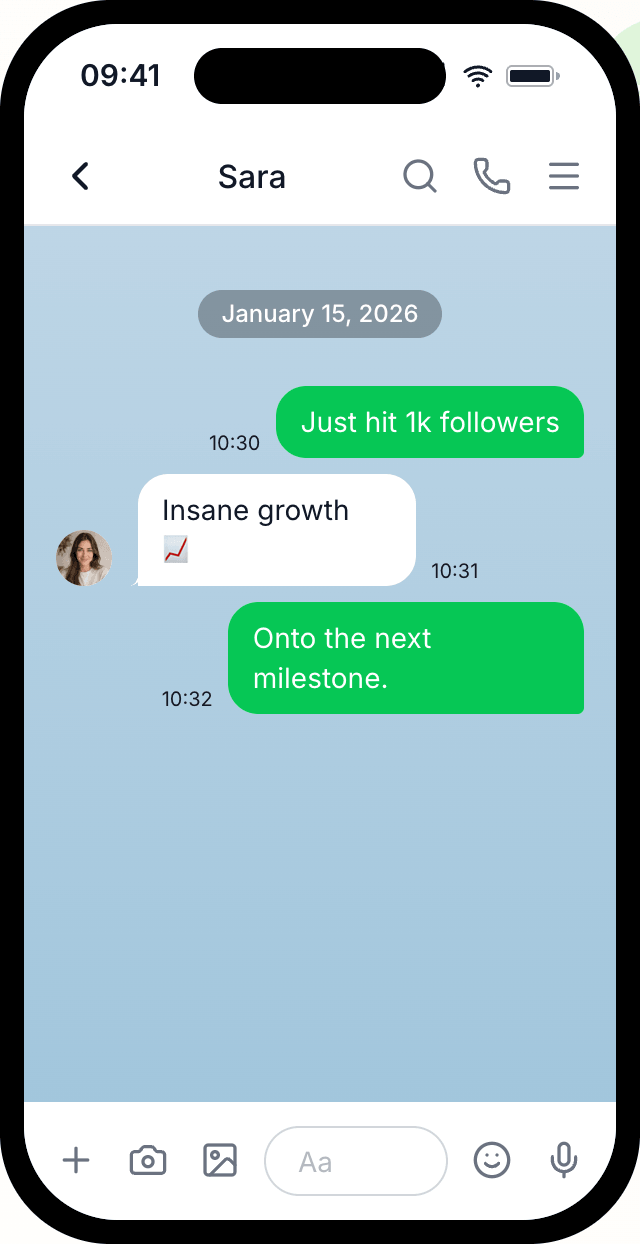
Create realistic LINE message screenshots and export them as images or videos for fun, design mockups, marketing campaigns and social media content.

Perfect for designers, content creators and pranksters 😈

No download required
Easy to use
Try for free
Sidney
Dec 7, 2025

Hello sweetie, I really like your jeans!

15:46
S

Aah, thank you! I love them too!

15:47

Where did you get them?

15:48
Dec 10, 2025
S

At the jeans store

15:46

Makes sense..

15:50
Powerful Features

Create perfect LINE Message Screenshots with Mockly

Mockly provides an easy to use editor to create realistic chat conversations for any purpose.

Realistic Chat Interface
Perfect replica of LINE's interface including chat bubbles, timestamps, and status indicators.
Custom Participants
Add custom names, profile pictures, and online status for each participant in your conversation.
Full Customization
Control every aspect of your chat including message timing, delivery status, and conversation flow.
High-Quality Export
Export your chat screenshots in high resolution, perfect for presentations and social media.

Do you want the full Mockly experience?

Sign up today and get a 50% discount

Featured In

Recognized by leading tech publications

Our simple and easy to use approach has caught the attention of major tech media.

"Mockly manages to set itself apart while iterating on such a popular idea by simply being usable... supports 13 platforms at launch"
TechCrunchJuly 2025
Over 28,000 users have created chat screenshots with Mockly in the last 6 months
Simple Process

Create your LINE screenshot in 4 easy steps

Mockly makes it easy to create professional-looking chat screenshots in seconds.

1

Choose Platform

Select from WhatsApp, Instagram, iMessage, and other popular messaging platforms.

2

Add Participants

Set names and profile pictures for each person in your conversation.

3

Write Conversation

Add messages, change dates, reorder the conversation, and include images.

4

Export & Share

Download your chat as a high-quality image or video and share it anywhere.

Ready to create your first LINE screenshot?

You can start Mockly for free. No strings attached.

Perfect For

Loved by Creators, Designers, and Marketers

Whether you're creating content for fun or professional purposes, our tool has you covered.

Social Media Content

Create engaging chat screenshots for Instagram stories, TikTok videos, and Twitter posts. Perfect for memes, jokes, and viral content.

Design Mockups

Showcase your app or service in a realistic chat context. Perfect for portfolio presentations and client proposals.

Marketing Campaigns

Create compelling customer testimonials and social proof. Show how people talk about your brand naturally.

Personal Fun

Create funny conversations with friends, plan pranks, or just have fun with creative storytelling through chat.

Choose Your Plan

Start for free or unlock premium features with our limited-time discount

Free
Perfect for trying out Mockly
$0
Only non-premium templates
Limited to 4 messages per conversation
Limited to 3 exports
Watermark on every export
No video export
Get started for free
LIMITED TIME: 20% DISCOUNT
Premium Weekly
Unlock all premium features with our weekly subscription.
$1.99$2.49/week

Discount - limited time only

All platform templates
Unlimited messages
Unlimited exports
Remove watermark
Export as video
Get Premium Weekly
BEST VALUE: 50% DISCOUNT
Premium Lifetime
Pay once, own it forever. All premium features, no recurring fees.
$49$99one-time

Pay once, own forever

All platform templates
Unlimited messages
Unlimited exports
Remove watermark
Export as video
Get Premium Lifetime

Mockly Premium includes access to all platform templates (Instagram, iMessage, WhatsApp, Telegram, WeChat, Discord, and more!)

No hidden fees Cancel anytime 30-day money-back guarantee

Frequently Asked Questions

Everything You Need to Know About Mockly

Get answers to common questions about creating fake LINE conversations and using our chat screenshot generator.

How does Mockly's LINE chat generator work?

Mockly is a user-friendly web application that creates realistic LINE conversation screenshots. Simply customize participant names, add messages, adjust timestamps, and export high-quality images or videos (soon). Our tool replicates LINE's authentic interface including message bubbles, delivery status, online indicators, and typing status (soon) for maximum realism.

What are the benefits of using Mockly for fake LINE chats?

Mockly offers numerous advantages: create engaging social media content, design professional marketing materials, develop educational content, build portfolio mockups, and have fun with friends. Our tool is perfect for content creators, marketers, designers, and anyone needing realistic chat screenshots for legitimate purposes.

Is Mockly free to use? Are there usage limits?

Yes! Mockly offers a free tier with unlimited basic chat generation. You can create as many fake LINE conversations as needed without registration. For advanced features like high-resolution exports without watermark, team collaboration (soon), and video generation (soon), upgrade to Mockly Premium.

How can I use Mockly for digital marketing campaigns?

Mockly is excellent for digital marketing! Create customer testimonials, showcase product reviews, demonstrate user interactions, build social proof, and develop training materials. Our realistic LINE interface helps brands connect with audiences through familiar messaging formats, making marketing content more relatable and engaging.

Can I customize message timing, delivery status, and online indicators?

Absolutely! Mockly provides complete control over conversation details. Customize message timestamps and participant information. This level of customization ensures your fake LINE chats look authentic and serve your specific needs.

How do I create and export LINE chat screenshots with Mockly?

Creating fake LINE chats is simple: 1) Set up participant names and profiles, 2) Add messages with custom text and timing, 3) Adjust conversation settings and appearance, 4) Preview your chat in real-time, 5) Export as high-quality images or videos. The entire process takes just minutes with our intuitive interface.

Is Mockly safe and private to use?

Yes, Mockly prioritizes user privacy and security. All chat generation happens in your browser - no data is stored on our servers. Your conversations remain completely private, and we don't track or save any personal information. Use Mockly with confidence knowing your creative projects stay secure.

What platforms does Mockly support besides LINE?

While this page focuses on LINE, Mockly supports all major messaging platforms including: Discord, iMessage, Instagram, Messenger, Microsoft Teams, Reddit, Signal, Slack, Snapchat, Telegram, TikTok, Tinder, WeChat, WhatsApp, and X. Our comprehensive platform coverage makes Mockly the ultimate tool for creating realistic chat screenshots across all major messaging apps.

Ready to create fake LINE screenshots?

Join thousands of creators, designers, and marketers who use Mockly to create perfect chat conversations.

Fake LINE Messages Generator - Create Realistic Chat Screenshots | Mockly