
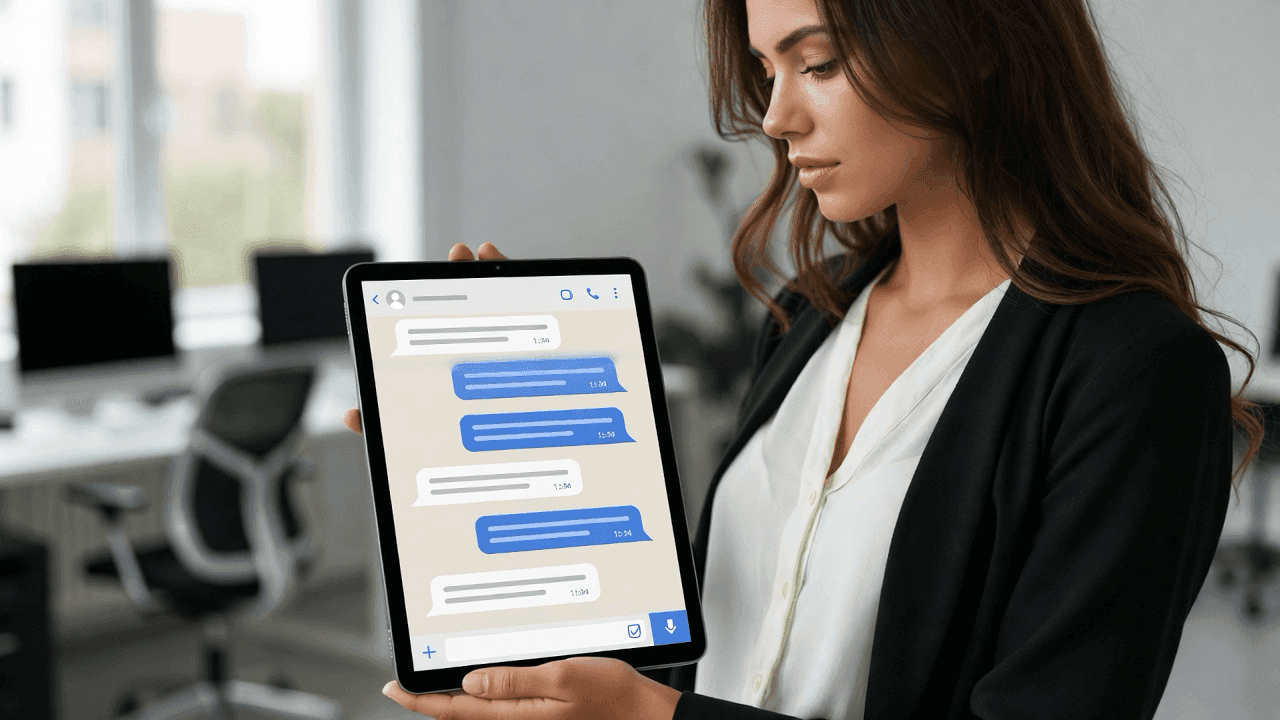

The Short Answer
Marketers use Mockly when they need proof, demos, or campaign concepts to feel native to the app where that interaction would actually happen. The value is not "fake chat" by itself. The value is choosing the right mockup format for the story and then controlling the details well enough that the asset feels believable.
The biggest decision is usually format fit:
- WhatsApp mockups feel personal and consumer-friendly
- Slack mockups feel like team proof and B2B credibility
- Instagram DM mockups feel creator-native
- ChatGPT mockups feel like AI workflow proof
You've got customer feedback scattered across email threads, support tickets, and Slack messages. It's genuinely positive stuff, but when you paste those quotes into a slide deck or social post, they fall flat. Block quotes just don't land the same way.
That's the problem message mockups solve. They take real feedback and present it in a format people immediately recognize: the chat interface they use every day.
Why Marketers Use Mock Screenshots
A quote in a styled box is easy to ignore. The same words in a chat bubble? Audiences process them differently, more quickly, more naturally. It feels like eavesdropping on a real conversation rather than reading marketing copy.
The Familiarity Factor
There's research suggesting people process information faster in familiar formats. A WhatsApp conversation reads quickly because the format is already understood, no learning curve.
Best Formats for Marketing Teams
- WhatsApp mockups are strong for testimonials, customer praise, and consumer-facing proof.
- Slack mockups work better when the message should feel like real team feedback or internal approval.
- Instagram DM mockups fit creator outreach, influencer campaigns, and social-first storytelling.
- ChatGPT mockups are useful when the message is really an AI workflow, prompt, or product demo.
Use Case 1: Customer Testimonials
This is the most common application. You have great feedback; you just need a better way to present it. Here's how a SaaS company might showcase customer success using Slack mockups:
Customer Success Story
Showcasing real customer feedback
Why does this work? The format implies authenticity. Readers feel like they're seeing a real exchange, not a marketing-approved quote. (Of course, you should still base mockups on real feedback. Fabricated testimonials undermine trust.)
Use Case 2: Social Proof in Ads
Showing that others already use and like your product lowers the barrier for new customers. Mockups let you turn genuine customer reactions into ad creatives, like this X post mockup:
Social Proof for Ads
Turn customer tweets into ad assets
A Note on Authenticity
Always base mockups on real feedback. If you're quoting someone directly, get their permission. Alternatively, you can create composite testimonials that represent common themes. Just don't fabricate praise that doesn't exist.
Use Case 3: Product Demonstrations
Sometimes you need to show your product in action, but a real screenshot doesn't quite work. Maybe the actual conversation contains sensitive info, or it's just not visually clean. Mockups let you demonstrate the experience without those constraints:
Product Demo
Show your product in action
Use Case 4: Tutorial Content
If you're creating educational content about AI tools, prompts, or workflows, mockups let you show exactly what readers should expect to see. Here's a ChatGPT mockup demonstrating a prompt and response:
AI Tutorial Content
Show readers exactly what to expect
Use Case 5: Film and Documentary Production
This one's a bit different from marketing, but it comes up often: production teams need realistic phone screens for film and documentary work. iMessage mockups work well as references for VFX or can be displayed directly on prop phones.
Script Visualization
Preview dialogue for productions
Use Case 6: Agency Pitch Decks
Here's a scenario every agency marketer knows: you're pitching a campaign concept, and the client wants to see what it'll look like. You can describe it, or you can show them. Mockups let you visualize the campaign before any production work begins. Here's a LinkedIn post mockup showing how a client announcement might appear:
Campaign Concept
Visualize campaigns before production
Best Practices for Marketing Mockups
1. Stay Authentic
This bears repeating: base mockups on real feedback. Fabricated testimonials might look the same, but they feel different. And they can backfire badly if discovered.
2. Match Platform to Audience
Use apps your audience actually recognizes. A Gen Z audience won't connect with LinkedIn mockups; a B2B buyer might not relate to Instagram DMs. Know your demographic.
3. Keep It Natural
The fastest way to break the illusion is marketing-speak in chat bubbles. Write the way people actually text. Short sentences. Contractions. Maybe an emoji or two.
4. Maintain Consistency
If you're creating multiple mockups for a campaign, keep them visually consistent. Same theme (dark or light), same style. It looks more polished.
Compliance Note
Different industries have different rules about testimonial disclosure. Follow FTC guidelines and your platform's policies. When in doubt, add a "simulated conversation" note.
Does It Actually Work?
Anecdotally, marketers who've switched from text-block testimonials to chat mockups report better engagement. Your results will depend on your audience, content quality, and how authentic the mockups feel. The format alone won't save weak copy.
Common Mistakes Marketers Make
- Using the wrong app for the proof and forcing WhatsApp, Slack, and Instagram to do the same job
- Writing message bubbles like polished ad copy instead of something a real person would send
- Treating mockups as replacement evidence instead of a stronger wrapper for real evidence
- Exporting one version instead of adapting the asset for decks, paid social, landing pages, and organic posts
Related Guides
Learn how to create mockups for specific apps:
- How to Make Fake WhatsApp Chat
- How to Make Fake Instagram DMs
- Message Mockups for Marketing
- Fake Chat Screenshots for Filmmakers
Getting Started
If you want to try mockups for your marketing:
- Start with one use case: Testimonials are usually the easiest entry point
- Choose apps your audience knows: Don't guess; match their actual behavior
- Base mockups on real feedback: Authenticity matters more than polish
- Test and iterate: See what resonates before scaling up
Try the WhatsApp generator to see how it works for your content.
Adjacent Comparison
If you need public-facing proof, a social post mockup or comment mockup may work better than a private-message layout. If you need team-proof, Slack mockups usually beat WhatsApp. If you need creator context, Instagram DM mockups usually beat email-style visuals.
Try it yourself
Create your first mockup in under a minute
40+ apps. Free to try, no signup needed.
Start your mockupAbout the author
Jordan Patel
Marketing Strategist
Jordan works with founders and growth teams to design testimonial visuals, ad creative, and pitch-deck slides that communicate trust quickly. He writes about practical ways to turn real conversations into persuasive marketing assets.
Tags
More from the blog
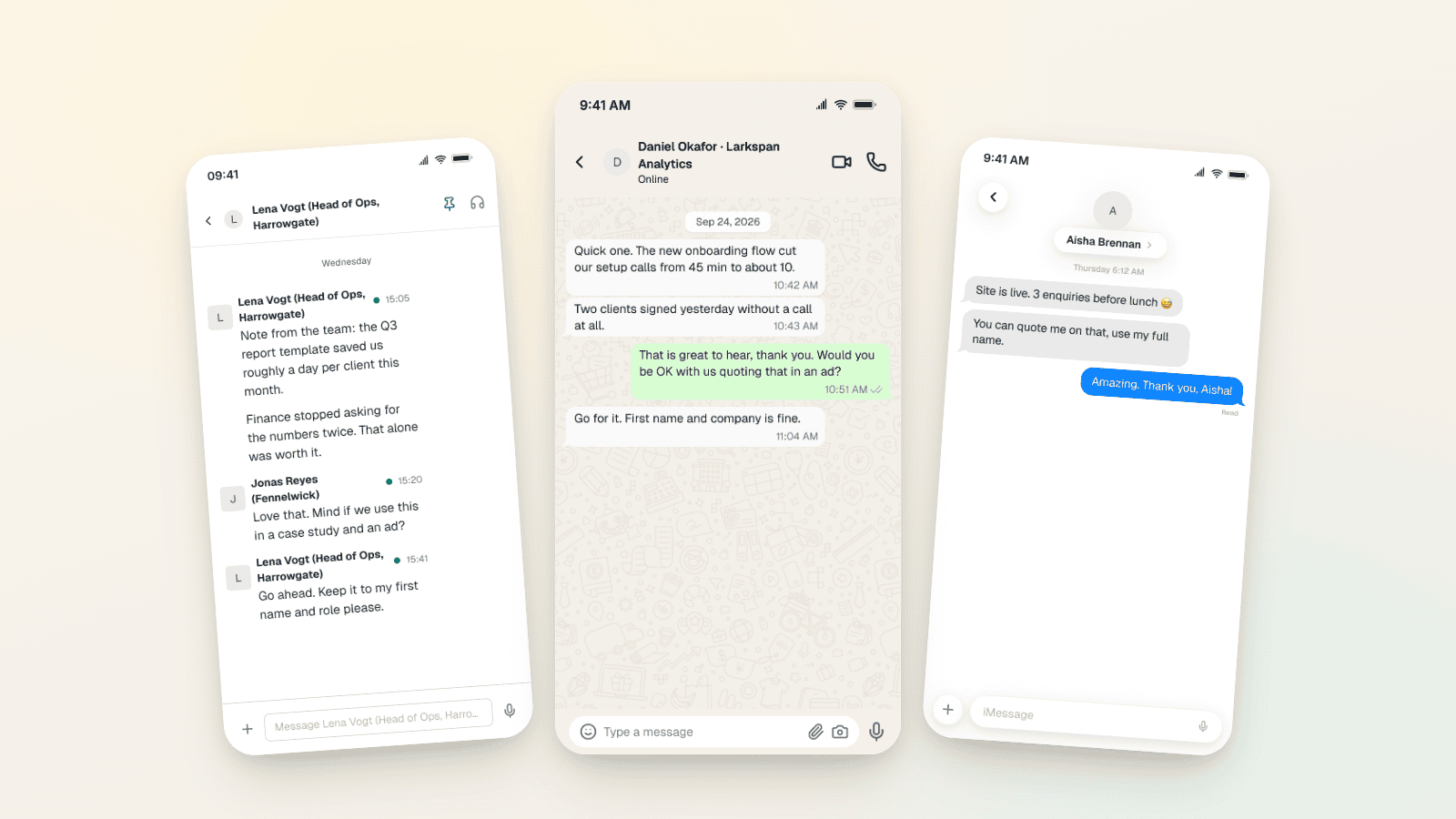
Testimonial Ad Examples 2026: Chat Screenshot Formats
Five testimonial ad formats for Meta in 2026, with WhatsApp, Slack and iMessage screenshot examples, 1:1, 4:5 and 9:16 sizes, and the FTC and EU rules.
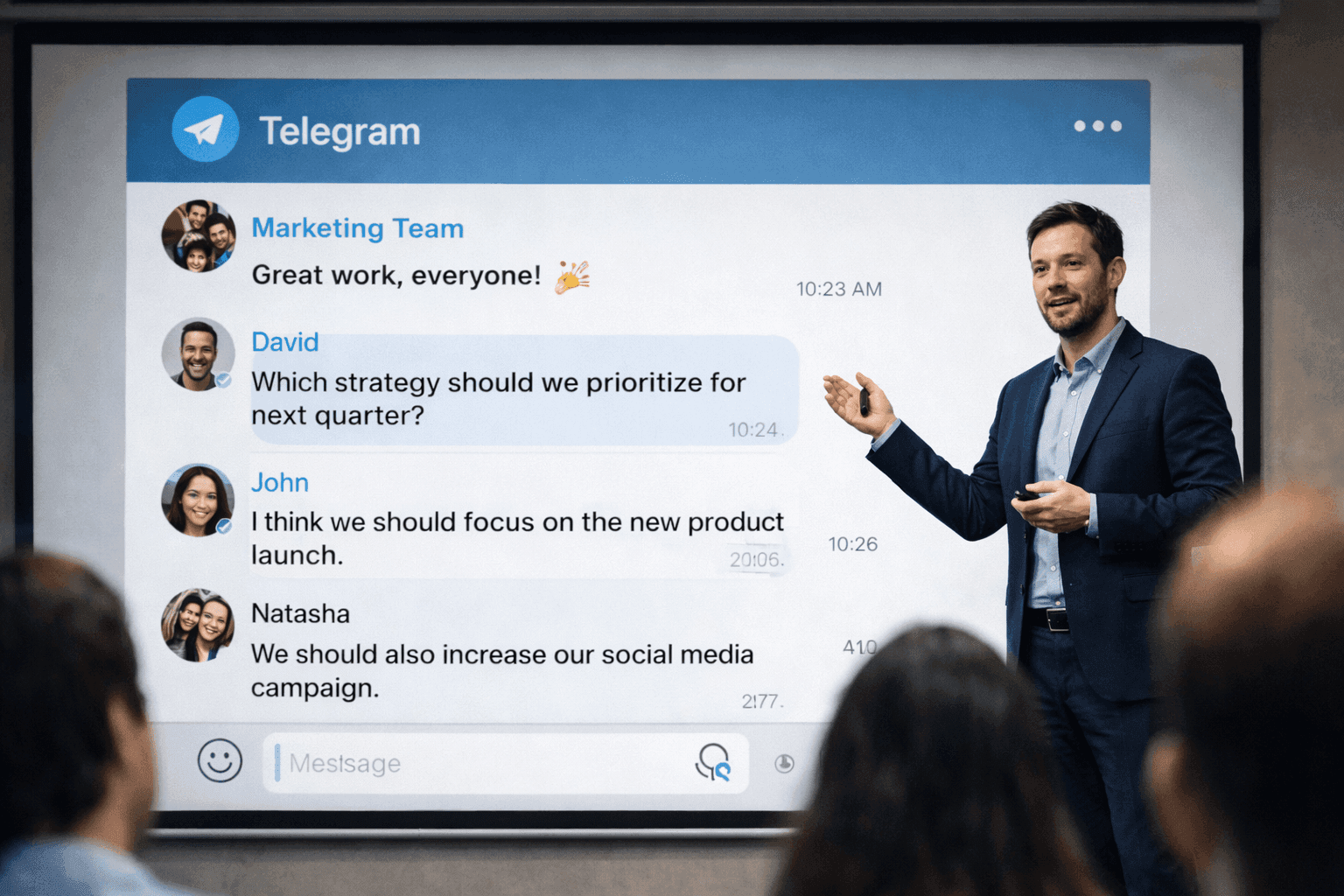
Message Mockups for Marketing Presentations (2026)
How to create message mockups for marketing presentations, pitch decks, and client proposals. Free tools for agencies and marketers.
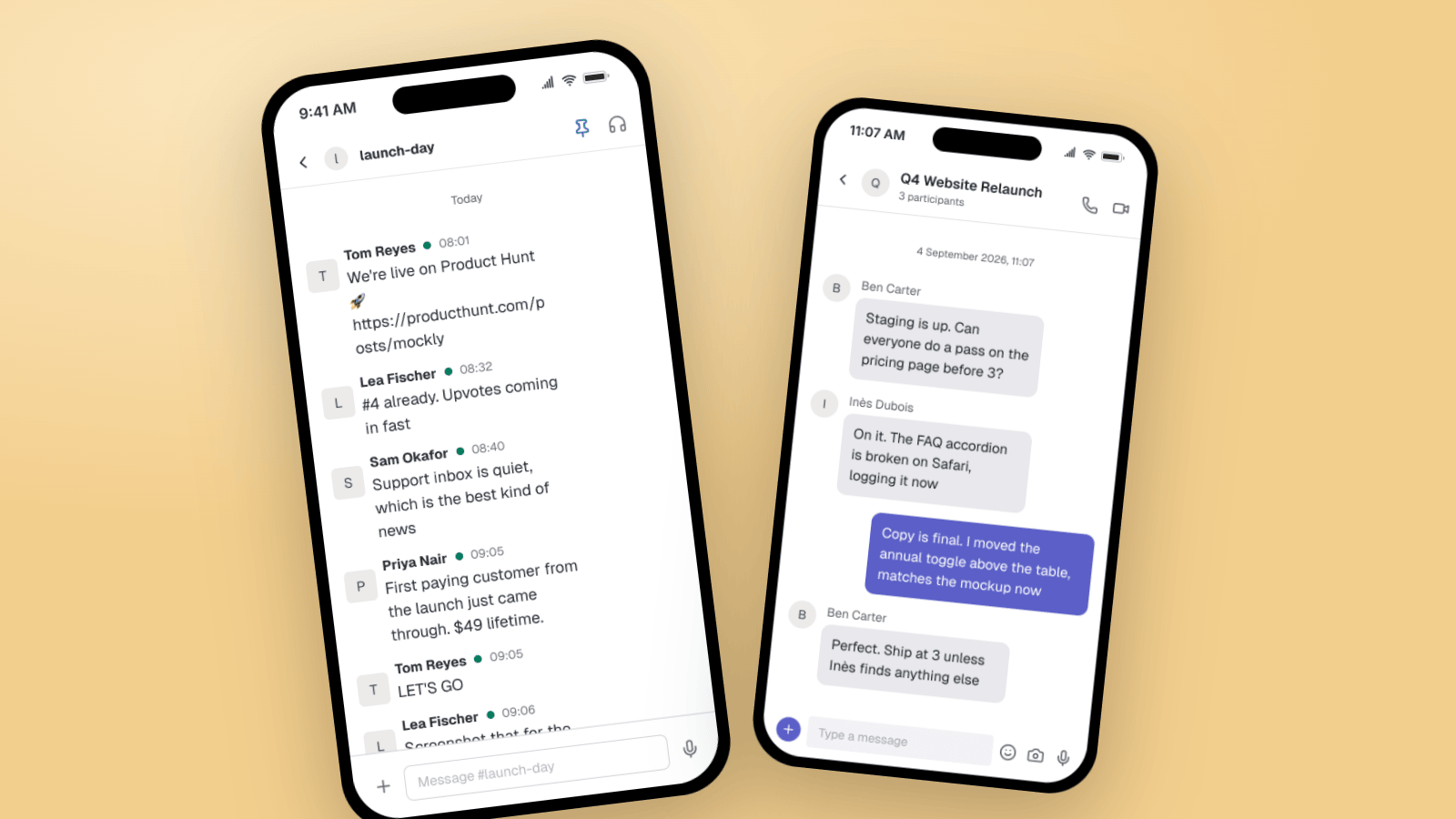
Fake Slack & Teams Messages for B2B Marketing
How B2B marketers use Slack and Microsoft Teams mockups for customer-win screenshots, launch threads, case studies, and product demos. Three worked examples, plus what makes a workplace chat look real.