
What Is a Message Mockup?
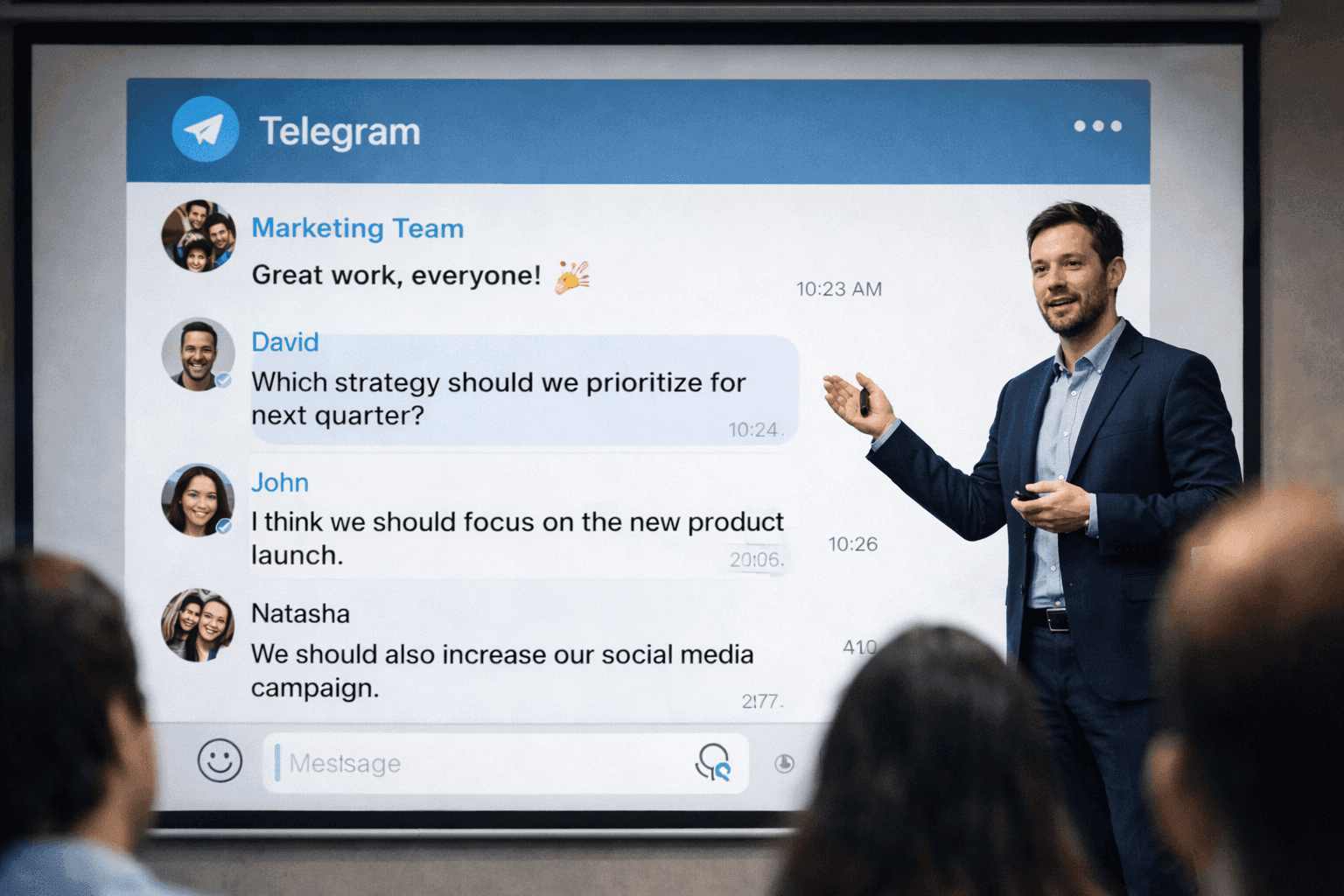
A message mockup is a realistic recreation of a chat conversation, built with a mockup generator instead of screenshotted from an actual app. Marketers use them to present customer feedback, campaign concepts, and social proof in a format audiences instantly recognize. Unlike plain text quotes, mockups carry the visual weight of a real conversation.
You're building a pitch deck. The deadline is tomorrow. You have great customer feedback, but it's scattered across emails and support tickets, and pasting raw text onto a slide feels... uninspired.
This is where most marketers get stuck. The content is good; the presentation isn't. Message mockups solve this by taking real feedback and presenting it in a format that audiences immediately understand and trust.
This guide covers how to use chat and social mockups in marketing presentations, pitch decks, and client proposals.
Why Use Message Mockups in Marketing?
Think about how you consume information. A quote in a styled box is easy to skim past. The same words in a chat bubble? Your brain processes it differently. It feels like a real exchange, not marketing copy.
Here's where they work well:
- Social proof: Customer feedback that actually looks like customer feedback
- Campaign concepts: Show clients what you're proposing, not just describe it
- Case studies: Real interactions (anonymized and cleaned up) tell a story
- Pitches: Dynamic visuals beat bullet points
- Training: Examples your team can actually picture
- A/B concepts: Visualize options before committing
A Note on Processing Speed
There's evidence that people process familiar formats faster, though "40% faster" claims are hard to verify. The point: chat interfaces are intuitive. Readers don't have to work to understand them.
Message Mockups for Different Marketing Needs
Customer Testimonials
This is the most common use case. You have positive feedback; you want it to land with more impact. Here's an exported example, the kind of screenshot that goes straight into a slide:
And here's the same idea as a live demo you can poke at, built with the WhatsApp mockup editor:
Customer Testimonial
Social proof for presentations
Agency Pitch Decks
Here's a scenario every agency knows: you're presenting a campaign concept, and the client says, "Can you show me what it would look like?" Mockups let you answer that question on the spot.
For B2B clients, Slack or LinkedIn mockups match where their audience actually communicates:
B2B Engagement
Professional platform mockup
For B2C clients, Instagram or WhatsApp mockups feel more natural:
B2C Engagement
Consumer brand mockup
Social Media Post Mockups
Sometimes you need to show how something will look in a feed, not just in a DM. For B2B campaigns, a LinkedIn post mockup turns a case-study stat into something that looks shareable:
And for consumer launches, here's an X/Twitter post mockup previewing an announcement:
Campaign Post Preview
Show clients how posts will look
Influencer Campaign Concepts
Pitching an influencer campaign? Show the client what a partnership post might look like:
Influencer Collaboration
Partnership concept visualization
Creating Mockups for Presentations
Step 1: Know What You're Trying to Show
Before opening any tool, be clear about the goal:
- Testimonials: Customer feedback that builds trust
- Campaign concepts: What the final product will look like
- Engagement examples: How users actually interact with the brand
- Before/after: Contrasting scenarios to show impact
Step 2: Choose the Right Platform
Match apps to your audience:
| Target Audience | Recommended Platforms |
|---|---|
| Gen Z | TikTok, Instagram, Snapchat |
| Millennials | Instagram, X/Twitter, WhatsApp |
| Professionals | LinkedIn, Slack, Microsoft Teams |
| Global markets | WhatsApp, Telegram, WeChat |
| Tech community | Discord, Slack, Signal |
Step 3: Write Content That Sounds Real
This is where many mockups fall apart. The format is right, but the words sound like marketing copy. Aim for:
- Specific: "We cut response time by 60%" beats "Great results!"
- Natural: Write how people actually text, not how brands wish they did
- Brief: Short messages, not paragraphs
- Genuine: Real reactions, not performative enthusiasm
Step 4: Export for Presentations
For PowerPoint/Keynote:
- Export as PNG (HD/4K resolution available on Premium)
- Transparent backgrounds give you flexible placement (Premium)
- Size appropriately for slide layouts
For Web/Digital:
- Optimize file sizes
- Consider dark/light mode compatibility
- Ensure text remains readable at smaller sizes
Consistency Matters
Use the same theme (dark or light) across all mockups in a presentation for a cohesive, professional look.
Use Case: Building a Case Study
Case studies work best when they show, not just tell. Mockups help visualize the transformation. Here's an example structure:
1. The Challenge
Start by showing what the problem looked like in practice:
Before: Support Chaos
Illustrating the problem
2. The Solution
Then show what changed:
After: Organized Support
Showing the improvement
Best Practices
1. Base on Real Feedback
The best mockups start with real customer words:
- Survey responses you've actually received
- Support ticket excerpts (anonymized)
- Social media comments
- Review content
Don't fabricate praise. It undermines trust if discovered.
2. Keep Brand Consistency
If you're creating multiple mockups:
- Correct brand names and handles throughout
- Tone that matches how the brand actually communicates
- Consistent use of emojis and reactions
3. Know the Compliance Rules
Different industries have different requirements:
- "Simulated" disclaimers may be required
- Customer quotes need permission
- FTC guidelines apply to testimonials in advertising
4. Test Before Presenting
- Check readability at actual viewing size (projector screens are different from laptops)
- Make sure the mockup works in your color scheme
- Resize appropriately for the format
A Note on Disclosure
Regulated industries often require disclosure of simulated content. When using customer quotes, ensure you have permission. When in doubt, check with legal.
Quick Reference: Platform Selection
| Marketing Goal | Best Platforms |
|---|---|
| Customer testimonials | WhatsApp, iMessage, Instagram |
| B2B case studies | Slack, LinkedIn, Microsoft Teams |
| Influencer campaigns | Instagram, TikTok, X/Twitter |
| Community engagement | Discord, Telegram, Reddit |
| AI/Tech demonstrations | ChatGPT, Claude mockups |
Related Tools
Explore all of Mockly's mockup generators:
- WhatsApp Generator for customer testimonials
- Slack Generator for B2B scenarios
- Instagram Post Generator for social proof
- LinkedIn Post Generator for professional content
- X/Twitter Generator for viral campaign concepts
Related Guides
More tutorials and use cases:
- How to Make Fake WhatsApp Chat
- How Marketers Use Mockly
- Complete Guide to Fake Screenshots
- Best Fake Screenshot Generators 2026
Frequently Asked Questions
What apps can I create message mockups for?
Mockly supports 23 chat apps including WhatsApp, iMessage, Slack, Discord, Instagram, LinkedIn, and more, 40+ apps in total. You can also create social media post mockups and AI chat mockups.
Do I need to download anything to create mockups?
No download needed. Open the chat screenshot generator, build your conversation, and export as PNG (with video export on Premium).
Can I use message mockups in client presentations?
Yes, and this is one of the most popular use cases. Premium gives you HD/4K resolution for sharp slides and transparent backgrounds for flexible placement in PowerPoint, Keynote, or Figma.
Start Creating
Ready to try it for your next presentation? Open the WhatsApp generator and build your first mockup in under a minute.
Try it yourself
Create your first mockup in under a minute
40+ apps. Free to try, no signup needed.
Start your mockupAbout the author
Jordan Patel
Marketing Strategist
Jordan works with founders and growth teams to design testimonial visuals, ad creative, and pitch-deck slides that communicate trust quickly. He writes about practical ways to turn real conversations into persuasive marketing assets.
Tags
More from the blog
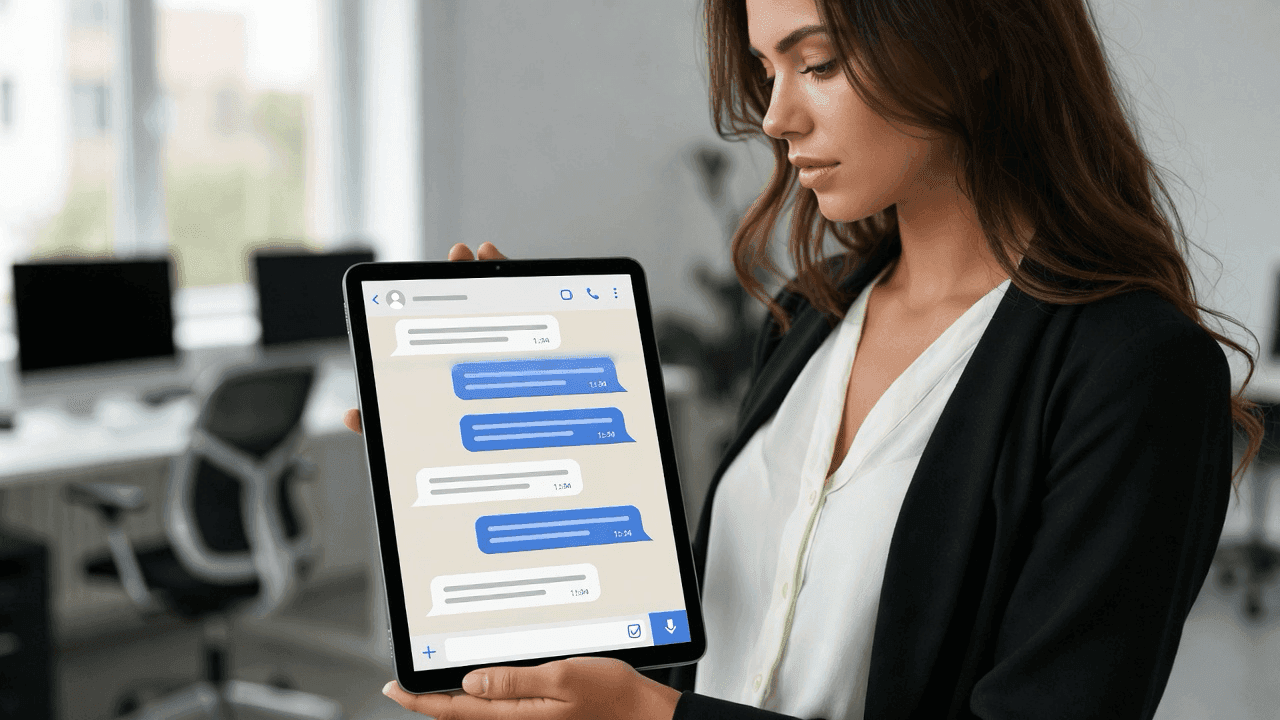
How Marketers Use Mockly for Campaigns | Free Screenshot Generator
Learn how marketing professionals use Mockly's free fake chat generator to create testimonials, social proof ads, and content marketing. Try for free.
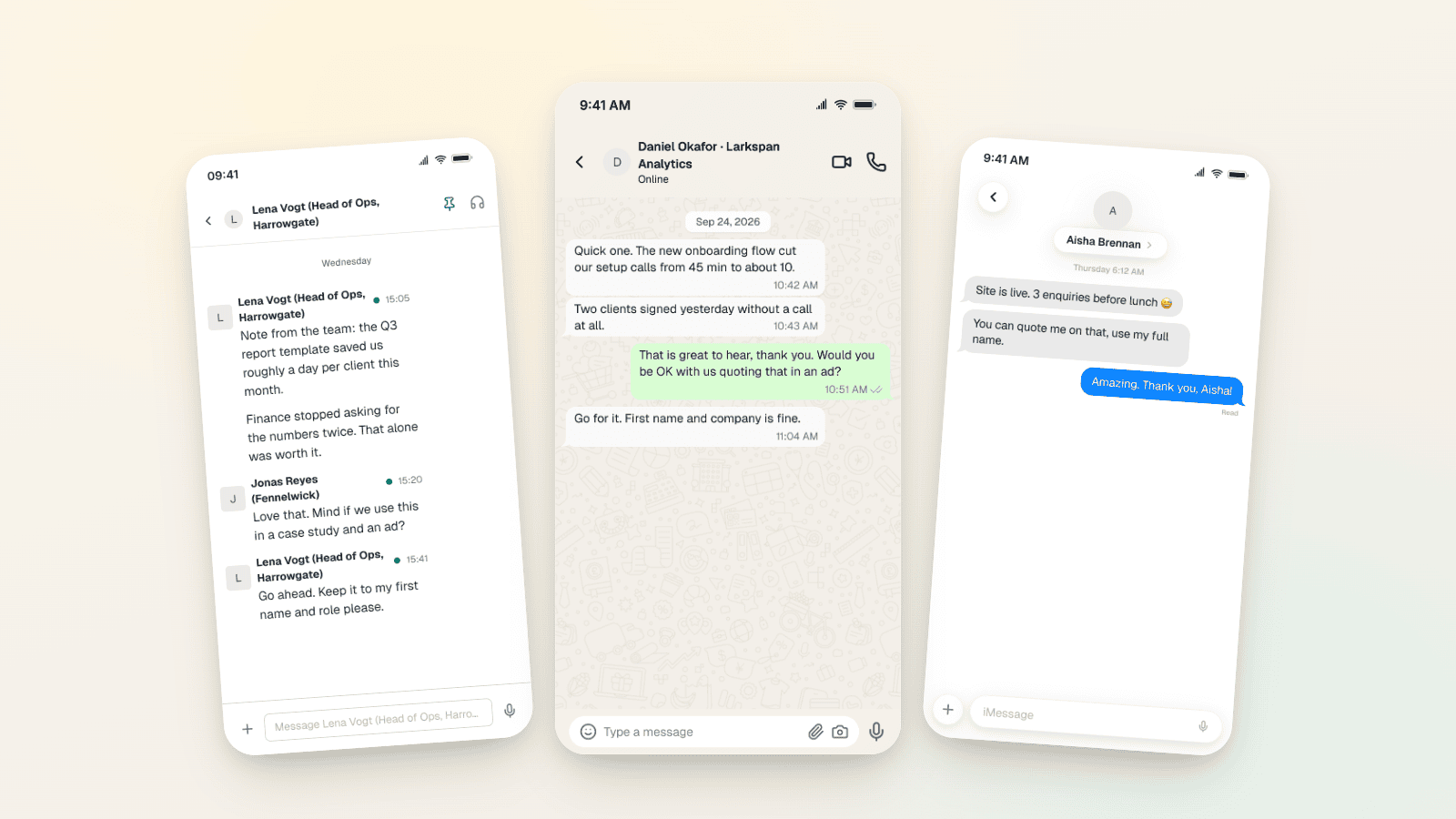
Testimonial Ad Examples 2026: Chat Screenshot Formats
Five testimonial ad formats for Meta in 2026, with WhatsApp, Slack and iMessage screenshot examples, 1:1, 4:5 and 9:16 sizes, and the FTC and EU rules.
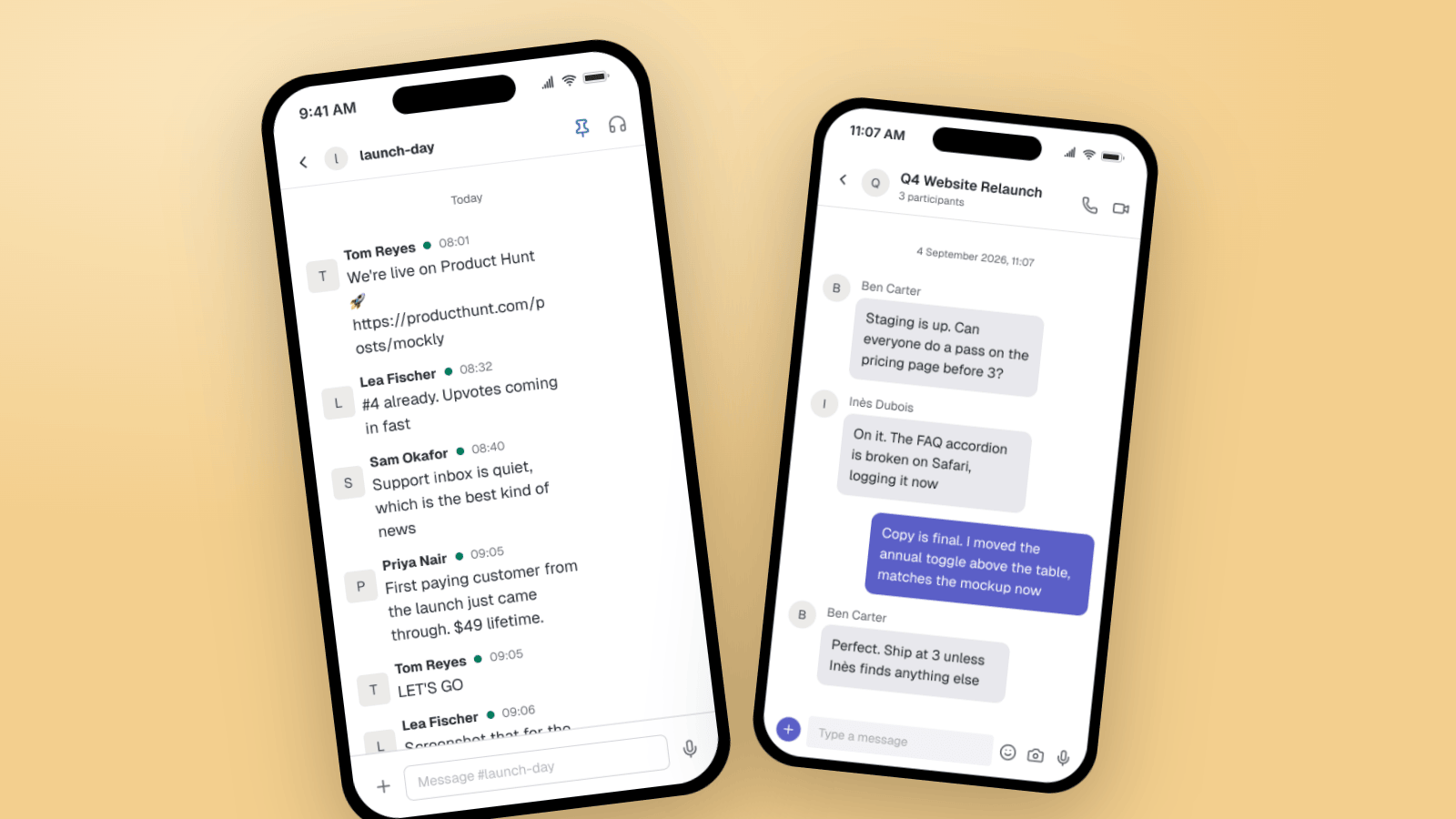
Fake Slack & Teams Messages for B2B Marketing
How B2B marketers use Slack and Microsoft Teams mockups for customer-win screenshots, launch threads, case studies, and product demos. Three worked examples, plus what makes a workplace chat look real.