
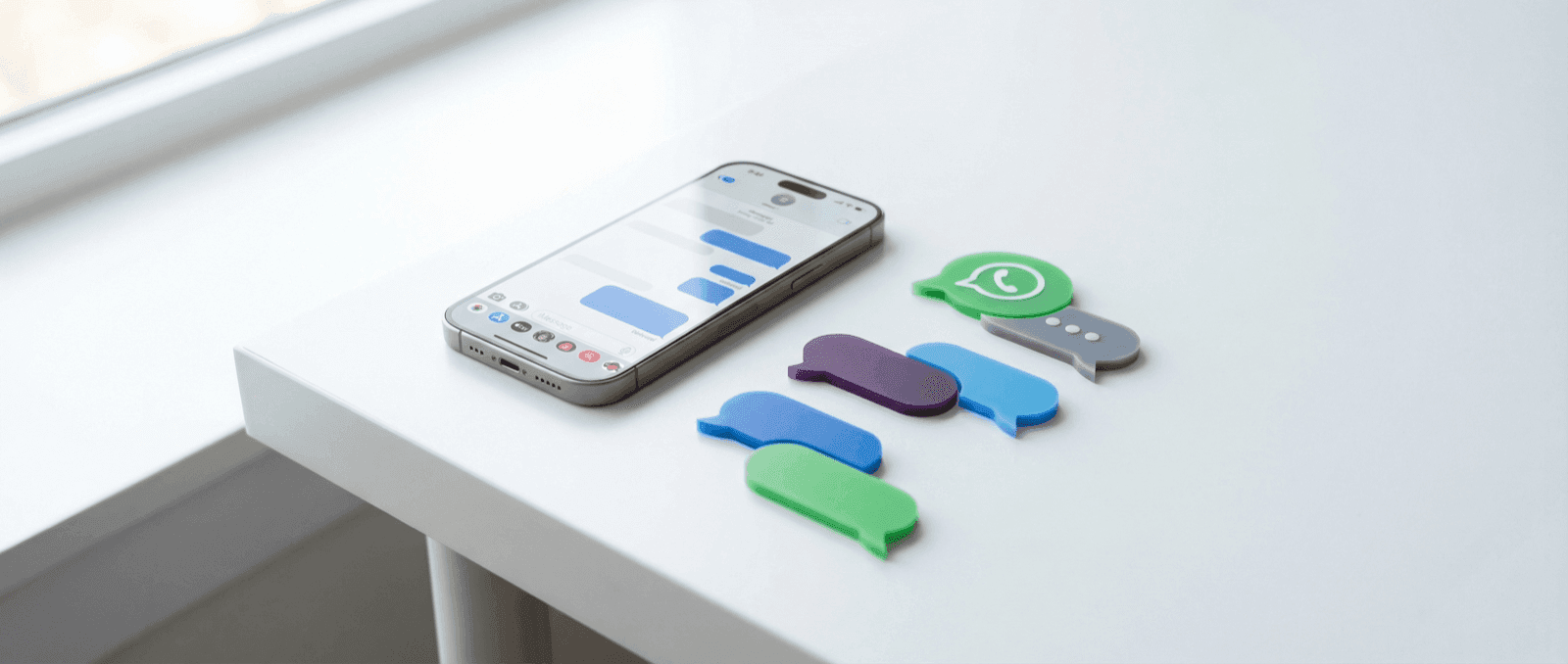

The Short Answer
The best mockup format for a customer testimonial is the one your audience already expects in that context.
- Use WhatsApp mockups when the proof should feel personal and broadly familiar.
- Use Slack mockups when the proof should feel like real team feedback or B2B validation.
- Use iMessage mockups when you want a clean iPhone-native look.
- Use Instagram DM mockups when the proof belongs in creator or influencer workflows.
- Use comment mockups when the social proof should feel public instead of private.
The mistake most teams make is treating every testimonial as interchangeable. The words might be strong, but the wrong format can make the proof feel staged.
Start With the Credibility Context
Before you choose an app, answer one question: where would this message naturally happen?
If the answer is "inside a team," Slack beats WhatsApp. If the answer is "from a creator or influencer," Instagram DM usually beats iMessage. If the answer is "public reaction," a post or comment mockup may beat any private-message format.
That is why message mockups work at all. They do not just frame text nicely. They wrap the quote in the social context people instinctively understand.
A Simple Format Framework
Personal proof
Use a personal-messaging format when you want the testimonial to feel like one person telling another that something worked.
Best bets:
This is usually the strongest choice for consumer products, coaching offers, and referral-style proof.
Work proof
Use a workplace format when the testimonial needs to feel like team adoption, internal approval, or a real business outcome.
Best bets:
This is usually the best fit for SaaS, agencies, and B2B services.
Creator proof
Use a creator-native format when the message should feel social, collaborative, or audience-facing.
Best bets:
This is the better fit for campaigns that rely on social-native energy rather than polished corporate trust.
Decision Table
| If you need... | Best format | Why it works |
|---|---|---|
| Consumer trust | Familiar, readable, global | |
| B2B credibility | Slack | Feels like team feedback, not ad copy |
| iPhone-native visual language | iMessage | Clean, recognizable, product-shot friendly |
| Creator collab proof | Instagram DM | Signals social and influencer context fast |
| Public reaction | Comments or posts | Feels visible and community-backed |
Common Mistakes
Using the prettiest format instead of the most believable one
The format should support the claim. A polished iMessage design is not automatically better than a rougher-looking Slack message if the buyer expects workplace proof.
Writing message copy like a testimonial block
Real chats are short. They breathe. They sound partial, not polished. A staged-looking paragraph can undo the entire visual.
Ignoring what is visible at small sizes
If the asset is going into a deck, ad, or mobile landing page, the screenshot needs one clear takeaway. Too much conversation hurts more than it helps.
Recommended Workflow
- Pick the outcome you want the testimonial to communicate.
- Choose the app format that matches where that message would naturally happen.
- Strip the conversation to the one or two lines that carry the proof.
- Add only the realism cues that matter for that app: timestamps, read states, avatars, role colors.
- Export variants sized for landing pages, decks, and paid social.
Adjacent Comparison
If the testimonial should feel like internal approval, go to Slack mockups. If it should feel like a customer message you could realistically receive on your phone, go to WhatsApp mockups. If it should feel like creator outreach or social-native proof, go to Instagram DM mockups.
Try it yourself
Create your first mockup in under a minute
40+ apps. Free to try, no signup needed.
Start your mockupAbout the author
Jordan Patel
Marketing Strategist
Jordan works with founders and growth teams to design testimonial visuals, ad creative, and pitch-deck slides that communicate trust quickly. He writes about practical ways to turn real conversations into persuasive marketing assets.
Tags
More from the blog
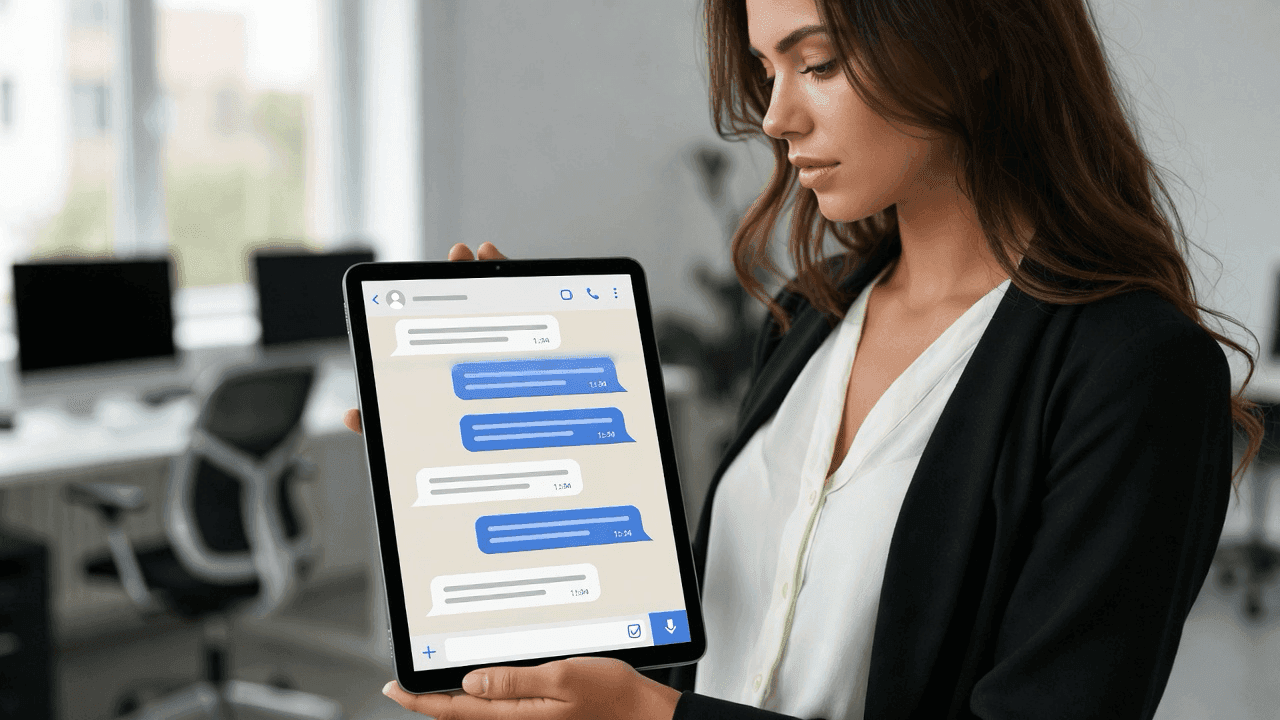
How Marketers Use Mockly for Campaigns | Free Screenshot Generator
Learn how marketing professionals use Mockly's free fake chat generator to create testimonials, social proof ads, and content marketing. Try for free.
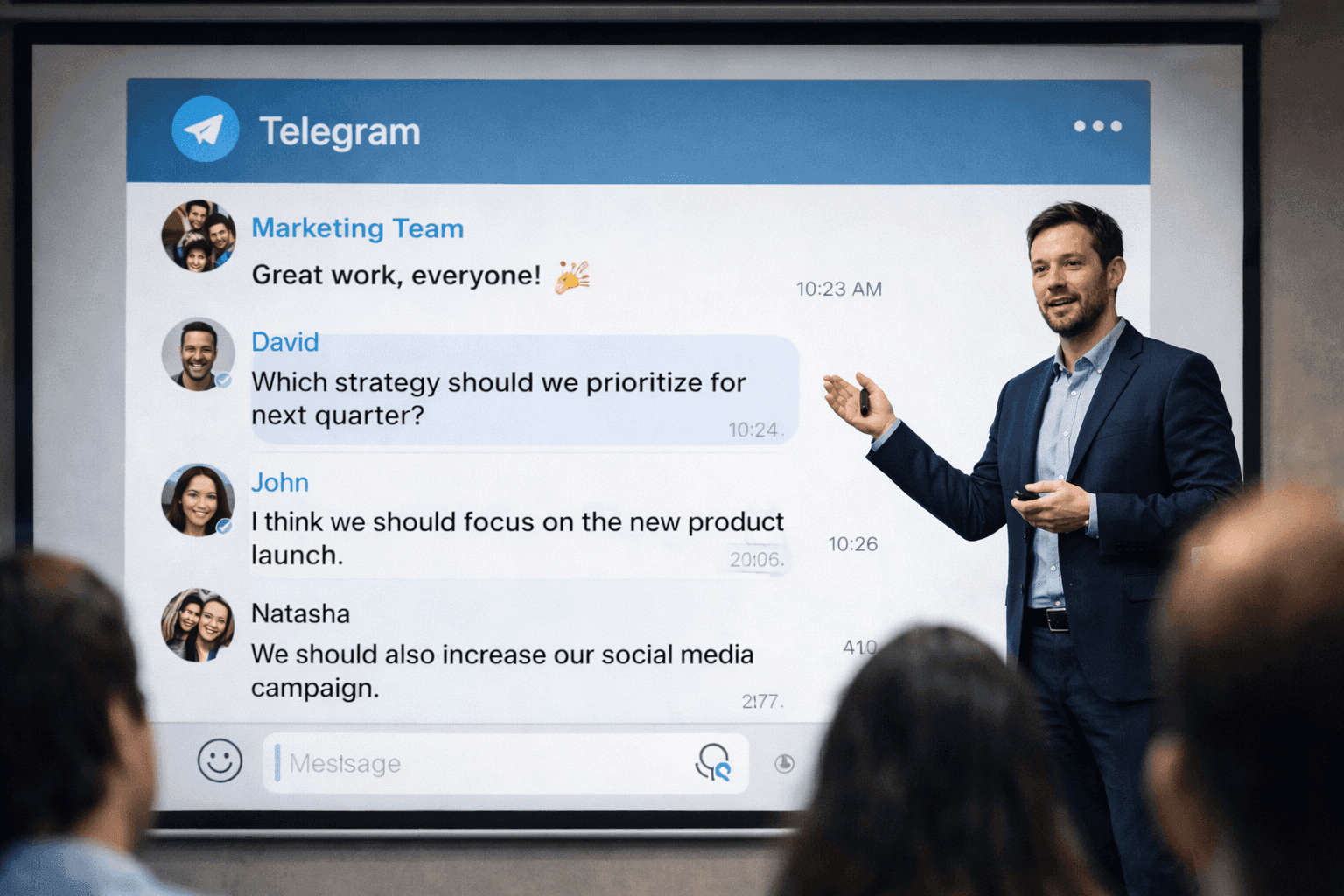
Message Mockups for Marketing Presentations (2026)
How to create message mockups for marketing presentations, pitch decks, and client proposals. Free tools for agencies and marketers.
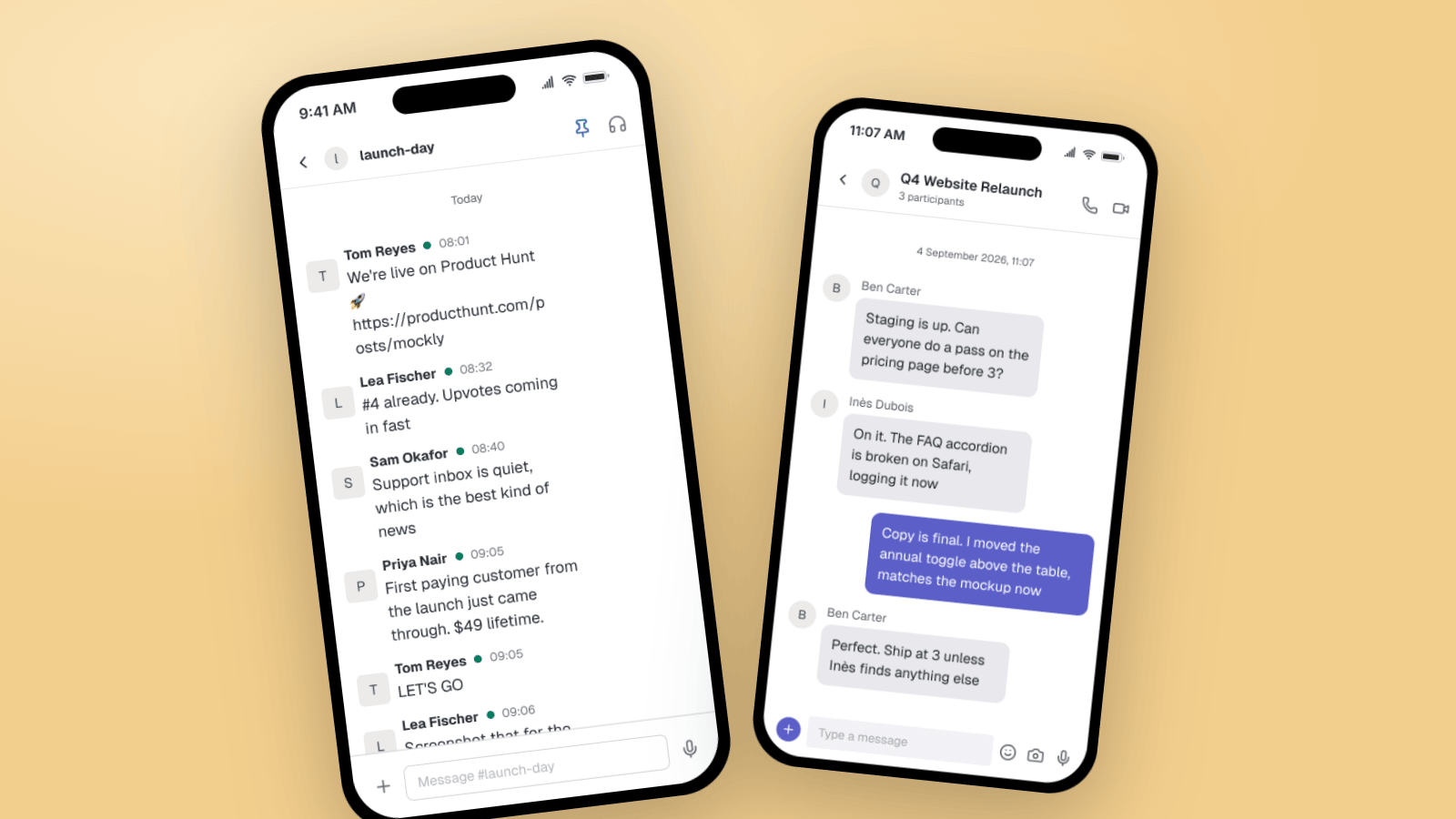
Fake Slack & Teams Messages for B2B Marketing
How B2B marketers use Slack and Microsoft Teams mockups for customer-win screenshots, launch threads, case studies, and product demos. Three worked examples, plus what makes a workplace chat look real.