

The Short Answer
If a message thread or phone notification is going to carry story weight on screen, build it as a mockup before the shoot. That gives the team control over wording, timestamps, continuity, export quality, and alternate versions without depending on live apps or real conversations.
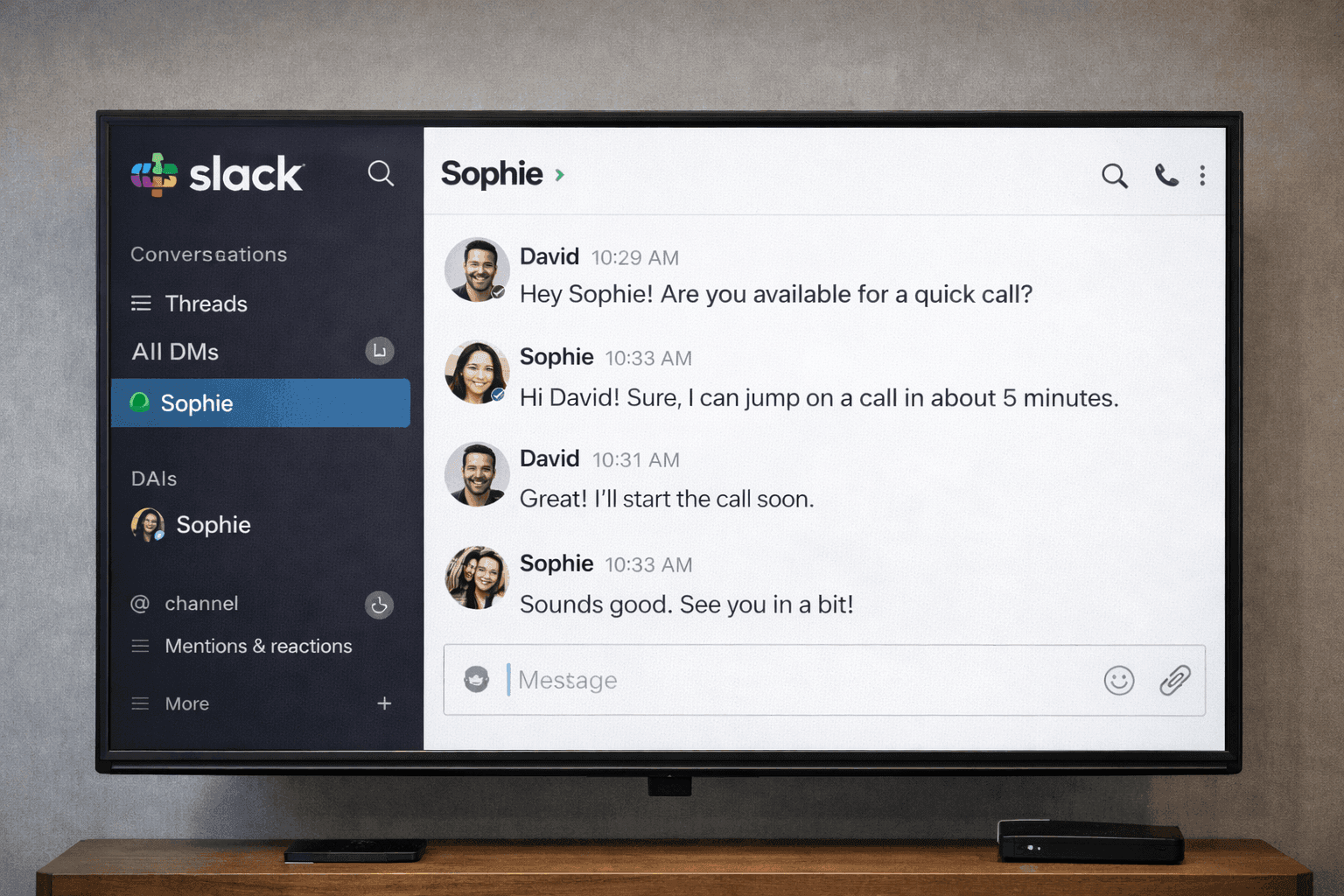
The app choice matters almost as much as the dialogue. iMessage mockups feel different from WhatsApp mockups. Discord mockups signal a different world than Instagram DM mockups. The right choice depends on the character, the scene, and the camera distance.
Best Mockup Formats for Production Teams
- iMessage mockups are useful when the character is clearly iPhone-native and the screen needs a clean text-message look.
- WhatsApp mockups work well for international casts, family-message scenes, and broadly familiar phone interactions.
- Instagram DM mockups fit creator culture, influencer scenes, and social-native storytelling.
- Discord mockups are better for gaming, community, mod-team, or streamer-adjacent scenes than standard phone texts.
What Are Fake Chat Screenshots for Film?
Fake chat screenshots for film are mockups of phone conversations (iMessage, WhatsApp, Instagram, etc.) created specifically for use as on-screen props. Production teams use mockup generators to build these instead of filming real apps, giving them full control over content, timing, and visual style while avoiding legal clearance issues.
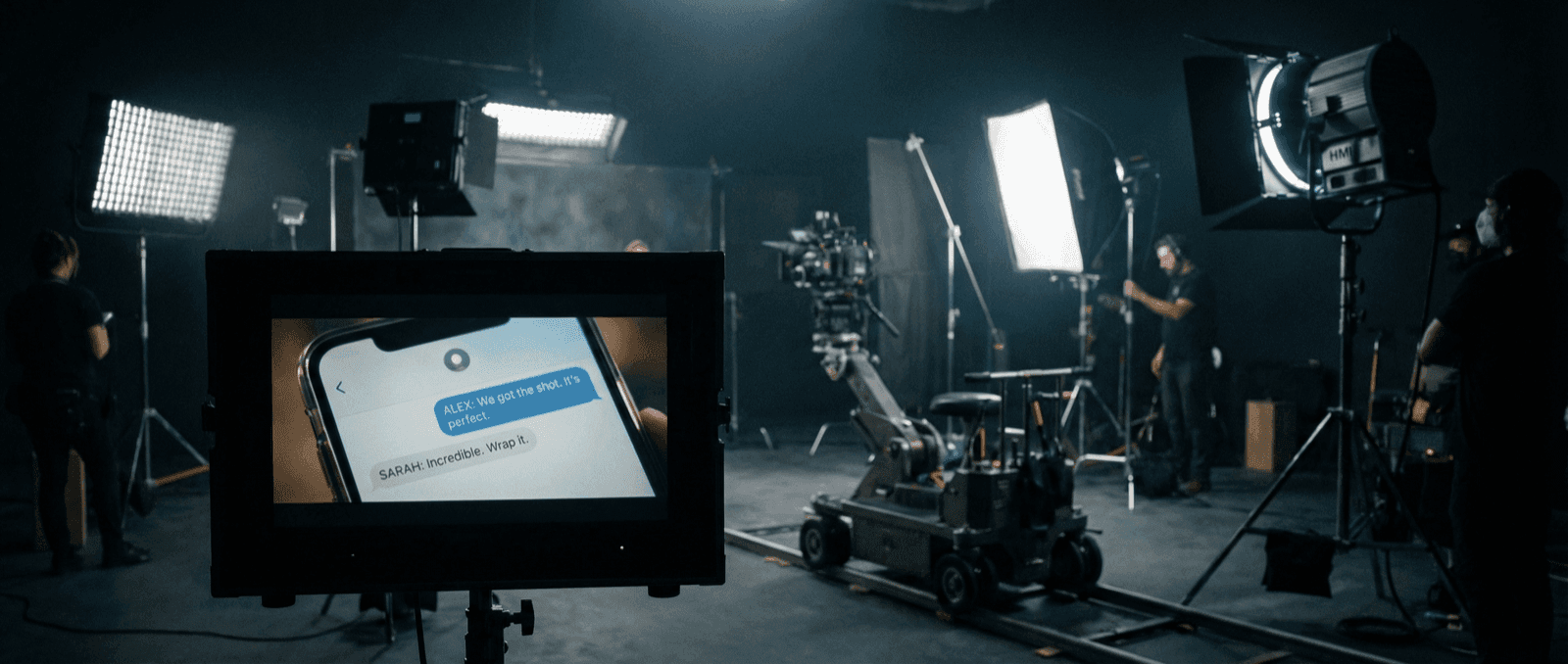
Picture this: you're on set, ready to shoot a key scene where the protagonist receives a threatening text. The actor pulls out the prop phone and the screen is blank. The props department scrambles to find a workaround while the crew waits. It's a small detail, but it derails the entire morning.
Smartphone screens have become essential storytelling devices in modern filmmaking. A text message can reveal a betrayal, a notification can foreshadow danger, a group chat can establish relationships. All without a single line of dialogue. But getting those screens right requires planning.
This guide covers how filmmakers and video producers create professional-quality phone screen props for their productions.
Why Filmmakers Need Fake Chat Screenshots
Think about the last thriller you watched. Chances are, at least one scene hinged on a text message: the reveal, the cliffhanger, the moment of realization. Digital communication has become a visual language audiences understand instinctively:
- Narrative shorthand: A text can show betrayal faster than dialogue can explain it
- Plot mechanics: Critical information lands differently when it arrives as a notification
- Pacing tool: Phone screens break up dialogue-heavy scenes and add visual variety
- Authenticity: Modern characters use phones; audiences notice when they don't
- Temporal anchoring: Message timestamps ground the audience in when events happen
Industry Standard
Major productions from Netflix originals to indie films use mockup tools to create phone screen content. It's faster, more controllable, and legally simpler than using real apps.
Advantages Over Real Apps
Anyone who's tried to film an actual app on set knows the frustration: a notification pops up mid-take, the interface updated overnight, or you realize in the edit suite that the timestamp doesn't match your story timeline.
On the legal side, using recognizable app interfaces can create clearance headaches, especially for distribution. Mockups sidestep this entirely: you own the content, no licensing required.
On set, mockups are predictable. No rogue notifications, no surprise software updates, no "wait, let me turn off Wi-Fi" between takes. You control exactly what's on screen.
In post, the flexibility is even more valuable. Need to change the message text after the director's notes? Adjust the timestamp to fix a continuity error? Create alternate versions for international releases? Mockups make all of that straightforward.
What Makes a Mockup Feel Real on Screen
- The app matches the character and world of the story
- The timestamps support the scene chronology
- The message length still reads clearly at the planned camera distance
- Notification states, read receipts, avatars, and names all belong together
- The export quality holds up under your actual lighting setup
Creating Phone Props for Film
Step 1: Match Your Character's Platform
Every character has a digital fingerprint. A tech-savvy teenager wouldn't be on the same apps as a corporate lawyer. Choose the platform that fits your character:
- Teens/Young adults: Instagram, TikTok, Snapchat
- Professionals: Slack, LinkedIn, iMessage
- International settings: WhatsApp, Telegram, WeChat
- Tech-savvy characters: Discord, Signal
Step 2: Write Authentic Dialogue
Screen text isn't dialogue. It's tighter, faster, more fragmented. People don't text in complete sentences. They fire off quick bursts. They use "u" instead of "you" (or they don't, depending on who they are).
A few principles:
- Keep messages short and punchy
- Use abbreviations that fit the character's voice
- Include the occasional typo for realism (but sparingly, too many feels forced)
- Read it back as if you were texting it yourself
Here's an example of building tension through text:
Dramatic Scene Setup
Building tension through text
Step 3: Consider Technical Requirements
Now for the nuts and bolts. Your mockup needs to actually work on camera, which means thinking about resolution, aspect ratio, and how it'll hold up under your lighting setup:
- Resolution: Export at highest available (4K if possible)
- Aspect ratio: Match the phone prop being used
- Color space: Consider your camera's color profile
- Brightness: May need adjustment for different lighting setups
Step 4: Create Multiple Versions
Here's something that saves productions repeatedly: prepare alternatives before you need them. You'll thank yourself when the director wants to try a different line on set or the editor needs options in post:
- Different takes with varied pacing
- Alternative dialogue options
- Day/night mode variations
- Different message states (typing, delivered, read)
Common Production Mistakes
- Writing phone-screen dialogue like screenplay dialogue instead of real texting
- Picking the app because it is familiar to the crew, not because it fits the character
- Waiting until the shoot day to test brightness, scale, and readability
- Relying on one export instead of preparing insert-shot and wide-shot variants
Use Cases in Production
Feature Films
Create entire text conversations that appear throughout the movie:
Romantic Subplot
Character relationship development
Documentary Content
Recreate real conversations (with permission) for storytelling:
Documentary Recreation
Recreating real events
YouTube and Social Content
Create engaging thumbnails and video content:
- Reaction videos showing "conversations"
- Storytimes with visual support
- Educational content demonstrations
- Comedy sketches
Commercials and Ads
Show product benefits through conversations:
Product Testimonial
Commercial use case
Technical Workflow
How you actually get the mockup into your frame depends on your setup and budget. Here are the three most common approaches, from simplest to most flexible:
On-Set Integration
Method 1: Physical Display
- Export mockup at device resolution
- Display on actual phone
- Disable notifications and auto-lock
- Use screen brightness appropriate for lighting
Method 2: Green Screen Replacement
- Film with blank/green screen on device
- Track screen in post-production
- Composite mockup onto footage
- Match reflections and lighting
Method 3: Direct Composite
- Film without phone in frame
- Add phone and screen entirely in post
- Allows maximum flexibility
- Requires more VFX work
Export Settings for Film
| Use Case | Format | Resolution | Notes |
|---|---|---|---|
| On-set display | PNG | Device native | Match exact phone model |
| VFX composite | PNG | 4K+ | Transparent background |
| Thumbnail/social | PNG/JPEG | 1080p | Optimize file size |
| Print materials | PNG | 300 DPI | High resolution |
Best Practices for Filmmakers
Maintain Continuity
Continuity errors on phone screens are surprisingly common, and surprisingly noticeable to audiences. Keep a log of which messages appear in which scenes, and make sure timestamps track with your story timeline.
Match Your Production Design
Your phone screens are part of your visual world. If your film has a warm, desaturated look, a bright phone screen will stick out. Consider:
- How the screen's color temperature fits your palette
- Whether dark or light mode matches your aesthetic
- Which phone model and UI version your character would realistically have
Plan for Readability
If the audience can't read the text, it might as well not be there. Think about:
- Final viewing size (theater screen vs. mobile device)
- How long the screen is visible (the three-second rule, below)
- Font size and contrast in your final color grade
The Three-Second Rule
Give viewers at least 3 seconds to read each screen of text. Complex messages may need longer. Test with fresh eyes who haven't memorized the content.
Consider Localization
If your production will be dubbed or subtitled:
- Leave space for translated text overlays
- Consider creating region-specific versions
- Document all screen text for translation teams
AI Chat Mockups for Sci-Fi
For futuristic or tech-focused productions, AI chat mockups work well:
Sci-Fi AI Assistant
Futuristic technology interaction
Related Resources
Explore other mockup types for your productions:
- iMessage Generator for Apple ecosystem scenes
- WhatsApp Generator for international settings
- Discord Generator for gaming/tech content
- Instagram DM Generator for social media scenes
Related Guides
More tutorials and use cases:
- Complete Guide to Fake Screenshots
- How Marketers Use Mockly
- Message Mockups for Marketing
- Best Fake Screenshot Generators 2026
Adjacent Comparison
If the scene should feel like private emotional communication, WhatsApp mockups or iMessage mockups usually win. If it should feel like workplace communication, Slack mockups or Teams mockups often feel more believable. If it belongs in creator culture or social-native storytelling, Instagram DM mockups usually do more work than a generic text thread.
Start Creating
Ready to try it for your next production? Start with Mockly's iMessage generator, one of the most commonly needed formats for film and TV.
Try it yourself
Create your first mockup in under a minute
40+ apps. Free to try, no signup needed.
Start your mockupAbout the author
Sam Rivera
Production Consultant
Sam collaborates with video producers and creative teams to design realistic phone-screen visuals for film, YouTube, and documentary projects. She focuses on continuity-safe messaging and believable on-screen interactions.
Tags
More from the blog
How Production Teams Create Phone Screen Props
A practical workflow for building phone-screen props with chat and social mockups for film, documentary, ads, and short-form video.
Chat Video Generator for TikTok Storytelling
Create animated chat mockup videos for TikTok, Reels, Shorts, tutorials, and product demos. Includes app choices, pacing tips, and export workflow.

How to Make Fake Chat Screenshots (2026 Guide)
Step-by-step guide to creating fake WhatsApp, iMessage, and Discord chat mockups. Free online generator, no download needed. For marketing and content creation.