
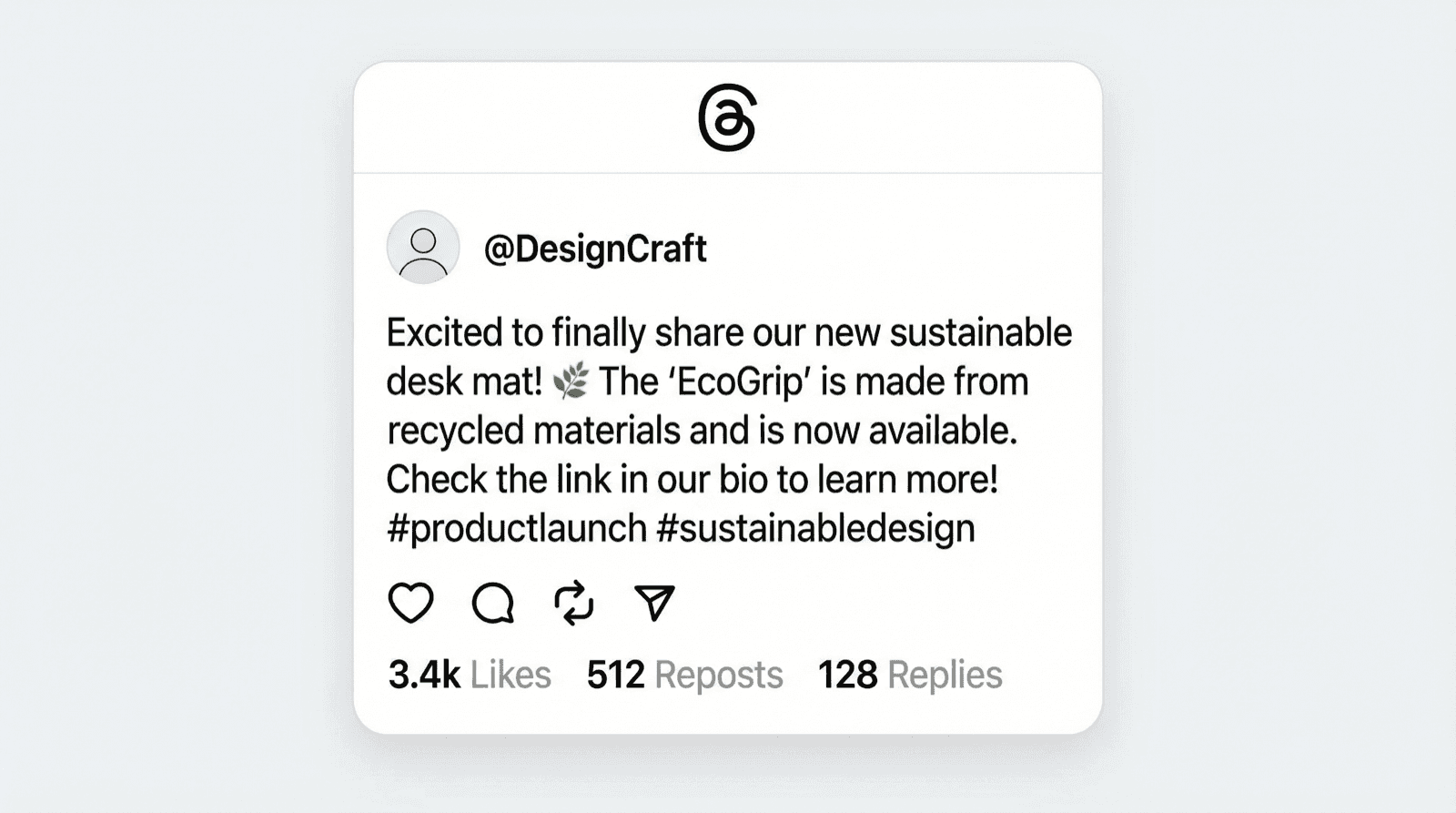

What Is a Threads Post Generator?
A Threads post generator is an online tool that creates realistic Threads screenshots without actually posting on the app. You set up a username, write your post text, pick engagement numbers (likes, reposts, replies), and export the result as an image file. Useful for mockups, content planning, and presentations.
Threads has been growing fast since its launch, and the visual format is recognizable: clean text posts, profile pictures, verified badges, and that minimalist Meta design. If you need Threads-looking content for your work, building it from scratch in Figma takes way too long. Screenshotting real posts raises privacy concerns and limits you to what already exists.
That's where Mockly's Threads post generator and Threads comment generator come in.
Why Create Fake Threads Posts?
A few reasons this is more useful than you'd think:
- Social media strategy: Mock up posts before publishing to get client approval or team feedback
- Content creation: Threads screenshots get shared on Instagram, TikTok, and X constantly. Create the exact post you need for your content
- Brand presentations: Show stakeholders what Threads engagement looks like for campaign pitches
- Portfolio work: Designers can include Threads mockups in UI/UX portfolios without using real user data
- Competitor analysis: Visualize how competitor messaging would look on Threads without taking actual screenshots
- Education and training: Create examples of good (or bad) social media practices for workshops
Threads Posts vs. Threads Comments
Mockly supports both. The post generator creates standalone post screenshots (what you'd see in a feed). The comment generator creates reply threads and comment sections under posts. You can use both to mock up full conversations.
How to Make a Fake Threads Post (Step by Step)
1. Open the Threads Post Editor
Go to Mockly's Threads post editor. Free to try, no signup needed. You'll see a live preview that updates as you type.
2. Set Up the Author Profile
Configure the post author:
- Display name: The name shown above the post
- Username: The @handle underneath
- Profile picture: Upload a custom avatar or use the default
- Verified badge: Toggle the blue checkmark on or off
3. Write Your Post Content
Type your post text in the editor. Threads posts support longer text than tweets, so you've got room to work with. Keep it natural for your use case.
4. Set Engagement Metrics
Adjust the numbers to match the scenario you're building:
- Likes: From 0 to whatever number sells the story
- Reposts: Shows how much the post was shared
- Replies: The comment count displayed on the post
These numbers don't need to be realistic for every use case. A pitch deck might exaggerate engagement. A design prototype just needs something that looks believable.
5. Export
Click export to download a high-resolution PNG. Free exports include a small Mockly watermark. Premium removes it and adds higher-resolution exports.
Two Worked Examples
Here's what comes out of that five-step flow, with the choices that make each one read as real.
The hot take. The format Threads runs on: one conversational opinion, no hashtags, engagement heavy on replies because people argue.
Notice the ratio: 15.3K likes, 842 replies, 1.2K reposts. Opinions get argued with and shared; the reply count carries the story. Lowercase text sells the register.
The brand post. Threads rewards brands that sound like people, and that's exactly what a client mockup should demonstrate.
The verified badge does the brand work; the sentence does the voice work. If you're pitching a Threads strategy to a client, one mockup like this beats a paragraph explaining "conversational tone".
Creating Threads Comment Mockups
Want the comment section too? Mockly's Threads comment generator handles that separately.
The workflow is similar:
- Add multiple users with different usernames and avatars
- Write threaded replies that nest under each other
- Set like counts on individual comments
- Add verified badges to specific commenters
- Export the comment section as its own image
This is especially useful when you need to show a conversation happening, not just a single post. Brand managers use it to visualize community engagement. Content creators use it to set up comedy bits or reaction content.
Real-World Use Cases
Social Media Managers
You're running a Threads account for a brand. Before posting, you want to show the client exactly what the post will look like in the feed, complete with engagement numbers. Mock it up, get approval, then post the real thing. Saves a revision cycle every time.
Content Creators
Threads screenshots are content gold on other platforms. "Look at this wild take" posts on Instagram Stories, TikTok stitches referencing a Threads post, X quote-tweets of Threads screenshots. If the post you need doesn't exist, create it with Mockly.
UX/UI Designers
Building an app that integrates with social media? Your prototype needs feed elements that look real. Using placeholder content like "Lorem ipsum" breaks immersion for user testing. Mockly mockups look like the real thing, which means better test results.
Marketing Agencies
Client wants to see what their campaign would look like on Threads? Don't wait until the content is live. Build three versions of the post, mock up engagement for each, and let the client pick. Mockly supports 40+ apps, so you can show the same campaign on Instagram, X, and Threads side by side.
Threads Mockups vs. Other Approaches
Screenshotting real posts: Limited to existing content. Privacy concerns if real usernames are visible. Can't control the engagement numbers.
Figma/Photoshop: Full control, but slow. Getting Threads' exact typography, spacing, and badge rendering right takes effort. Multiply that by every mockup you need.
Online generators (most): Many "Threads generators" online are either outdated (showing an older UI) or only support text without engagement metrics. Some require accounts or downloads.
Mockly: Matches the current Threads design. Full control over every element. Works for both posts and comments. Export in one click. Free to try, no signup needed. Also supports YouTube comments, Instagram DMs, WhatsApp chats, and 40+ other mockup types.
Tips for Convincing Threads Mockups
-
Keep engagement proportional: A post with 3 likes and 12K reposts looks off. Match the ratio to what makes sense for the account size you're mocking up.
-
Use realistic handles: @brand.official or @samantha.writes feel more real than @testaccount123.
-
Match the tone: Threads has a specific vibe. More conversational than LinkedIn, less chaotic than X. Write like someone actually would on the platform.
-
Verified badges matter: If you're mocking up a brand or public figure, the verified badge adds credibility to the mockup.
-
Try both posts and comments: A single post screenshot is fine, but showing a post with its comment section tells a fuller story.
Frequently Asked Questions
Is the Threads post generator completely free?
Yes. Try Mockly's Threads post and comment generators free. Free exports have a small watermark. Mockly Premium removes it and adds higher resolution exports.
Can I create both Threads posts and comment sections?
Yes. Mockly has separate tools for Threads posts and Threads comments. Posts create feed-style screenshots. Comments create reply thread mockups. Use both together for full conversation mockups.
Does the mockup look like the current Threads design?
Mockly keeps up with platform design changes. The mockup matches the current Threads interface, including typography, spacing, verified badges, and engagement metric placement.
What file format do exports use?
PNG at high resolution. Ready for use in presentations, social media, design tools, or print materials.
Can I use these for client presentations?
That's one of the most popular use cases. Mock up what a campaign would look like on Threads, get approval, and then execute. Way faster than posting live content for review.
Does Mockly support platforms besides Threads?
Mockly covers 40+ apps across chats, AI chats, posts, comments, stories, and emails. That includes YouTube comments, Instagram DMs, Discord messages, WhatsApp chats, and more. Check the full list on the homepage.
Get started with Mockly's Threads post generator. Free to try, takes about a minute.
Try it yourself
Create your first mockup in under a minute
40+ apps. Free to try, no signup needed.
Start your mockupAbout the author
Elena Brooks
Content Editor
Elena writes step-by-step tutorials and practical guides for creating realistic chat and social mockups. She focuses on helping creators quickly turn ideas into polished visuals that look believable in demos, landing pages, and client work.
Tags
More from the blog
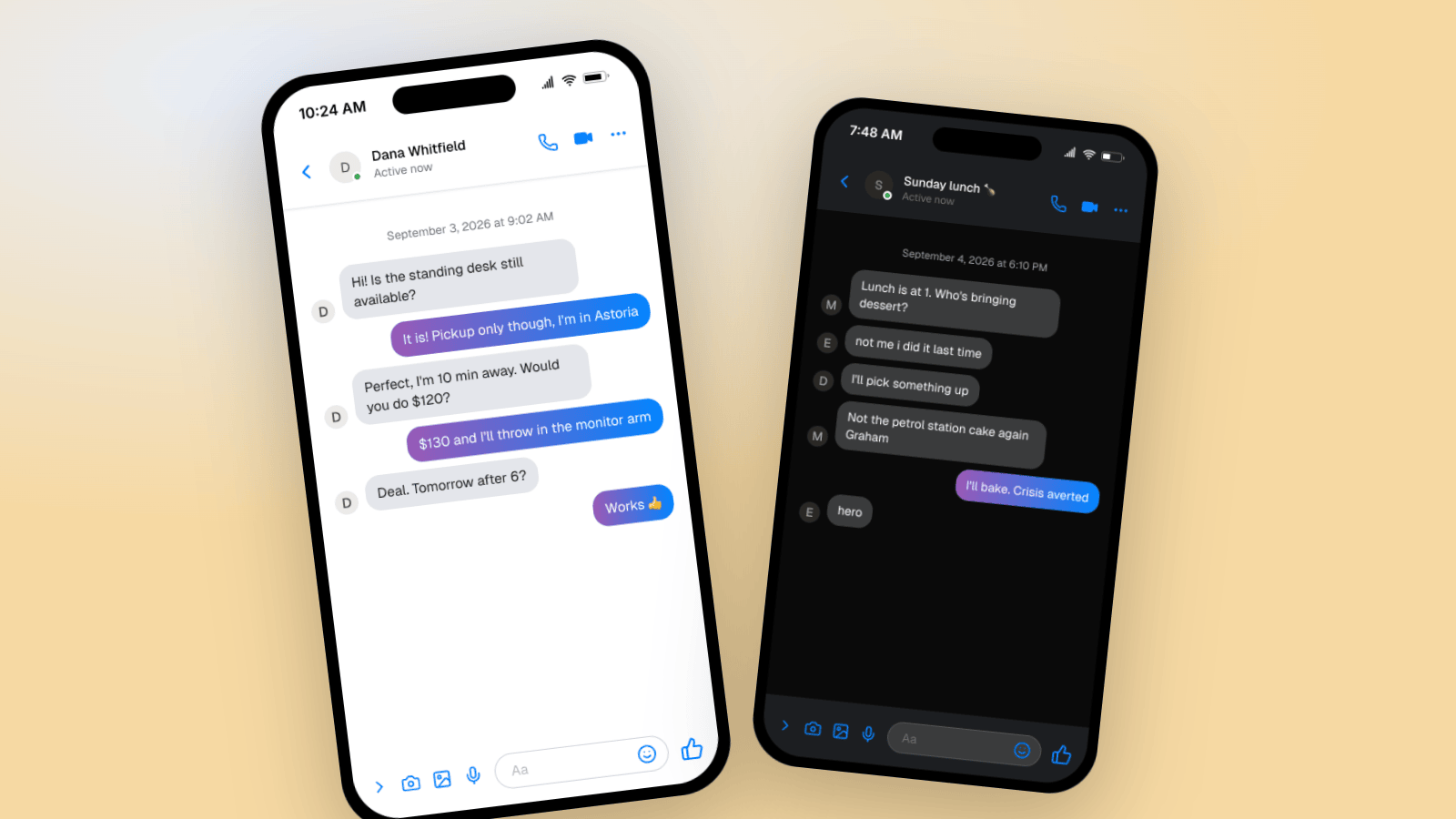
How to Make a Fake Messenger Chat (Facebook Messenger Guide)
Make fake Facebook Messenger chats that look real: the Active now header, blue and purple bubbles, dark mode, and group chats. Two worked examples you can copy, plus the details people check.
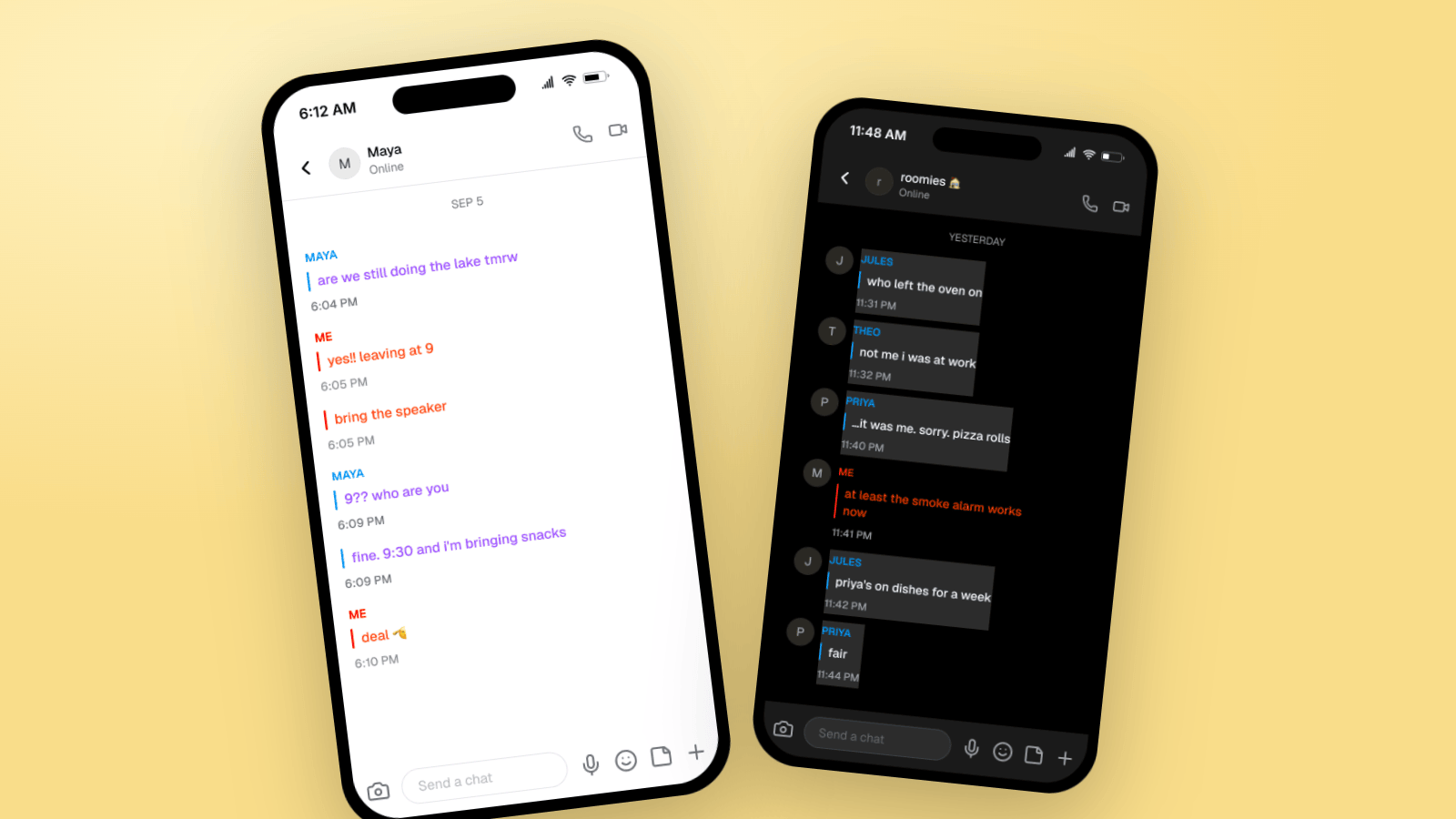
How to Make Fake Snapchat Messages (Chat & Story Guide)
Make fake Snapchat messages that look real: colored text, ME labels, dark mode, group chats, and story frames. Three worked examples you can copy, plus video export.
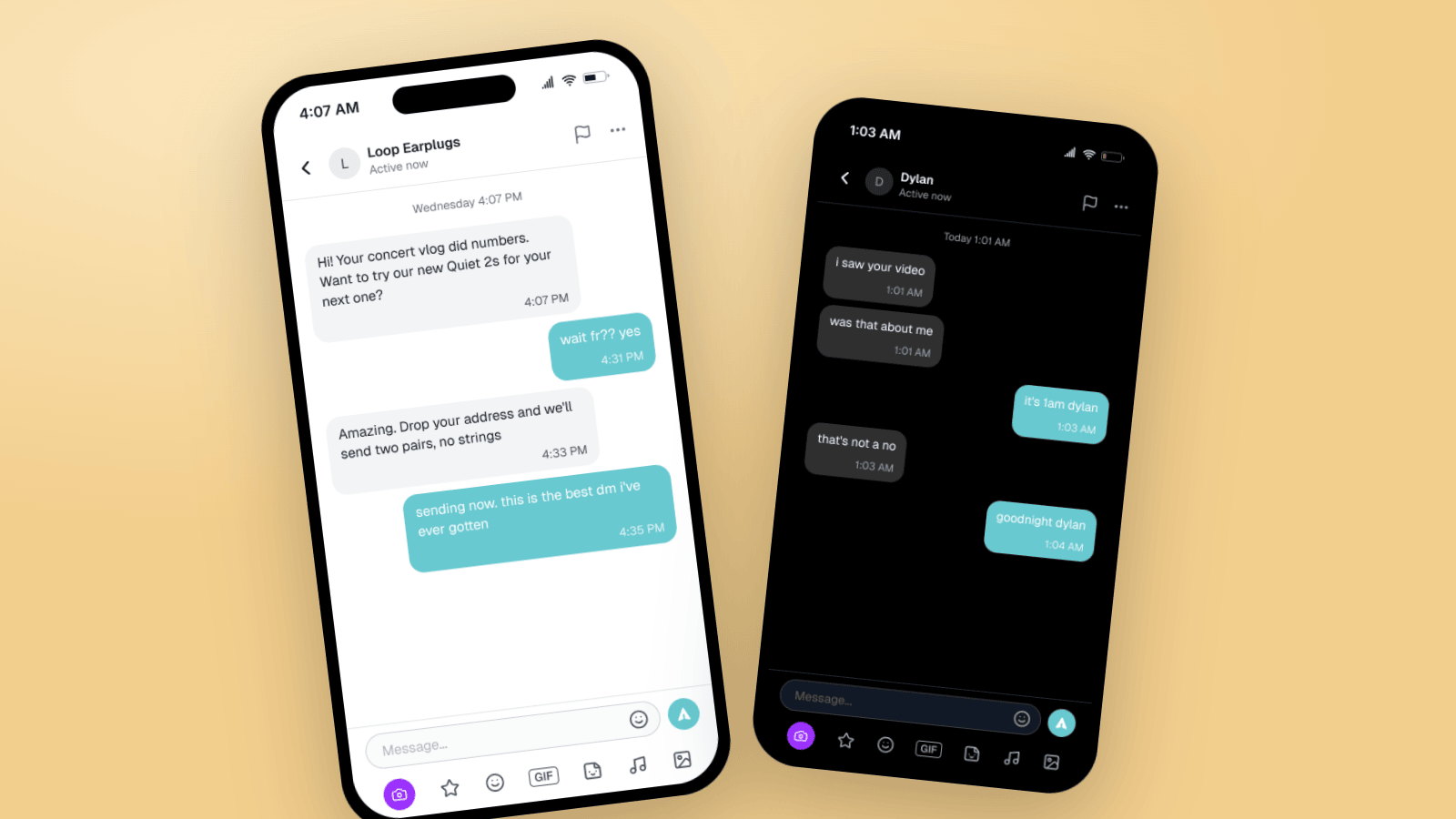
How to Make Fake TikTok DMs (Message Mockup Guide)
Make fake TikTok DMs that look real: the DM header, teal bubbles, dark mode, and the rich chat bar. Two worked examples, the details people check, and video export for storytime content.