

The Short Answer
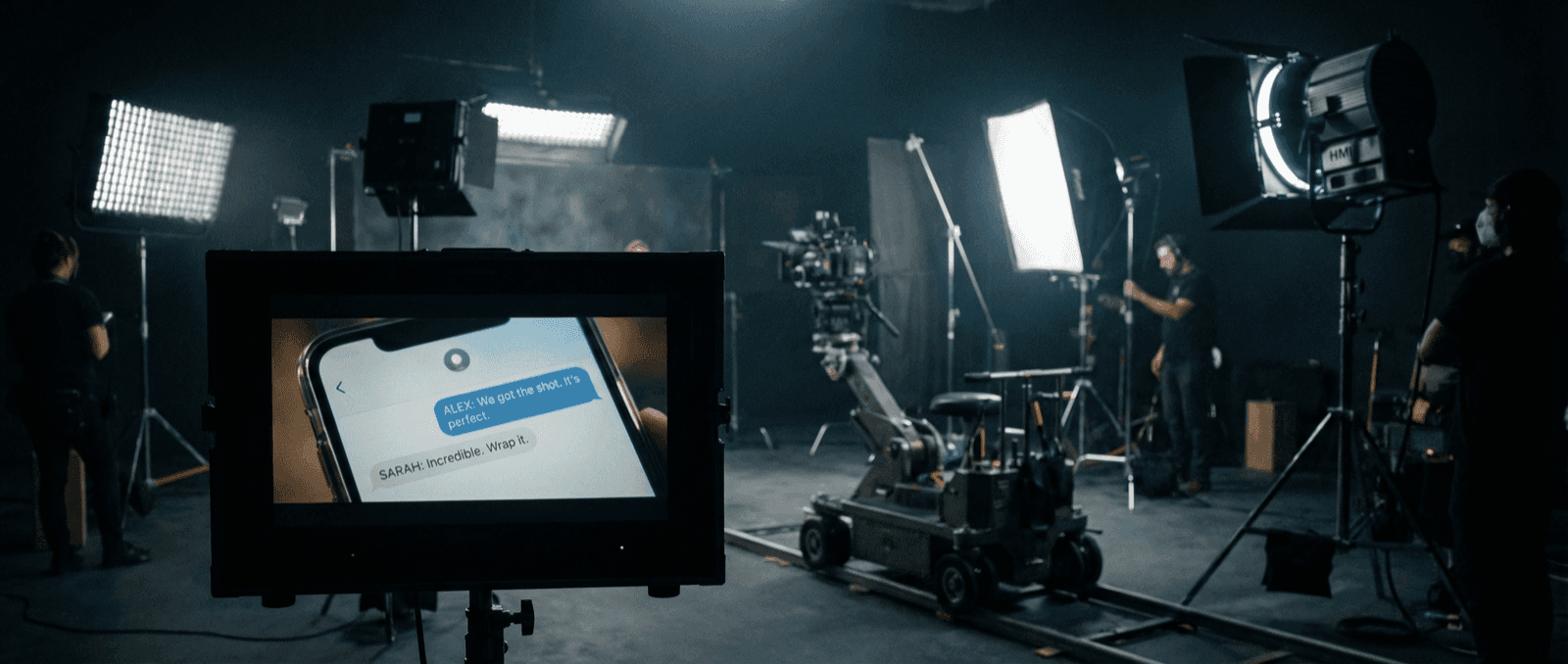
Production teams build phone-screen props with mockups because they need control.
The prop has to match the script, survive continuity review, read on camera, and stay editable if the scene changes in post. Real apps are unpredictable. Mockups are not.
Start With the Story, Not the App
The first question is not "Which app looks coolest?"
It is:
- Who is sending this message?
- What kind of relationship does the scene need to imply?
- How close will the camera get?
- Does the screen need to feel personal, professional, public, or community-driven?
Those answers usually determine the app:
- iMessage mockups for iPhone-native character worlds
- WhatsApp mockups for globally familiar private messages
- Instagram DM mockups for creator or social-native scenes
- Discord mockups for gaming or community-heavy worlds
The Production Workflow
Lock the scene purpose
Decide exactly what the audience needs to understand from the screen. If the message only needs to reveal one plot point, do not build a ten-message conversation.
Match the app to the character
The app choice tells the audience a lot before they read a single word. A teenager's group chat does not look like a founder's Slack message.
Build a readability-first version
Write messages that still read clearly when the phone is not full-screen. Short bursts usually beat perfectly polished dialogue.
Export for the actual shot
Create variants for close-up, medium, and fallback use. The prop that works on the desk in a wide shot may not be the one you need for an insert.
Keep editable alternates
Prepare alternate timestamps, alternate lines, and day/night versions before the shoot if the scene could shift in editorial.
What Makes a Phone Screen Feel Real
- The app matches the character and world
- The timestamps support scene continuity
- Notification and message states are consistent
- The text density still reads on camera
- The export quality matches the intended camera distance
Common Mistakes
Leaving the decision until shoot week
Screen graphics become painful when they are treated like a last-minute detail.
Writing the conversation like dialogue pages
Real texting is tighter, faster, and less formal than screenplay dialogue.
Using one master export for every setup
Close-ups, inserts, and background phone shots often need different treatments.
Adjacent Comparison
If the scene is about private emotional stakes, WhatsApp mockups or iMessage mockups usually win. If it is about community or streaming culture, Discord mockups do more narrative work. If the scene belongs in creator or influencer culture, Instagram DM mockups often feel more native than standard text-message formats.
Try it yourself
Create your first mockup in under a minute
40+ apps. Free to try, no signup needed.
Start your mockupAbout the author
Sam Rivera
Production Consultant
Sam collaborates with video producers and creative teams to design realistic phone-screen visuals for film, YouTube, and documentary projects. She focuses on continuity-safe messaging and believable on-screen interactions.
Tags
More from the blog
Fake Chat Screenshots for Filmmakers & Video Production | Guide 2026
How filmmakers and video producers create realistic phone screen props with fake chat screenshots. Free tools for film, TV, documentaries, and YouTube content.
Chat Video Generator for TikTok Storytelling
Create animated chat mockup videos for TikTok, Reels, Shorts, tutorials, and product demos. Includes app choices, pacing tips, and export workflow.

How to Make Fake Chat Screenshots (2026 Guide)
Step-by-step guide to creating fake WhatsApp, iMessage, and Discord chat mockups. Free online generator, no download needed. For marketing and content creation.