
Put your chat on a 3D phone
Build a chat or story mockup, switch to 3D view, and your screenshot lands on an angled iPhone with a real shadow. Export a PNG or a 3D phone video. No 3D software, no design skills.
Free to start. 40+ apps. Trusted by 30,000+ creators.
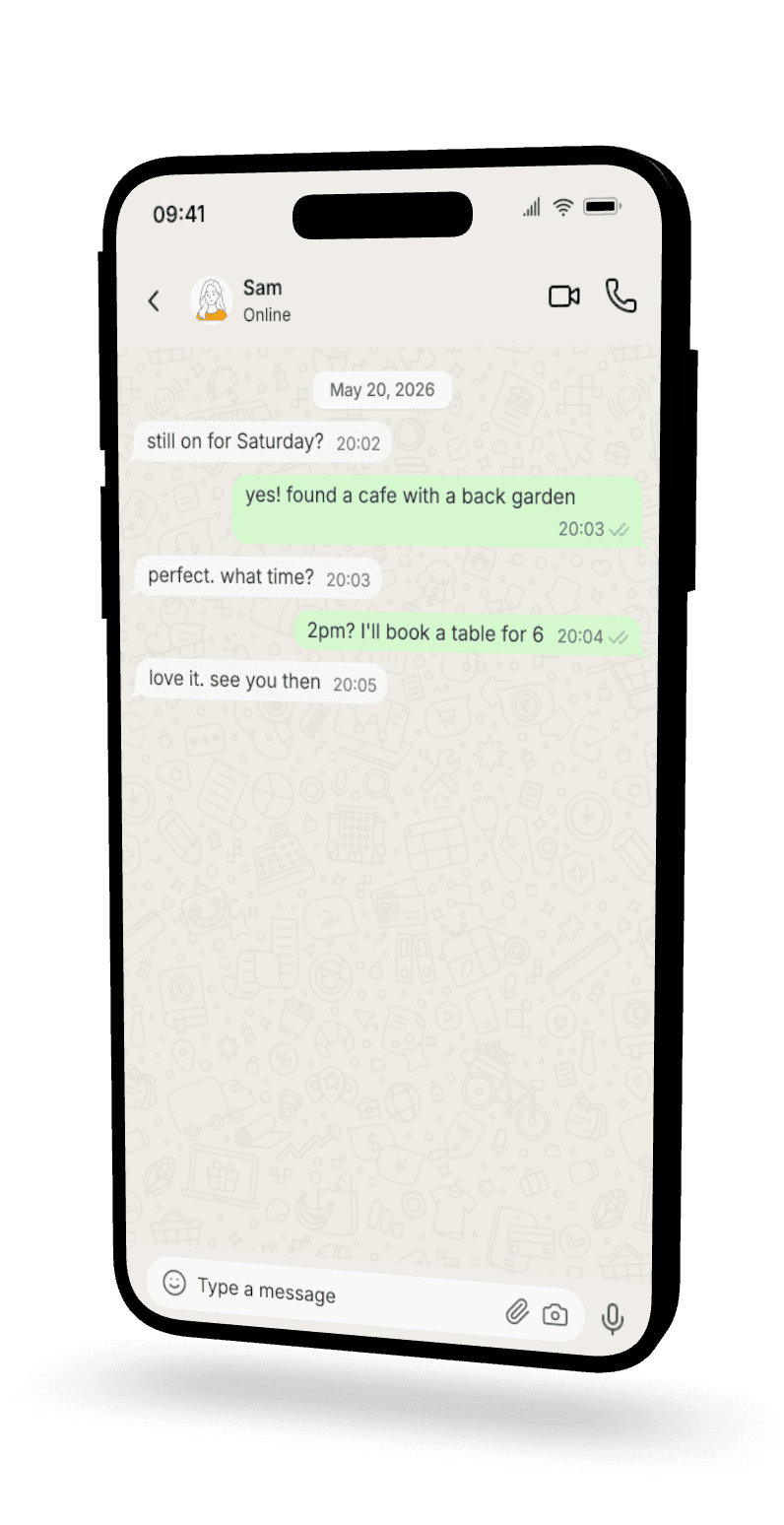
What a 3D phone mockup actually is
It is the same chat mockup you would build anyway — just framed on a phone that is tilted into perspective instead of shown flat. The screenshot does the talking. The angle makes people stop.
Depth beats a flat rectangle
A flat screenshot sits there. An angled phone has depth, a soft shadow, and a real sense of scale. It stops the scroll.
A real mockup, on a real-looking phone
The mockup is a real chat or story you built — every message, timestamp, and read receipt. The 3D part is just the framing.
You control the angle
Drag the phone to the angle you want. Straight on, a slight tilt, or a dramatic three-quarter view — you set it.
Any chat app, on an angled phone
Every mockup below was built in Mockly and exported as a 3D phone — real conversations, real read receipts, angled and ready to drop into a video or a deck. Stories work in 3D too.
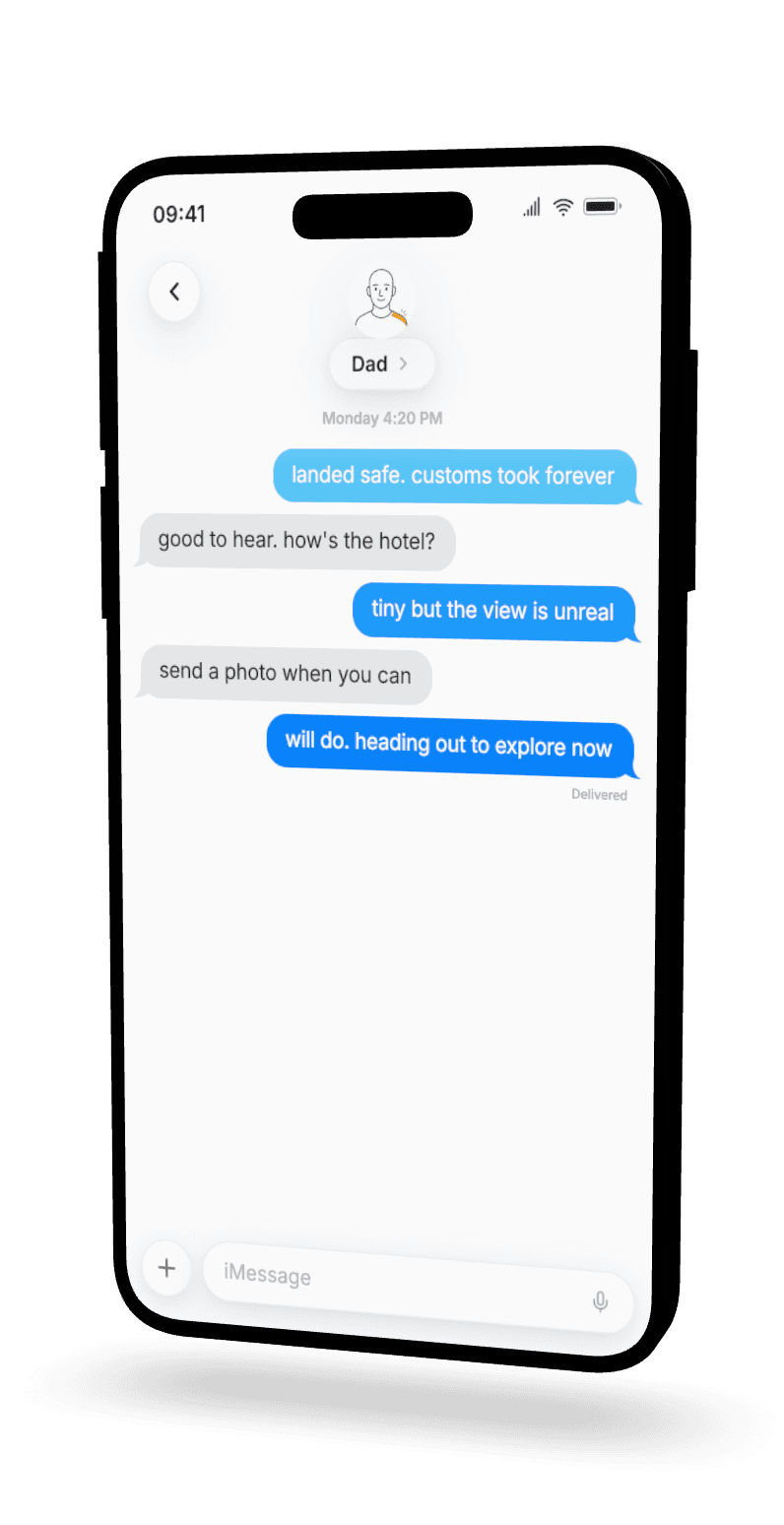
An iMessage thread, angled and ready for video
Blue and gray bubbles, a Delivered tag under the last message, the iOS contact header — it all reads as a real iMessage thread. Tilt the phone and it stops the scroll.
- Blue + gray bubbles
- Delivered + Read states
- iOS contact header
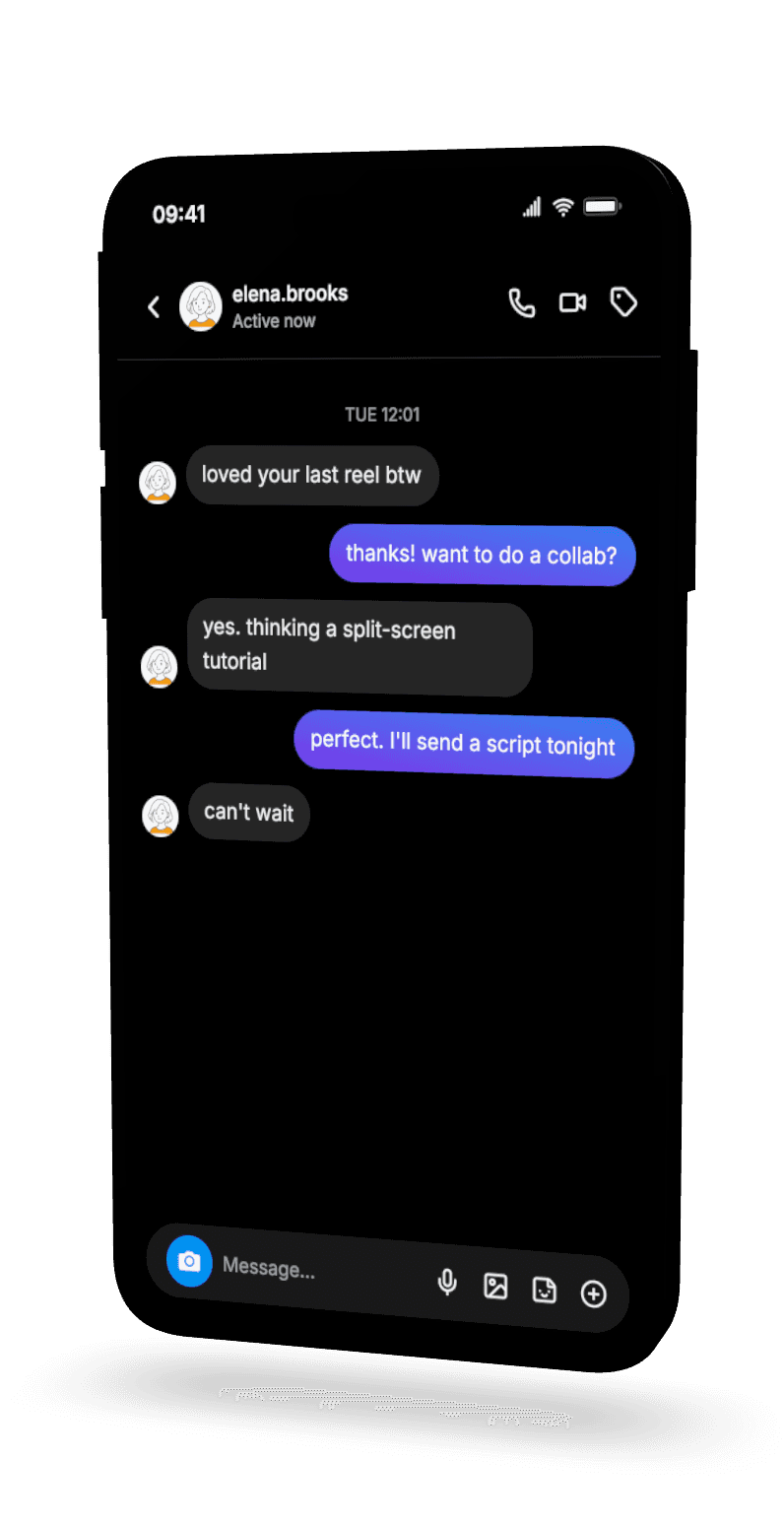
Instagram DMs that look right in a Reel
Dark mode, gradient bubbles, the Instagram DM header with Active now. Drop a 3D version into a Reel and the conversation feels native to the feed.
- Dark mode DMs
- Gradient bubbles
- Active now header
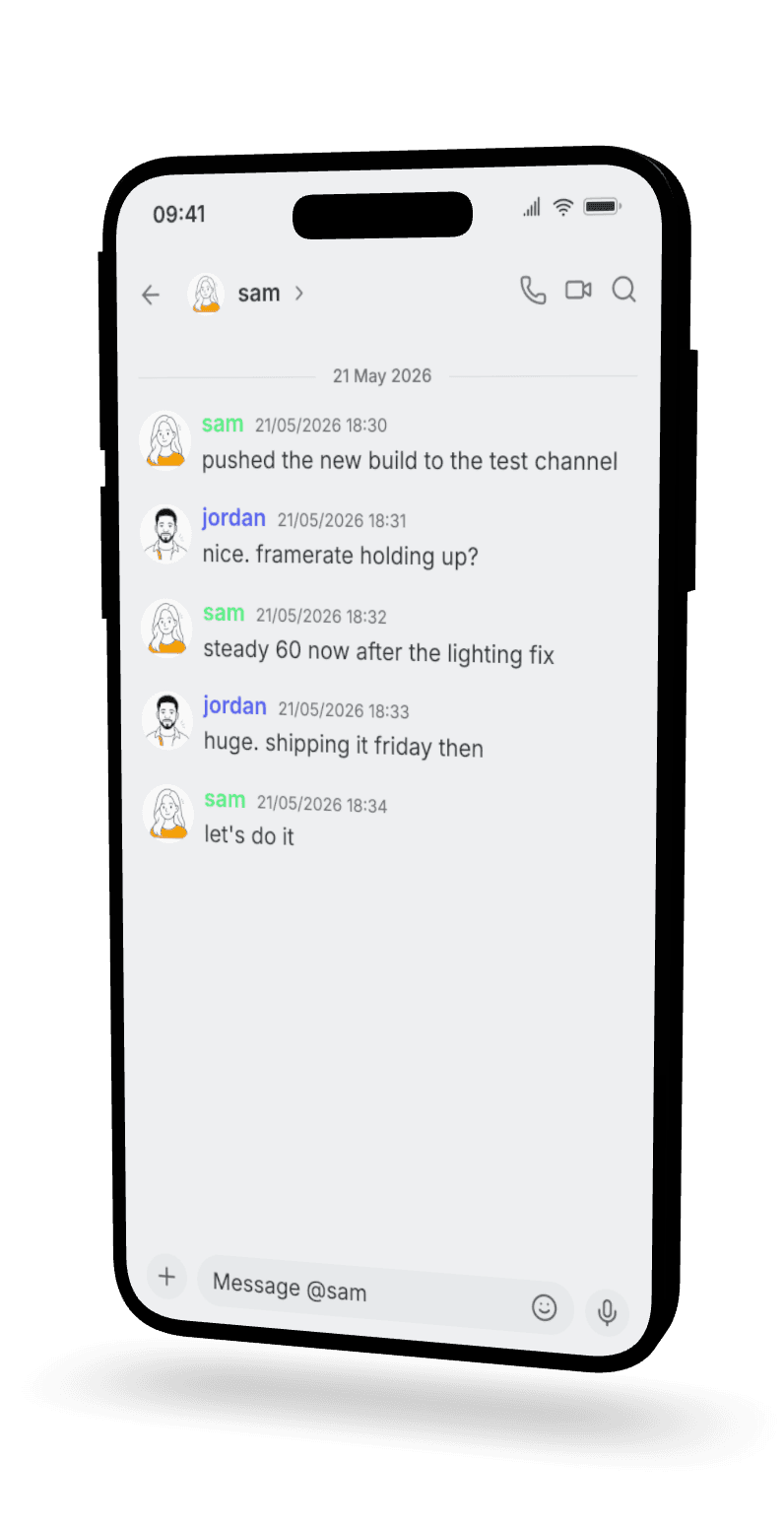
A Discord chat with role colors intact
Usernames, role colors, timestamps — the Discord mobile layout, on an angled phone. Good for dev logs, community recaps, and behind-the-scenes content.
- Colored usernames
- Discord mobile layout
- Timestamps per message
Three steps to an angled phone
Build the mockup
Open a chat or story editor. Pick your app, write the conversation, set names, timestamps, and read receipts.
Switch to 3D
Turn on the device frame, then switch to 3D view. Drag the phone until the angle looks right.
Export it
Export a PNG of the angled phone, or a 3D phone video where messages land one at a time. HD and 4K on Premium.
Made for people shipping content
Short-form video creators
A 3D phone is the native look for TikTok, Reels, and Shorts. Drop in a 3D chat video and the messages animate as the camera moves.
Pitch decks and slides
Put a product flow or a customer message on an angled phone in your deck. It looks more finished than a flat crop and reads from the back of the room.
Production and storyboards
Need a phone-screen prop for a shoot or storyboard? Build the exact conversation, angle the phone, and export a clean reference.
3D phone mockup questions
What is a 3D phone mockup?
A 3D phone mockup is a mockup placed on an angled phone instead of a flat screenshot. You build a chat or story mockup in Mockly, switch on 3D view, and the phone tilts into perspective. It reads as a real device on a desk, not a plain rectangle.
How do I make a 3D phone mockup?
Open a chat or story editor, fill in your messages, turn on the device frame, then switch to 3D view. Drag the phone to set the angle you want and export. No 3D software and no design skills needed.
Which mockups can I put on a 3D phone?
Chat and story mockups render in 3D. That covers WhatsApp, iMessage, Instagram, Discord, Telegram, and the rest of the chat apps, plus Instagram and Snapchat stories.
Can I export a 3D phone video?
Yes. Export a still PNG of the angled phone, or export a 3D phone video where the messages appear one by one and the camera moves. Video export is Premium.
Is the 3D phone mockup generator free?
It is free to start, no signup needed. Your first export is free with a watermark at standard resolution, and a free account adds 3 more. Premium removes the watermark and adds HD, 4K, video export, and unlimited exports. See the plans for details.
Do I need to install anything?
Mockly runs in the browser, so there is no download needed. Build the mockup, switch to 3D, and export. Most people have an angled phone visual in under a minute.
Related mockup tools
Chat video generator
Animate messages one by one and export a chat video for short-form.
Device frame mockups
Add status bars, battery, and dark mode before you switch to 3D.
WhatsApp mockups
Create WhatsApp mockups with read receipts and wallpaper.
iMessage mockups
Build iMessage mockups with blue bubbles and delivery states.
Instagram DM mockups
Make Instagram DM mockups with gradient bubbles and dark mode.
All chat mockups
One editor for chats, DMs, comments, posts, and more — 40+ apps.
Ready when you are
Build your first 3D phone mockup
Pick an app, write the chat, switch to 3D, and export. Free to start — no download needed.