

When to Use Each AI Chat Mockup
Different AI apps carry different context. Use the AI chat mockup generator when you need a clean prompt-and-response visual, then choose the app that matches the story.
ChatGPT
Use ChatGPT mockups for mainstream AI tutorials, prompt examples, product education, and social content where the audience expects ChatGPT.
Claude
Use Claude mockups for writing, research, long-form assistant examples, and workflows where the response should feel thoughtful and text-heavy.
Gemini
Use Gemini mockups for Google-flavored product demos, AI workflow examples, and education content.
Grok
Use Grok mockups when the example belongs close to X or social commentary.
Perplexity
Use Perplexity mockups when the example is about research, answers, or source-led workflows.
How the UI Changes the Message
The app frame tells viewers what kind of AI interaction they are seeing before they read the text. Match the interface to the audience's expectation.
Model Labels and Dark Mode
Model labels help explain which version of the assistant the mockup represents. Dark mode works well for social content and developer-focused tutorials.
Related Pages
- AI chat mockup hub
- ChatGPT mockups
- Claude mockups
- Gemini mockups
- Grok mockups
- Perplexity mockups
- All mockup types
FAQ
Can I add images to AI chat mockups?
Yes. AI chat mockups support image messages where the editor supports them.
Can I change model labels?
Yes. Model labels are part of the AI chat editor.
Which AI mockup should I choose?
Choose the AI app your audience expects. ChatGPT is the broad default; Claude, Gemini, Grok, and Perplexity are better when their context matters.
Try it yourself
Create your first mockup in under a minute
40+ apps. Free to try, no signup needed.
Start your mockupAbout the author
Elena Brooks
Content Editor
Elena writes step-by-step tutorials and practical guides for creating realistic chat and social mockups. She focuses on helping creators quickly turn ideas into polished visuals that look believable in demos, landing pages, and client work.
Tags
More from the blog
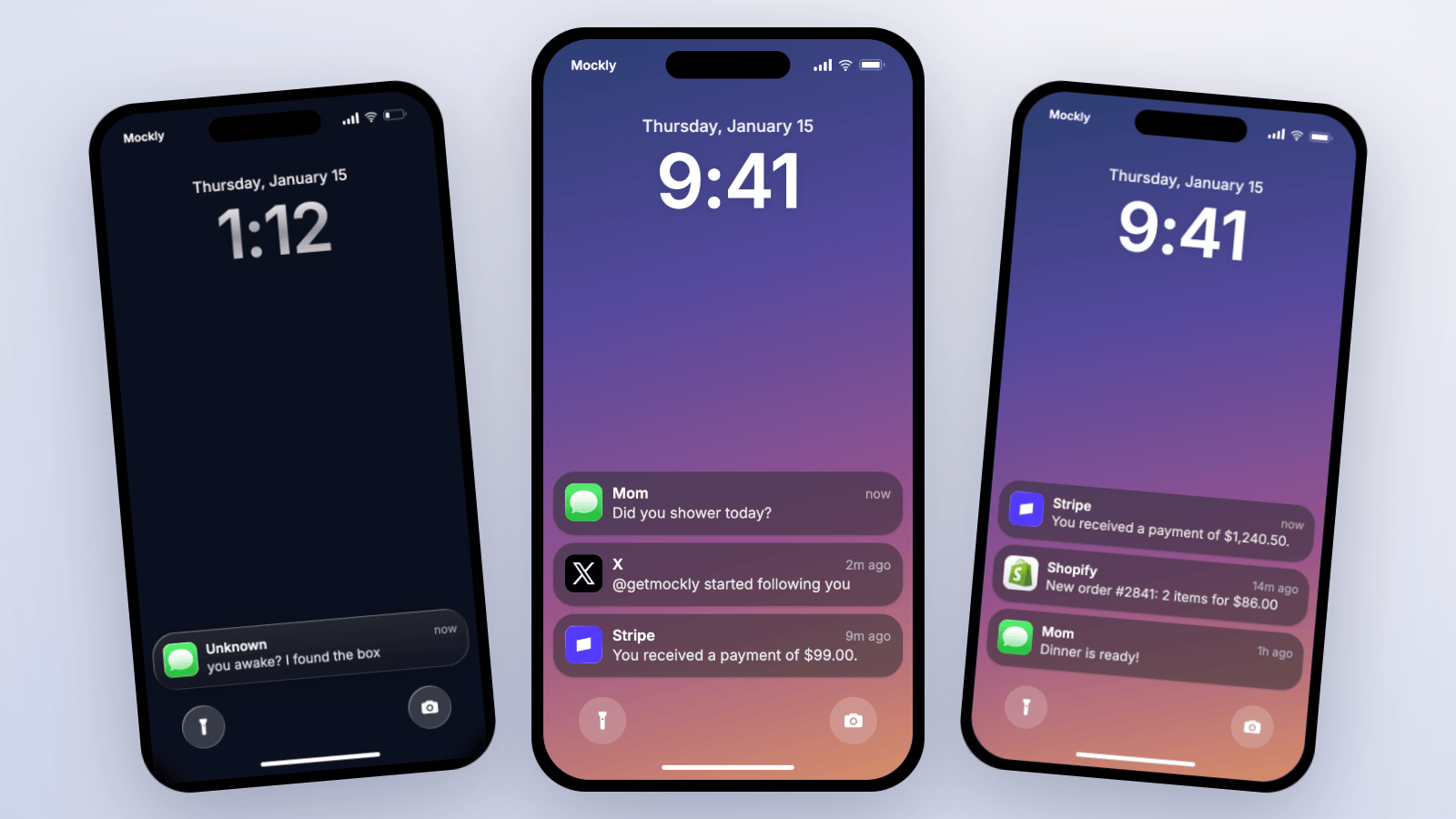
Best Fake Notification Generators 2026 - 7 Tools Tested
We tested 7 fake iPhone notification generators for realism, stacking, video export, and watermarks. See the honest 2026 comparison.
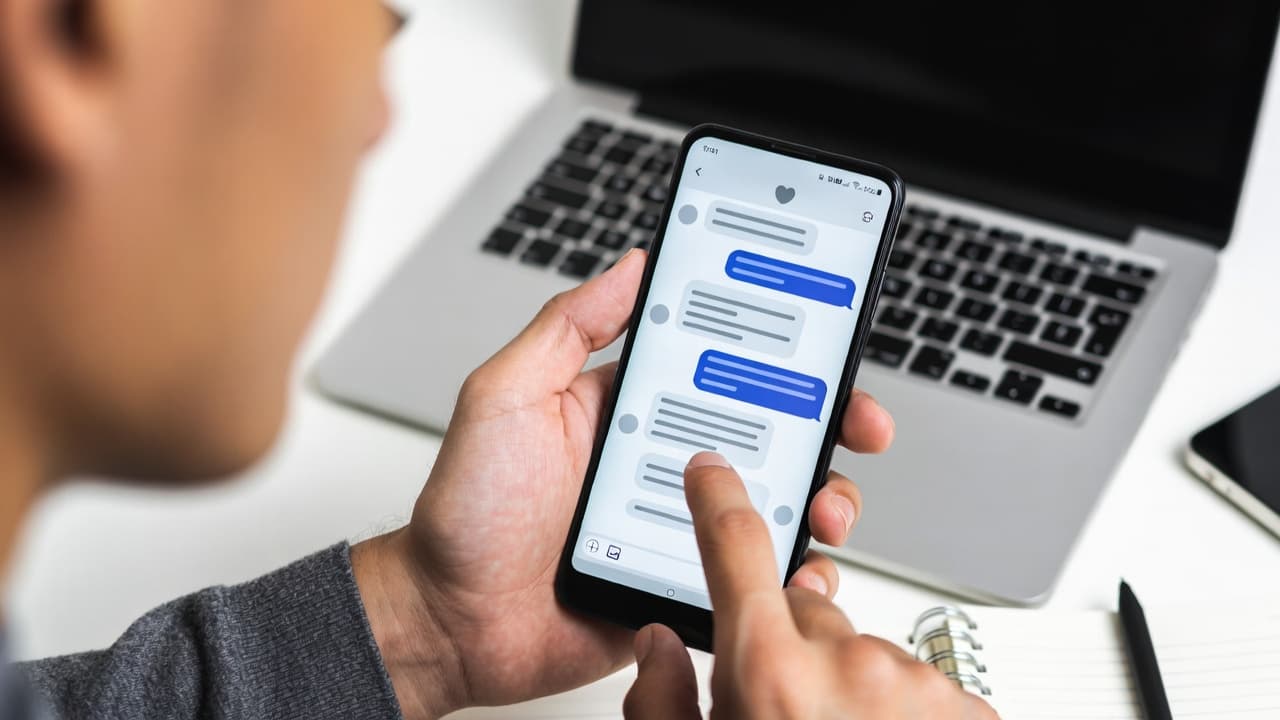
Best Fake Screenshot Generators 2026 - 7 Tools Tested
We tested 7 mockup tools for app coverage, realism, export quality, watermarks, video, 3D, and speed. See the honest 2026 comparison.

What Makes a Mockup Feel Real on Screen
The realism cues that make chat, AI, social, and phone-screen mockups feel believable on landing pages, in decks, and on camera.