
What Is a Fake Notification Generator?
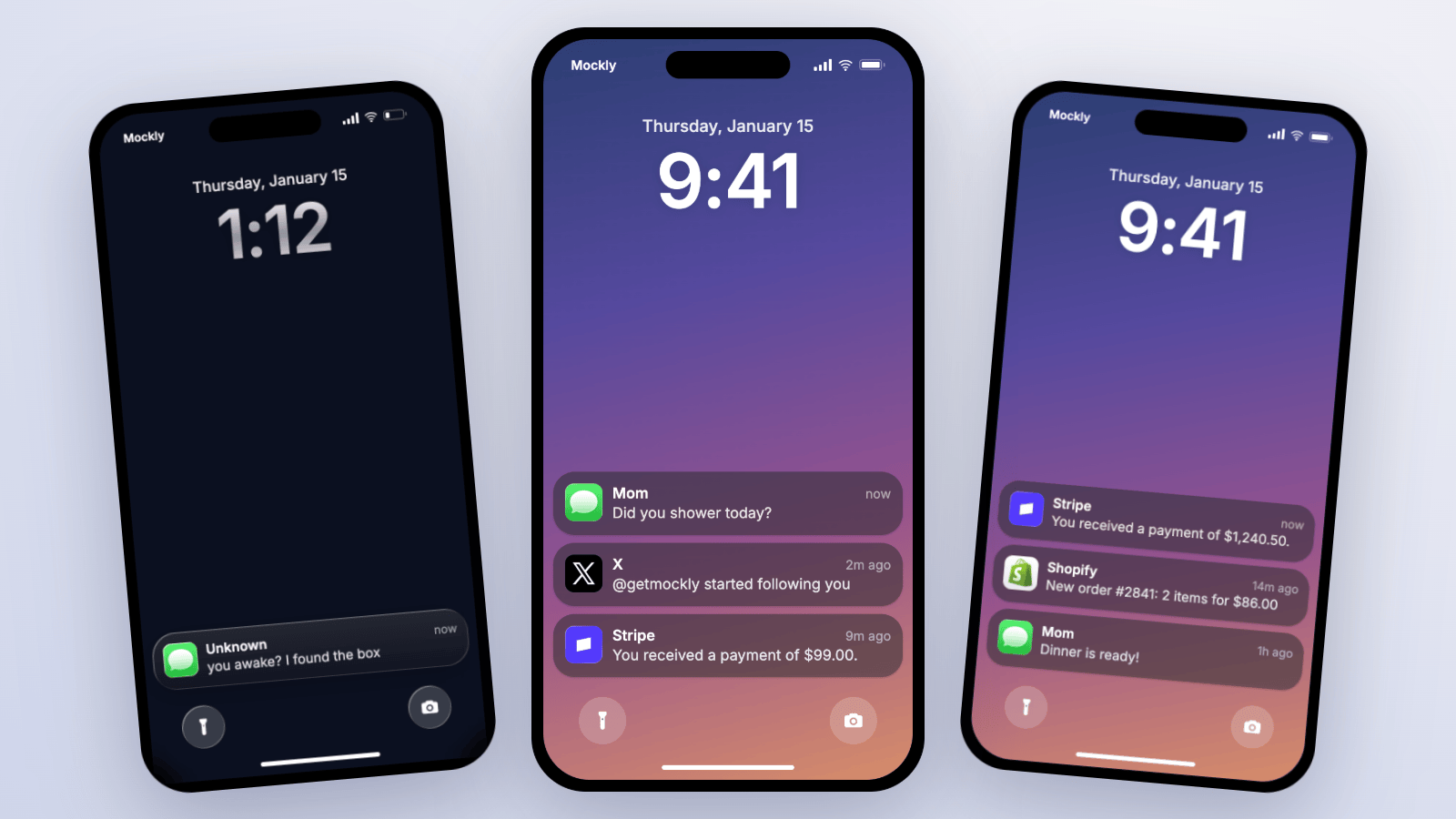
A fake notification generator is a web tool that creates realistic iPhone lock screen screenshots. Instead of staging a real phone, you write the notification text, pick an app icon, choose a wallpaper, and export an image. Creators use them for storytelling videos, marketers for push notification mockups and social proof visuals, and designers for app pitches.
We tested every notification generator we could find in July 2026, building the same three-notification lock screen in each one and checking the small details: card material, stack behavior, time labels, and what the export actually looks like. Here's what we found.
Tested in July 2026: Quick Verdict
Most of the field is image-only, single-notification, and visually stuck a few iOS versions back. If you need a quick meme image, several free tools do the job. If you need a realistic full lock screen, a stack of notifications, the current iOS card styles, or a video of the notifications arriving, the field narrows fast.
| Tool | Best for | Lock screen | Stack | Video | Current iOS look |
|---|---|---|---|---|---|
| Mockly | Realistic stacks, video, 3D | Yes | Unlimited | Yes | Yes, incl. glass |
| Fauxpost | Free detailed still images | Yes | Up to 3 | No | Partly |
| MockClip | Animated iMessage banner GIFs | No | One | Yes | Banner only |
| PrankShit | Deep-field prank images | Yes | Yes | No | Dated |
| FakeNotif | 30-second meme images | Yes | One | No | Dated |
| Uneed | Marketing sale notifications | Yes | One | No | Partly |
| AdSights | Quick lock/banner switching | Yes | One | No | Dated |
Our Testing Method
We built the same lock screen in every tool: an iMessage from "Mom", an X follow notification, and a Stripe payment, on a custom wallpaper. Then we checked how each handled stacking, time labels, dark wallpapers, and export quality.
The Comparison
1. Mockly
Full disclosure: this is our product, so judge the claims against the free editor yourself. Mockly renders the full iOS lock screen: big clock, date line, carrier text, frosted notification cards that actually blur the wallpaper behind them, and a toggle between the classic card and the newer Liquid Glass style.
Key features:
- Stack unlimited notifications, reorder them, and set a time label on each
- Real App Store icons for iMessage, WhatsApp, Instagram, X, Stripe, PayPal, Spotify, and more, plus custom logo upload
- Click the clock, date, or carrier in the mockup to edit them
- Video export where each notification arrives one by one, plus a 3D phone view
- Same editor covers 40+ apps of chat, post, comment, story, and email mockups
Where it falls short: iOS only for now, and video export plus watermark-free images are Premium features.
The video export is the honest differentiator. In our testing, no other tool animates a lock screen at all.
2. Fauxpost
The strongest free image tool we tested, and the closest thing Mockly has to a feature rival on stills. Field control is deep: carrier, signal bars, battery percent, silent switch, trailing image, plus a home-screen banner mode. Exports are clean PNGs with no watermark and no signup.
Where it falls short: the stack caps at three notifications, there's no video, and the card styling trails current iOS. Read the full Fauxpost vs Mockly comparison.
3. MockClip
The only other tool that animates anything. MockClip drops a single iMessage-style banner over a home screen and exports it as MP4 or GIF, with control over delay, duration, and the dismiss animation.
Where it falls short: iMessage banners only. No lock screen, no other apps, no stacking, and free exports carry a watermark. See the MockClip vs Mockly comparison.
4. PrankShit
The prank veteran. Its iPhone notification page has some of the deepest field control around: preset app icons, stacked messages, full status bar control, even font choices and wallpaper opacity.
Where it falls short: the rendering looks several iOS versions old, the site is ad-heavy, and removing the watermark costs money. Full PrankShit vs Mockly comparison.
5. FakeNotif
Built for exactly one job: a viral notification meme in about 30 seconds. App name, icon, title, body, time, light or dark, done. Free with no watermark.
Where it falls short: one notification per image, no real lock screen context, and a dated card design. See the FakeNotif vs Mockly comparison.
6. Uneed
A free marketing tool aimed at sale-notification screenshots, with preset brand icons like Stripe, Shopify, and PayPal, and even a Liquid Glass toggle.
Where it falls short: single notification, PNG only, and the fields are shallow compared to Fauxpost or Mockly.
7. AdSights
The only other tool that switches between lock screen and banner modes, with an Android option too.
Where it falls short: shallow fields everywhere, and the iOS rendering is the least accurate of the tools we kept in this list.
Which One Should You Pick?
- You need a video of notifications arriving: Mockly. Nothing else renders one.
- You need a free detailed still and don't mind a three-card cap: Fauxpost.
- You need one animated iMessage banner as a GIF: MockClip.
- You need a meme image in under a minute: FakeNotif.
- You need the notification to sit inside a bigger story: Mockly again, because the same editor makes the matching fake chat, post, and story mockups.
Building the TikTok lock screen carousel slide? The fake text on lock screen trend guide has three setups you can copy.
One more thing that applies to every tool here: fake notifications are for content, demos, and design work. Faking payment proofs or messages from real people crosses the line no matter which generator you use.
Try the fake iPhone notification generator free. No download needed.
Try it yourself
Create your first mockup in under a minute
40+ apps. Free to try, no signup needed.
Start your mockupAbout the author
Elena Brooks
Content Editor
Elena writes step-by-step tutorials and practical guides for creating realistic chat and social mockups. She focuses on helping creators quickly turn ideas into polished visuals that look believable in demos, landing pages, and client work.
Tags
More from the blog
ChatGPT vs Claude vs Gemini Mockups | Which AI Chat Fits?
Compare ChatGPT, Claude, Gemini, Grok, and Perplexity mockups for tutorials, product demos, AI workflows, and social content.
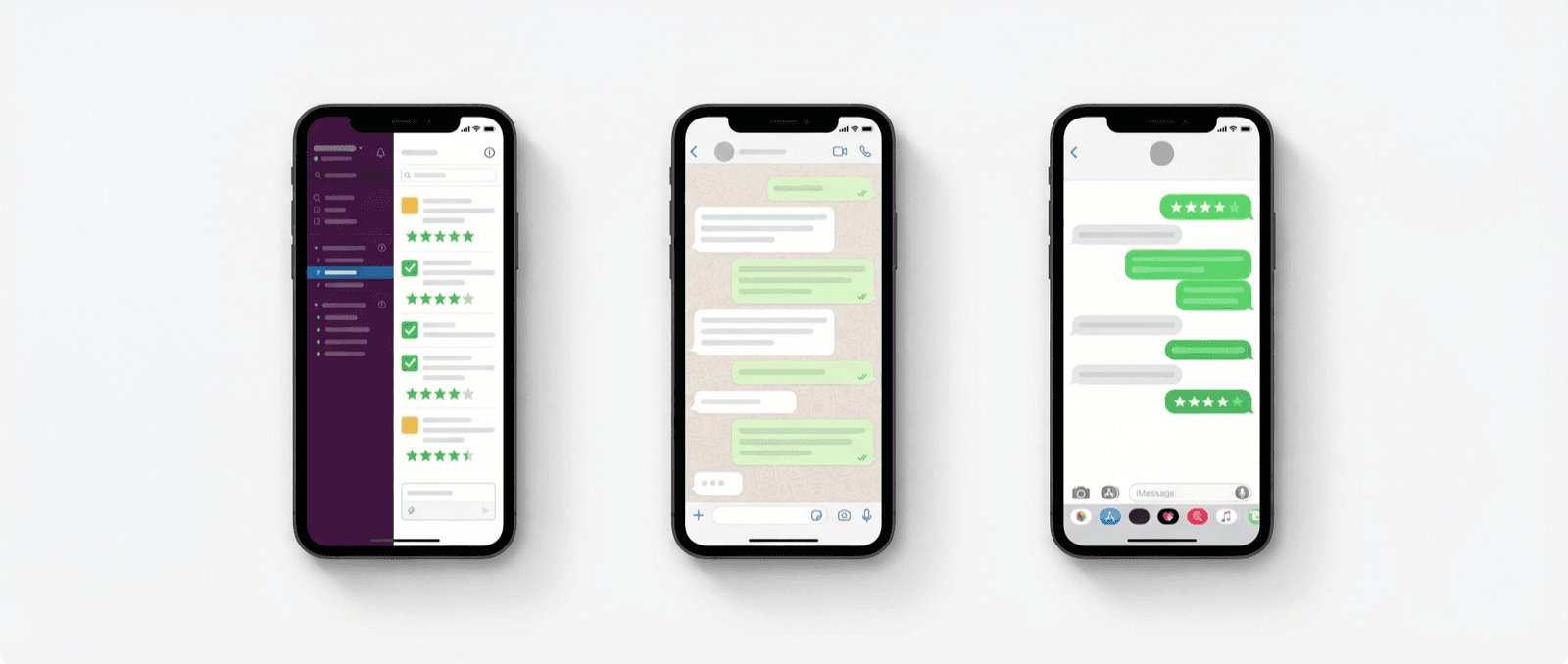
Slack vs WhatsApp vs iMessage for Testimonial Credibility
How Slack, WhatsApp, and iMessage change the credibility of testimonial mockups, and which one to use for B2B, consumer, and presentation contexts.

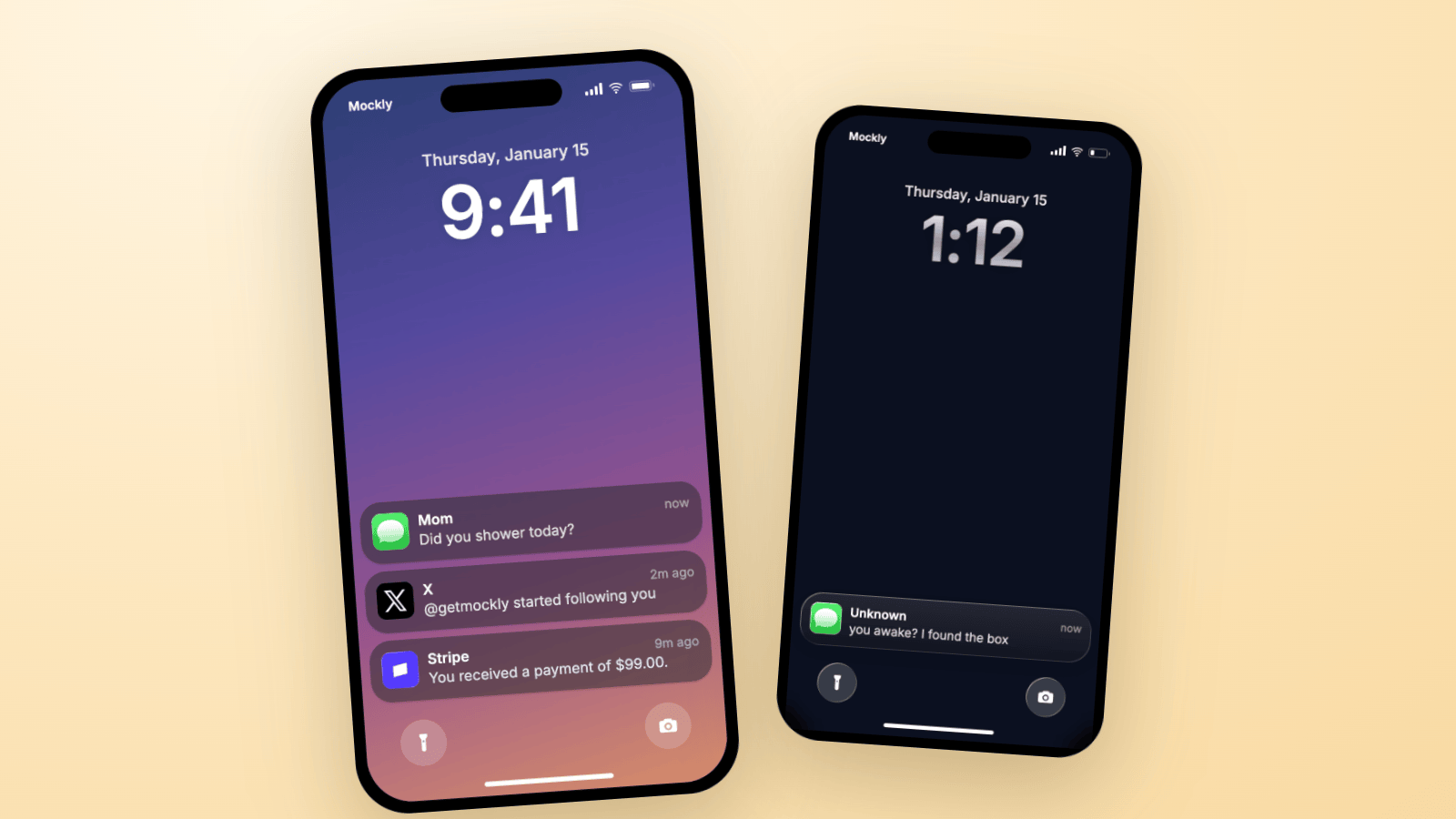
How to Make Fake iPhone Notifications | Lock Screen Guide
Create fake iPhone notifications that look real: lock screen stacks, real app icons, Liquid Glass cards, and video export. Three worked examples you can copy.