

What Redacted Email Mockups Are For
Redacted email mockups let you explain a message, thread, or privacy scenario without exposing real people or private inbox data. Start with the redacted email mockup generator when privacy is the point.
Privacy First
Do not use real private email content without permission. Redact identifying details and keep examples honest.
Step-by-Step
1. Pick the Email App
Choose Gmail, Outlook, Apple Mail, or the redacted email style.
2. Add Participants
Set sender and recipient names and addresses. Use redaction when identities should stay private.
3. Write the Subject and Thread
Keep the subject and body text focused. Use fictional or approved content.
4. Redact Sensitive Text
Redact names and addresses directly in the mockup, then write body text with private details removed.
5. Add an Attachment Label
Use an attachment label when it helps explain the scenario.
6. Export
Export a PNG mockup for education, production, security training, and presentations.
Examples
- Course material for privacy lessons.
- Security training examples.
- Product demos with email flows.
- Media production props.
- Presentation visuals that protect private data.
Related Pages
FAQ
Can I redact names and email addresses?
Yes. Email participants support name and address redaction.
Can I redact body text?
You can write body text with sensitive details removed or replaced before export.
Is this for leaked emails?
Use it for privacy-safe education, training, product demos, and production work. Do not use it to mislead people.
Try it yourself
Create your first mockup in under a minute
40+ apps. Free to try, no signup needed.
Start your mockupAbout the author
Elena Brooks
Content Editor
Elena writes step-by-step tutorials and practical guides for creating realistic chat and social mockups. She focuses on helping creators quickly turn ideas into polished visuals that look believable in demos, landing pages, and client work.
Tags
More from the blog
How to Tell If a Screenshot Is AI Generated: 6 Checks
Screenshots can be AI generated now. Run these six checks: SynthID and OpenAI Verify, Content Credentials, reverse image search, and the UI tells per app.

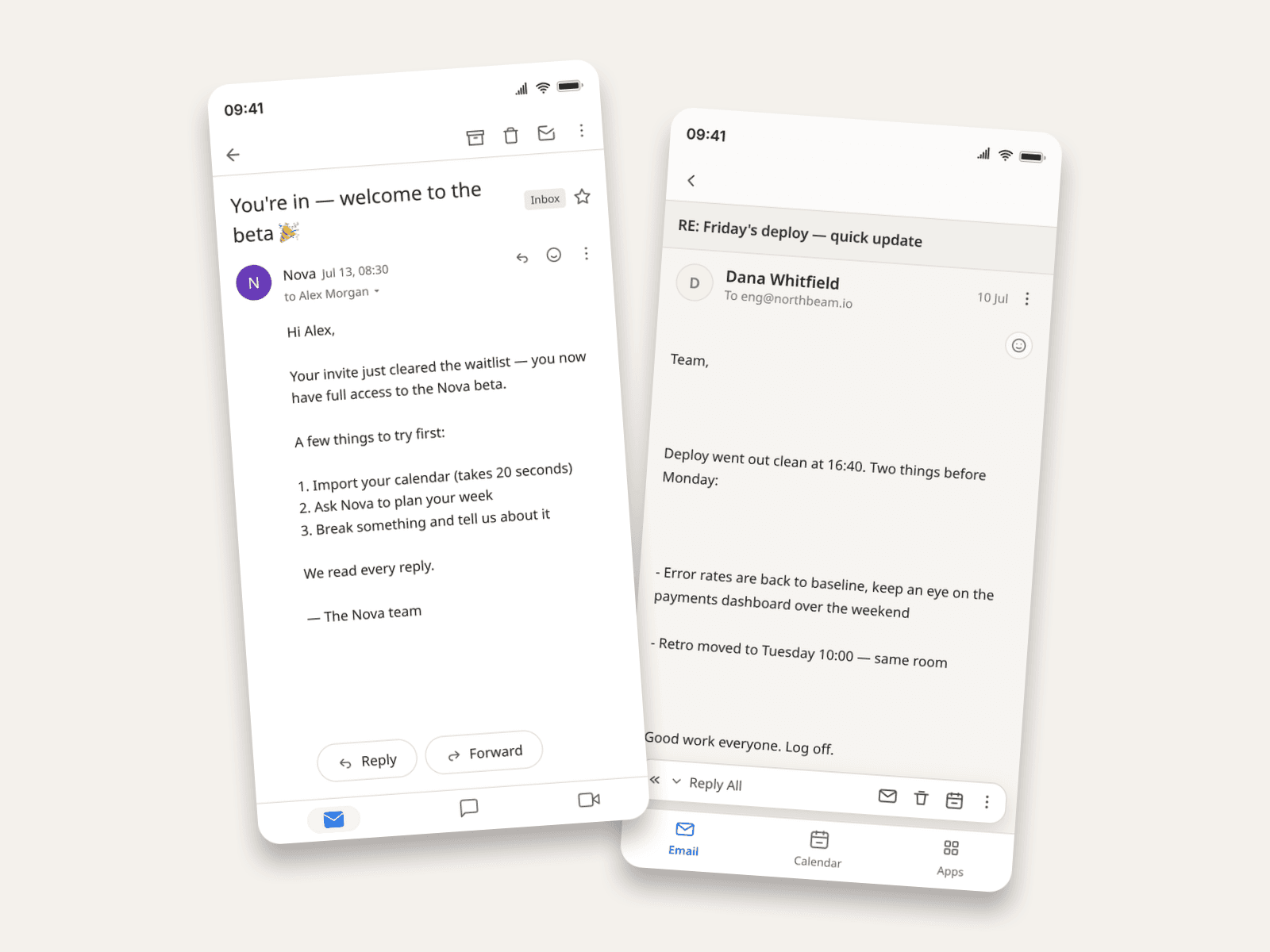
How to Make Fake Email Screenshots (Gmail, Outlook, Apple Mail)
Create realistic email mockups in Gmail, Outlook, and Apple Mail for product demos, phishing-awareness training, film props, and course material. Worked examples included.
How to Make LINE Chat Mockups | Free Guide
Create LINE chat and group chat mockups with names, avatars, messages, images, timestamps, device frames, 3D view, and export options.