

What a Telegram Chat Mockup Is For
A Telegram chat mockup is a controlled message scene you can use in tutorials, storyboards, product education, pitch decks, and social content. Mockly lets you create Telegram message mockups without exposing real conversations.
Use It Responsibly
Build examples, training scenes, approved customer stories, and fictional content. Do not use mockups to impersonate real people or misrepresent real conversations.
Step-by-Step
1. Open the Telegram Editor
Start with the Telegram generator. Pick direct message or group chat based on the scene.
2. Edit Names and Avatars
Set the sender, receiver, and group participants. For group chats, use names that are easy to scan.
3. Add Messages and Images
Write short messages, add image messages where they help, and keep the exchange readable at mobile size.
4. Set Receipts and Wallpaper
Use sent, delivered, or read states where the Telegram layout supports them. Add wallpaper when the mockup needs a stronger app feel.
5. Switch Dark Mode or 3D View
Dark mode works well for social content. Device frames and 3D phone mockups help when the phone itself should be visible.
6. Export
Export a PNG mockup for static work or use chat video export when message timing matters.
Telegram Realism Checklist
- Keep sender names short.
- Use read receipts only when they support the story.
- Add timestamps that match the pace of the conversation.
- Use wallpaper sparingly.
- Trim long messages before exporting.
Common Mistakes
- Writing paragraphs instead of messages.
- Using a group chat when a direct message is clearer.
- Overloading the mockup with too many participants.
- Forgetting that the final asset may be viewed on a small screen.
Related Pages
- Telegram message mockups
- Open the Telegram editor
- Chat mockup hub
- Chat video generator
- 3D phone mockups
FAQ
Can I make Telegram group chat mockups?
Yes. Use group chat mode, add participants, and keep sender names clear so the thread stays readable.
Can I export Telegram chat videos?
Yes. Chat mockups support video export, which is useful for tutorials, Shorts, Reels, and TikTok-style storytelling.
Can I use this for real customer feedback?
Yes, if you have permission and you avoid changing the meaning of the feedback. Redact private details when needed.
Try it yourself
Create your first mockup in under a minute
40+ apps. Free to try, no signup needed.
Start your mockupAbout the author
Elena Brooks
Content Editor
Elena writes step-by-step tutorials and practical guides for creating realistic chat and social mockups. She focuses on helping creators quickly turn ideas into polished visuals that look believable in demos, landing pages, and client work.
Tags
More from the blog
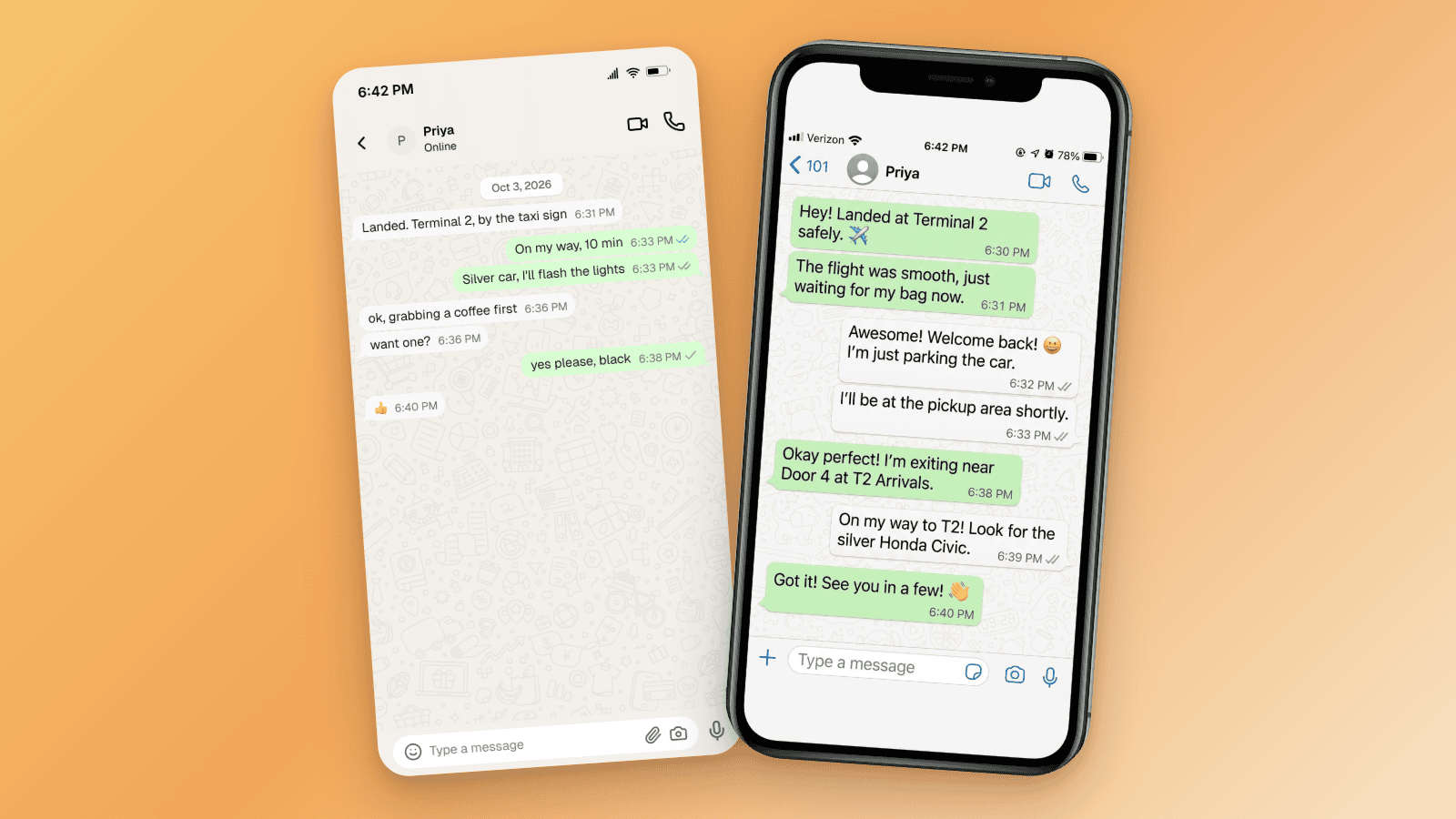
How to Tell If a Screenshot Is AI Generated: 6 Checks
Screenshots can be AI generated now. Run these six checks: SynthID and OpenAI Verify, Content Credentials, reverse image search, and the UI tells per app.

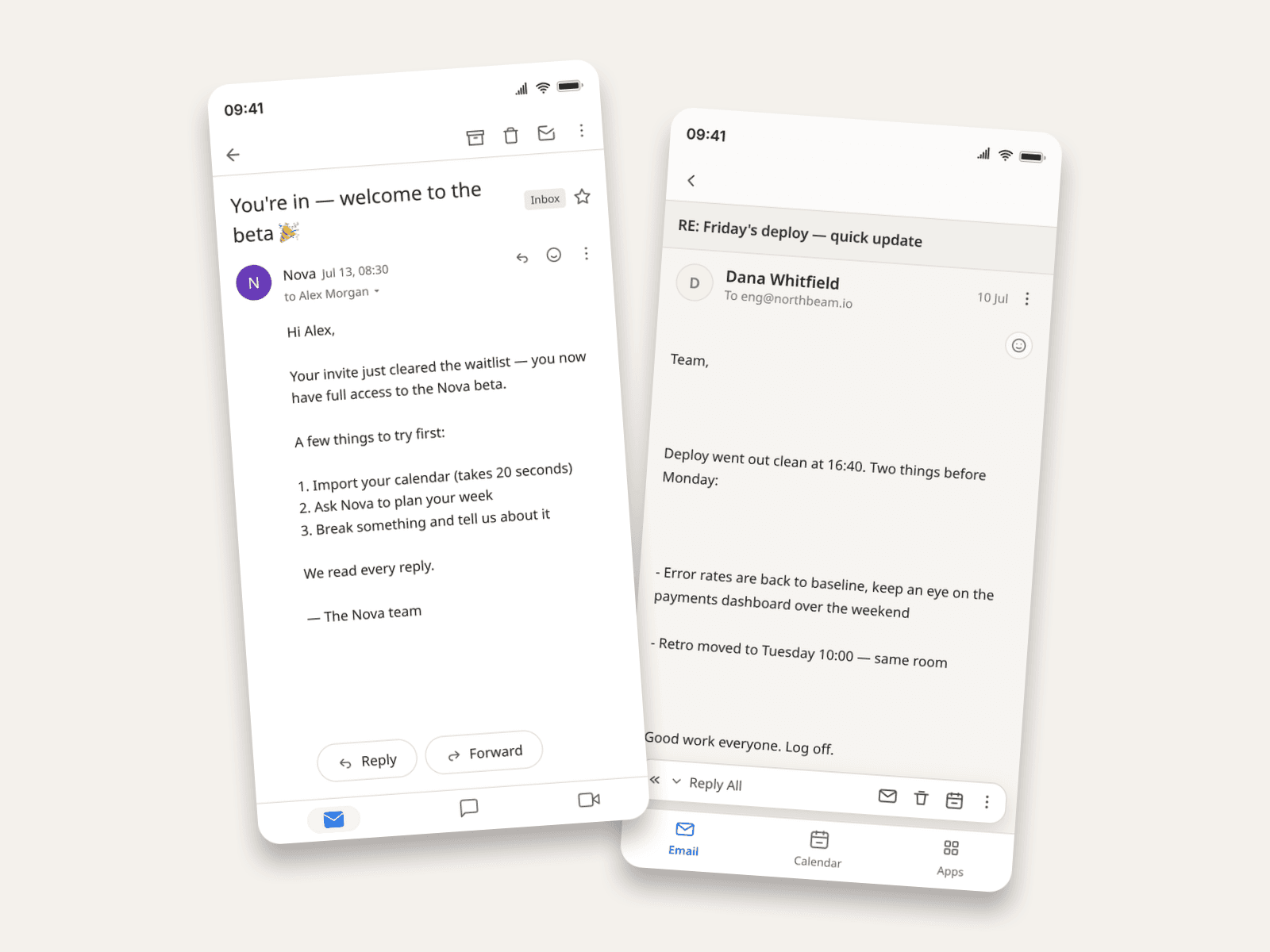
How to Make Fake Email Screenshots (Gmail, Outlook, Apple Mail)
Create realistic email mockups in Gmail, Outlook, and Apple Mail for product demos, phishing-awareness training, film props, and course material. Worked examples included.
How to Create Redacted Email Mockups
Create redacted email mockups for education, production, security training, and presentations. Learn how to redact names, addresses, and body text.