
What Is a Fake iPhone Notification Generator?
A fake iPhone notification generator is a browser tool that builds a realistic iOS lock screen from scratch. You pick the app icons, write the notification text, set the time labels, choose a wallpaper, and export a clean image. No staging a real phone, no waiting for an actual notification to arrive, no cropping around your own lock screen clutter.
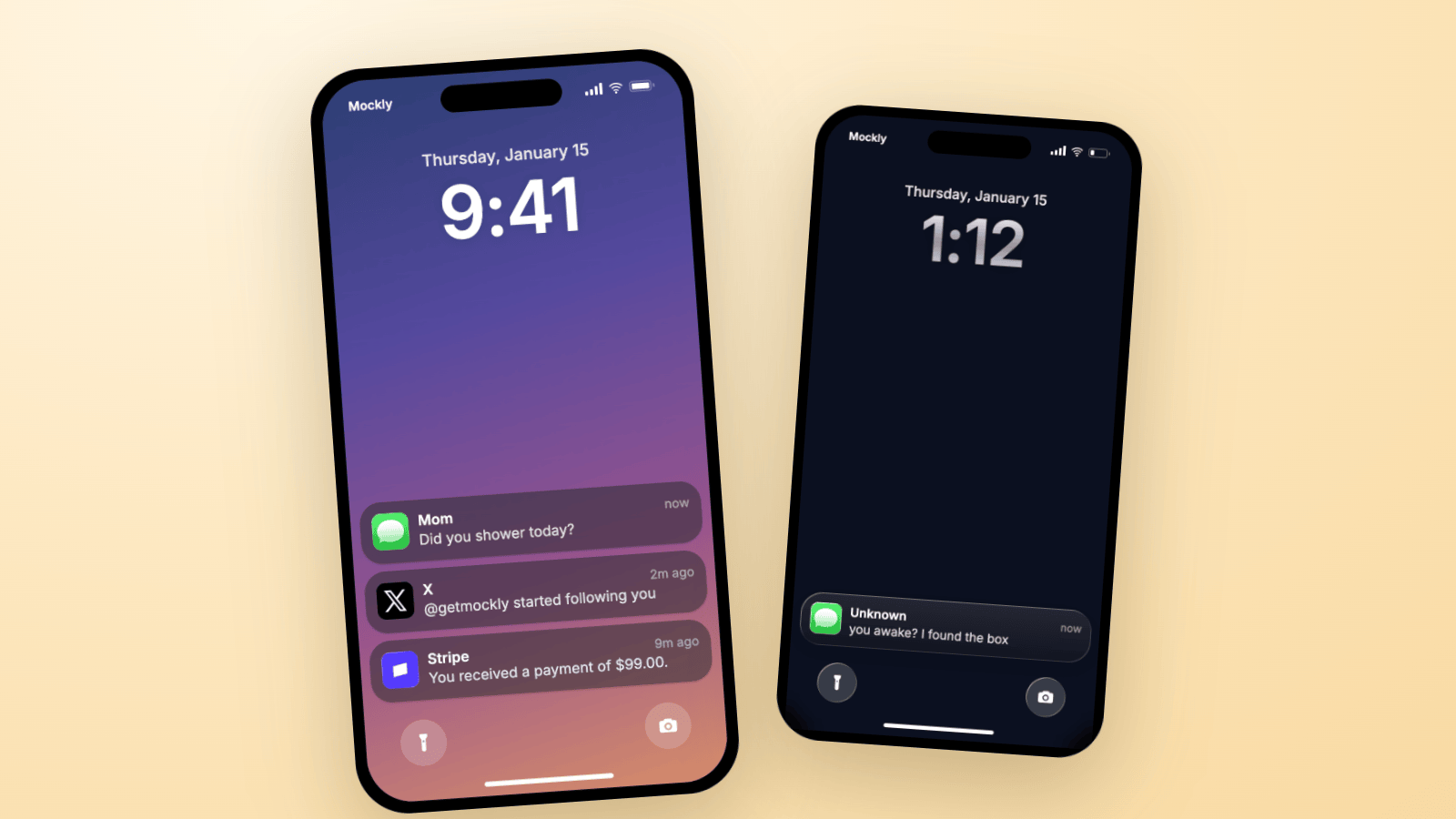
Notifications are having a moment as a content format. A single lock screen card is the fastest way to set up a story ("Mom: Did you shower today?"), sell a result ("Stripe: You received a payment of $99.00."), or demo a product's push notification before the code exists.
This guide builds three lock screens in Mockly's notification generator, shows the exact settings, and covers the details that make each one believable.
Use these for storytelling, not deception
Notification mockups are for content, tutorials, product demos, and film props. They are not for faking payment proofs, inventing messages from real people, or passing a mockup off as a genuine screenshot. Keep it fictional or get permission.
The Details That Make an iPhone Notification Look Real
Everyone you're showing this to sees real iOS notifications a hundred times a day. These are the signals they check without realizing:
- Notifications sit at the bottom of the lock screen. Since iOS 16 the stack anchors low, under the clock, and new arrivals land on top. A card floating mid-screen reads as fake instantly.
- The card shows a sender or title, not always the app name. An iMessage notification says "Mom", not "Messages". A payment notification says "Stripe" because that's the app-defined title.
- The time label lives top-right. "now", "2m ago", "9m ago". A stack where everything says "now" looks staged.
- The card material reacts to the wallpaper. Real iOS cards are frosted glass that samples the background. On a dark wallpaper the text flips to light. Flat gray boxes are the number one tell of a lazy generator.
- The clock is huge and the date sits above it. Small clock, missing date, or a carrier-less status bar all break the illusion.
Mockly's renderer handles all of this automatically, including the frosted blur and the light/dark adaptation. Your job is the content.
iOS 27: one alert for a pile of tapbacks
Since iOS 27 (released 14 September), several tapbacks on the same message arrive as one notification instead of a stack. That changes how a reaction beat should look. A lock screen with five separate "Loved ..." cards from the same thread now reads as an older iPhone, or as a mockup someone built in a hurry. For a reaction moment, use one Messages card and let it carry the story.
Build it: pick the Messages icon preset, title the card with the sender's name, set the body to Loved "see you at 8" and the time label to now. If you want the full thread behind that reaction, the iMessage mockups in iOS 27 guide covers it.
iOS 27: compact clock and the glass slider
iOS 27 adds a compact clock option that tucks the time beside the date at the top of the lock screen. It is opt-in. The big centered clock stays the default, so a big-clock mockup is still what most iPhones show.
iOS 27 also swaps the Clear and Tinted glass presets for a slider, which means every iPhone now has its own card translucency. There is no single right opacity to match. Mockly's Liquid Glass style sits in the middle of that range, and the Classic style is the look on phones that pushed the slider to the opaque end.
Nothing else on the lock screen moved. The stack still sits at the bottom, and the date still sits above the clock. Want the TikTok version of this screen? The lock screen trend guide builds it step by step.
Example 1: The Payment Stack
The social-proof classic. A lock screen full of payment notifications tells a business story in one image, which is why you see this format all over marketing content.
How to build it:
- Open the iOS notification editor and click the default cards to rewrite them.
- Pick the Stripe icon for the payment cards. Mockly ships the real App Store artwork, so the icon matches what people see on their own phones.
- Stagger the time labels: "now", "14m ago", "1h ago". Money arriving over time is a story; money arriving all at once is a screenshot from a template.
- Keep the amounts odd. "$1,240.50" reads real. "$10,000.00" reads like a dropshipping ad.
Example 2: The Storytime Lock Screen
One ominous message on a dark wallpaper, time set to the middle of the night. This is the setup frame for storytime videos, mystery skits, and film props.
The details doing the work:
- One notification, not five. A lone card at 1:12 AM is tension. A full stack is a Tuesday.
- Click the clock to set the time. In Mockly the clock, date, and carrier are all click-to-edit, directly in the mockup.
- Use a dark wallpaper. The card material and text adapt automatically, exactly like real iOS.
- Try the Liquid Glass card style. The iOS 26 and iOS 27 look with its crisp edge highlight. Most generators still render iOS 15-era cards, so getting the current design right instantly reads more real.
If you are building the TikTok lock screen slide, the fake text on lock screen trend guide has three ready-made setups.
Example 3: The Arrival Video
This is the one nobody else can follow you on. Mockly exports the lock screen as a video where each notification drops in one by one with the real iOS spring motion. Perfect for TikTok and Reels storytelling, app demos, and pitch decks.
Build the stack in the order you want it told: the array runs newest-first, so the bottom card of your stack arrives first and the top card lands last. Then pick video export. Each card gets its own entrance, and the video holds on the full stack at the end.
A few things that make notification videos land:
- Three to five notifications. Enough for rhythm, short enough for a loop.
- Write the escalation into the stack. Card one sets up, card three pays off. The arrival order is your edit.
- Pair it with a chat mockup. Notification arrives, cut to the fake iMessage conversation it came from. Two Mockly exports, one seamless story.
Exporting Your Notification Mockup
When the lock screen looks right:
- Image export gives you a clean PNG, with HD and 4K resolution on Premium.
- Video export animates the arrivals one by one.
- 3D view puts the phone in 3D space for hero shots and thumbnails.
No download needed, and you can start without an account.
Frequently Asked Questions
Can I use my own logo instead of a real app icon? Yes. Every notification card accepts a custom logo upload, plus an optional thumbnail image on the trailing edge. Handy for mocking up your own product's push notifications.
Does it do the new Liquid Glass look? Yes. Switch between the classic frosted card and the Liquid Glass style in the appearance settings. Both adapt to your wallpaper automatically.
Does the lock screen match iOS 27? Yes for the default layout. The large clock, the date line, the bottom-anchored stack and the cards that adapt to your wallpaper all match iOS 27. The new compact clock option is not in the editor yet.
Can I make Android notifications? Not yet. Mockly's notification generator is iOS only, because that's where the fidelity bar is highest and where most of the demand is.
Is this legal? Making a fictional notification mockup for content, design, or education is fine. Using one to defraud someone, fake a payment proof, or impersonate a real person is not. See our complete guide to fake screenshots for the full ethics rundown.
Ready to build one? The fake iPhone notification generator is free to start.
Try it yourself
Create your first mockup in under a minute
40+ apps. Free to try, no signup needed.
Start your mockupAbout the author
Elena Brooks
Content Editor
Elena writes step-by-step tutorials and practical guides for creating realistic chat and social mockups. She focuses on helping creators quickly turn ideas into polished visuals that look believable in demos, landing pages, and client work.
Tags
More from the blog
Fake Text on Lock Screen Trend: Build the TikTok Slide
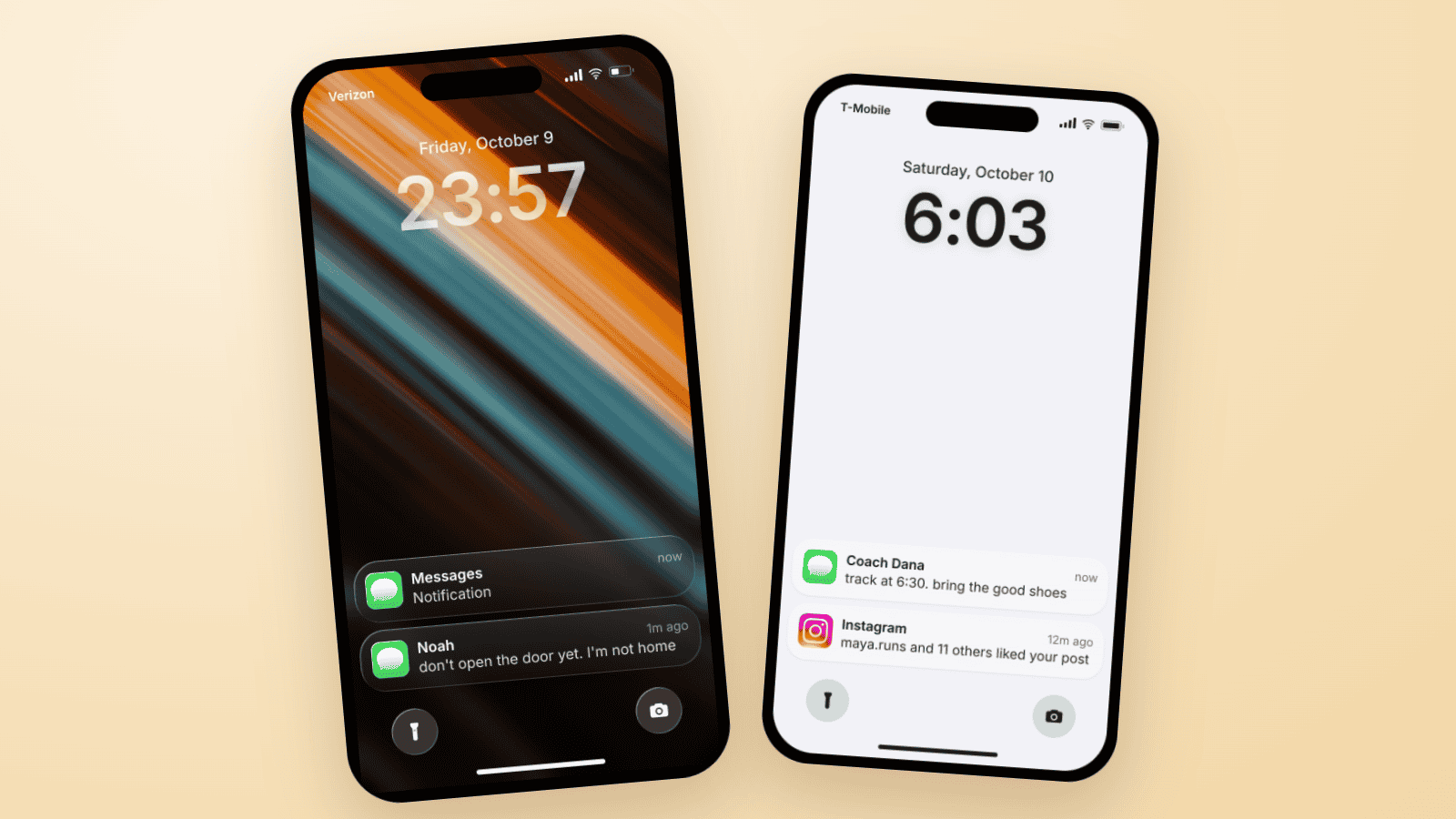
The fake lock screen trend is a TikTok carousel slide: wallpaper, a late clock, one text, a mystery notification. Three examples you can build in Mockly.
WhatsApp Username Chat Mockups: The @Handle Header (2026)
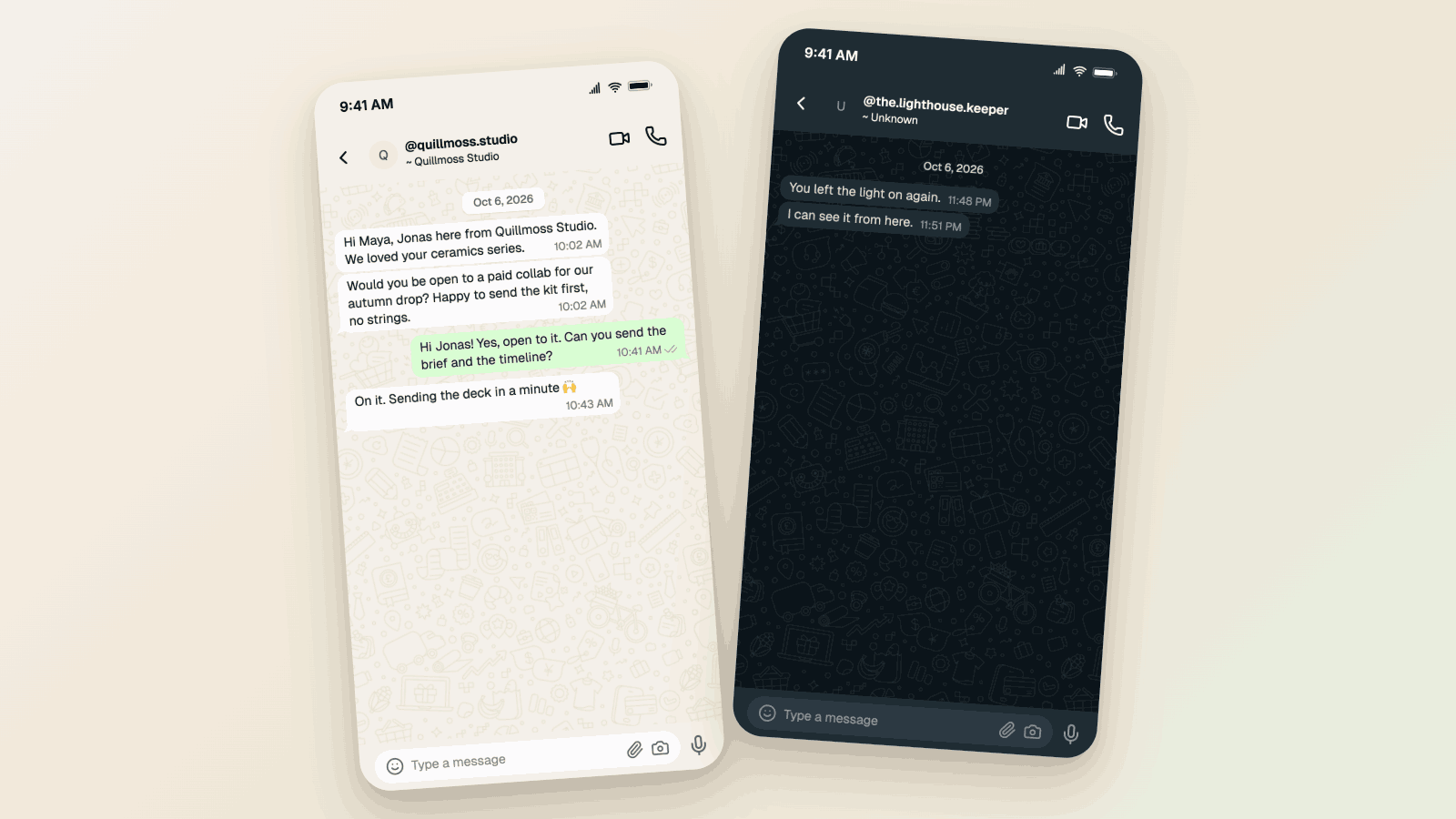
Make a WhatsApp chat mockup with the @username header. What the 2026 username rollout changed, what stayed, and three examples you can copy. Free to try.
TikTok Comment Template: Voice Comments, Polls and Replies
Make TikTok comment mockups with voice comments and creator polls, plus the Creator badge, replies and heart counts. Free to try, no signup needed.