

Instagram Comment Mockup Examples by Use Case
Instagram comment mockups are useful when the comment thread is the asset: creator reports, sponsor recaps, media kits, pitch decks, prototypes, and social proof. Start with the Instagram comment mockup generator.
Creator Reporting Examples
Use a short comment section to show audience reaction to a campaign. Keep names fictional or approved, and use realistic like counts.
Sponsor and Media Kit Examples
Show a few comments that support the brand fit. Verified badges and author-liked states can help, but only when they fit the example.
Pitch Deck Examples
Use a comment thread to make feedback feel concrete. Pair it with a chat mockup when the story includes DMs too.
Prototype Examples
Designers can use Instagram comments inside app flows, content moderation examples, or reporting mockups.
Realism Checklist
- Use replies when a conversation matters.
- Use verified badges only for accounts that should have them.
- Use author-liked states to highlight key comments.
- Keep the thread short.
- Check the final crop before export.
Setup Steps
- Open the Instagram comment editor.
- Add users, avatars, comments, replies, and likes.
- Add verified badges and author-liked states where they help.
- Switch dark mode or device frame if needed.
- Export the PNG mockup.
Related Pages
- Instagram comment mockups
- Open the Instagram comment editor
- Instagram comment guide
- Instagram DM mockups
- Instagram post mockups
FAQ
Can I add replies?
Yes. Instagram comment mockups support replies.
Can I add verified badges?
Yes. Add verified badges where they fit the example.
Can I use this for real social proof?
Yes, if the feedback is real, approved, and represented honestly.
Try it yourself
Create your first mockup in under a minute
40+ apps. Free to try, no signup needed.
Start your mockupAbout the author
Elena Brooks
Content Editor
Elena writes step-by-step tutorials and practical guides for creating realistic chat and social mockups. She focuses on helping creators quickly turn ideas into polished visuals that look believable in demos, landing pages, and client work.
Tags
More from the blog
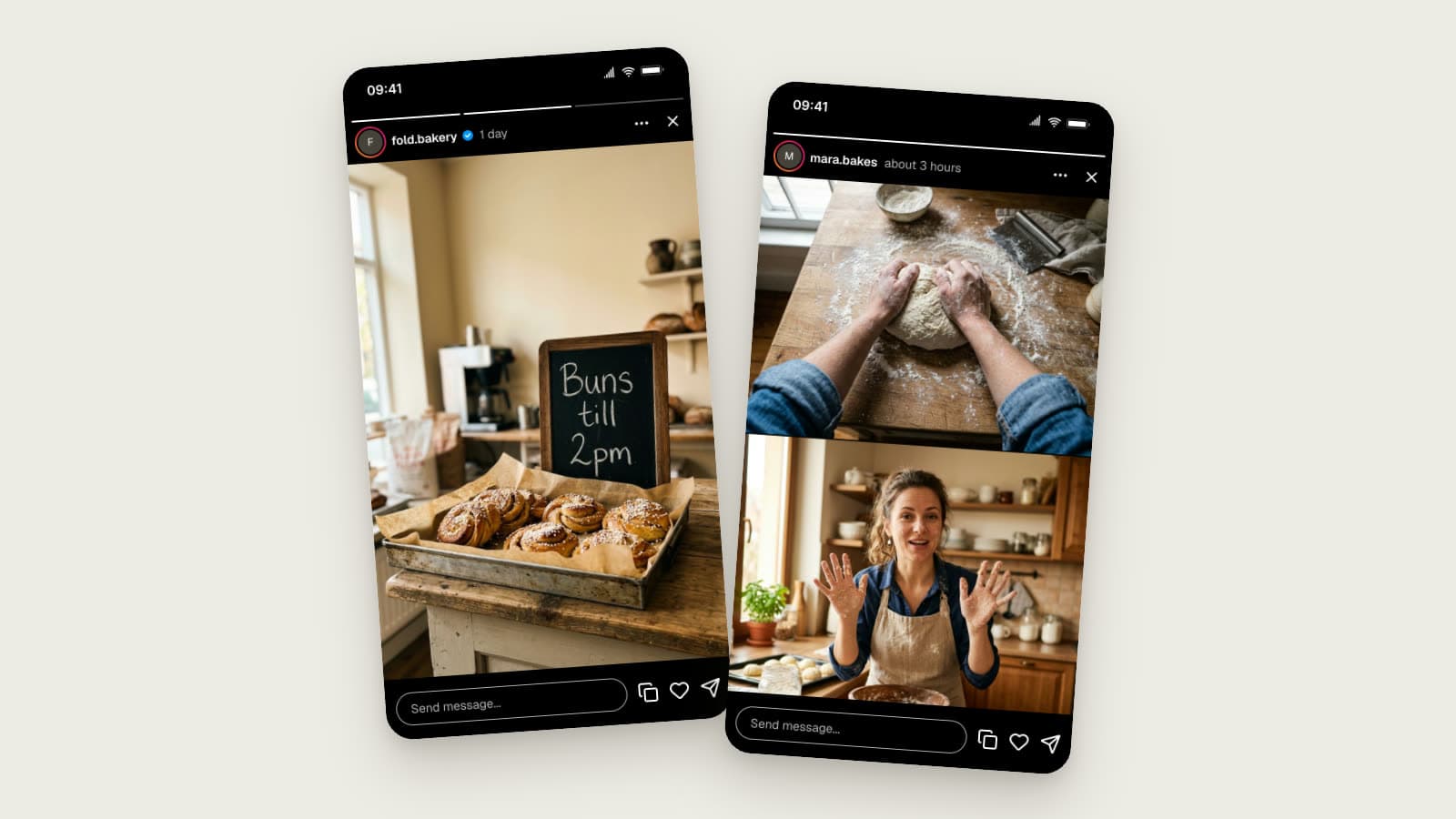
Instagram Story Mockups in 2026: Story Extend and Multi-Cam
Realistic Instagram story mockups for 2026: progress bar, story ring, a day-old Story Extend example, and a two-angle Multi-Cam frame. Free to try.

Chat Video Generator for TikTok Storytelling
Create animated chat mockup videos for TikTok, Reels, Shorts, tutorials, and product demos. Includes app choices, pacing tips, and export workflow.
YouTube Comment Generator Examples | Mockup Ideas
See YouTube comment mockup examples for thumbnails, pitch decks, social proof, education, and creator content. Includes realism tips and setup steps.