

YouTube Comment Mockup Examples by Use Case
YouTube comment mockups help when you need a comment thread to explain proof, feedback, or audience reaction without exposing live accounts. Start with the YouTube comment mockup generator, then pick the example format below.
Creator Thumbnail Examples
Use one short comment with a strong emotional cue. Creator hearts and pinned comments can help, but only use them when the example needs that signal.
Pitch Deck Examples
Show a few comments that support one claim. Keep the thread focused on social proof, community reaction, or campaign feedback.
Education Examples
Use comments to teach moderation, misinformation, digital literacy, or audience behavior. Use fictional names.
Social Proof Examples
Use replies, likes, and timestamps to make the thread feel natural. Avoid inflated numbers that distract from the message.
Realism Checklist
- Use replies only when the thread needs context.
- Use pinned comments for the main takeaway.
- Use creator hearts sparingly.
- Keep names and avatars consistent.
- Check the mockup at thumbnail size.
Setup Steps
- Open the YouTube comment editor.
- Add the post author and current user.
- Add comments, replies, likes, dislikes, pinned states, and creator hearts.
- Switch dark mode or add a device frame if needed.
- Export the PNG mockup.
Related Pages
- YouTube comment mockups
- Open the YouTube comment editor
- YouTube comment guide
- How to create YouTube comment mockups
- Instagram comment mockups
FAQ
Can I add replies?
Yes. YouTube comment mockups support nested replies.
Can I add pinned comments and creator hearts?
Yes. YouTube mockups support pinned comments and creator hearts.
Are these examples for real testimonials?
Only use real feedback when you have permission and do not change the meaning.
Try it yourself
Create your first mockup in under a minute
40+ apps. Free to try, no signup needed.
Start your mockupAbout the author
Elena Brooks
Content Editor
Elena writes step-by-step tutorials and practical guides for creating realistic chat and social mockups. She focuses on helping creators quickly turn ideas into polished visuals that look believable in demos, landing pages, and client work.
Tags
More from the blog
Instagram Comment Generator Examples | Mockup Ideas
See Instagram comment mockup examples for creator reports, media kits, pitch decks, prototypes, and social proof. Includes setup and realism tips.
The Psychology of Social Proof: Why Comment Screenshots Convert
Why humans trust comments more than ads, how brands use comment mockups in marketing, and the ethical framework for social proof screenshots. Data-backed strategies for comment mockup marketing.
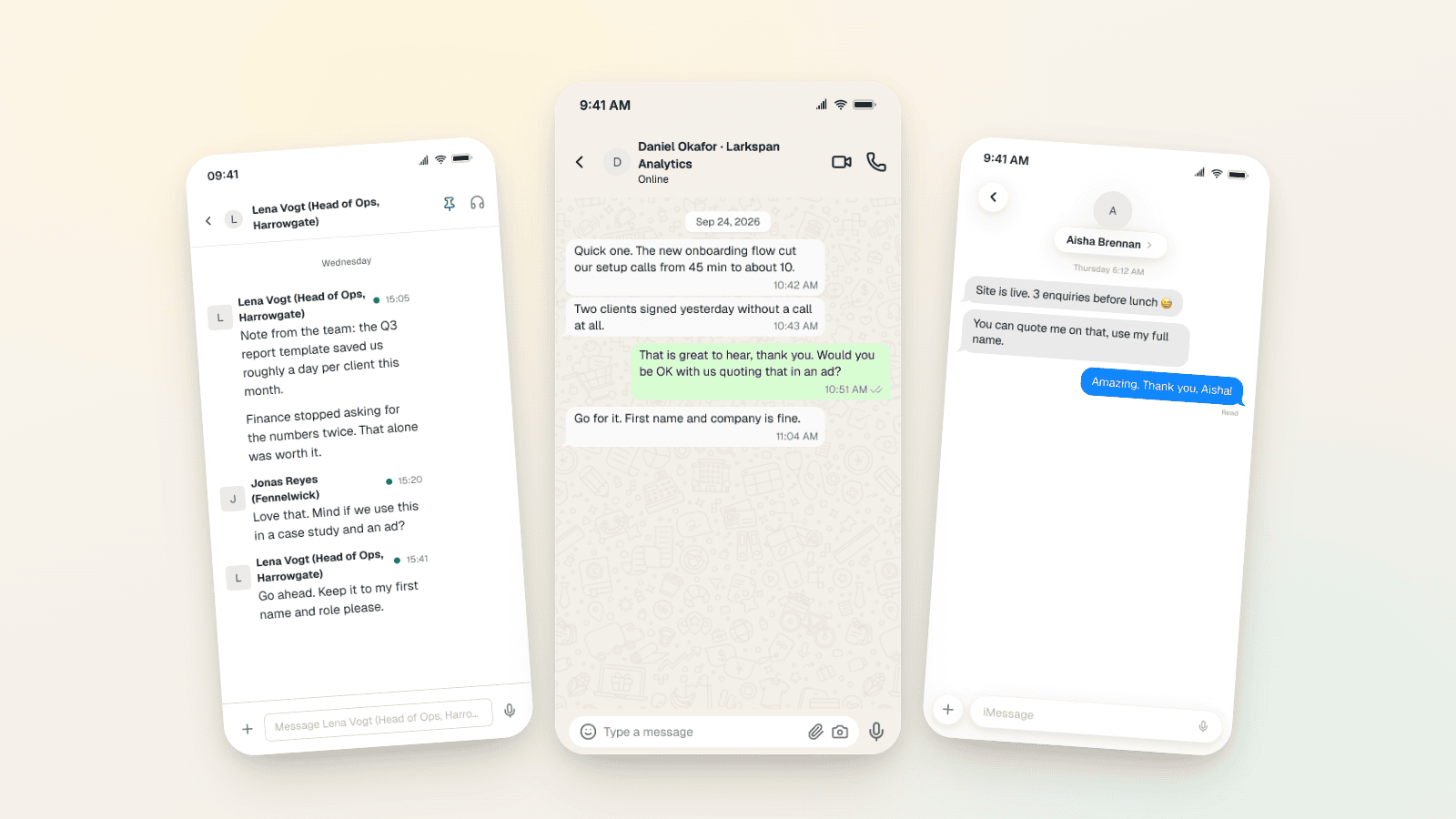
Testimonial Ad Examples 2026: Chat Screenshot Formats
Five testimonial ad formats for Meta in 2026, with WhatsApp, Slack and iMessage screenshot examples, 1:1, 4:5 and 9:16 sizes, and the FTC and EU rules.