

Why Animated Chat Mockups Work for Storytime Content
Animated chat mockups give the viewer a reason to keep watching: each message reveals the next beat. Use the chat video generator when timing, suspense, or a reveal matters.
Apps That Fit Different Stories
- WhatsApp: personal, familiar, good for testimonials and group chats.
- Discord: gaming, communities, channels, and role-colored names.
- Instagram DMs: creator outreach, social proof, and DM-first stories.
- Telegram: group chats, channels, and international audiences.
- iMessage: familiar iPhone message scenes.
How to Write Short Message Sequences
Keep each message under one sentence when possible. Cut greetings unless they matter. Use the first message to set context and the last message to land the point.
Export Workflow
- Open the editor for the app you need.
- Write the message sequence.
- Add timestamps, dark mode, and device frame details.
- Use 3D phone view if the phone should be visible.
- Export the chat video.
Mistakes That Make Videos Feel Slow
- Too many messages.
- Long paragraphs.
- Timestamps that distract from the story.
- Small text in a steep 3D angle.
- No clear final beat.
Responsible Use
Use chat videos for fictional stories, tutorials, approved material, and product education. Do not use them to impersonate real people.
Related Pages
- Chat video generator
- WhatsApp mockups
- Discord mockups
- Instagram DM mockups
- Telegram mockups
- 3D phone mockups
- Wrong text trend tutorial
FAQ
Can I make TikTok chat videos?
Yes. Chat video export is built for short message sequences that work well in TikTok, Reels, and Shorts.
Which apps support chat video export?
Chat mockups support video export across chat apps. Story mockups support video export too.
Try it yourself
Create your first mockup in under a minute
40+ apps. Free to try, no signup needed.
Start your mockupAbout the author
Elena Brooks
Content Editor
Elena writes step-by-step tutorials and practical guides for creating realistic chat and social mockups. She focuses on helping creators quickly turn ideas into polished visuals that look believable in demos, landing pages, and client work.
Tags
More from the blog
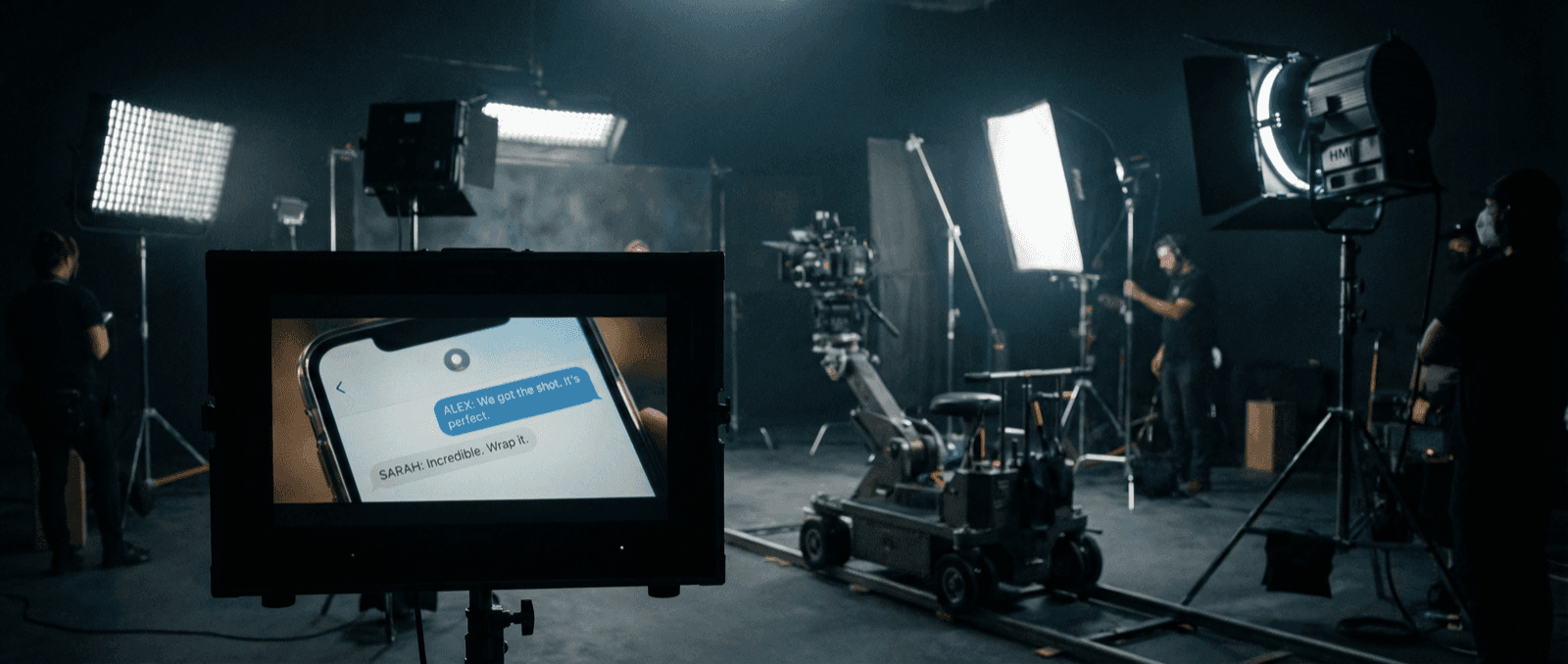
How Production Teams Create Phone Screen Props
A practical workflow for building phone-screen props with chat and social mockups for film, documentary, ads, and short-form video.

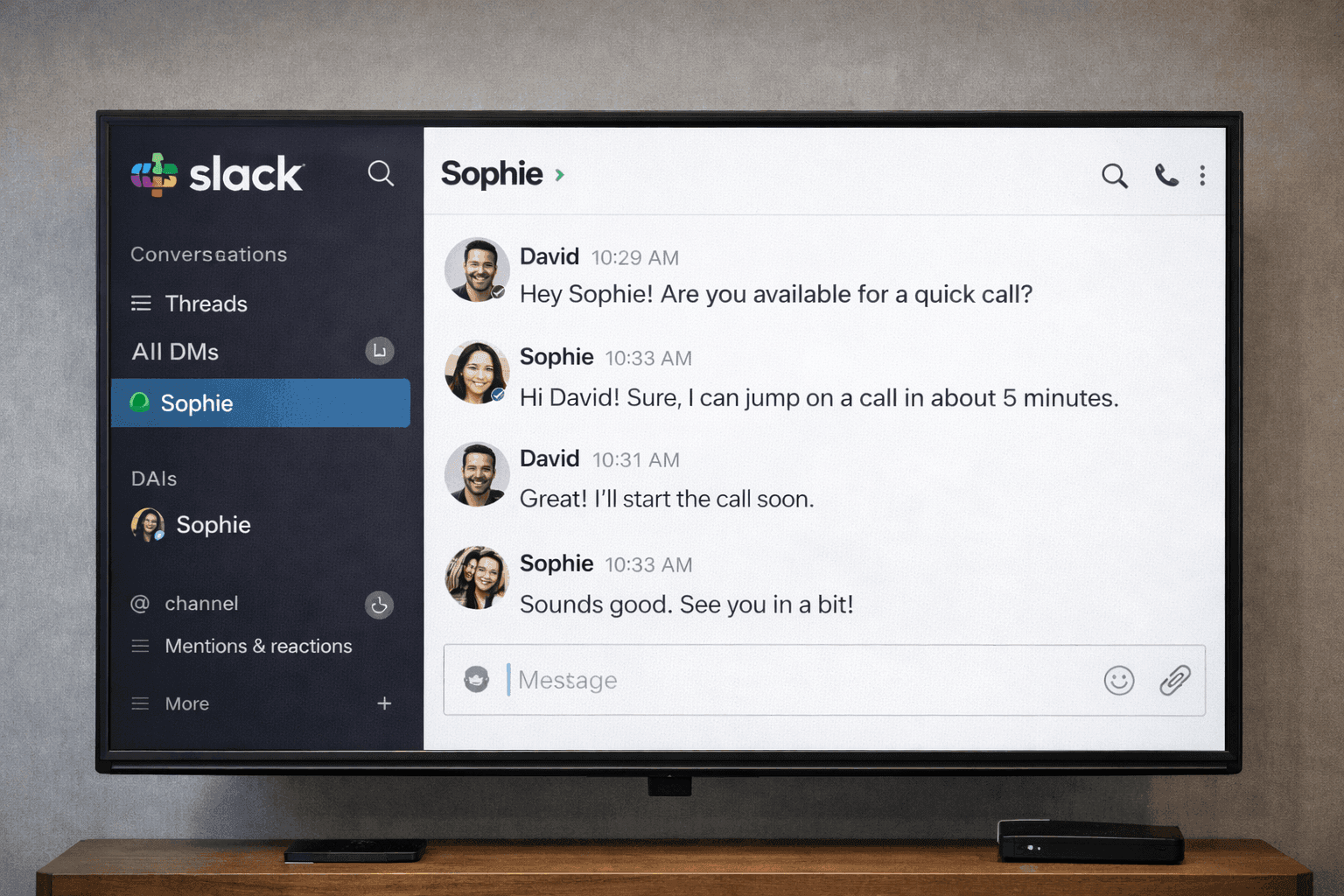
Fake Chat Screenshots for Filmmakers & Video Production | Guide 2026
How filmmakers and video producers create realistic phone screen props with fake chat screenshots. Free tools for film, TV, documentaries, and YouTube content.
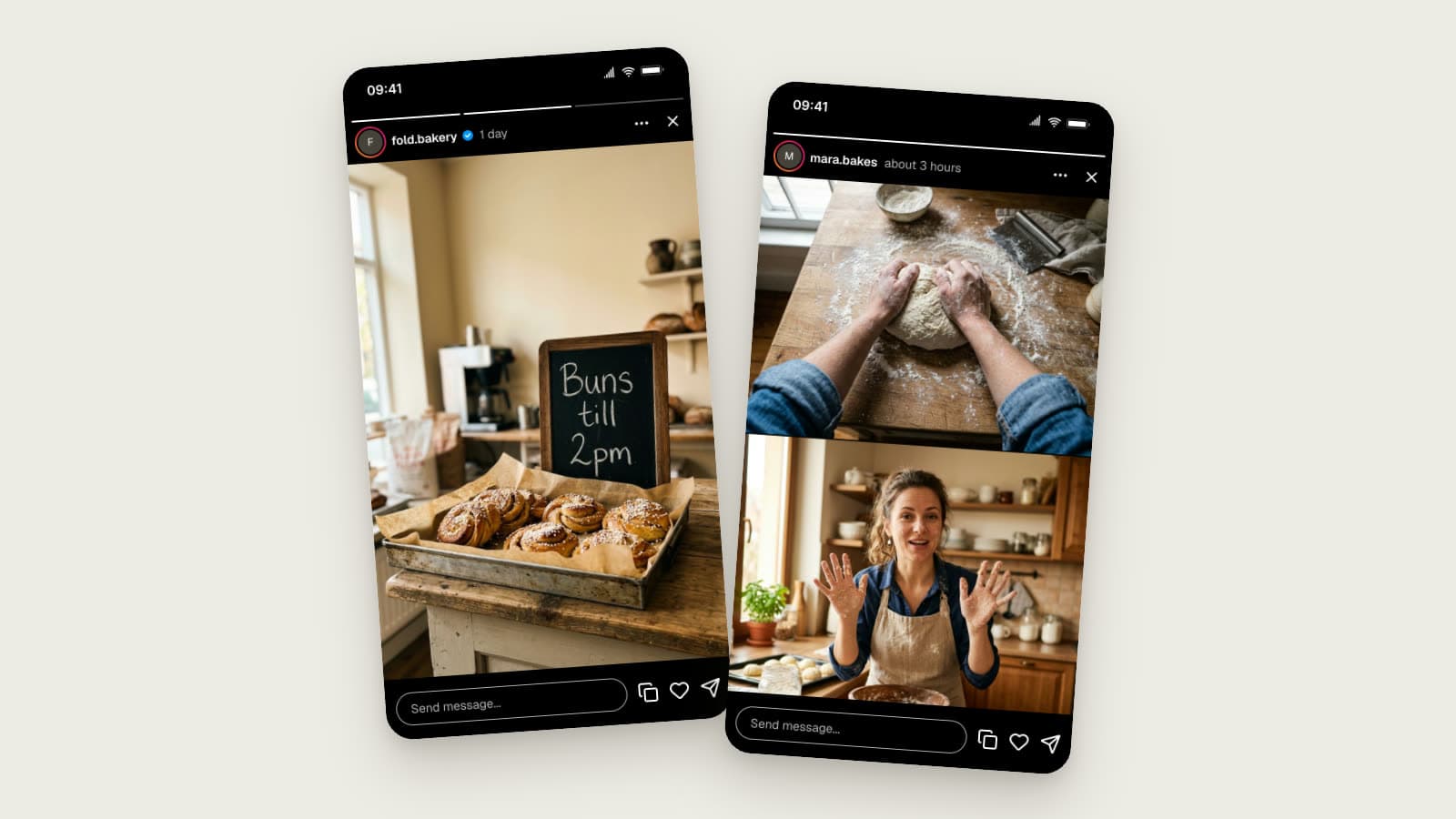
Instagram Story Mockups in 2026: Story Extend and Multi-Cam
Realistic Instagram story mockups for 2026: progress bar, story ring, a day-old Story Extend example, and a two-angle Multi-Cam frame. Free to try.