
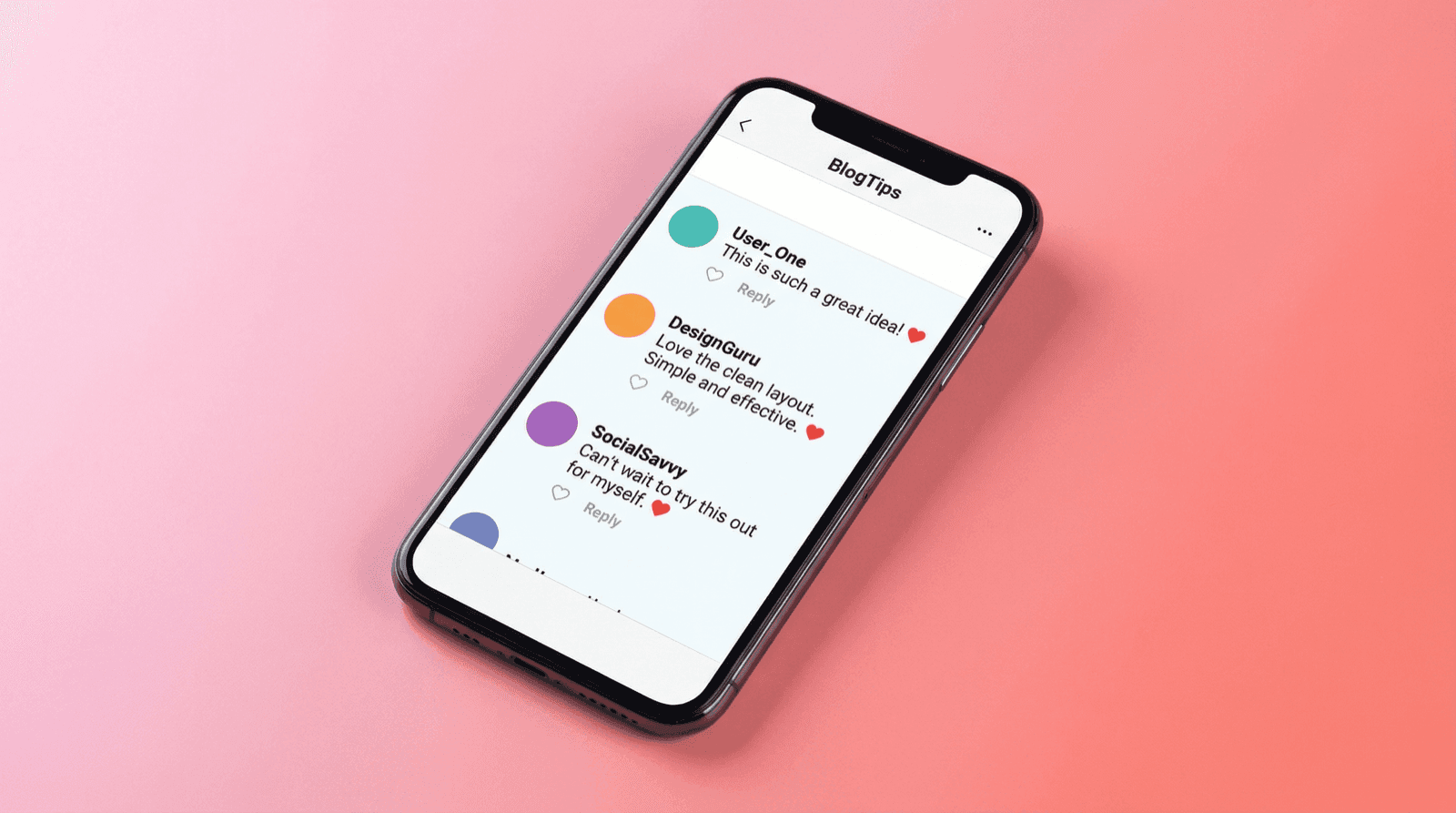

What Is an Instagram Comment Generator?
An Instagram comment generator is a tool that creates realistic-looking Instagram comment sections without posting anything on the actual platform. You set up usernames, write comments, configure like counts, and export the result as a screenshot-quality image.
It's not about faking engagement on real posts. It's about creating visual assets — for pitch decks, marketing materials, educational content, or any project where you need an Instagram comment section that looks authentic.
If you've ever needed to show what user reactions look like on Instagram but didn't want to screenshot actual users (or couldn't because the post doesn't exist yet), an Instagram comment generator is exactly what you need.
Why People Use Instagram Comment Mockups
The use cases are broader than you'd think:
- Brand presentations: Show a client what their Instagram engagement could look like with sample comments from their target audience
- Influencer media kits: Mock up sponsored post reactions to demonstrate the kind of engagement brands can expect
- Social media strategy decks: Illustrate comment sentiment without exposing real users' profiles
- Content planning: Visualize how your audience might respond before you publish
- Educational content: Teach social media marketing, digital literacy, or online safety with controlled examples
- UX/UI design: Need an Instagram comment section in your app prototype? Placeholder text kills the realism
- Film and video production: Create phone screen props showing Instagram activity for scenes
A Note on Ethics
Instagram comment generators are built for mockups, prototypes, and creative work. Don't use them to impersonate real accounts or fabricate fake engagement on actual posts. Keep it professional.
How to Create Instagram Comment Mockups with Mockly
The whole process takes a couple of minutes. Here's how:
1. Open the Instagram Comment Editor
Go to Mockly's Instagram comment generator. Free to try, no download needed.
2. Set Up Commenters
For each commenter in your mockup, you can configure:
- Username: The Instagram handle displayed next to the comment
- Profile picture: Upload a custom avatar or use a generated one
- Verified badge: Add the blue checkmark for official or public figure accounts
Mix up your profiles. A comment section where everyone has default avatars and generic names won't look convincing.
3. Write the Comments
This is where the mockup comes together. For each comment, you control:
- Comment text: Whatever fits your scenario — short reactions, detailed feedback, tagged friends
- Like count: Set realistic numbers. Not every comment gets hundreds of likes
- Replies: Add threaded replies under any comment
- Timestamps: Relative time labels like "2h" or "1d" that match Instagram's format
4. Customize the Appearance
Fine-tune the details:
- Light or dark mode: Match the theme to your project's aesthetic
- Author highlights: Show the post creator's comments with the right styling
- Pinned comments: Pin a comment to the top, just like on real Instagram
5. Export
Download your mockup as a high-resolution PNG. The free version includes a small Mockly watermark — Premium removes it and adds higher resolution exports.
Pro Tip: Study Real Comment Sections
Pull up a real Instagram post and look at how comments are structured. Top comments have more likes. Replies are shorter and more casual. Timestamps vary. Getting these details right is what makes a mockup convincing.
Instagram Comment Generator: Key Features
Here's what sets a good Instagram comment maker apart from a screenshot you edited in Photoshop:
Matches the Real Instagram
Mockly replicates Instagram's comment interface — fonts, spacing, colors, icons. The result looks like a real screenshot. Instagram updates their design regularly, and Mockly keeps up.
Verified Badges
Add the blue verification checkmark to any account. Essential if you're mocking up comments from brands, celebrities, or public figures.
Threaded Replies
Real Instagram comment sections have reply threads. Mockly supports nested replies with proper indentation and "View replies" labels, just like the real thing.
Flexible Like Counts
Set any like count on any comment. A top comment with 2,847 likes next to a fresh comment with 0 creates the natural variation that makes a mockup believable.
Multiple Export Options
Export as a high-resolution image ready for presentations, social posts, or design files. Premium users can also export as video with scroll animations — perfect for TikTok and Reels content.
Real-World Use Cases
Social Media Managers
You're preparing a monthly report for a client. Instead of screenshotting their actual post (which might have negative comments mixed in), you create an Instagram comment mockup that highlights the positive sentiment. Clean, professional, and focused on the story you're telling.
Content Creators and Influencers
Building a media kit? Sponsors want to see engagement quality, not just numbers. A mockup showing thoughtful, enthusiastic comments under a sponsored post concept demonstrates the value you bring. It's more compelling than raw analytics.
Marketing Agencies
Running a pitch for a new client? Show them what success looks like. Mock up an Instagram comment section with their brand name, their product, and realistic fan reactions. It paints a picture that a slide full of bullet points never will.
Designers and Developers
Building an app that integrates with social media? Your prototype needs realistic content. An Instagram comment mockup in your design file is faster to create and more convincing than lorem ipsum with generic avatars.
Educators and Trainers
Teaching a workshop on social media marketing? Generated comment sections let you create perfect examples — positive engagement, negative feedback, brand responses — without using real people's data.
Tips for Creating Convincing Instagram Comment Mockups
-
Vary your engagement numbers: Top comments might have hundreds of likes. Most have single digits. Some have zero. This variation looks natural.
-
Keep comments short: Most Instagram comments are one or two sentences. Long paragraphs stand out as unusual.
-
Include emoji naturally: Instagram users love emoji. A comment section without any looks sterile. But don't overdo it — one or two per comment is plenty.
-
Use realistic usernames: Handles like
travel.with.emmaorchef_marcusfeel authentic.User123does not. -
Add some replies: Even a couple of reply threads make the comment section feel lived-in. A flat list of top-level comments looks incomplete.
-
Mix up the timestamps: Comments don't all arrive at the same time. Spread them out — "2h", "5h", "1d", "3d" — to create a natural timeline.
-
Include tagged accounts: Real Instagram comments often tag other users. Adding a
@usernamemention here and there adds authenticity.
Mockly vs. Other Instagram Comment Generators
Photoshop / Canva: You can build anything from scratch, but matching Instagram's exact design is tedious. Every font size, padding value, and icon needs to be precise. One update from Instagram and your template is outdated.
Screenshot + editing: Taking a real screenshot and modifying it is risky. You might miss a username, leave identifying info visible, or end up with inconsistent editing quality.
Other online generators: Many are outdated, showing Instagram's old design language from years ago. If it doesn't match what Instagram looks like today, your mockup loses credibility instantly.
Mockly: Purpose-built for this exact use case. The Instagram comment generator matches the current design, gives you full control over every element, and exports in one click. Plus, you get access to 40+ apps across chats, AI chats, comments, posts, stories, and emails.
Frequently Asked Questions
Is the Instagram comment generator free?
Yes. Try Mockly's Instagram comment generator free. The free version includes a small watermark. Mockly Premium removes the watermark and adds higher resolution exports.
Can I add verified badges to Instagram comment mockups?
Absolutely. Toggle the verified badge on any account to display the blue checkmark. Works for individual commenters and the post author.
What about reply threads?
Full support for threaded replies. Add replies under any comment with proper indentation and Instagram's "View replies" formatting.
Does it look like the current Instagram design?
Yes. Mockly keeps its templates updated to match Instagram's latest interface. Fonts, spacing, icons, and colors all match the current version.
Can I use these mockups commercially?
The mockups you create are yours to use. Just don't use them to impersonate real accounts or fabricate engagement metrics on actual posts. For advertising, consider adding a "Simulated" disclosure where regulations require it.
What other platforms does Mockly support?
Beyond Instagram comments, Mockly supports comment sections for YouTube, TikTok, X, Facebook, LinkedIn, Reddit, and Threads. Plus chat mockups for WhatsApp, iMessage, Discord, Messenger, and more. 40+ apps in total.
Related Guides
Want to create other types of Instagram mockups? Check out these tutorials:
- Instagram Comment Generator — Free Screenshot Maker
- YouTube Comment Generator — Create Fake Comments Free
- The Psychology of Social Proof: Why Comment Screenshots Convert
- YouTube Comment Generator Guide
- How to Make Fake Instagram DM Screenshots
- How to Create YouTube Comment Mockups
- Message Mockups for Marketing
- Complete Guide to Fake Screenshots
- How Marketers Use Mockly
Ready to create your first Instagram comment mockup? Open Mockly's Instagram comment generator — takes about two minutes, free to try.
Try it yourself
Create your first mockup in under a minute
40+ apps. Free to try, no signup needed.
Start your mockupAbout the author
Elena Brooks
Content Editor
Elena writes step-by-step tutorials and practical guides for creating realistic chat and social mockups. She focuses on helping creators quickly turn ideas into polished visuals that look believable in demos, landing pages, and client work.
Tags
More from the blog
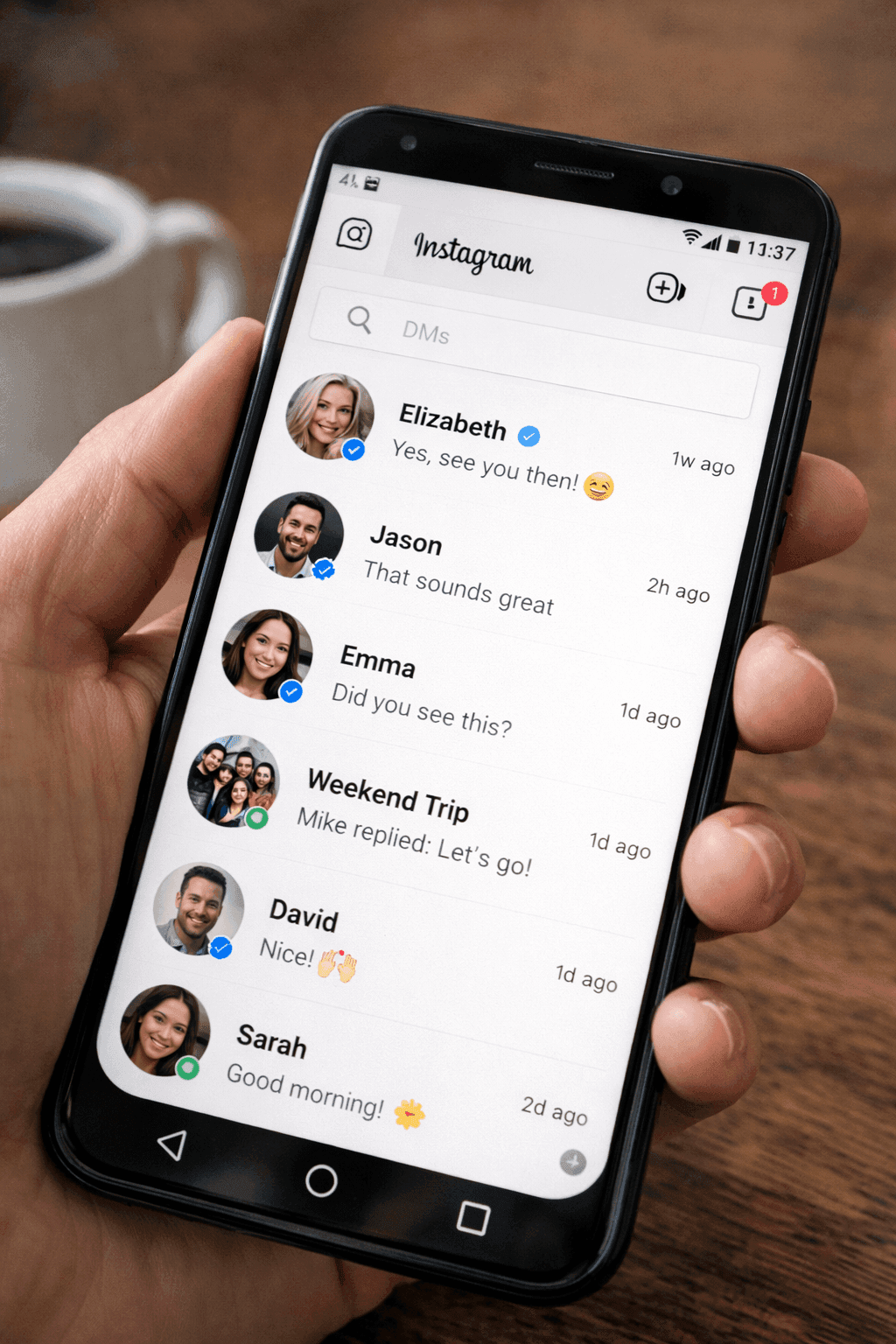
How to Make Fake Instagram DM Screenshots | Free Generator 2026
Create realistic fake Instagram DM screenshots for free online. Perfect for influencer marketing, brand collaborations, and social media content. No download required.
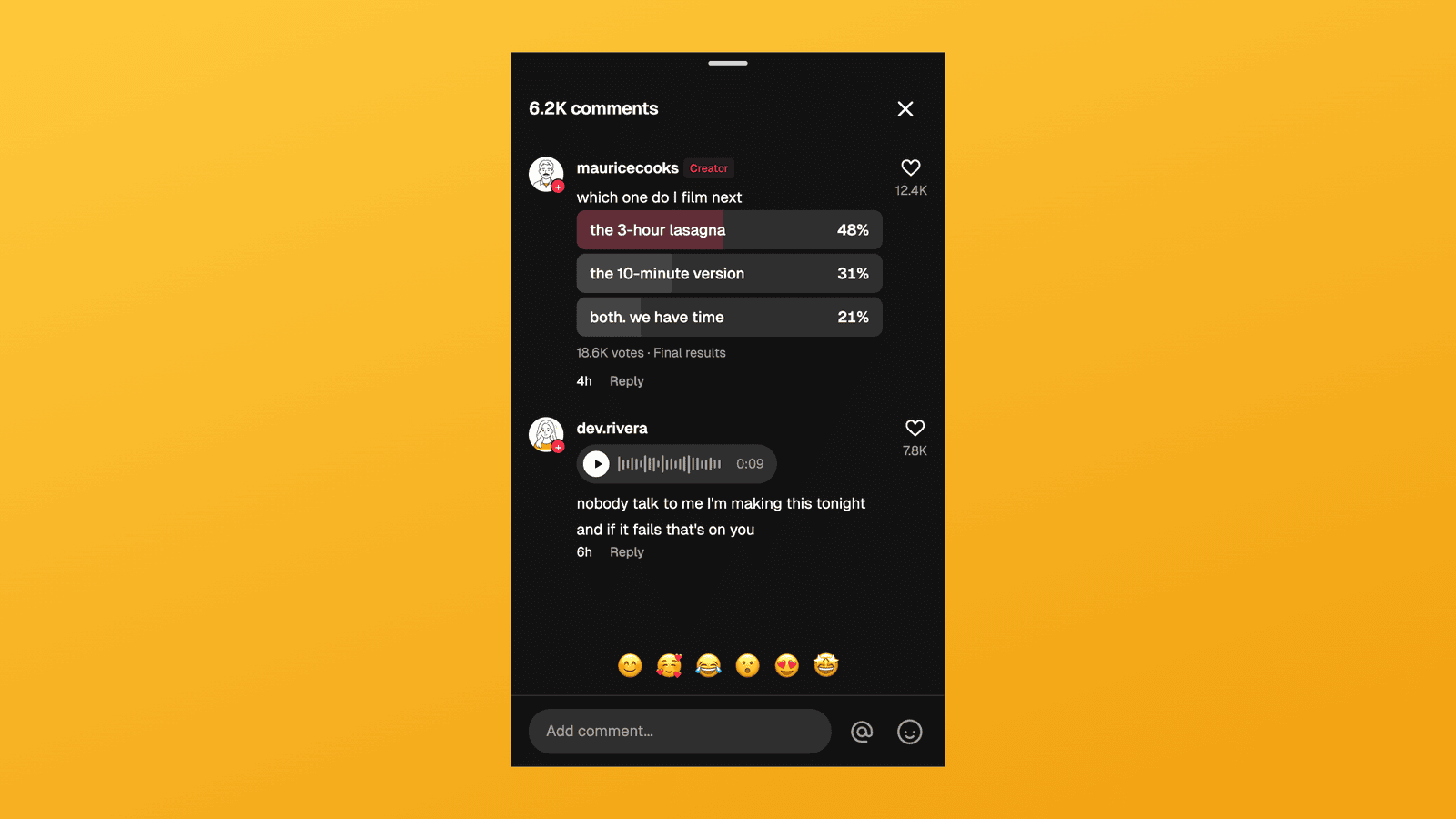
TikTok Comment Template: Voice Comments, Polls and Replies
Make TikTok comment mockups with voice comments and creator polls, plus the Creator badge, replies and heart counts. Free to try, no signup needed.
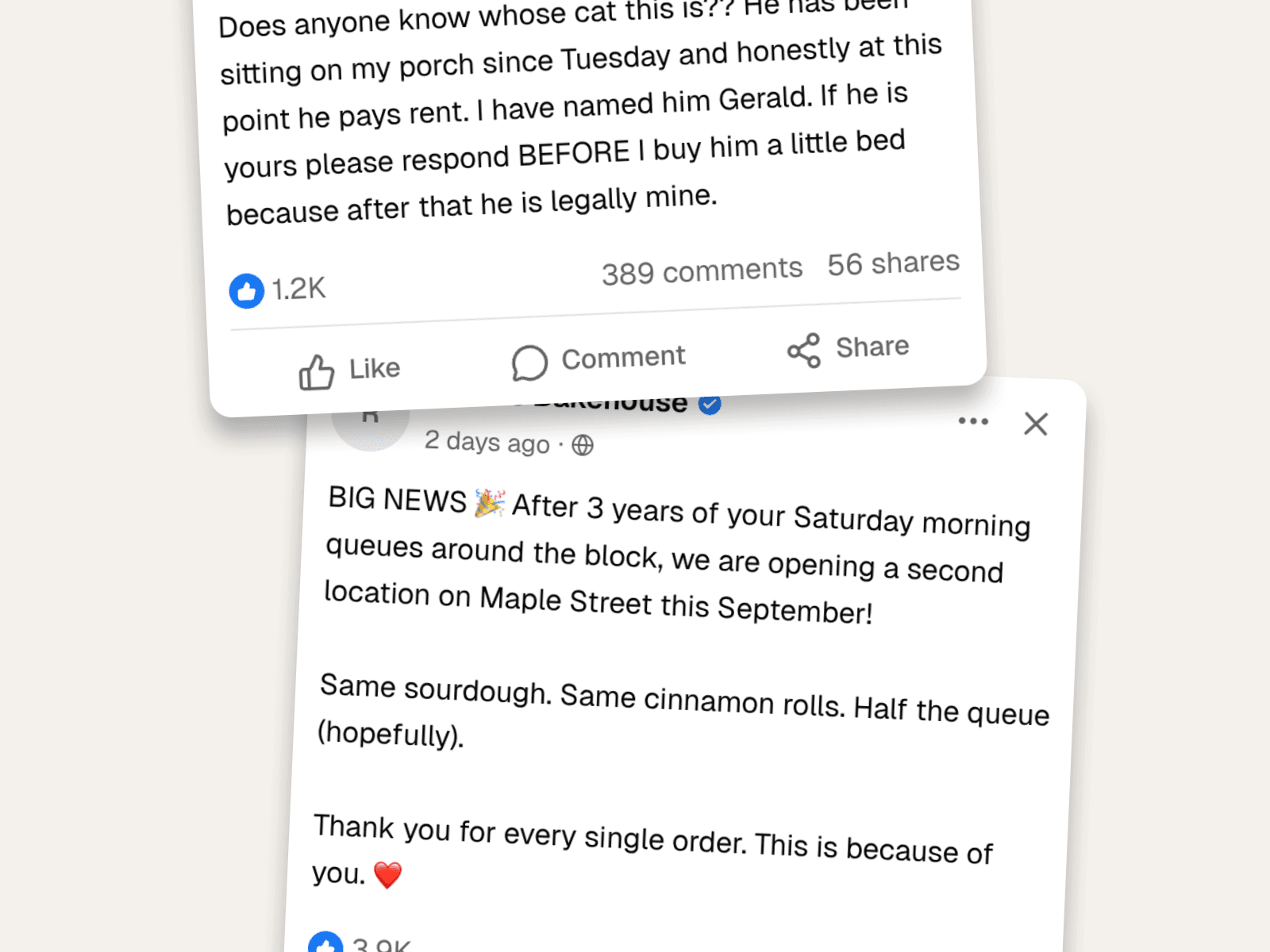
Fake Facebook Posts & Comments: The Complete Guide
Create fake Facebook posts and comment threads that look real, with reactions, shares, nested replies, and the exact layout. Worked examples for content and marketing.