

X DMs vs Twitter DMs
People still search for both X DMs and Twitter DMs. The interface is X now, but the job is the same: create a direct-message mockup that reads like a private thread. Start with the X DM mockup generator.
Use It Responsibly
Create fictional examples, approved outreach examples, and training material. Do not use DM mockups to impersonate real people or fake private conversations.
Step-by-Step
1. Open the X DM Editor
Use the X chat editor when you want a direct message layout.
2. Set Participants
Add names and avatars for the sender and receiver. Keep the identities fictional or approved.
3. Write the Messages
Use short, direct messages. X DMs work best when the exchange has a clear point.
4. Set Timestamps
Add timestamps that match the pace of the conversation. Small details make the thread easier to trust.
5. Add Phone Context
Use dark mode, a device frame, or 3D phone view when the asset needs to feel like a real phone screen.
6. Export
Export a PNG mockup, or use chat video export for message-led short-form content.
X DM Realism Checklist
- Use X wording in page copy, with Twitter as a search synonym.
- Keep the thread short enough to read on mobile.
- Use names and avatars consistently.
- Avoid unsupported claims like voice notes or reactions if the editor does not show them.
Related Pages
FAQ
Can I make Twitter DM mockups?
Yes. Use the X DM generator. The page also fits people searching for Twitter DM mockups.
Can I make X post mockups too?
Yes. Use the X post generator for public posts with replies, reposts, likes, and views.
Can I export X DM videos?
Yes. Chat mockups support video export.
Try it yourself
Create your first mockup in under a minute
40+ apps. Free to try, no signup needed.
Start your mockupAbout the author
Elena Brooks
Content Editor
Elena writes step-by-step tutorials and practical guides for creating realistic chat and social mockups. She focuses on helping creators quickly turn ideas into polished visuals that look believable in demos, landing pages, and client work.
Tags
More from the blog
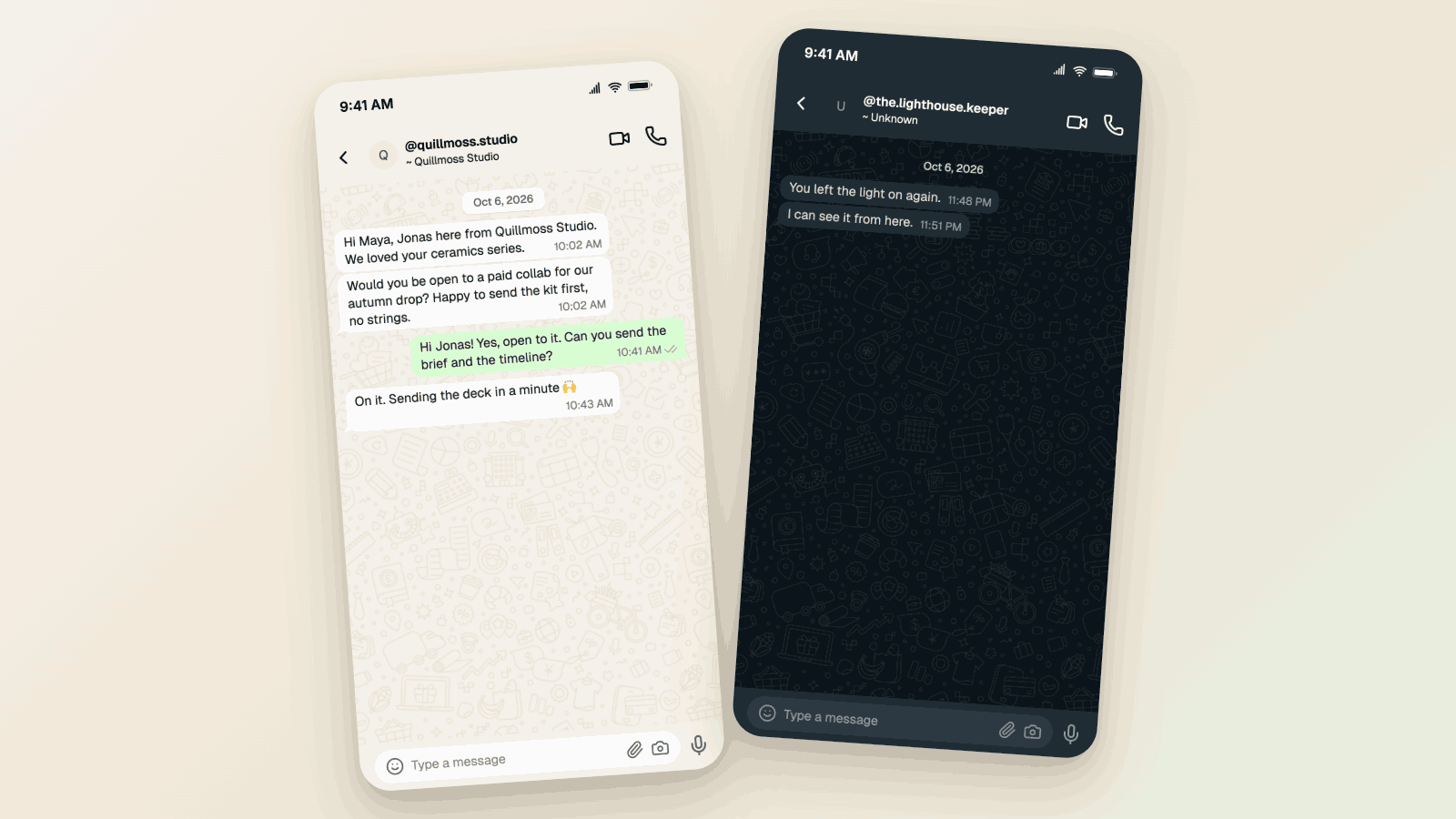
WhatsApp Username Chat Mockups: The @Handle Header (2026)
Make a WhatsApp chat mockup with the @username header. What the 2026 username rollout changed, what stayed, and three examples you can copy. Free to try.
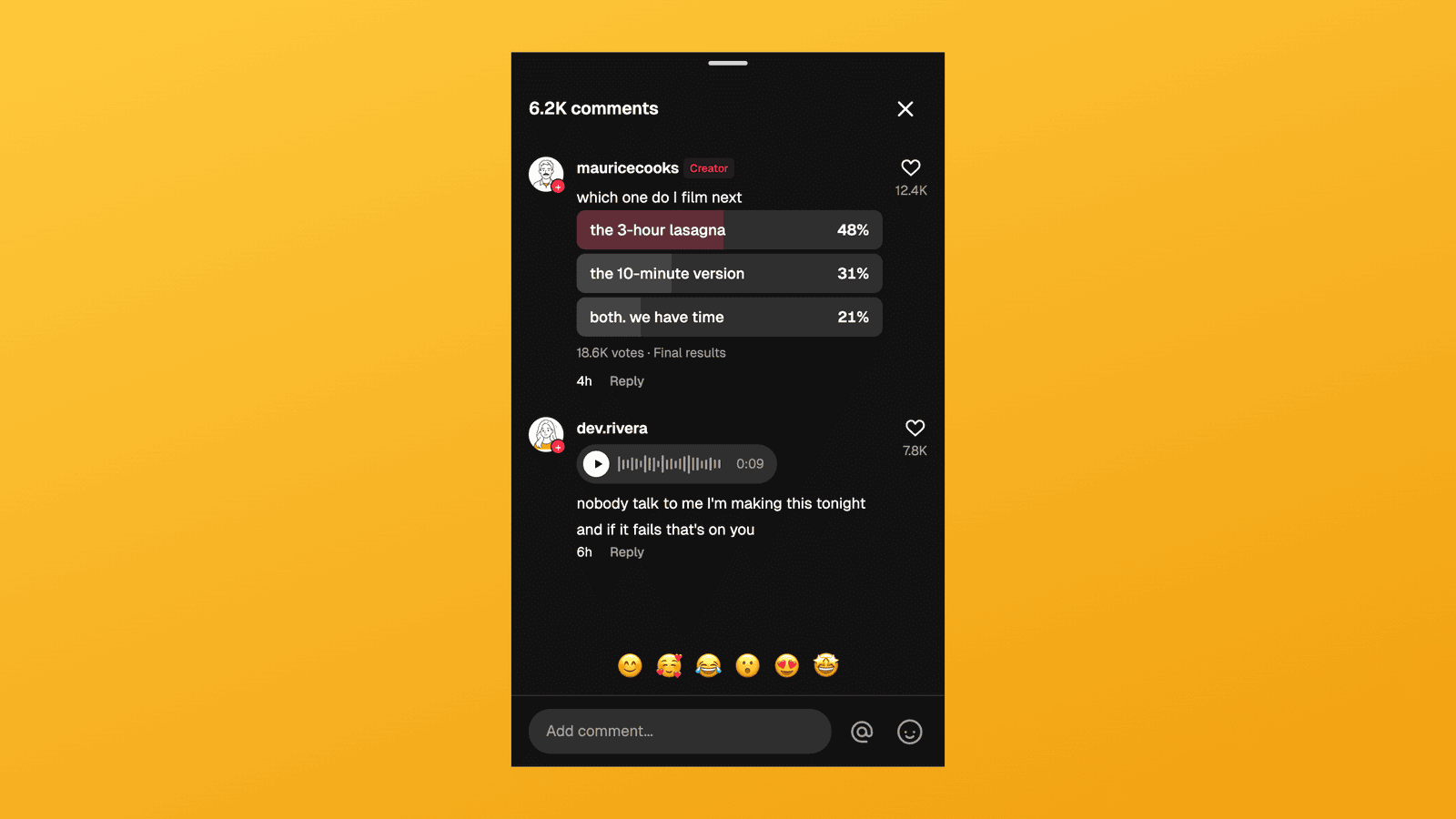
TikTok Comment Template: Voice Comments, Polls and Replies
Make TikTok comment mockups with voice comments and creator polls, plus the Creator badge, replies and heart counts. Free to try, no signup needed.
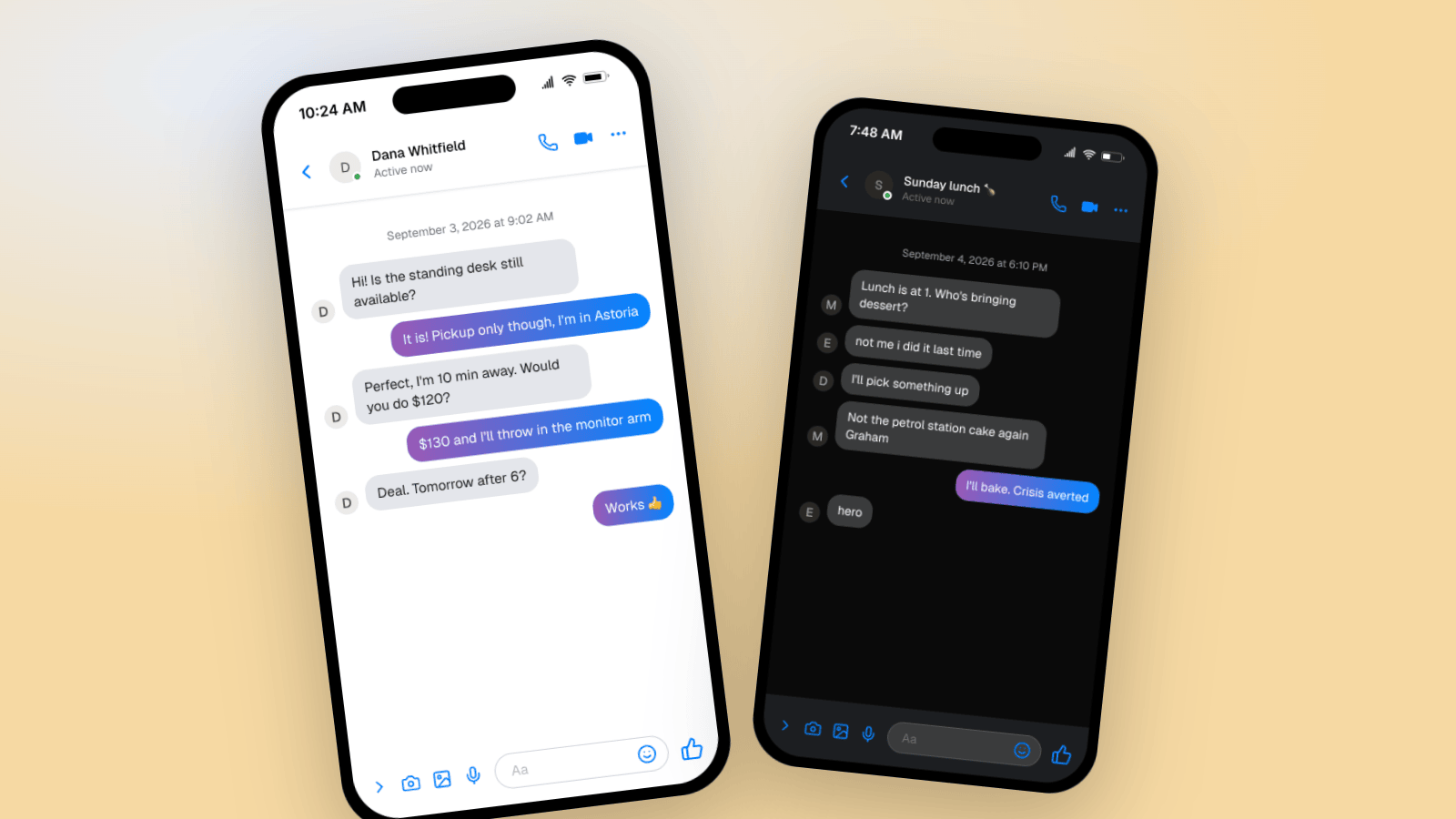
How to Make a Fake Messenger Chat (Facebook Messenger Guide)
Make fake Facebook Messenger chats that look real: the Active now header, blue and purple bubbles, dark mode, and group chats. Two worked examples you can copy, plus the details people check.