

Dating-App Screenshots Are a Content Genre
Reaction videos to unhinged openers. Skits acted out over a chat that scrolls on screen. Podcast clips where the hosts read an exchange out loud. "Rating your worst Tinder conversations" compilations. Dating-app content is one of the most reliable short-form genres, and every piece of it needs a conversation on screen.
Using real conversations is a minefield: real screenshots expose real people who never agreed to be content. The creators who do this well write their material like comedy sketches and build the "screenshot" as a mockup. Same laugh, no victim.
That's what this guide covers: making Tinder and Bumble conversations in Mockly that hold up on camera.
Write characters, not people
Dating chat mockups are for sketches, reaction formats, and film props with fictional people. Never fabricate a conversation and attribute it to a real person, and never use mockups for catfishing or deception. The comedy works fine with invented names. Better, usually.
What Makes a Dating-App Chat Read as Real
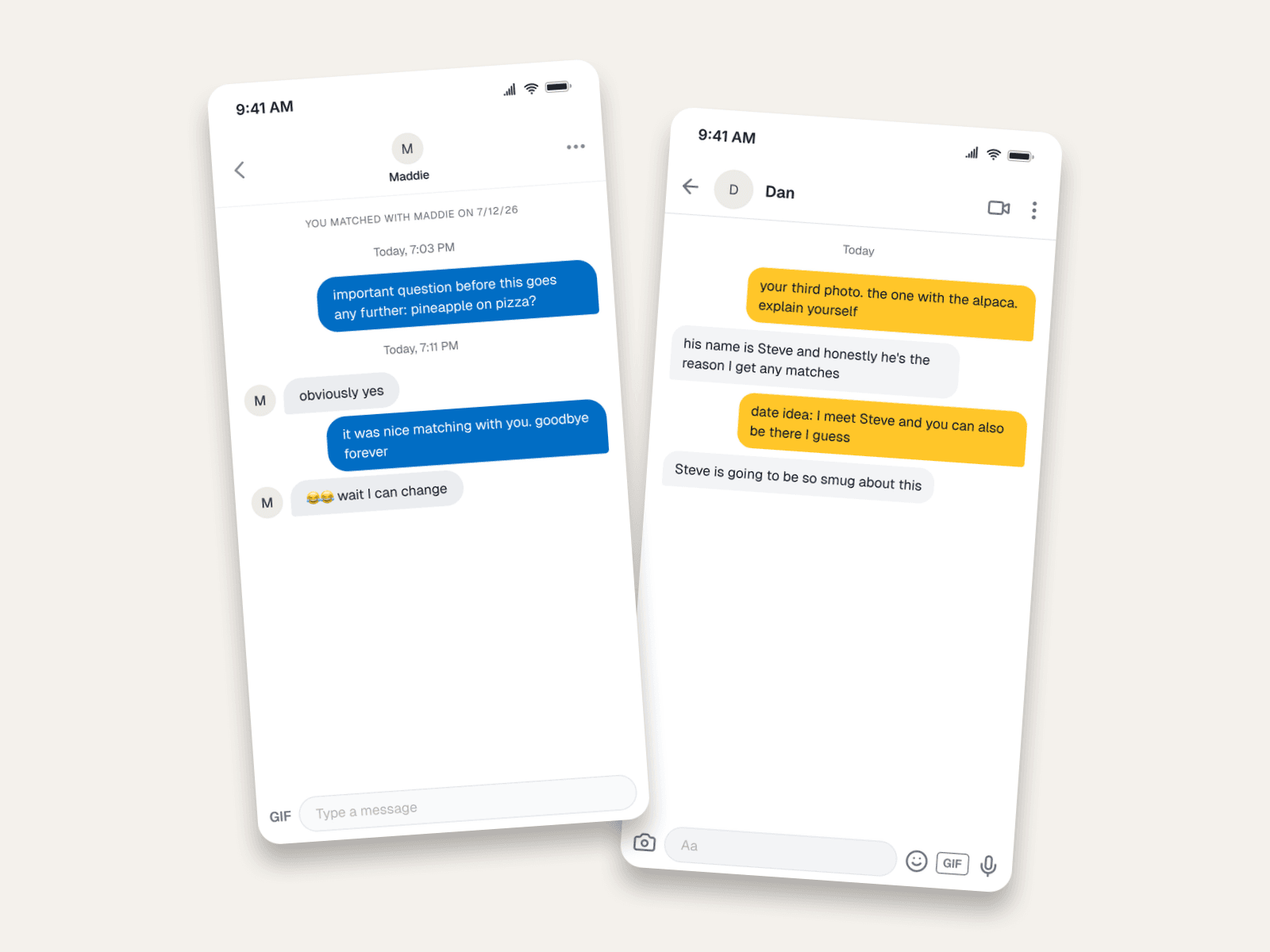
- The match banner. Tinder stamps "YOU MATCHED WITH MADDIE ON 7/12/26" at the top of every conversation. It's the strongest authenticity marker the format has, and the first thing missing from fakes built in generic chat tools.
- The app's own bubble colors. Tinder's blue, Bumble's yellow-on-dark-text style. Your audience has seen thousands of these screenshots; approximate colors get clocked.
- Time dividers between exchanges. Dating apps group messages under "Today, 7:03 PM" headers. An eight-minute gap before "obviously yes" is comedic timing you can literally set.
- A conversation with a bit. Real viral dating screenshots are two strangers committing to a joke. That's writable.
Example: The Tinder Dealbreaker Bit
The classic escalation: a joke question, a wrong answer, mock devastation. Four messages, one punchline, endlessly remixable.
The production details:
- The match banner sets the clock. Matched today, first message hours later. That's the eager-but-not-too-eager window every viewer recognizes.
- Eight minutes before her reply. Instant answers kill the rhythm. The time divider is your comedic pause.
- The last message hangs. "wait I can change 😂😂" with no reply is the freeze-frame ending. Resist resolving it.
Example: The Bumble First Move
On Bumble the woman opens, so write the opener like it matters. This example is the "commenting on your third photo" format, which is both a real strategy and a reliable sketch setup.
Why it plays:
- The opener references a profile detail. That's how good Bumble conversations actually start, and it gives your sketch an implied world (Dan has an alpaca photo; we never need to see it).
- A named third character. Steve the alpaca does the heavy lifting. Specificity is what makes improvised-looking dialogue quotable.
- The date gets set in message three. Short-form pacing: setup, development, commitment, button. Don't let a sketch chat wander.
Using These in Video
Static screenshots work as B-roll or thumbnails, but the format that performs is the scroll: the conversation revealing itself message by message while the creator reacts. Two ways to get there:
- Chat video export animates the conversation for you. Each message pops in on a timeline, ready to drop into an edit as a full-screen insert.
- The 3D phone view renders the chat on an angled device, the over-the-shoulder look for thumbnails and title cards (that's the hero image of this post).
Both are Premium features, along with 4K export for footage that gets zoomed in edits. Try the editor free, no signup needed; see the plans for the rest.
Common Mistakes to Avoid
- No match banner. The single fastest tell that a "Tinder screenshot" was faked in a generic tool.
- Both people being funny in the same voice. Give each side a register: the bit-committer and the reactor.
- Instant replies all the way down. The gaps are the timing. Use them.
- Resolving the story. Viral dating screenshots end on the hanging line. A tidy "haha ok see you Saturday" ending deflates the format.
- Real names or real photos. Fictional characters, letter avatars or invented profile pictures. Always.
Related Guides
- Chat Video Generator for TikTok Storytelling
- 3D Phone Mockups for Short-Form Video
- iMessage Mockups in iOS 27
- Fake Chat Screenshots for Filmmakers
FAQ
Can I make a fake Tinder chat for free?
Yes. The Tinder chat editor is free to use, no signup needed. Your first export is free, and a free account adds 3 more. Premium adds video export, 4K, and watermark-free images.
Does the "You matched with…" banner render?
Yes, automatically, with the match date derived from your conversation. It's the detail that makes Tinder mockups pass.
Is Bumble supported too?
Yes. Bumble chat mockups render with Bumble's own interface. Write the woman's opener first; that's the app's whole premise.
Can I animate the conversation for TikTok?
Yes. Chat video export plays the thread message by message, and the 3D phone view gives you angled hero shots for thumbnails.
Is it OK to post fake dating conversations?
As comedy with fictional people, yes. It's a whole genre. Attributing invented messages to real people, or using mockups to deceive someone, is not what this is for.
Start Creating
Write the opener, the wrong answer, and the fake-outrage reply. Open the Tinder editor. Your next sketch is four messages long.
Try it yourself
Create your first mockup in under a minute
40+ apps. Free to try, no signup needed.
Start your mockupAbout the author
Sam Rivera
Production Consultant
Sam collaborates with video producers and creative teams to design realistic phone-screen visuals for film, YouTube, and documentary projects. She focuses on continuity-safe messaging and believable on-screen interactions.
Tags
More from the blog
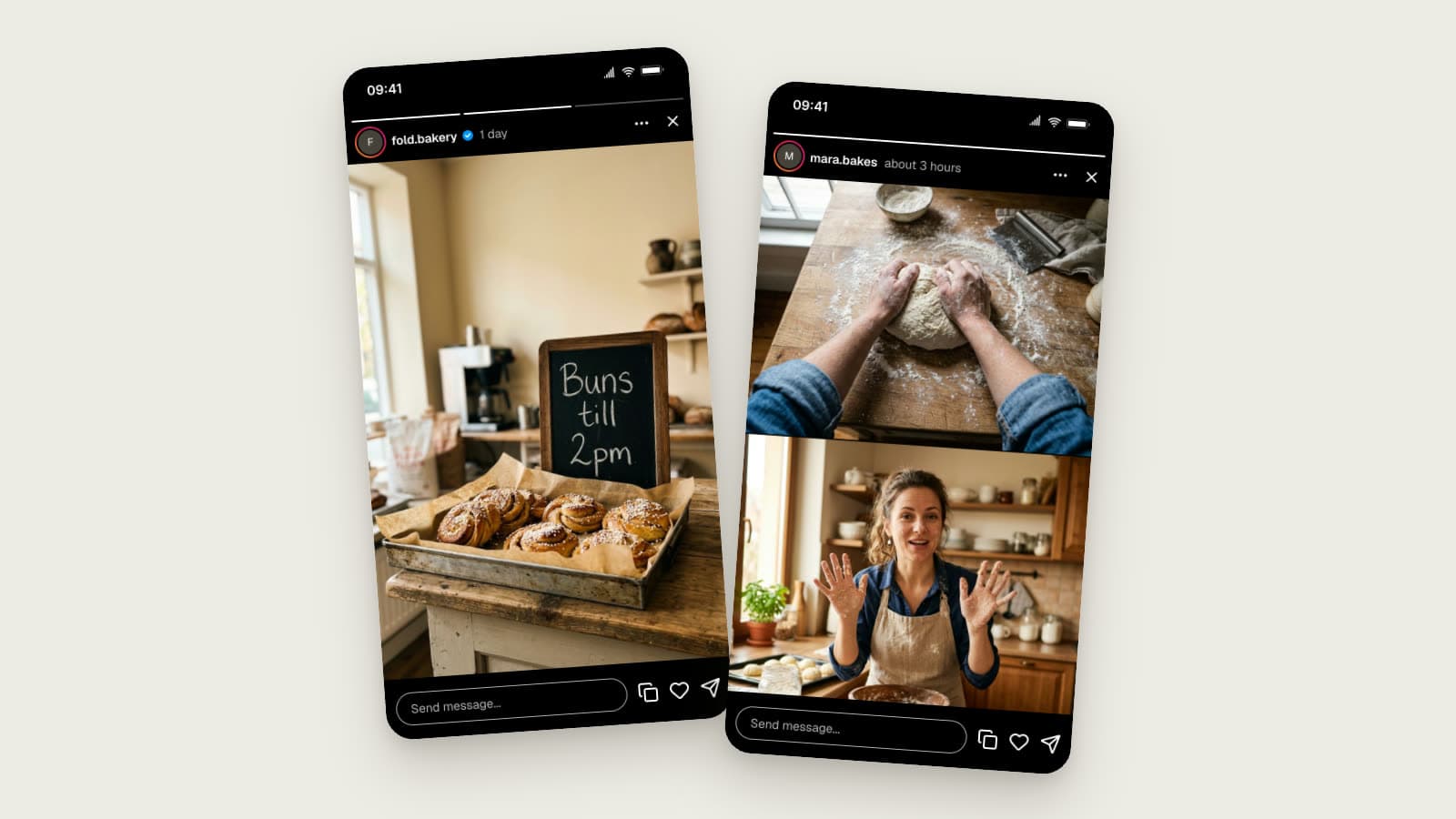
Instagram Story Mockups in 2026: Story Extend and Multi-Cam
Realistic Instagram story mockups for 2026: progress bar, story ring, a day-old Story Extend example, and a two-angle Multi-Cam frame. Free to try.

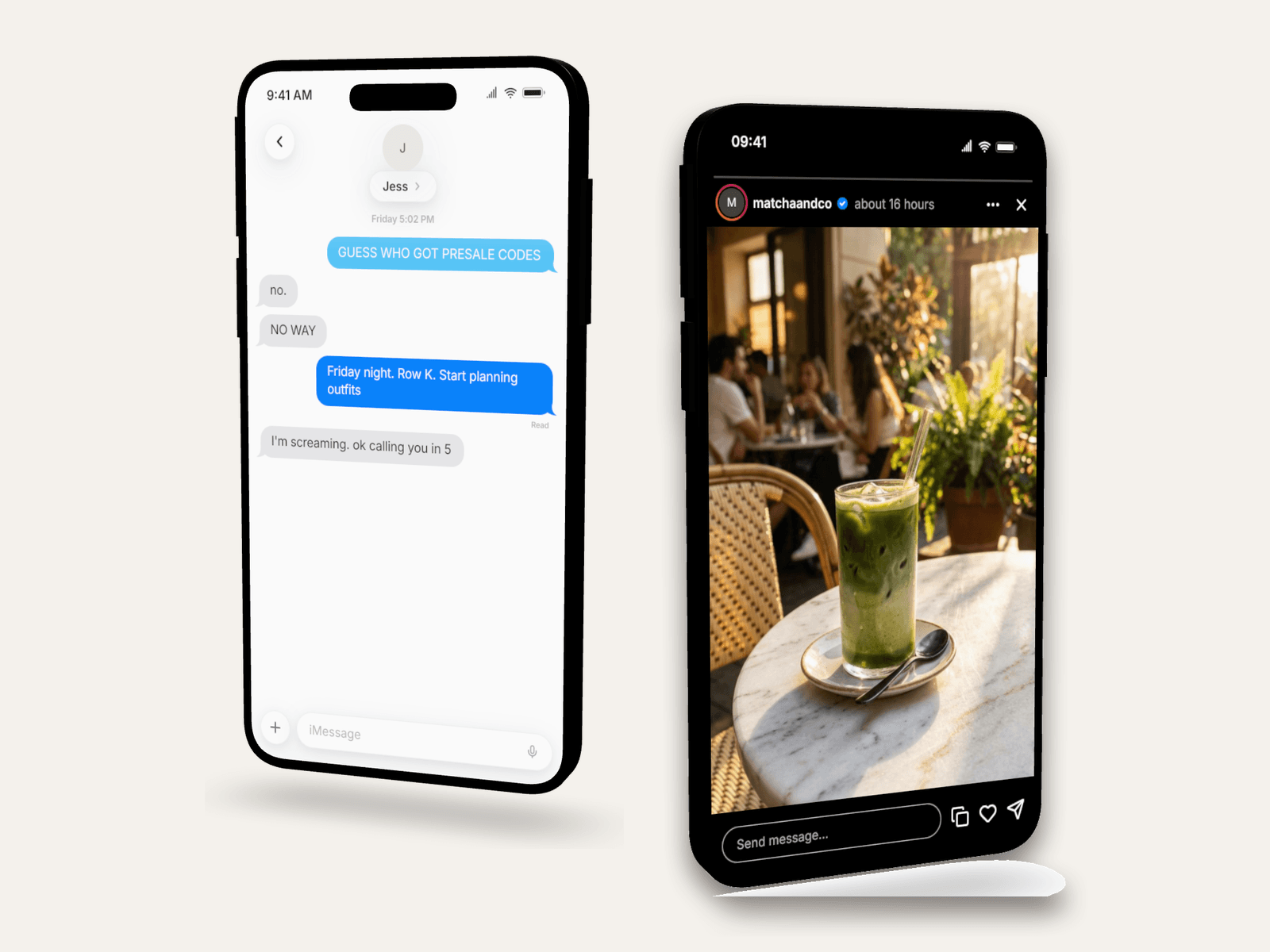
3D Phone Mockups for TikTok, Reels & Shorts
Learn when to use 3D phone mockups for short-form videos, storytime content, tutorials, and product demos. Includes setup and export tips.

Chat Video Generator for TikTok Storytelling
Create animated chat mockup videos for TikTok, Reels, Shorts, tutorials, and product demos. Includes app choices, pacing tips, and export workflow.