

Why Chat Is the Most Underrated Classroom Format
Students read dialogues all day, just not the ones in textbooks. They read chats. A conversation presented as a WhatsApp thread gets processed instantly, in a register students actually use, with context (names, timestamps, read receipts) that a script format strips away.
Teachers have always known this; the blocker was production. Screenshotting real chats exposes real people, and faking one in a slide deck looks like, well, a slide deck. A chat mockup tool removes the blocker: you write the dialogue, and it renders as a pixel-accurate screenshot you can drop into any worksheet, slide, or LMS.
Here are three lesson formats that work, built in Mockly.
Free to try, classroom-friendly
The editor is free to try with no signup, and a free account gives 3 more exports, enough to test a lesson idea before deciding if it earns a place in your toolkit. No student data goes anywhere: every name and message is fiction you wrote.
Format 1: Language Dialogue Practice
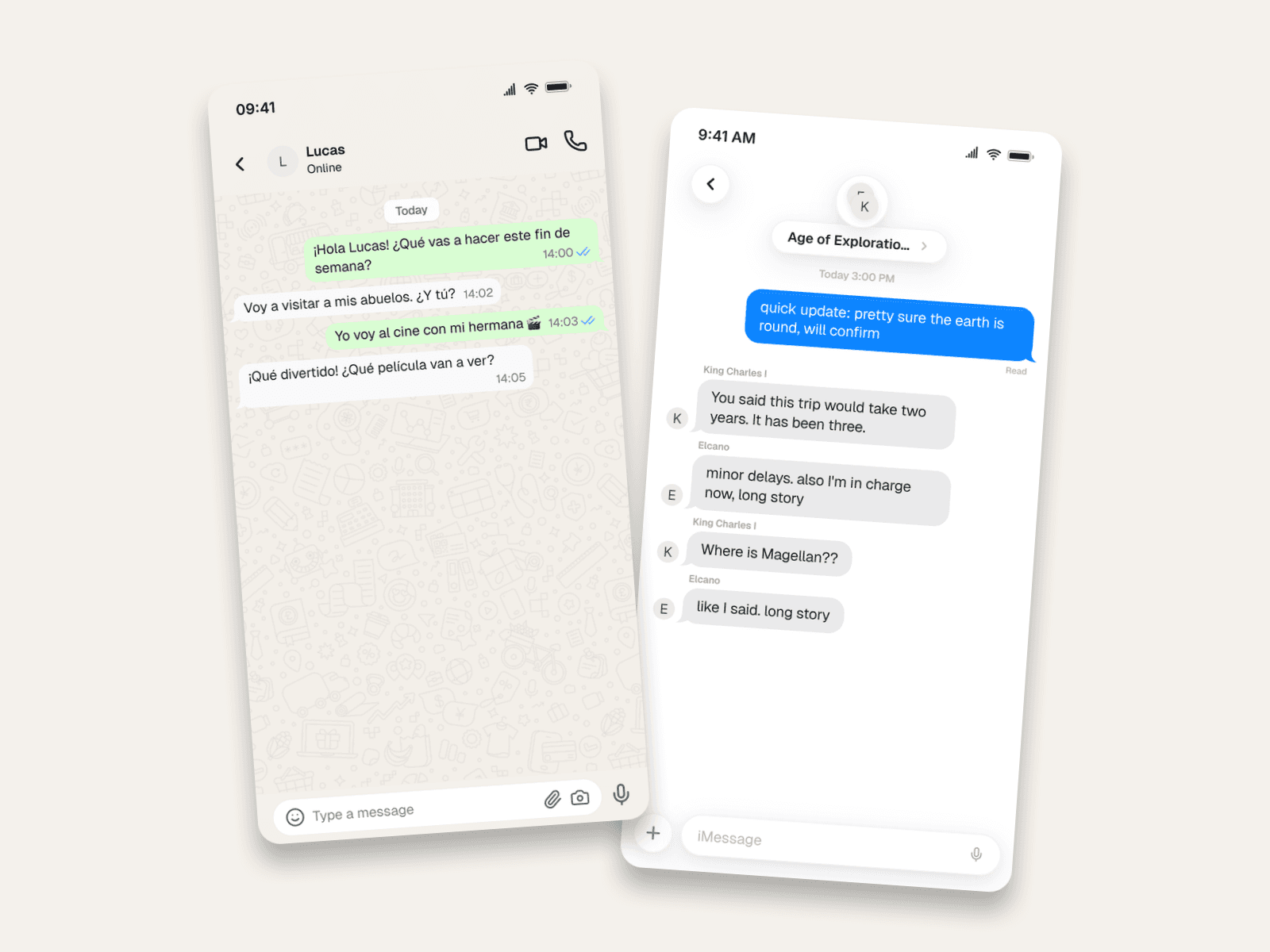
The ESL/foreign-language classic, upgraded. Instead of "Read dialogue 4B aloud", students get a WhatsApp thread between Ana and Lucas making weekend plans, in the target language, in the app where they'd actually have that conversation.
Ways to run it:
- Comprehension: students read the thread and answer questions. (¿Adónde va Ana?)
- Continuation: print the thread with the last message missing and have students write the reply.
- Register practice: the same dialogue as a formal email vs. a chat. Chat forces the informal register textbooks under-teach, emoji included, because that's part of the language now.
- Error hunting: build a version with deliberate grammar mistakes and let students find them.
The timestamps do quiet work too. A two-minute reply gap models a natural conversation rhythm students can mimic in speaking exercises.
Format 2: "Texts from History"
The group-chat-as-history-essay. Students (or you) compress a historical episode into a group thread, where every message must be historically defensible. That's the whole assignment.
Why this works as an assessment: to write Elcano saying "I'm in charge now, long story", a student has to know Magellan died in the Philippines and Elcano completed the voyage. The joke is the evidence of understanding. Rubric-friendly, plagiarism-resistant, and the class actually wants to present them.
Group chats are a Premium feature. The group chat generator shows what the format can do.
Format 3: The Scam-Spotting Lesson
Digital-citizenship curricula need realistic scam specimens, and real ones are unusable in class. Build the specimen yourself, with every red flag placed deliberately:
The teachable red flags in this one:
- An unknown number, not a named contact.
- A lookalike URL (
usps-redelivery-portal.net), so students learn to read domains. - Manufactured urgency ("within 12hrs") and a threatened consequence.
Have students annotate the screenshot before you reveal the flags. Pair it with a fake phishing email for the full unit: same lesson, two formats.
Practical Notes for Educators
- Any app your students use. WhatsApp and iMessage cover most classrooms, and there are 23 chat apps in total if your lesson needs Discord or Snapchat energy.
- Worksheets: export the PNG and place it in any document. The free tier's resolution is fine for print handouts; Premium's HD/4K matters for projection.
- LMS and slides: the mockups are just images. Canvas, Moodle, Google Slides, and PowerPoint all take them.
- Student-created work: students can build their own mockups free (a free account covers one assignment's exports). Have them submit the export.
- Ground rules: set the same norms you'd set for any creative-writing assignment. Fictional people, no classmates' names, nothing presented as a real screenshot. The ethics of mockups make a good five-minute discussion in their own right.
Related Guides
- How to Make Fake Email Screenshots for the phishing unit
- WhatsApp Group Chat Mockups
- iMessage Mockups in iOS 27
- Complete Guide to Fake Screenshots
FAQ
Is Mockly free for teachers?
The editor is free to try with no signup, and a free account gives 3 more exports, enough for a lesson or two. Premium adds unlimited exports, group chats, HD/4K, and watermark-free images; see the plans.
Can students use it for assignments?
Yes. It runs in the browser with nothing to install, and the free tier covers a single assignment's exports. Fictional characters only, per your classroom norms.
Which languages does it support?
The messages are whatever you type: any language, any script, emoji included. The interface chrome (timestamps, "online") renders like the real apps.
Can I make printable worksheets?
Yes, exports are standard PNGs that place cleanly into Docs, Word, or any worksheet template.
What about scam and phishing examples? Is that safe to teach with?
Safer than the alternative. A mockup specimen has no live links and no real sender; every red flag is one you placed for discussion. Security trainers use the email version the same way.
Start Creating
Pick the lesson that fits your week: the dialogue, the history thread, or the scam hunt. Open the editor and build it in less time than formatting the same dialogue in a slide.
Try it yourself
Create your first mockup in under a minute
40+ apps. Free to try, no signup needed.
Start your mockupAbout the author
Elena Brooks
Content Editor
Elena writes step-by-step tutorials and practical guides for creating realistic chat and social mockups. She focuses on helping creators quickly turn ideas into polished visuals that look believable in demos, landing pages, and client work.
Tags
More from the blog
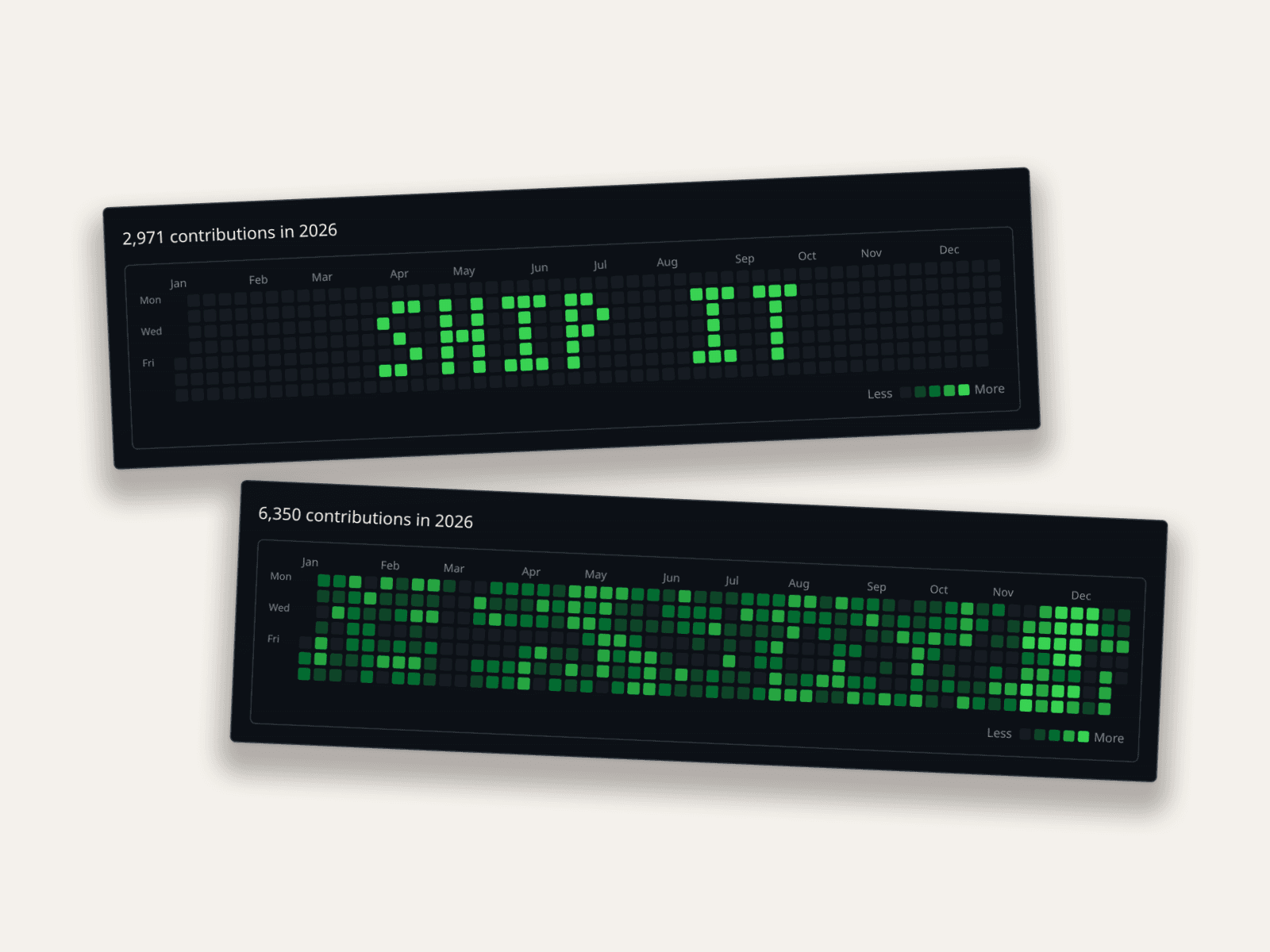
Fake GitHub Contribution Graphs: Placeholder Data Done Right
Why developers fake the green squares (memes, demo profiles, placeholder dashboards) and how to generate a believable GitHub contribution graph in seconds. You can even write text in it.

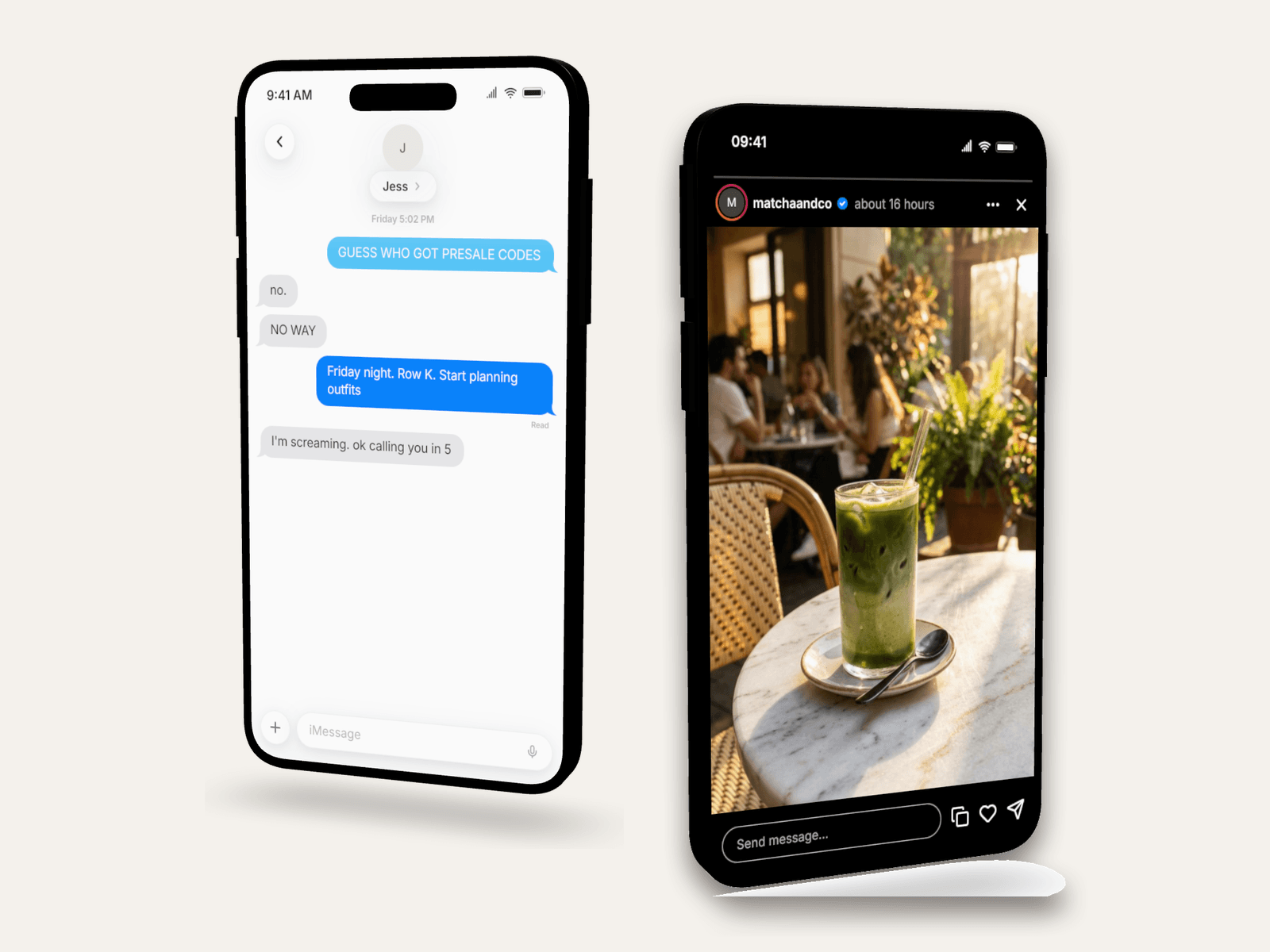
3D Phone Mockups for TikTok, Reels & Shorts
Learn when to use 3D phone mockups for short-form videos, storytime content, tutorials, and product demos. Includes setup and export tips.
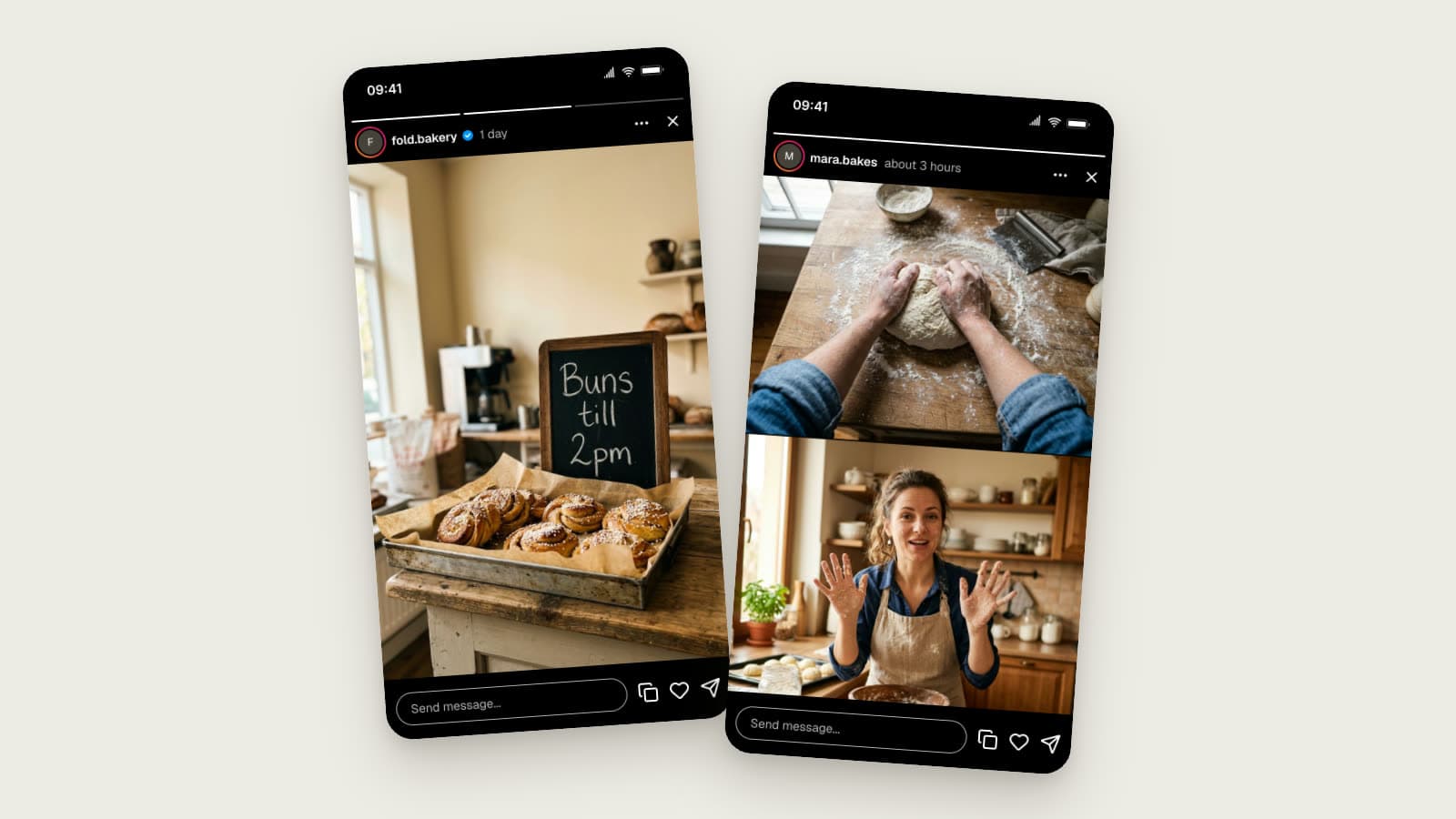
Instagram Story Mockups in 2026: Story Extend and Multi-Cam
Realistic Instagram story mockups for 2026: progress bar, story ring, a day-old Story Extend example, and a two-angle Multi-Cam frame. Free to try.