

Why WhatsApp Group Chat Mockups Are Harder Than They Look
WhatsApp group chat mockups are the visual you reach for when the story needs more than two people — a friend group planning a trip, a project team chasing a deadline, a family sorting out Sunday dinner. One-on-one chats are easy to fake. Group chats are where most mockups fall apart.
The reason is that a real group thread carries a lot of small signals. Different colored names. People who reply fast and people who go quiet. A timestamp gap that says someone was at work. Get those wrong and the screenshot reads as staged — even if every message is grammatically perfect.
This guide is about getting them right. We'll build four WhatsApp group chat mockups from scratch with Mockly, show the exact conversations, and point out the details that sell each one.
Use these for storytelling, not deception
Group chat mockups are great for tutorials, content, course material, and client work. They are not for inventing messages from real people or passing a fake thread off as a real one. Keep it fictional or get permission.
What a Group Chat Mockup Needs to Get Right
Before any examples, here's the short list of what separates a believable group thread from an obvious fake:
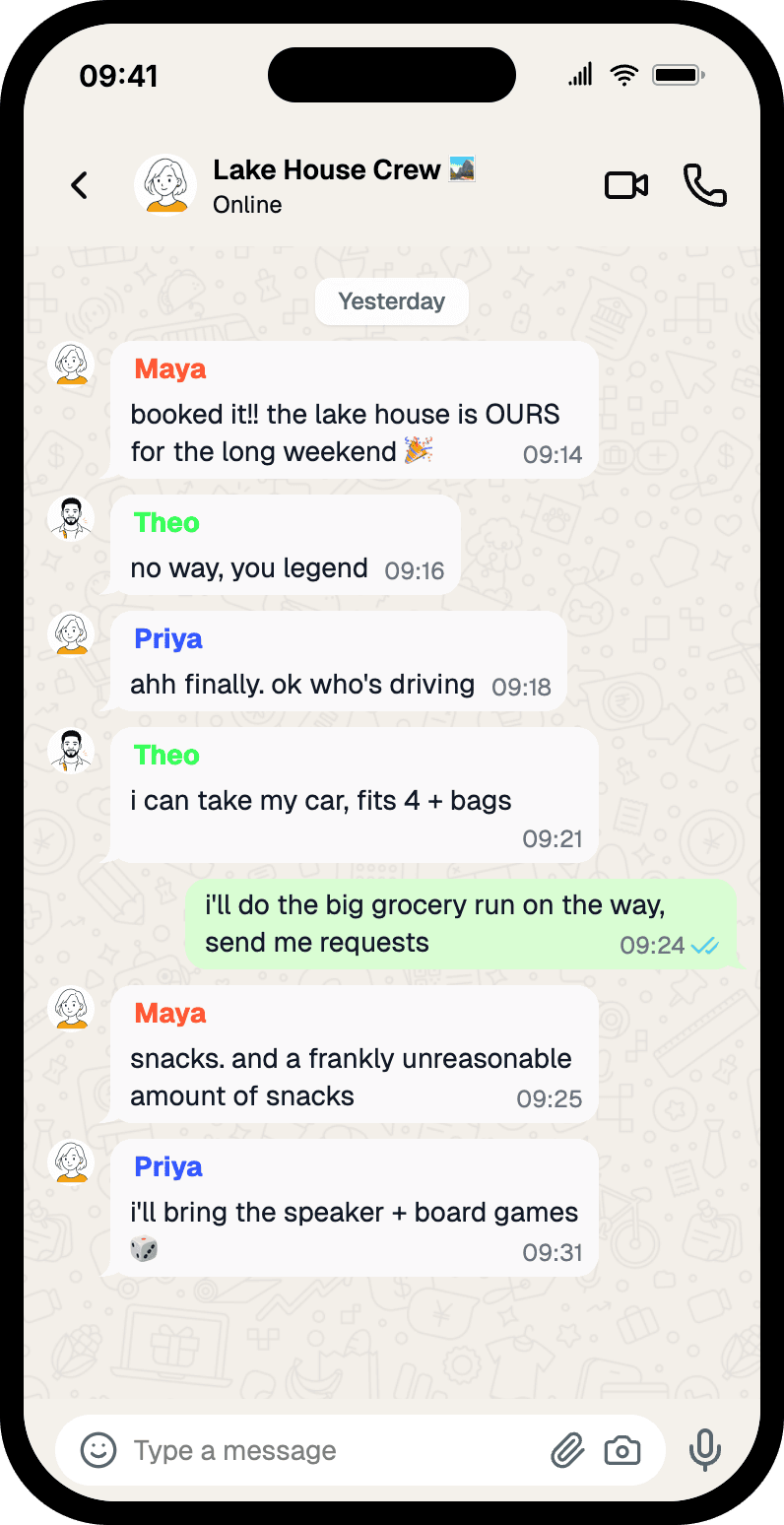
- A group name in the header. "Lake House Crew", "Family ❤️", "5-a-side ⚽". Real groups have names with personality, often an emoji. A blank or generic name is the first tell.
- Sender names above each bubble. WhatsApp shows the sender's name in a colored label on every incoming message. Mockly assigns each person a consistent color automatically — you just name them.
- More than two voices. Three or four participants is the sweet spot. It's enough to feel like a group without becoming an unreadable wall.
- Uneven participation. Real groups have a planner, a one-word replier, and someone who shows up late. Don't give everyone equal airtime.
- Read receipts on your own messages only. The double blue tick appears on messages you sent. Use it sparingly, on the message that matters.
- Timestamps that tell a story. A reply two seconds later reads as scripted. A few minutes — or a few hours — reads as life.
Keep that list handy. Every example below leans on it.
Example 1: A Friend Group Planning a Trip
The classic group chat. Someone books something, everyone reacts, jobs get divided up. This is the kind of thread that works as a hero image for a travel post, a "plan your getaway" tutorial, or a creator storyline.
What makes it land:
- The group name does the setup work. "Lake House Crew" tells you the whole context before you read a single message.
- Each person has a job. One books, one drives, one shops, one brings the speaker and games. That's how real trip threads actually go.
- The emoji is restrained. One 🎉 on the announcement. Not five per message.
- The read receipt sits on the sender's message — the grocery-run offer — so it reads as "you" being active in the chat.
Example 2: A Project Team Chasing a Deadline
Swap the friends for coworkers and the same structure does professional work — a portfolio piece, an agency case study, a slide that shows "how we work" without exposing a real client thread.
The details worth copying here:
- Names carry roles. "Tara (Design)", "Ben (Dev)", "Noor (Copy)". You read the team structure instantly — no extra caption needed.
- The language is work-casual. Short, direct, the odd emoji. It's WhatsApp, not a status report.
- Two quick confirmations close the thread. "works for me 👍" and "same." — the small replies that make a group feel populated rather than performed.
- Timestamps cluster within a few minutes. A live planning moment, not a day-long crawl.
You can build this in the WhatsApp editor or browse other layouts on the group chat mockup hub.
Example 3: A Family Chat
Family threads have a different rhythm — warmer, slower, more gaps. This one suits lifestyle content, a "staying in touch" angle, or an explainer about how families coordinate.
Why it feels real:
- The timestamps breathe. A question at 17:12, the first reply at 17:20. Eight minutes. Nobody in a family group answers instantly.
- The voices sound different. "of course love, the more the merrier" reads like a parent. "me! can i bring Sophie?" reads like a younger sibling. Vary the tone per person.
- Lowercase, light punctuation. Casual chats aren't typed like emails. Loosen the grammar on purpose.
Mismatched timing is your friend
The fastest way to make a group thread look fake is perfectly even gaps. Real conversations speed up and slow down. Drop in one reply that lands minutes late — it does more for realism than any visual detail.
Example 4: A Hobby or Team Group
Sports teams, book clubs, gaming squads, run clubs — recurring-activity groups all share a shape: one organizer posts logistics, everyone confirms. Quick to read, easy to recognize.
What's doing the work:
- One clear organizer. "Coach Reg" sets the time and asks for numbers. Everyone else just responds.
- Replies get shorter as confirmations pile up. "in ✅" then "in too..." then a headcount. That decay is exactly how these threads behave.
- A practical close. "Wear the dark kit this week 🙏" — a real detail that proves the group has history.
How to Build One in Mockly
Every mockup above came out of the same five-minute flow:
- Open the WhatsApp editor and switch the conversation type to group chat.
- Name the group. Keep it short enough to fit the header — and give it some character.
- Add three or four people. Set a name for each. Mockly handles the colored sender labels for you.
- Write the conversation. Short messages. Uneven timing. Let one person dominate and one barely speak.
- Place read receipts and timestamps. Receipts on your own messages, timestamps that match the time of day.
- Export. A PNG for a post or slide, or chat video export when the thread should play out message by message.
Group chats are a Premium feature, so you'll sign up free and pick up Premium to use them — that also gets you HD and 4K export, no watermark, and unlimited messages. See the plans for what each duration includes.
Writing the Conversation: The Part That Actually Matters
The visuals are the easy half. A group chat mockup lives or dies on the dialogue. A few rules that hold up:
- Give each person a voice. A planner, a joker, a one-word replier. If every message could've come from anyone, the group has no people in it.
- Front-load the context. The first message should make the situation clear. Readers skim — don't bury the point in message four.
- Keep messages short. Nobody writes paragraphs in WhatsApp. If a line runs long, split it or cut it.
- Let it taper. Real threads end on a small reply — a "👍", a "see you then" — not a tidy conclusion. Resist the urge to wrap it up neatly.
- One typo, maybe. A single small slip can help. A thread full of them just looks careless.
Read the conversation out loud before you export. If it sounds like a person, ship it. If it sounds like a script, rewrite it.
Common Mistakes to Avoid
- Everyone replying in the same five seconds. The single biggest tell. Spread the timestamps out.
- A generic or empty group name. "Group Chat" or a blank header instantly breaks the illusion.
- Read receipts on incoming messages. The blue ticks only ever show on messages you sent.
- Five emoji per message. Real groups use them — sparingly. One reaction beats a string of them.
- Identical message lengths. A wall of same-size bubbles looks designed, not lived-in.
Related Guides
- How to Make WhatsApp Chat Mockups
- How to Make Fake Discord Messages
- How to Make Fake Instagram DMs
- Complete Guide to Fake Screenshots
- WhatsApp Business Chat Mockups for Sales Decks and Demos
FAQ
How many people can I put in a WhatsApp group chat mockup?
You can add several participants. For most content, three or four reads best — enough to feel like a group, few enough to stay readable in the final crop.
Can I set a custom group name and avatars?
Yes. You set the group name in the header, and each participant gets a name and an optional avatar. Mockly assigns the colored sender labels automatically, just like WhatsApp.
Are group chat mockups free?
Group chats are a Premium feature. The free tier covers one-on-one WhatsApp chats so you can try the editor first. See the plans for what each Premium duration unlocks.
Can I make a WhatsApp group chat video?
Yes. Chat mockups support video export, so a group thread can play out one message at a time — useful for TikTok, Reels, and YouTube storytelling.
Is it OK to make fake WhatsApp group chats?
For storytelling, tutorials, content, and client work, yes — those are fictional or approved scenarios. It's not OK to invent messages from real people or pass a mockup off as a genuine screenshot to mislead someone.
Start Creating
Pick a scenario and build it. Open the WhatsApp editor and make your first group chat mockup — or browse layouts on the group chat mockup hub.
Try it yourself
Create your first mockup in under a minute
40+ apps. Free to try, no signup needed.
Start your mockupAbout the author
Elena Brooks
Content Editor
Elena writes step-by-step tutorials and practical guides for creating realistic chat and social mockups. She focuses on helping creators quickly turn ideas into polished visuals that look believable in demos, landing pages, and client work.
Tags
More from the blog
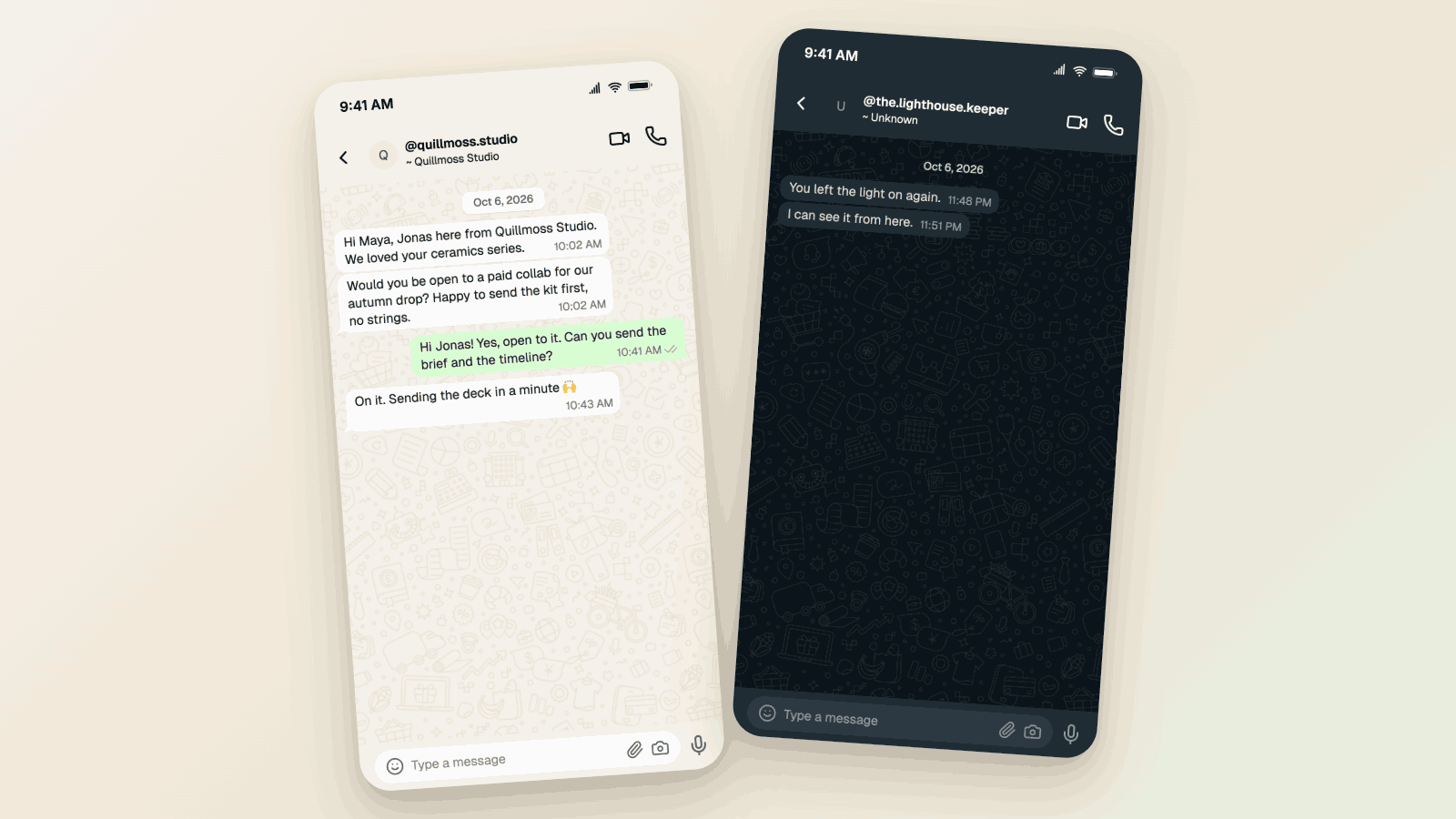
WhatsApp Username Chat Mockups: The @Handle Header (2026)
Make a WhatsApp chat mockup with the @username header. What the 2026 username rollout changed, what stayed, and three examples you can copy. Free to try.

What Makes a Mockup Feel Real on Screen
The realism cues that make chat, AI, social, and phone-screen mockups feel believable on landing pages, in decks, and on camera.

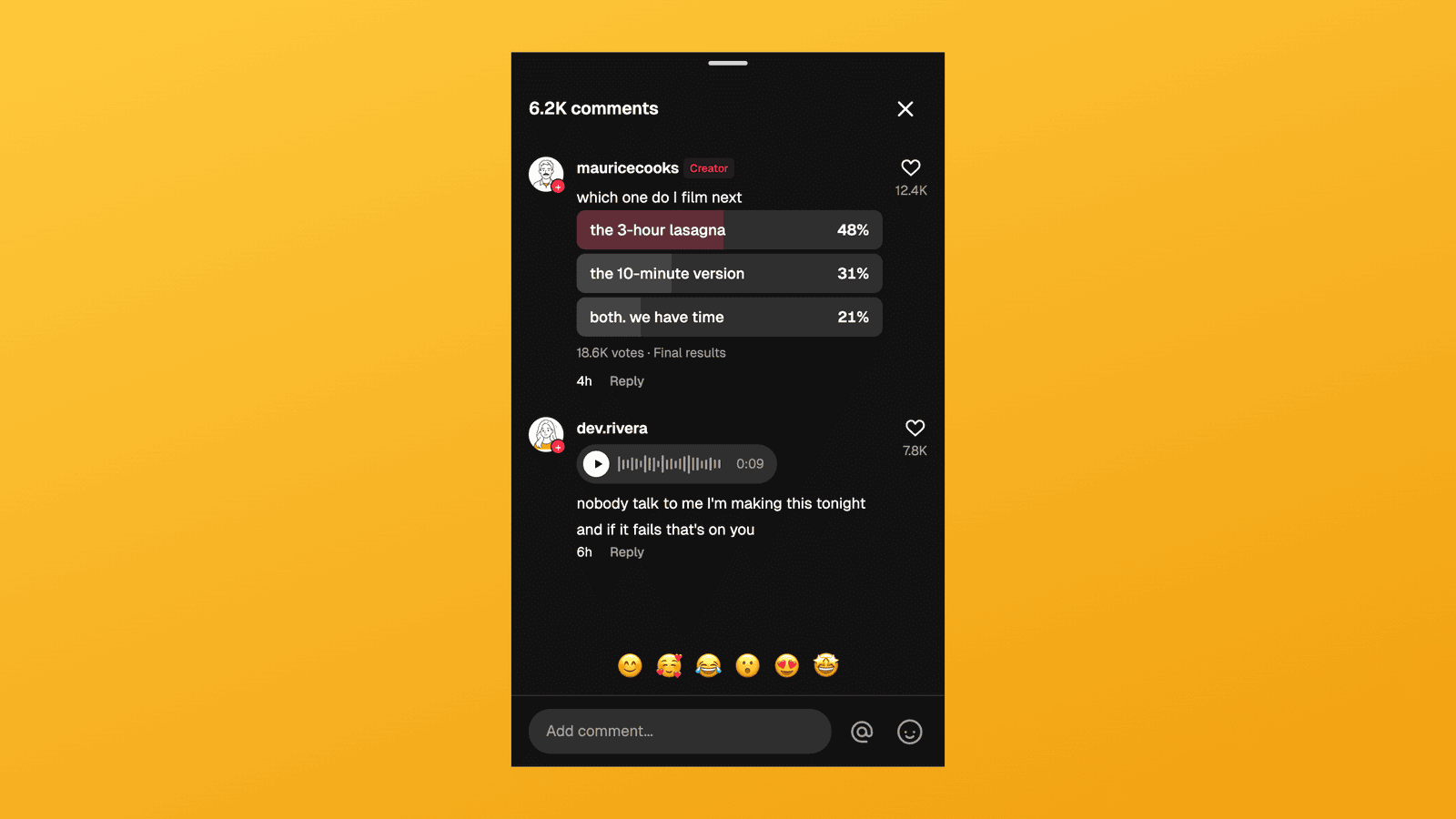
TikTok Comment Template: Voice Comments, Polls and Replies
Make TikTok comment mockups with voice comments and creator polls, plus the Creator badge, replies and heart counts. Free to try, no signup needed.