
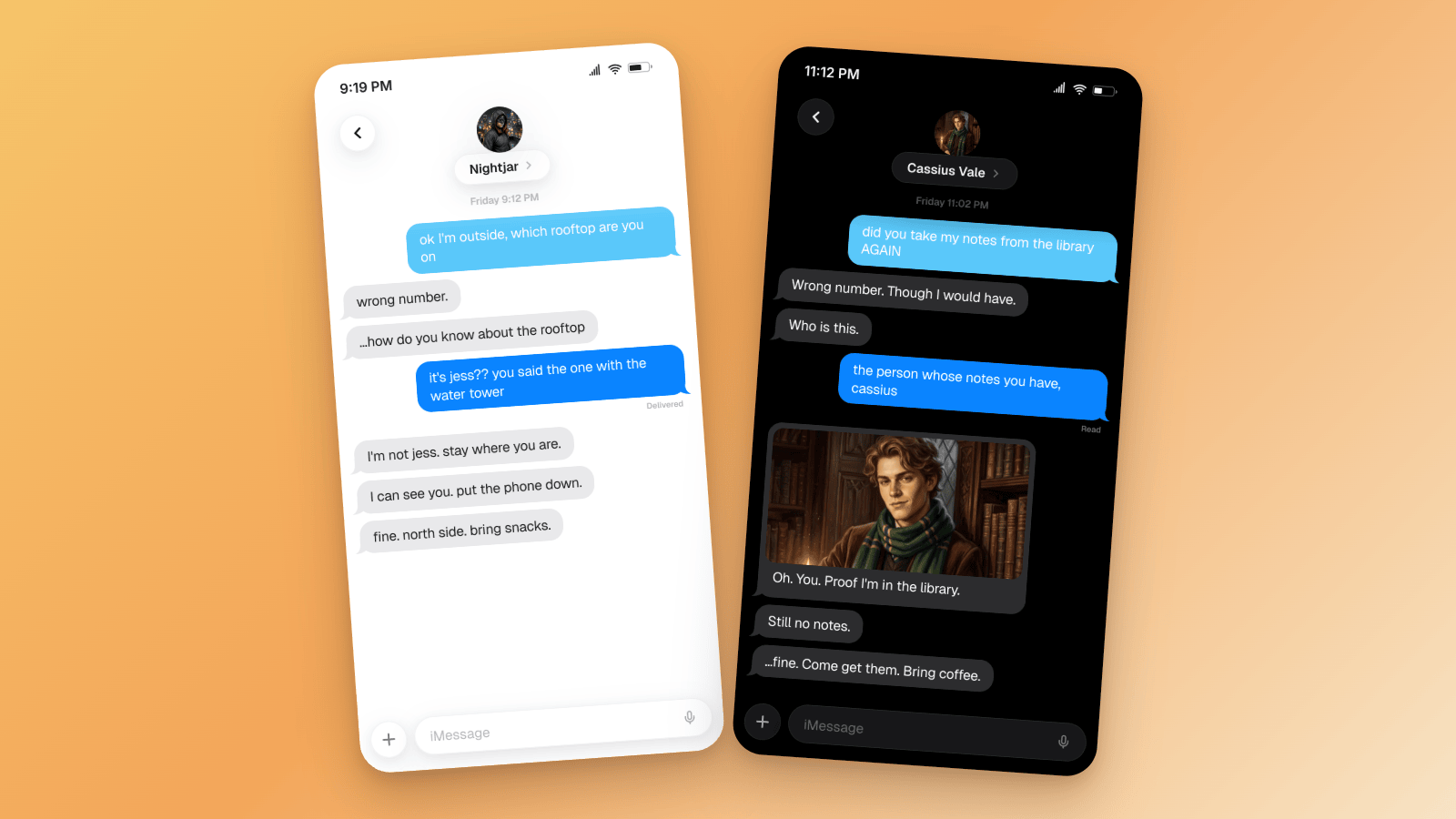

You text the wrong number. The wrong number turns out to be your favorite fictional character. That's the whole wrong text trend, and it's all over TikTok right now.
This guide breaks down the format, walks through two worked examples, and shows you how to build your own thread as an iMessage mockup, ready for a slideshow or a video.
Fiction only
The wrong text trend is fan fiction. Keep the character fictional, keep the thread yours, and never put words in a real person's mouth or pass a mockup off as a real conversation.
What the Wrong Text Trend Is
The wrong text trend is fan fiction dressed as a phone mistake. It took off in late August 2026 and hasn't slowed down.
The setup is always the same. You send a message meant for someone else. It lands with a fictional crush instead, and they answer in character. Blue bubbles are you, gray bubbles are them. Creators write 6 to 12 replies in the character's voice and post the thread as a vertical photo slideshow, one screenshot per slide. Sometimes a still of the character sits inside a bubble as "proof".
The big fandoms so far: Peter Parker, Rafe from Outer Banks, and Draco Malfoy. The tags to watch are #wrongtext and #wrongtexttrend.
Most creators build their threads in MeMi Message, a mobile app. You can build the same thread with an iMessage mockup from the fake text message generator, no download needed. On Premium, you can export it as a 4K image or as a video where the typing dots do the comedic timing.
The Beats of a Wrong Text Post
Every good wrong text post hits four beats:
- The misfire. Your opener has to make sense as a message for someone else. "ok I'm outside" works. "hey cutie" doesn't, because nobody sends that to the wrong person by accident.
- The cold answer. The character replies in voice: suspicious, dry, or amused. Never eager. If they're happy to hear from you in bubble two, there's nowhere left to go.
- The escalation. They ask who you are. You keep digging. Slowly, they start to enjoy it.
- The punchline. The last slide flips the dynamic. Then it stops.
A few format notes:
- 6 to 10 slides. One or two bubbles per slide.
- Under 12 words per bubble. People read at swipe speed.
- One thread, one character. Don't crossover in the same post.
House rule for this guide: PG, fictional, and funny. The spicy versions exist. Funny travels further.
Example 1: The Vigilante Who Texts Back
Light mode, late evening. The contact is Nightjar, an invented masked vigilante. You think you're texting your friend Jess about a rooftop hangout.
What makes it work:
- The character never breaks voice. Short, lowercase, a little threatening. Even the punchline ("bring snacks") is delivered flat.
- "Delivered" sits under your last blue bubble only. That's where iMessage puts it. Never under the gray ones.
- A four-minute gap before "fine." The timestamps tell you Nightjar thought about it. That pause is the turn.
- The contact photo sits above the name, like a real iPhone. An original illustration, not a stolen comic panel.
The whole thread is seven messages, which is exactly what a free account holds.
Example 2: The Boarding-School Rival, in Dark Mode, With a Photo
Dark mode, 11 PM. The contact is Cassius Vale, an invented rival with a green scarf and an old-money sneer. You're furious about your library notes.
The details doing the work:
- The photo sits inside the gray bubble, with the iMessage corner radius and the text underneath. This is how creators drop a "character still" into the thread.
- Dark mode flips the gray bubbles to the iOS dark gray and keeps your bubbles blue.
- "Read" under your second message. He saw it, and he took a minute. The receipt carries half the tension.
- Proper capitals and full stops. Cassius texts like he writes essays. That's characterization, for free.
Use an original illustration or a photo you own for the still. Never a stolen actor photo.
How to Build It in Mockly
- Open the iMessage editor. No account needed to start.
- Name the contact after your character and add a profile photo.
- Write the opener as yourself (blue). Set its status to Delivered.
- Add the character's replies (gray). Keep them short and in voice.
- Optional: drop a still into a reply. Click the image icon on that message. You can add up to 3 images per message.
- Set the look. Dark or light mode, the status bar time, the battery level, and whether you want the device frame.
- Export. For a slideshow, pick the 9:16 canvas and a background color. Write the first few messages and export, then add the next message and export again, so each PNG is one beat. For a video, export an MP4 and the messages play in with typing dots.
Free to try: your first export is free, a free account adds 3 more, both with a watermark at 1x, and a thread can hold 7 messages. Premium adds unlimited messages, HD and 4K, video export, and no watermark. See the plans.
Slideshow or Video?
Slideshow is what nearly every wrong text post uses. It works with any sound, and each swipe is a beat, so the viewer controls the pacing. The 9:16 canvas means your mockup fills the frame with no black bars. Build it up in stages: export at four messages, add the fifth and export, and so on up to seven.
Video is one export instead of five. The messages appear one by one, and the typing dots show before every gray bubble. That turns the dots into the joke's timing. Set a long typing duration (up to 5 seconds) before the punchline and a short one for quick comebacks. You can set the delay per message too. Video export is Premium.
More on the video route in the chat video generator and the TikTok storytelling guide.
Writing the Character's Voice
The mockup handles the look. The voice is on you.
- Pick one verbal tic and keep it. All lowercase. Full stops on everything. A specific nickname for you. One tic, every bubble.
- Make them colder than you want for the first three replies. The warmth only lands if it's earned.
- Cut every reply to one line. If it wraps to three lines, it's a paragraph, and the character just lost their cool.
- Put a gap in the timestamps before the turn. Four minutes of silence reads as "they're thinking about it".
- Land the punchline, then stop. No "haha" after. No extra bubble explaining the joke.
Then read it out loud. If it sounds like the character, ship it.
Common Mistakes
- "Read" under the character's bubbles. Receipts only show on your messages.
- Every reply within seconds. Real people pause. Characters with an attitude pause longer.
- Three photos in one bubble. One still is a reveal. Three is a photo dump.
- No contact photo. An empty gray circle kills the illusion of the character.
- Forgetting the wrong-number beat. Without the misfire, it's just a chat with a crush.
- A real actor's photo in the bubble. Use an original illustration or a photo you own.
- An opener that makes no sense as a misfire. "hey gorgeous" to an unknown number isn't an accident.
Related Guides
- How to Make Fake iMessage Chats
- Chat Video Generator for TikTok Storytelling
- How to Make Fake TikTok DMs
- What Makes a Mockup Feel Real on Screen
FAQ
Do I need the MeMi Message app for the wrong text trend?
No. An iMessage mockup gives you the same blue and gray thread, no download needed. On Premium you can export it at up to 4K.
Is the wrong text trend generator free?
Free to try. Your first export is free, and a free account adds 3 more, both with a watermark at 1x and up to 7 messages per thread. Premium removes the limits.
Can I put a picture inside a bubble?
Yes. Click the image icon on any message and add up to 3 images. The photo sits inside the bubble, with your text underneath.
Can I make it a video instead of a slideshow?
Yes, with Premium video export. The messages appear one by one with typing dots before each reply, and you set the timing per message.
How many slides should a wrong text post have?
Six to ten, with one or two bubbles per slide. Fewer than six and the escalation has no room. More than ten and people stop swiping.
Is it OK to make a wrong text thread?
With a fictional character, yes. That's fan fiction. Never use a real person, and never pass a mockup off as a real conversation.
Start Creating
Pick a character, write the misfire, and build it in the iMessage editor. Free to try, no signup needed.
Try it yourself
Create your first mockup in under a minute
40+ apps. Free to try, no signup needed.
Start your mockupAbout the author
Elena Brooks
Content Editor
Elena writes step-by-step tutorials and practical guides for creating realistic chat and social mockups. She focuses on helping creators quickly turn ideas into polished visuals that look believable in demos, landing pages, and client work.
Tags
More from the blog
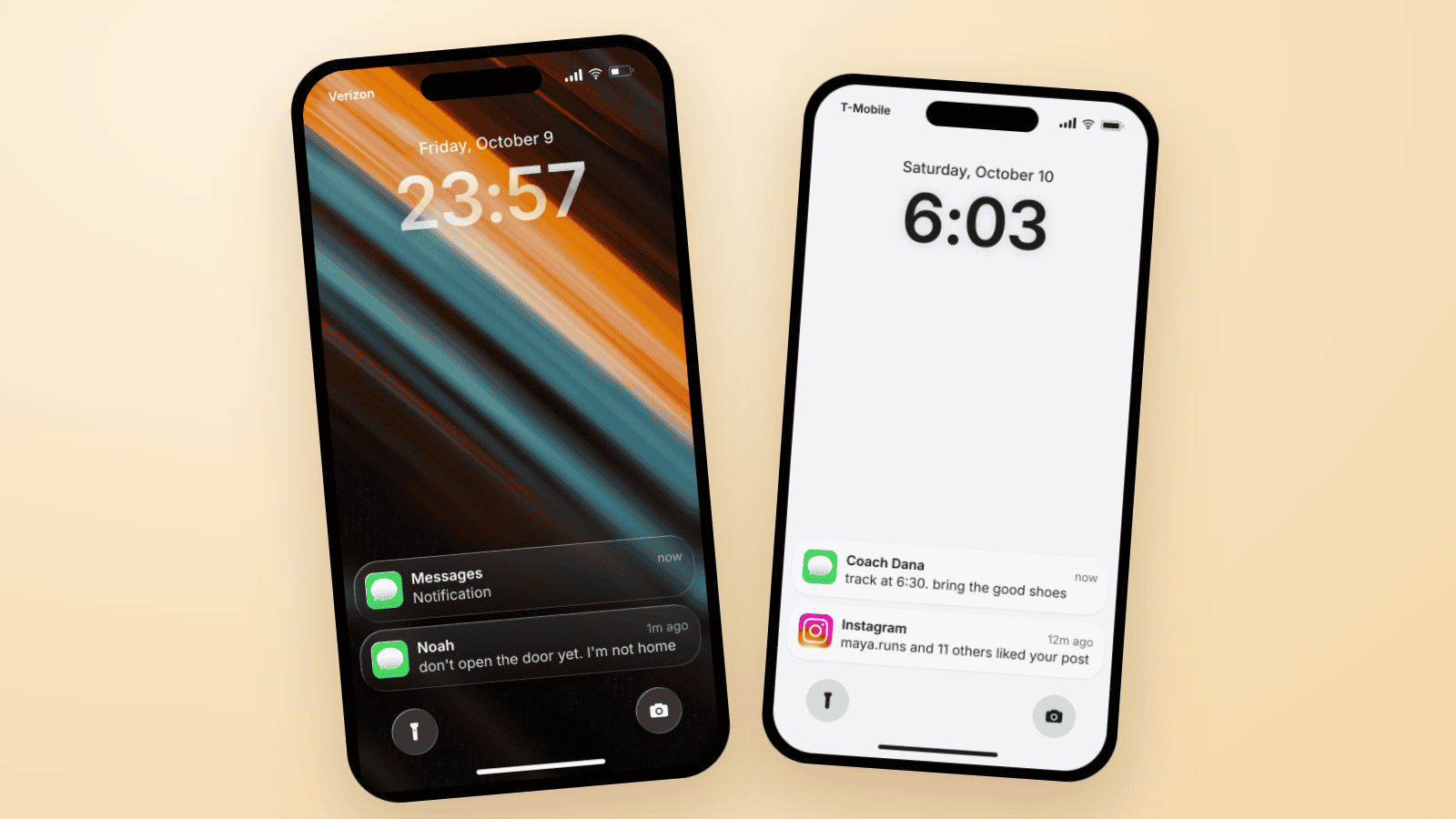
Fake Text on Lock Screen Trend: Build the TikTok Slide
The fake lock screen trend is a TikTok carousel slide: wallpaper, a late clock, one text, a mystery notification. Three examples you can build in Mockly.
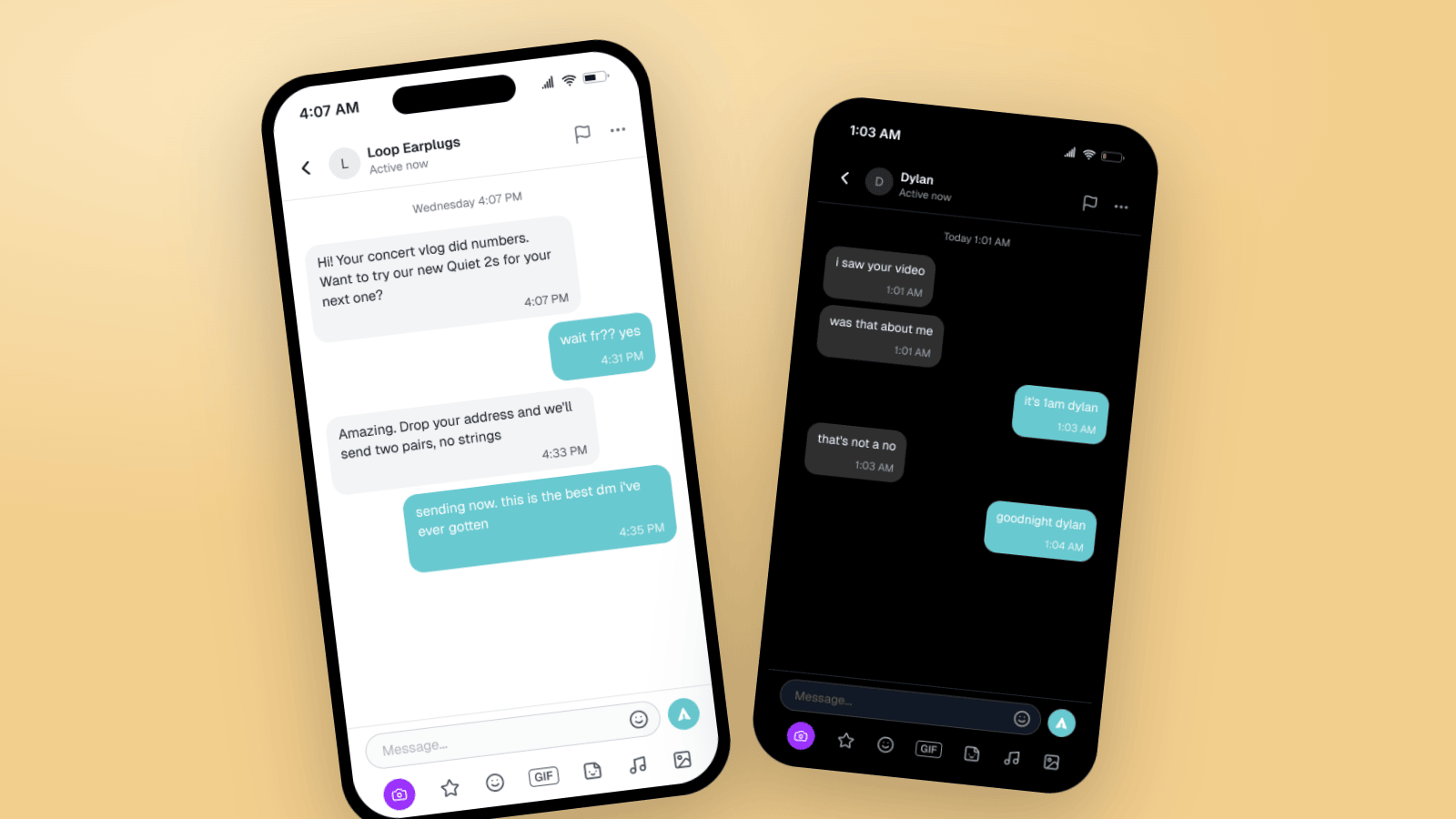
How to Make Fake TikTok DMs (Message Mockup Guide)
Make fake TikTok DMs that look real: the DM header, teal bubbles, dark mode, and the rich chat bar. Two worked examples, the details people check, and video export for storytime content.
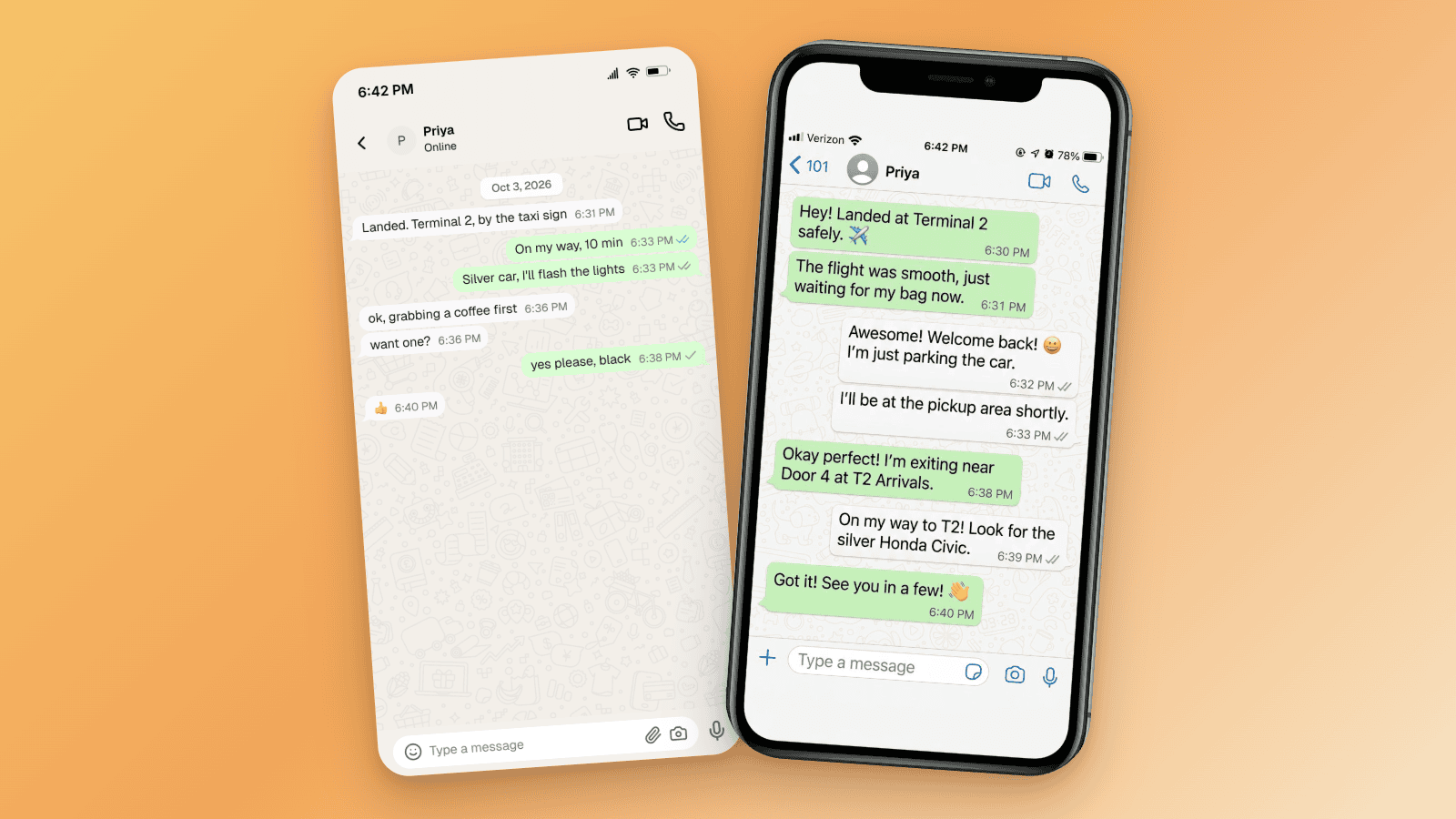
How to Tell If a Screenshot Is AI Generated: 6 Checks
Screenshots can be AI generated now. Run these six checks: SynthID and OpenAI Verify, Content Credentials, reverse image search, and the UI tells per app.