

What Is a Fake Tweet Generator?
A fake tweet generator builds a realistic X post from scratch: display name, @handle, verified badge, the post text, and the full engagement row. You type the content, set the numbers, and export a clean image without ever opening X.
Tweet mockups are everywhere once you notice them. Meme accounts screenshot "tweets" that were never posted, marketers mock up announcement posts before they go live, teachers build media-literacy exercises, and video producers need on-screen posts they legally control. What separates the convincing ones from the obvious fakes is a handful of small details, and those details are exactly what this guide covers.
We'll build three X post mockups in Mockly, show each result, and break down why it reads as real.
Use these for storytelling, not deception
Tweet mockups are for content, mockups, media-literacy lessons, and film props. Don't put words in a real person's mouth or present a fake post as a genuine screenshot. Keep it fictional or get permission.
The Anatomy of a Believable Fake Tweet
Everyone on the internet reads tweets daily, so everyone is an unwitting expert on how they look. The checklist:
- Name, handle, badge, time, in that order. Bold display name, grey @handle, the blue seal if verified, then "· 2h" or "· 1 day ago". Wrong order or wrong greys break it instantly.
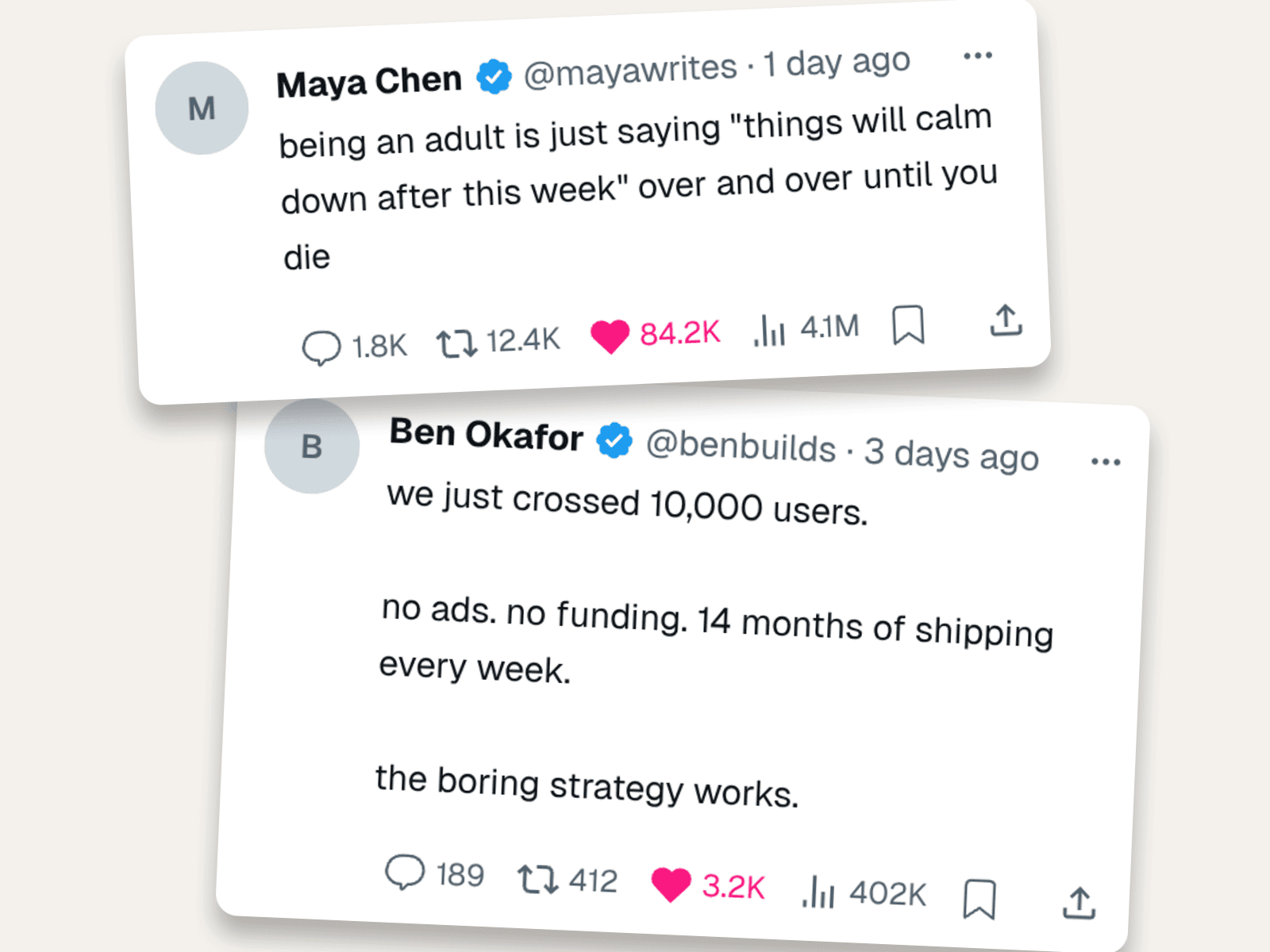
- Engagement numbers in X's format. X shows 84.2K, not 84,200. It shows views in millions. Mockly formats the numbers for you:
- Proportional metrics. A post with 84K likes has roughly 1–3K replies and a few hundred thousand views minimum. Ten likes and 4M views reads as broken.
- Line breaks where they belong. X preserves blank lines. Startup announcements use them; shitposts usually don't.
- A believable author. Handle that matches the name, avatar or a letter monogram, verified only if the character would pay for it.
Example 1: The Relatable Meme Tweet
The format that gets screenshotted onto every other platform. One observation, no hashtags, big numbers.
Why it lands:
- Lowercase on purpose. Viral text posts are almost never capitalized. Polished grammar kills the joke.
- The numbers match virality. 84.2K likes, 12.4K reposts, 4.1M views. That ratio is what a genuinely viral text post looks like.
- High bookmarks. Relatable content gets saved. It's the detail nobody fakes, which is why you should.
Example 2: The Startup Milestone Post
The build-in-public announcement, for pitch decks, landing pages, and "how we grew" content where you need a post you control instead of a real customer's.
The craft here:
- Line breaks create the rhythm. Three short stanzas. This is how founders actually write announcement posts.
- Modest, believable numbers. 3.2K likes and 402K views: a good day for an indie founder, not fantasy-viral.
- Bookmarks beat reposts. 1.2K bookmarks against 412 reposts. Advice-shaped content gets saved more than shared, and ratios tell the truth.
Example 3: The Thread Opener
The storytime hook. One dramatic line, a 🧵, and numbers that show it took off. Perfect as the first frame of TikTok storytelling or a YouTube thumbnail element.
What sells it:
- No verified badge. A random person's story going viral is the whole premise. The missing badge is part of the story.
- Replies are high relative to likes. 940 replies on 18.7K likes: cliffhangers make people talk, not just tap.
- 8:12 AM timestamp. Quit-my-job stories happen in the morning. Small thing; your brain checks it anyway.
How to Build One in Mockly
- Open the X post editor. The layout, icons, and number formatting match the real app.
- Create the author. Display name, @handle, optional avatar, verified toggle.
- Write the post. Match the register to the format: lowercase for memes, line breaks for announcements.
- Set the metrics. Likes, replies, reposts, views, bookmarks. Keep the ratios honest.
- Export. A clean PNG, watermark-free and up to 4K on Premium. Try it free, no signup needed, and see the plans for what Premium adds.
Need the conversation under the post too? Pair it with the X comment mockup editor, or make X DM mockups for the private side of the story.
Common Mistakes to Avoid
- Impossible ratios. More reposts than likes, or millions of views with double-digit likes. The engagement row has internal logic.
- Full numbers. "84,200 likes" is not how X displays anything. Use the abbreviated format (Mockly does this automatically).
- Hashtag stuffing. Viral text posts basically never carry hashtags. #relatable #adulting kills it.
- A verified badge on everyone. The badge is a paid product; give it only to characters who'd pay.
- Perfect punctuation on a shitpost. Match the genre's grammar, not your editor's.
Related Guides
- How to Make X DM Mockups
- Create Fake Threads Posts
- The Psychology of Social Proof
- Complete Guide to Fake Screenshots
- How to Tell If a Screenshot Is AI Generated
FAQ
Can I make a fake tweet for free?
Yes. The X post editor is free to use, no signup needed. Your first export is free, and a free account adds 3 more. Premium adds HD and 4K export and watermark-free images.
Does the verified badge show up?
Yes, the blue verified seal is a toggle on the author. You can also leave it off; sometimes the missing badge is what makes a story believable.
Can I set the views and bookmark counts?
Yes. Replies, reposts, likes, views, and bookmarks are all editable, and Mockly renders them in X's abbreviated format (12.4K, 4.1M).
Can I fake a tweet from a real celebrity?
No. That's impersonation, not storytelling. Invent a character instead. Fictional authors keep your content safe and your conscience clean.
What size is the export?
The mockup exports as a sharp PNG sized to the post. Premium adds 2x and 4x resolution, enough to crop into video thumbnails without going soft.
Start Creating
Rebuild one of the three examples or write your own. Open the X post editor and export your first tweet mockup in a couple of minutes.
Try it yourself
Create your first mockup in under a minute
40+ apps. Free to try, no signup needed.
Start your mockupAbout the author
Elena Brooks
Content Editor
Elena writes step-by-step tutorials and practical guides for creating realistic chat and social mockups. She focuses on helping creators quickly turn ideas into polished visuals that look believable in demos, landing pages, and client work.
Tags
More from the blog
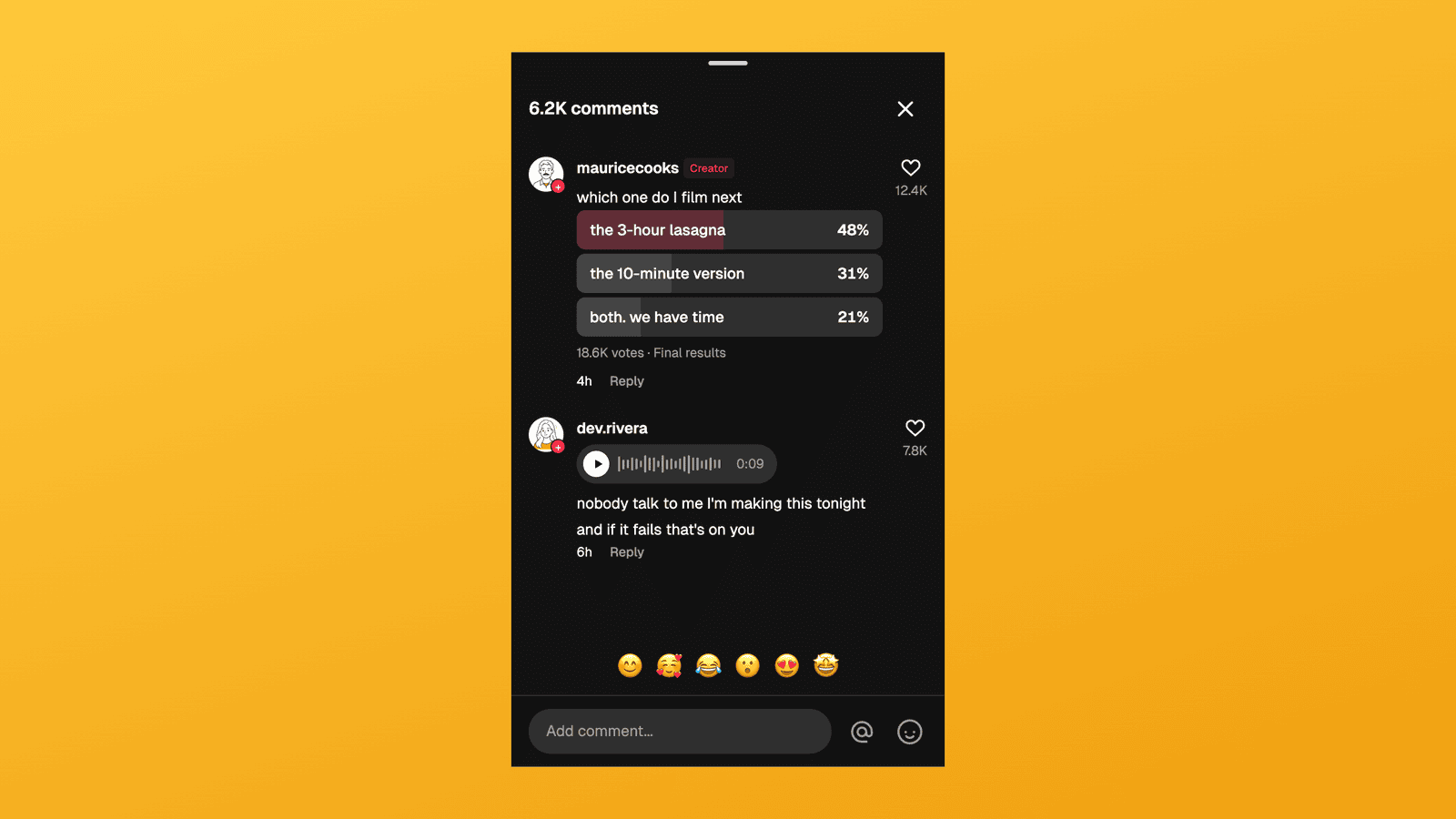
TikTok Comment Template: Voice Comments, Polls and Replies
Make TikTok comment mockups with voice comments and creator polls, plus the Creator badge, replies and heart counts. Free to try, no signup needed.
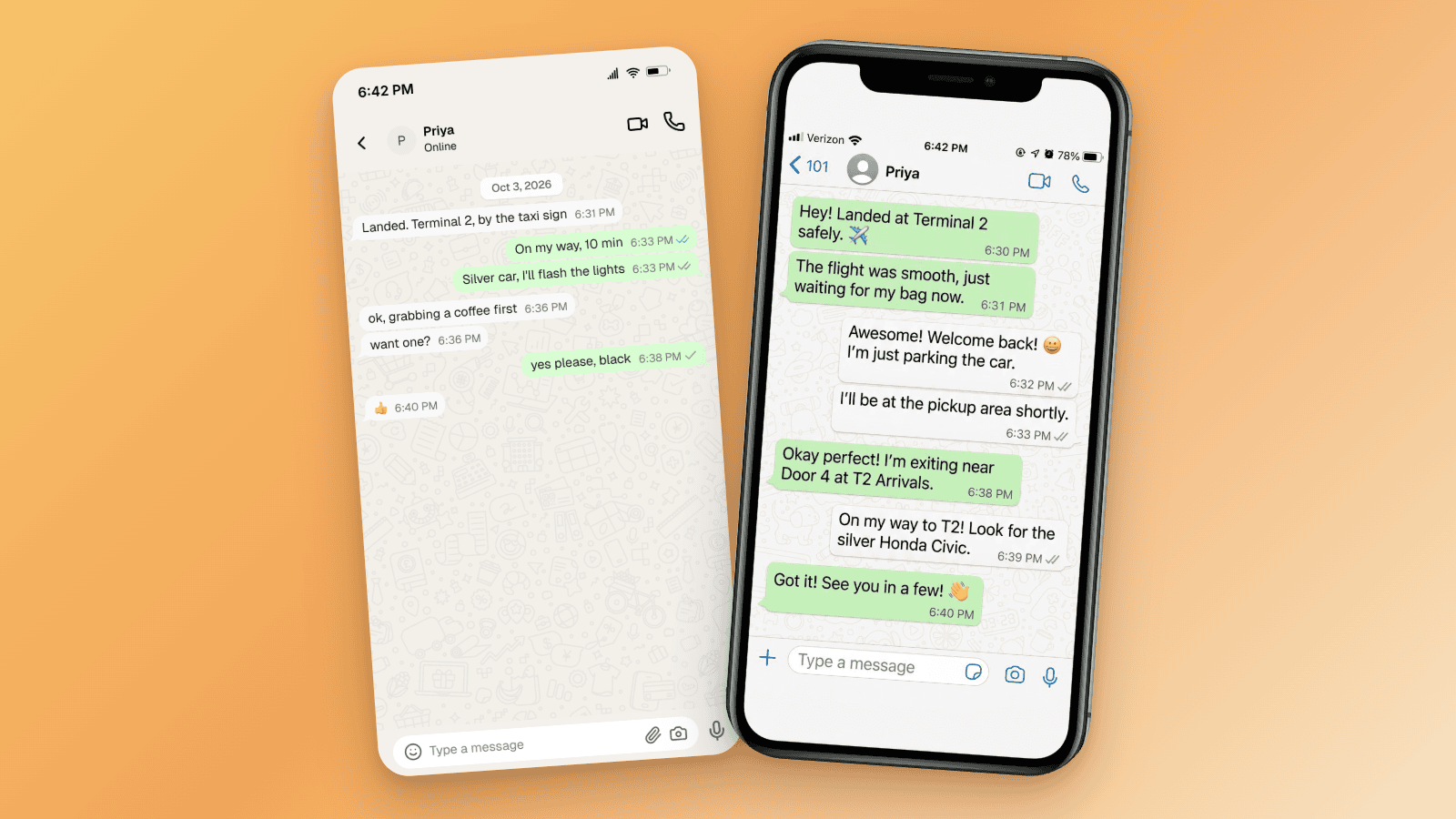
How to Tell If a Screenshot Is AI Generated: 6 Checks
Screenshots can be AI generated now. Run these six checks: SynthID and OpenAI Verify, Content Credentials, reverse image search, and the UI tells per app.

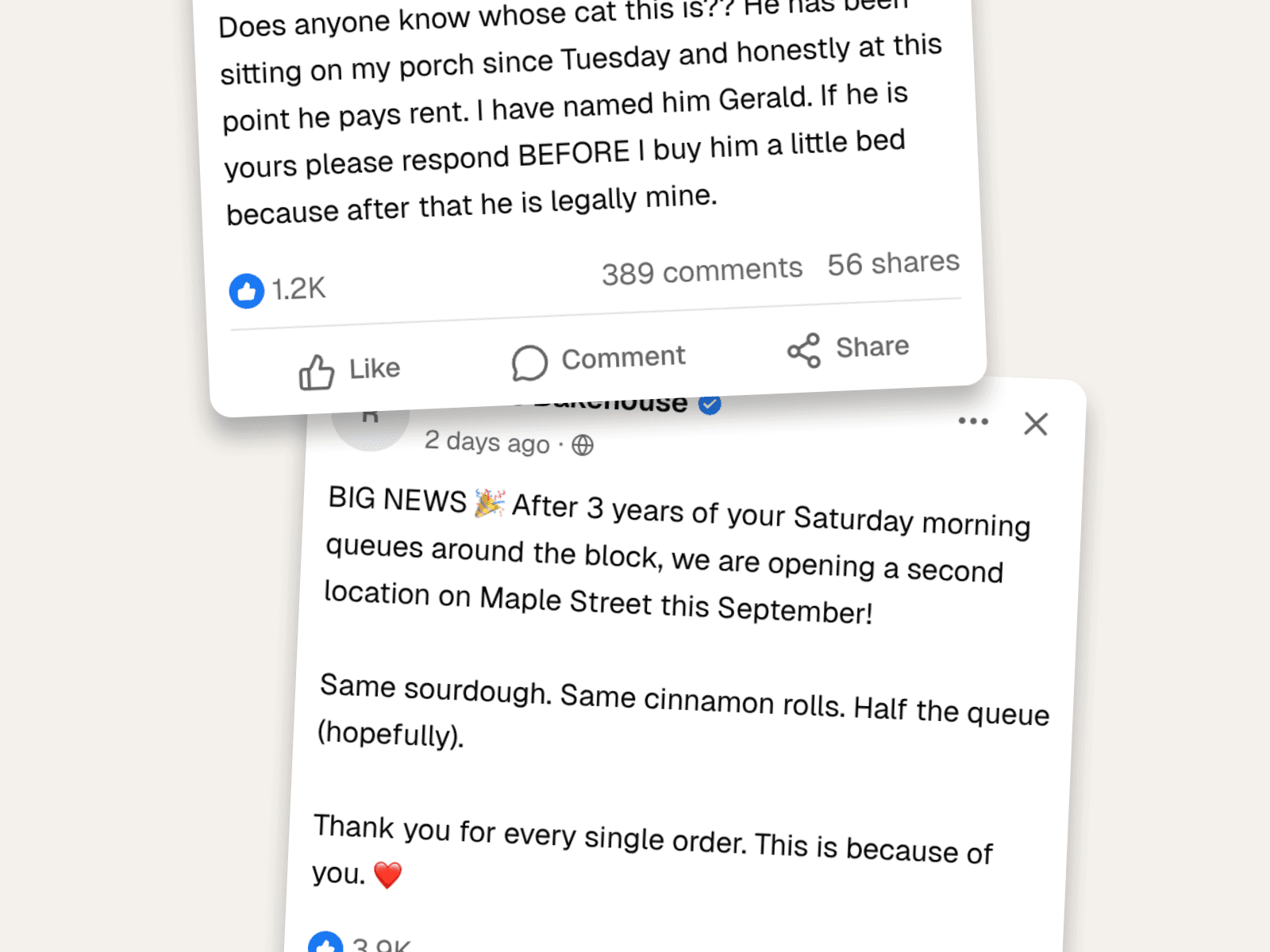
Fake Facebook Posts & Comments: The Complete Guide
Create fake Facebook posts and comment threads that look real, with reactions, shares, nested replies, and the exact layout. Worked examples for content and marketing.