
What a Fake Messenger Chat Generator Does
A fake Messenger chat generator builds a Facebook Messenger conversation from scratch. You name the people, write the messages, set the times, and export a clean image or video. No second Facebook account, no asking a friend to play along, no cropping your own inbox out of the shot.
Messenger has a specific look that most "fake chat" tools get wrong. The bubbles are blue, the header says "Active now", the other person's avatar sits next to their messages, and the chat bar has a thumbs-up where you would expect a send button. This guide builds two Messenger chats in Mockly's Messenger generator and points out the details that make each one believable.
Use these for storytelling, not deception
Messenger mockups are for skits, explainers, marketplace tutorials, course material, and film props. They are not for inventing messages from real people or passing a mockup off as a genuine screenshot. Keep it fictional or get permission.
The Details That Make a Messenger Chat Look Real
Messenger is the app people use with family, sellers, and old classmates. Its audience skews a little older than TikTok's and notices different things:
- The header. A round avatar, the contact's full name, and a green dot with "Active now" under it. Phone, video, and a three-dot menu on the right. Messenger shows full names, not handles.
- Blue bubbles on your side. Your messages are Messenger blue with white text. In dark mode they shift to purple. The other person's messages are light gray, with their small avatar next to the last bubble in a run.
- A date line above the first message. "September 3, 2026 at 9:02 AM", centered and gray. Messenger includes the year and a full time, unlike most chat apps.
- The chat bar. A plus, camera, image, and mic icon on the left, an "Aa" input with an emoji button, and a thumbs-up on the right. That thumbs-up is the signature.
- Group chats show a group name in the header and an avatar next to every sender. Messenger does not color-code names the way WhatsApp does.
- Full names and proper sentences. Messenger conversations read more like email than Snapchat. Punctuation and capital letters are normal here.
Mockly renders the header, bubbles, avatars, date line, and chat bar for you. You write the conversation.
Example 1: A Marketplace Negotiation
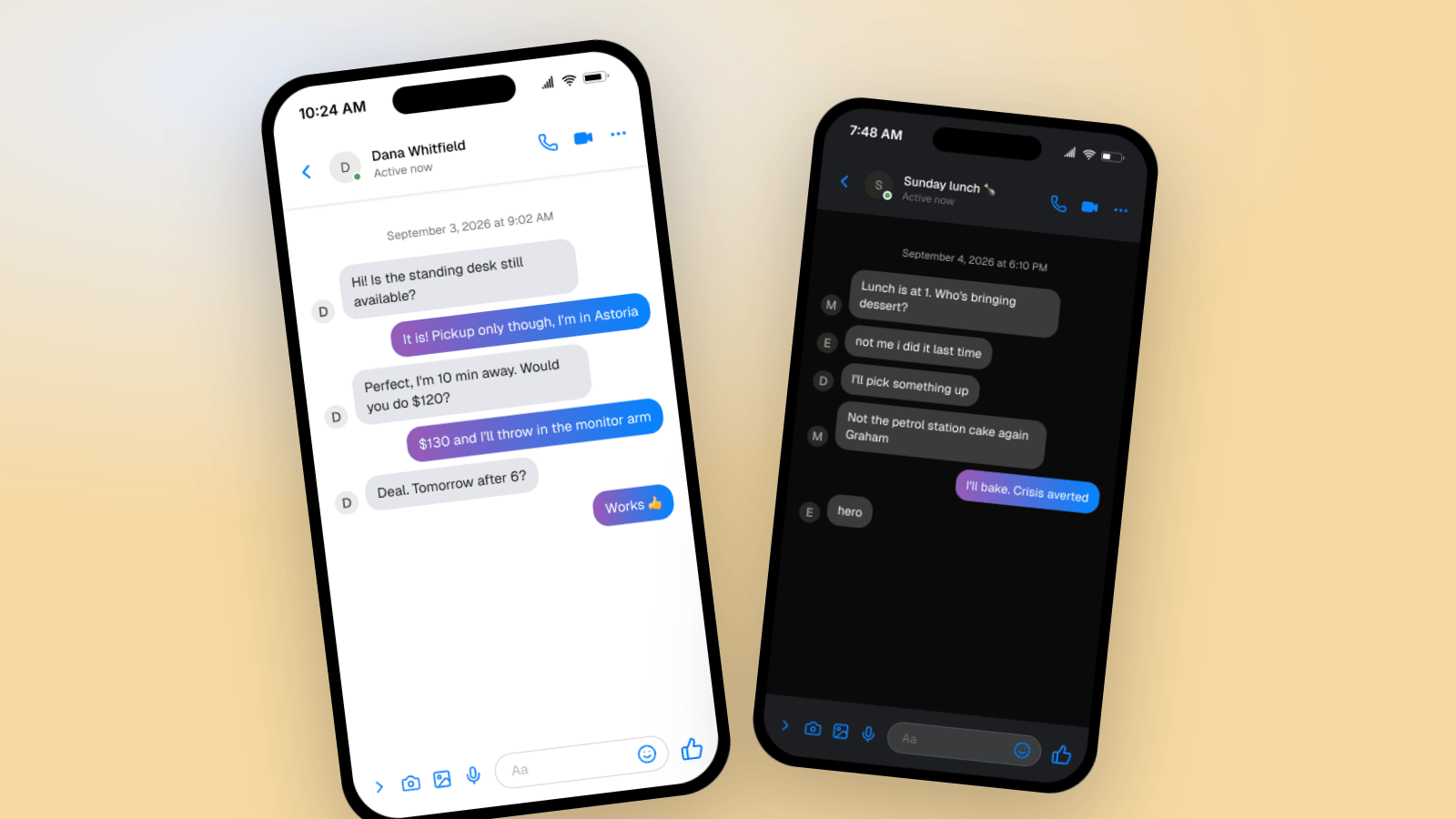
Half of Messenger is Facebook Marketplace. A buyer asks if something is available, haggles a little, and agrees on a time. This one works for marketplace tutorials, "how to sell your old furniture" content, and small-business explainers.
What makes it land:
- The opener is the real opener. "Hi! Is the standing desk still available?" is the exact sentence every Marketplace conversation starts with.
- Both people use full sentences. This is Messenger. "Pickup only though, I'm in Astoria" is how people write here.
- The haggle is small and specific. $120 against $130 with a monitor arm thrown in. Vague numbers read as fake.
- The reply gaps are realistic. Eighteen minutes before the seller answers, then a fast back-and-forth once both are in the app.
- It ends on a thumbs-up. "Works 👍" is the natural close for a deal on Messenger.
Example 2: A Family Group in Dark Mode
Family logistics live on Messenger. This one works for lifestyle content, a skit about parents, or any story that needs a warm, slightly chaotic group thread.
Details worth copying:
- The group name does the setup. "Sunday lunch 🍗" tells you the whole story before you read a message.
- Each person has a voice. Mum organizes. Ellie replies in lowercase. Dad says four words. That difference is what makes it a family.
- One line carries history. "Not the petrol station cake again Graham" implies a whole backstory in eight words.
- Purple bubbles in dark mode. Mockly switches the sender color with the theme, like the real app.
Group chats are a Premium feature in Mockly. Try the one-on-one editor first, no signup needed.
How to Build One in Mockly
Both examples above took a few minutes:
- Open the Messenger editor. For a group, switch the conversation type to group chat and name it.
- Name the people. Use full names. Add avatars if you have them, or let Mockly show initials.
- Write the messages. Click plus to add each one. Proper sentences are fine here.
- Set the timestamps. Messenger shows a full date line, so set a real date and time of day that matches the story.
- Pick light or dark mode, set the status bar time and battery, and toggle the device frame.
- Export. A PNG for a post, slide, or thumbnail. Or a chat video where the messages appear one at a time.
Messenger is free to try. Premium removes the watermark and adds HD and 4K export, video, group chats, and unlimited messages. See the plans for details.
Writing Messenger Conversations That Sound Real
Messenger has a more grown-up voice than Snapchat or TikTok. Some rules that hold up:
- Capital letters and punctuation are normal. Most Messenger users type like they text their mum. Because they are.
- Full names in the header. "Dana Whitfield", not "dana_w".
- Keep one person a little more casual. A younger sibling or a friend who types in lowercase gives the thread texture.
- Logistics are the genre. Times, places, prices, who is bringing what. Messenger is where plans get made.
- End on a small confirmation. "Works 👍", "See you then", "hero". Not a summary.
Common Mistakes to Avoid
- Handles instead of names. Messenger shows the person's real name.
- No date line. The full date and time above the first message is a Messenger signature.
- Missing the thumbs-up. The chat bar ends with a like button, not a send arrow.
- Everyone typing like a teenager. Match the voice to the app's audience.
- Instant replies. Spread the timestamps out.
Related Guides
- Fake Facebook Posts & Comments: The Complete Guide
- How to Make WhatsApp Chat Mockups
- How to Make Fake Instagram DM Screenshots
- What Makes a Mockup Feel Real on Screen
FAQ
Is the Messenger chat generator free?
Yes. You can build and export a Messenger mockup free. Free exports carry a watermark at 1x resolution. Premium removes the watermark and adds HD, 4K, and video export.
Can I make a fake Messenger group chat?
Yes. Switch the conversation type to group chat, name the group, and add as many people as the story needs. Group chats are a Premium feature.
Does it support dark mode?
Yes. Toggle dark mode and the header, bubbles, and chat bar switch to Messenger's dark theme, with purple sender bubbles.
Can I export a Messenger chat as a video?
Yes. Chat video export plays the conversation message by message as an MP4. Video export is Premium.
What about fake Facebook posts and comments?
Those are separate editors. See the Facebook post generator and the Facebook comment generator.
Is it OK to make fake Messenger chats?
For skits, tutorials, explainers, course material, and film props, yes. It is not OK to invent messages from real people or to present a mockup as a real screenshot to mislead someone.
Start Creating
Pick a scenario and build it. Open the Messenger editor, or read more on the fake Messenger messages page.
Try it yourself
Create your first mockup in under a minute
40+ apps. Free to try, no signup needed.
Start your mockupAbout the author
Elena Brooks
Content Editor
Elena writes step-by-step tutorials and practical guides for creating realistic chat and social mockups. She focuses on helping creators quickly turn ideas into polished visuals that look believable in demos, landing pages, and client work.
Tags
More from the blog
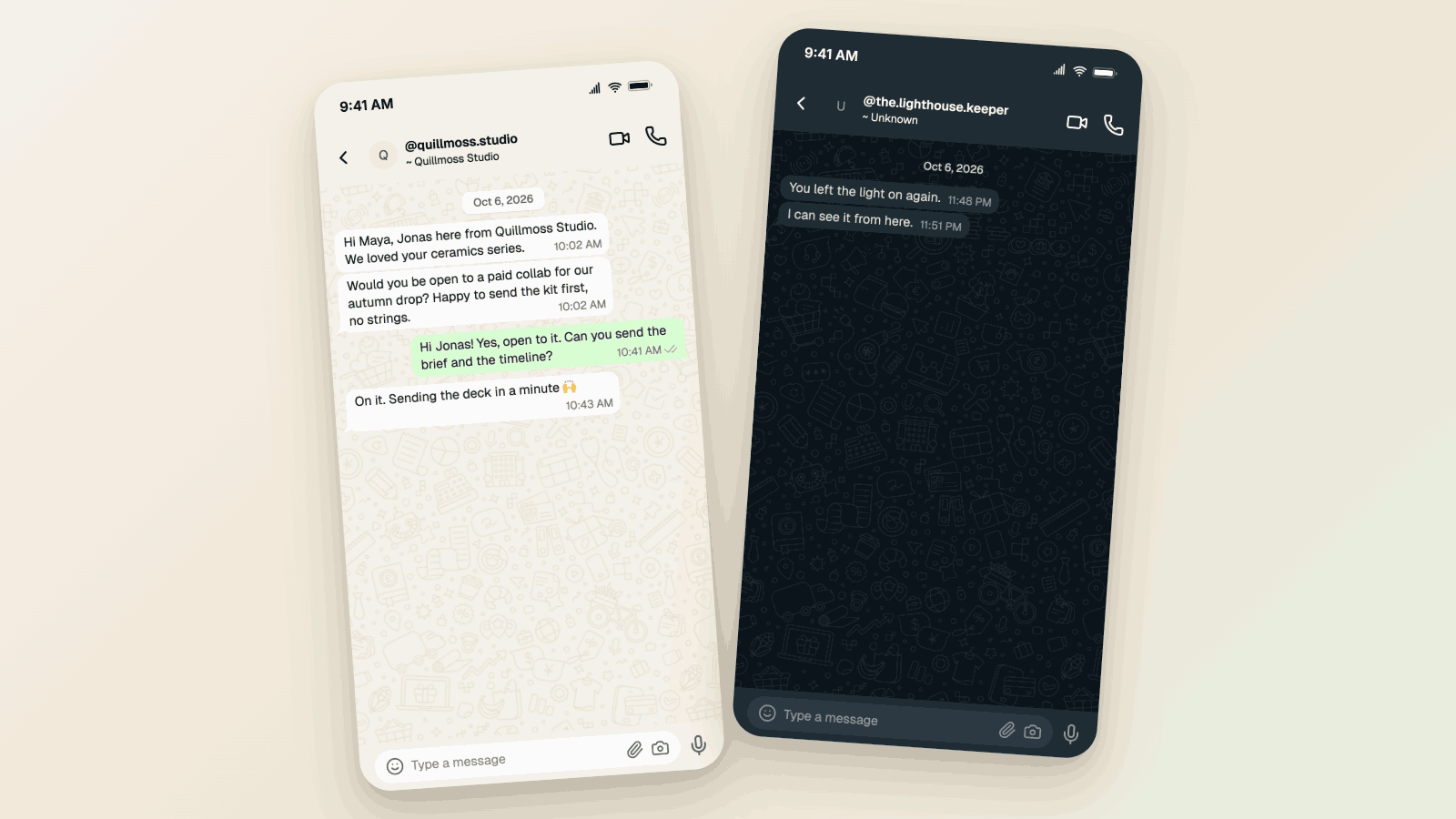
WhatsApp Username Chat Mockups: The @Handle Header (2026)
Make a WhatsApp chat mockup with the @username header. What the 2026 username rollout changed, what stayed, and three examples you can copy. Free to try.
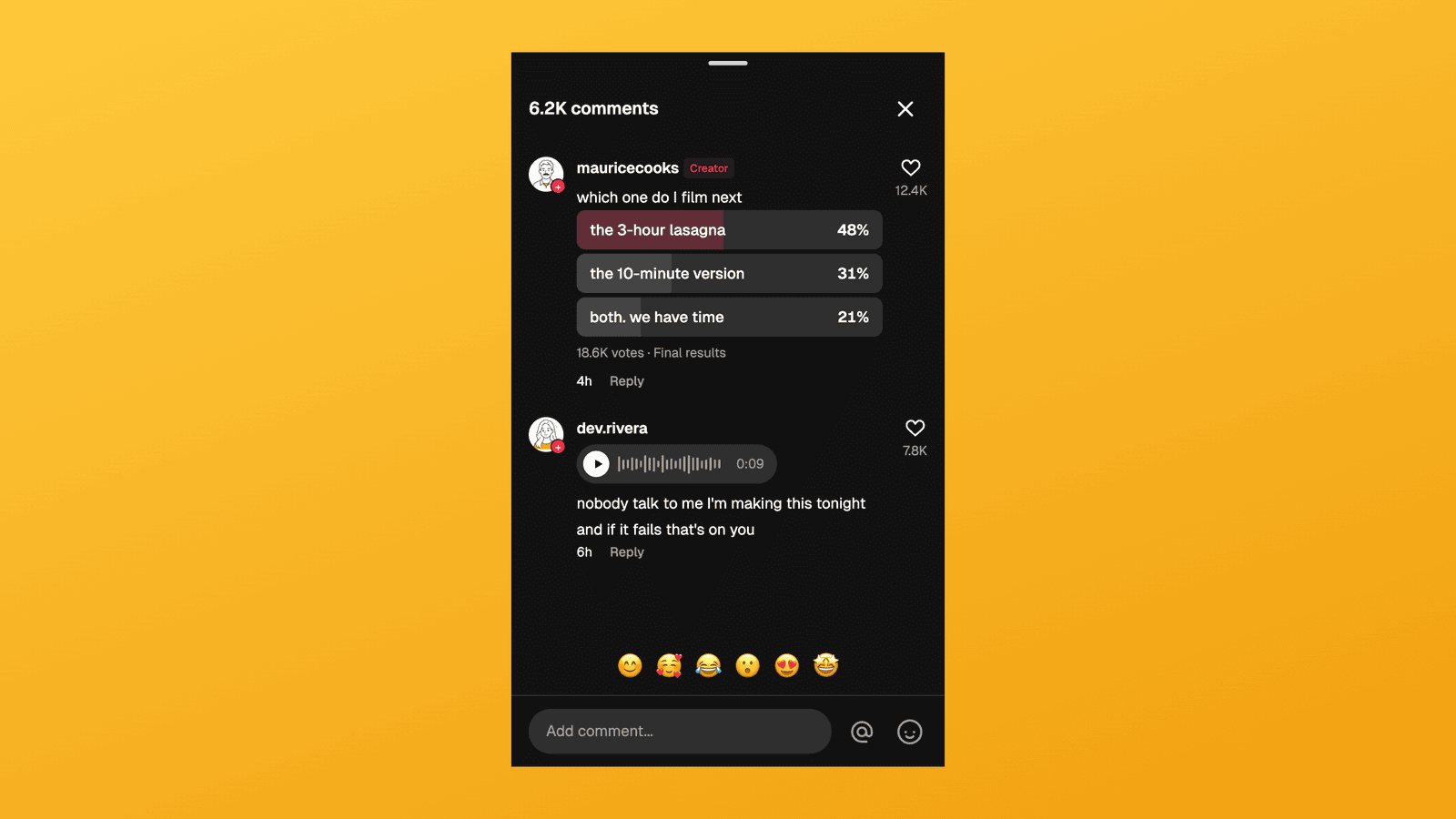
TikTok Comment Template: Voice Comments, Polls and Replies
Make TikTok comment mockups with voice comments and creator polls, plus the Creator badge, replies and heart counts. Free to try, no signup needed.
How to Make Fake Snapchat Messages (Chat & Story Guide)
Make fake Snapchat messages that look real: colored text, ME labels, dark mode, group chats, and story frames. Three worked examples you can copy, plus video export.