
What a Fake Snapchat Message Generator Does
A fake Snapchat message generator builds a Snapchat chat screen from scratch. You type the messages, name the people, set the times, pick light or dark mode, and export a clean PNG or a video. No second phone, no burner account, no cropping your own chat list out of the frame.
Snapchat chats are a different beast from WhatsApp or iMessage. There are no bubbles. Messages are colored text with a thin accent bar, stacked under an uppercase name. Most tools get this wrong and hand you a generic bubble chat with a yellow header. This guide builds three Snapchat chats and one story frame in Mockly's Snapchat generator and points out the details that make each one believable.
Use these for storytelling, not deception
Snapchat mockups are for skits, tutorials, ad creative, classroom material, and film props. They are not for inventing messages from real people or passing a mockup off as a genuine screenshot. Keep it fictional or get permission.
The Details That Make a Snapchat Chat Look Real
Your audience opens Snapchat a dozen times a day. These are the things they check without thinking:
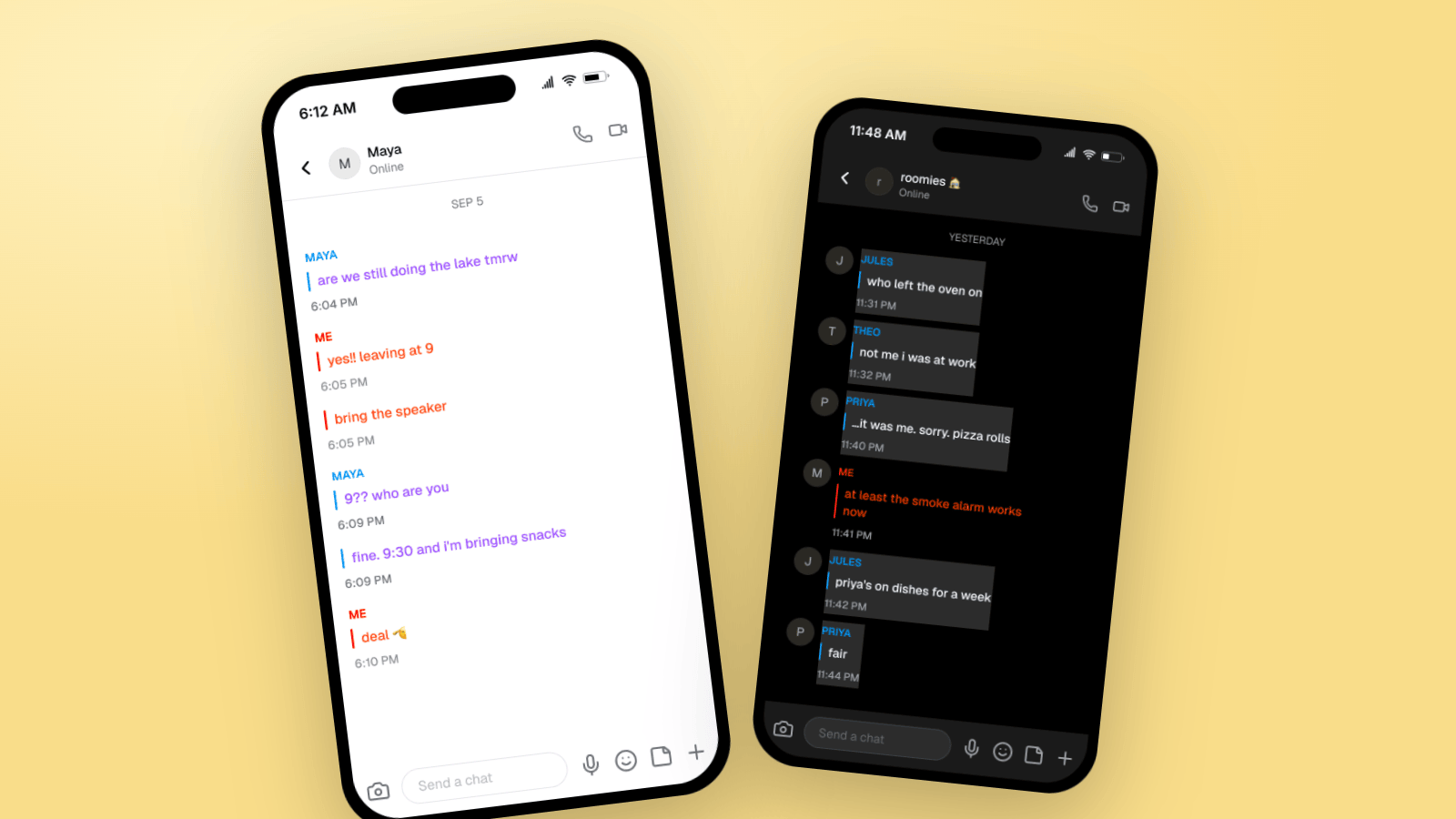
- Text, not bubbles. Your messages are red text with a red accent bar on the left. The other person's messages are blue or purple text with a matching bar. If you see rounded bubbles, it is not Snapchat.
- The uppercase ME label. Every run of your messages sits under a small "ME" in caps. The other person's messages sit under their name in caps, in their color.
- A timestamp under each message. Snapchat shows the time in small gray text below the message, not next to it. Real threads have messages that land minutes apart, not seconds.
- The header. Avatar on the left, the contact's name, and an "Online" line under it. Phone and video icons on the right. Nothing else.
- The chat bar. A camera button, a rounded "Send a chat" field, then mic, emoji, and plus icons. That bar is the fastest tell when a mockup is off.
- Dark mode is common. A lot of Snapchat users live in dark mode. A dark chat reads as more "native" for a younger audience.
Mockly renders all of these for you. Your job is the conversation.
Example 1: Two Friends Making Plans
The everyday Snapchat thread. Short lines, lowercase, one emoji. This is the format behind most "text story" skits and the easiest one to get right.
What makes it land:
- The messages are tiny. "yes!! leaving at 9" and "bring the speaker" are two separate sends. Real people hit send often.
- The pushback is in character. "9?? who are you" is exactly how a friend replies at 6pm on a Friday.
- The timestamps breathe. A four minute gap before the reply. Nobody answers instantly in a Snapchat thread unless they are already in the app.
- One emoji. A single 🫡 on the closing line. Not three per message.
Example 2: A Group Chat in Dark Mode
Roommates, teams, friend groups. Snapchat group chats show the group name in the header, an avatar per person, and every sender in their own color. Turn on dark mode and it looks like most of your audience's phone.
Details worth copying:
- The group name has personality. "roomies 🏠" reads as a real group. "Group Chat" does not.
- Each person gets one voice. Jules accuses, Theo deflects, Priya confesses. If every message could have come from anyone, the group has no people in it.
- The confession lands late. Eight minutes between "not me i was at work" and "…it was me". That gap is the joke.
- Somebody closes it with one word. "fair" is how threads actually end.
Group chats are a Premium feature in Mockly. Try the one-on-one editor first, no signup needed.
Example 3: A Brand Reaching Out to a Creator
Creators use this one in "how I got my first sponsor" videos and in pitch decks. Brands use it in ad creative that shows what a collab conversation looks like. Keep the brand's messages a little more polished than the creator's.
Why it works:
- Two registers. The brand writes full sentences with a capital letter. The creator writes "omg yes. what's the deal?". That contrast is what a real brand DM looks like.
- The offer is concrete. "Two stories over a week, we send the full set + a code". Vague offers read as fake.
- The date divider says YESTERDAY. Mockly adds the divider from the timestamps. A DM that arrived yesterday and got answered today is more believable than one that resolved in four minutes.
Bonus: A Snapchat Story Mockup
Chats are half of Snapchat. If your content, ad, or pitch needs a story frame, Mockly has a separate Snapchat story generator. You upload the photo, set the username, and pick which slide is showing. The progress bars at the top and the "Send a chat" bar at the bottom come with it.
Story mockups are the format for "what our campaign will look like" slides and for creators previewing a sponsored story before it goes live. Read more on the Snapchat story landing page.
How to Build One in Mockly
Every chat above took under five minutes:
- Open the Snapchat editor. For a group, switch the conversation type to group chat and give it a name.
- Name the people. Set the contact's name and an avatar if you want one. Mockly applies the red and blue text styling and the ME label for you.
- Write the messages. Click plus to add each one. Short lines, lowercase, split thoughts into separate sends.
- Set the timestamps. Space replies out by minutes. Let one land hours later if the story calls for it.
- Pick light or dark mode and toggle the device frame if you want the phone around it.
- Export. A PNG for a post, a slide, or a thumbnail. Or a chat video where the messages appear one by one, for TikTok, Reels, and Shorts.
Snapchat is free to try. Premium removes the watermark and adds HD and 4K export, video, group chats, and unlimited messages. See the plans for what each option includes.
Writing Snapchat Messages That Sound Real
Snapchat has its own voice. It is faster and looser than iMessage and much looser than WhatsApp. A few rules that hold up:
- Lowercase almost everything. Capital letters are for brands and parents.
- Cut punctuation. No periods at the end of messages. Question marks are fine, especially doubled.
- Split thoughts. "yes!! leaving at 9" then "bring the speaker" beats one longer message.
- Use abbreviations people actually use. tmrw, rn, fr, idk. Skip the ones from 2012.
- One emoji, placed on purpose. A reaction at the end of a beat. Never a string of five.
- Let it taper. End on "deal 🫡" or "fair", not on a tidy conclusion.
Read the thread out loud before you export. If it sounds like a person, ship it.
Common Mistakes to Avoid
- Bubbles. Snapchat does not have them. If your tool draws bubbles, your audience will notice.
- Full sentences with periods from a teenager. Match the register to the character.
- Every reply within seconds. Spread the timestamps. A late reply is more real than a fast one.
- A blank or generic group name. Name it like a real group.
- Perfect spelling everywhere. One lowercase "tmrw" does more than a whole thread of careful grammar.
Related Guides
- How to Make Fake TikTok DMs
- How to Make Fake Instagram DM Screenshots
- WhatsApp Group Chat Mockups: A Practical Guide
- What Makes a Mockup Feel Real on Screen
FAQ
Is the Snapchat chat generator free?
Yes, Snapchat is one of the apps you can try free in Mockly. Free exports carry a watermark and are 1x resolution. Premium removes the watermark and adds HD, 4K, and video export.
Can I make a fake Snapchat group chat?
Yes. Switch the conversation type to group chat, name the group, and add as many people as the story needs. Each sender gets their own color, like the real app. Group chats are a Premium feature.
Does it support dark mode?
Yes. Toggle dark mode in the editor and the whole chat, header, and chat bar switch to Snapchat's dark theme.
Can I export a Snapchat chat as a video?
Yes. Chat video export plays the thread message by message, which is the format for storytime videos on TikTok, Reels, and Shorts. Video export is Premium.
Can I make a fake Snapchat story too?
Yes. The Snapchat story generator builds a story frame with your photo, username, and progress bars. It exports as an image or a video.
Is it OK to make fake Snapchat messages?
For skits, tutorials, ad concepts, course material, and film props, yes. It is not OK to invent messages from real people or to present a mockup as a real screenshot to mislead someone.
Start Creating
Pick one of the three scenarios and build it. Open the Snapchat editor, or read more on the fake Snapchat messages page.
Try it yourself
Create your first mockup in under a minute
40+ apps. Free to try, no signup needed.
Start your mockupAbout the author
Elena Brooks
Content Editor
Elena writes step-by-step tutorials and practical guides for creating realistic chat and social mockups. She focuses on helping creators quickly turn ideas into polished visuals that look believable in demos, landing pages, and client work.
Tags
More from the blog
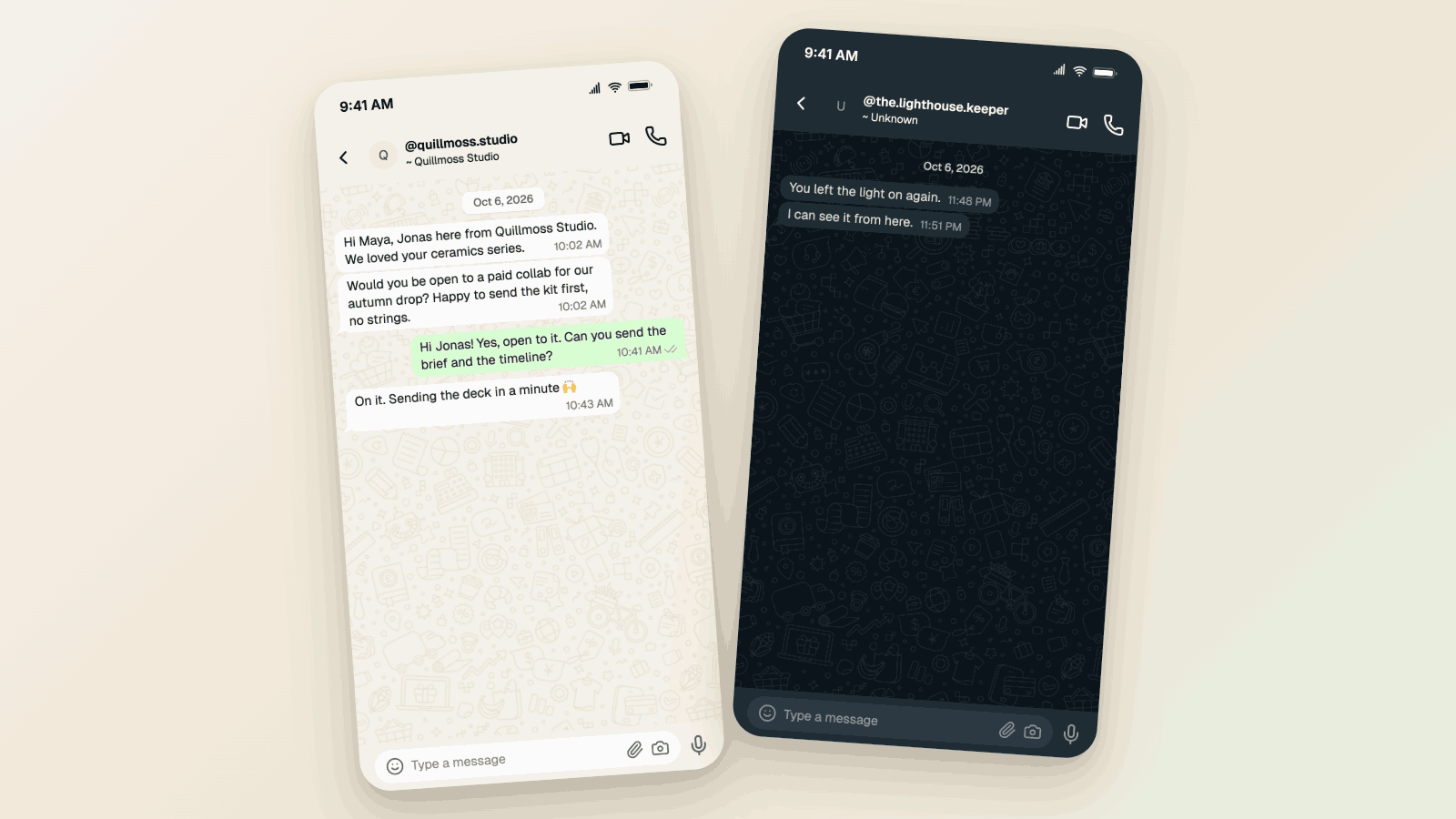
WhatsApp Username Chat Mockups: The @Handle Header (2026)
Make a WhatsApp chat mockup with the @username header. What the 2026 username rollout changed, what stayed, and three examples you can copy. Free to try.
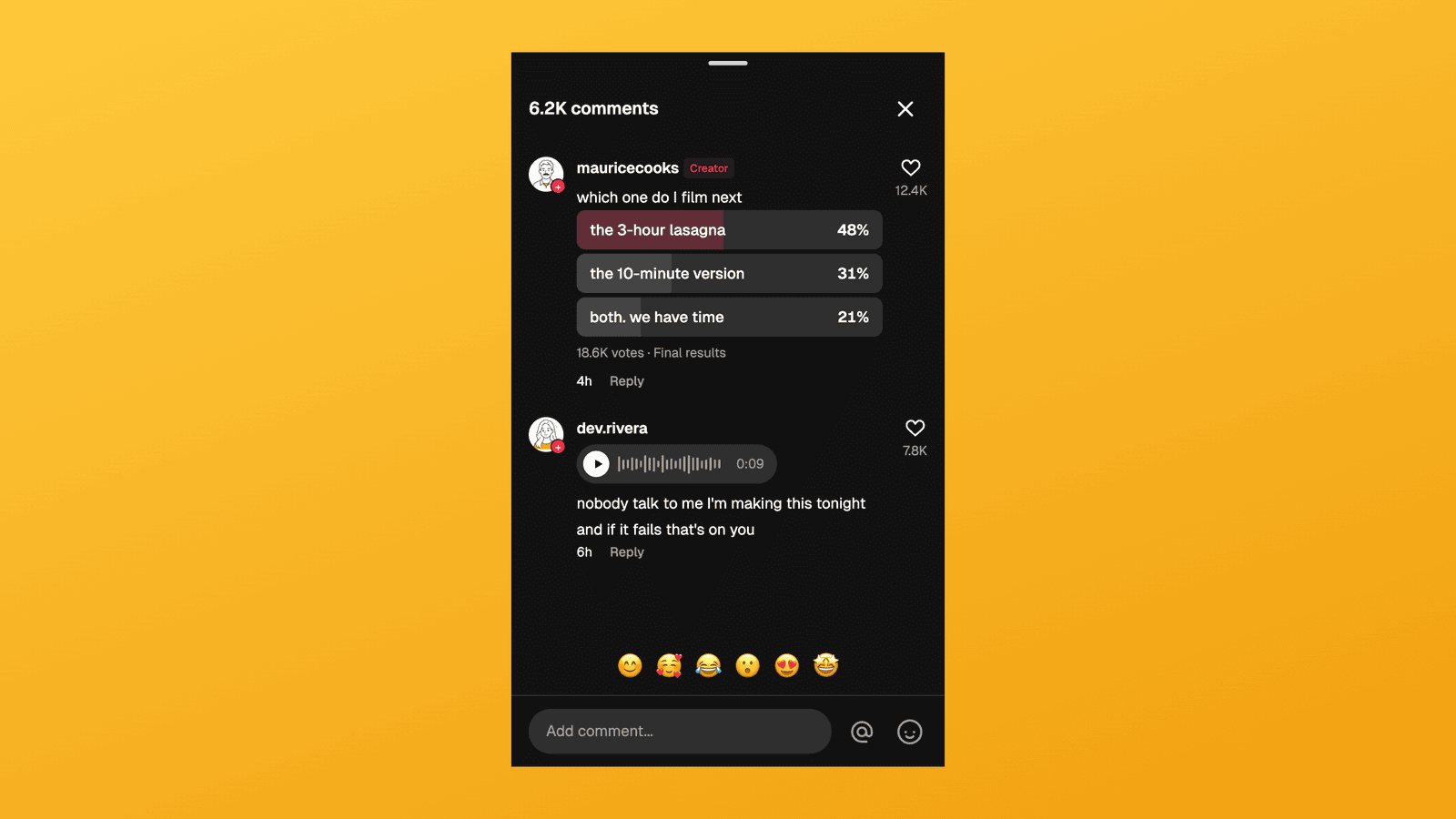
TikTok Comment Template: Voice Comments, Polls and Replies
Make TikTok comment mockups with voice comments and creator polls, plus the Creator badge, replies and heart counts. Free to try, no signup needed.
How to Make a Fake Messenger Chat (Facebook Messenger Guide)
Make fake Facebook Messenger chats that look real: the Active now header, blue and purple bubbles, dark mode, and group chats. Two worked examples you can copy, plus the details people check.