Why Fake TikTok DMs Are Everywhere Right Now
Open TikTok and you will see them within a few swipes. "The brand that slid into my DMs." "My ex texting me at 1am." "POV: a fan messages you after the video blows up." The screenshot of a TikTok DM has become its own content format, and it works because every viewer already knows exactly what a real one looks like.
A fake TikTok DM generator lets you build that screen without a second account, without staging a real conversation, and without cropping your own inbox out of the frame. This guide builds two DM threads in Mockly's TikTok DM generator, walks through the details people check, and covers the video export that turns a static screenshot into a storytime clip.
Use these for storytelling, not deception
TikTok DM mockups are for skits, storytime videos, brand explainers, and creator pitch decks. They are not for inventing messages from real people or passing a mockup off as a genuine screenshot. Keep it fictional or get permission.
The Details That Make a TikTok DM Look Real
Your audience lives in this app. They notice when a "TikTok" DM is really an iMessage with the colors swapped. Here is what they check:
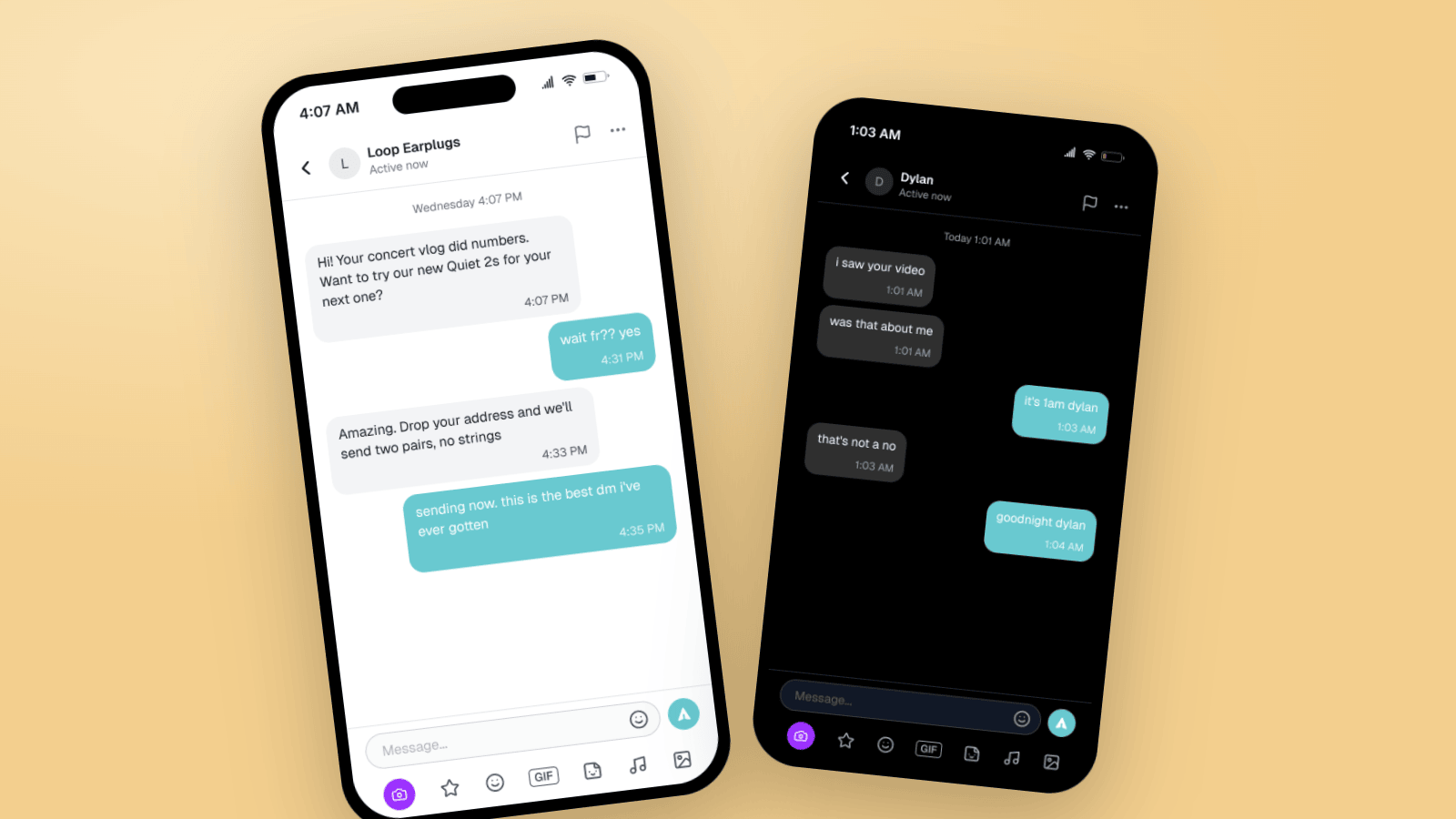
- The header. Avatar on the left, the display name, and an "Active now" line under it. A flag icon and a three-dot menu on the right. No phone or video icons, unlike WhatsApp or Instagram.
- Teal bubbles on your side. Your messages are TikTok's teal with dark text. The other person's are light gray in light mode and dark gray in dark mode.
- A timestamp inside every bubble. TikTok prints the time in small text at the bottom right of each bubble. Most other apps put it outside. This is the number one tell.
- The chat bar. A rounded "Message..." field with an emoji icon and a send button, then a second row: camera in purple, a star, an emoji face, a GIF pill, a sticker icon, a music note, and a photo icon. That second row is what makes it TikTok.
- A date line above the first message. "Wednesday 4:07 PM" or "Today 1:01 AM", centered and gray.
- Dark mode is the default for most viewers. Many people keep TikTok in dark mode. A dark DM reads as native.
Mockly renders the header, bubbles, timestamps, and both rows of the chat bar for you. You write the conversation and pick the settings.
Example 1: A Brand Sliding Into a Creator's DMs
The "how I got my first sponsor" screenshot. Creators use it in storytime videos and in media kits. Brands use it in explainers about how they work with creators. The trick is the contrast between two registers.
What makes it land:
- The brand writes like a brand. Full sentences, a capital letter, a specific reference to the creator's video. "Your concert vlog did numbers" is what a real outreach message says.
- The creator writes like a creator. "wait fr?? yes" is the entire reply. Lowercase, no punctuation, two question marks.
- The offer is concrete. Two pairs, no strings, send your address. Vague offers read as fake.
- The timestamps show a real gap. The brand sends at 4:07 PM. The reply comes at 4:31 PM. Nobody replies to a brand in eleven seconds.
Example 2: The 1am Text, in Dark Mode
The storytime classic. Someone from the past sees your video and messages you about it. This one works as a still image with a caption, and even better as a chat video where each message lands with a beat.
Details worth copying:
- Two messages in a row from the other person. "i saw your video" then "was that about me". Real people split thoughts across sends.
- The reply does not answer the question. "it's 1am dylan" is funnier and more real than a direct response.
- A closing line that ends the scene. "goodnight dylan" is the full stop. Do not add a tidy resolution after it.
- Battery at 19%, time at 1:03 AM. Small status bar details that match the story. Mockly lets you set both.
Making a TikTok DM Video, Not Just a Screenshot
A still screenshot is fine for a slide or a thumbnail. For a TikTok, the messages should appear one at a time so the viewer reads along with the story. Mockly's chat video export does this from the same mockup: you write the thread once, export as MP4, and drop it into your edit. Add your voiceover or a trending sound on top.
Video export is a Premium feature. Build the thread free first, then decide.
How to Build One in Mockly
Both examples above took a few minutes:
- Open the TikTok DM editor.
- Set the two names and avatars. The header shows the other person's name with "Active now" under it.
- Write the messages. Click plus to add each one. Keep them short. Split thoughts into separate sends.
- Set the timestamps. Each bubble shows its own time, so make the gaps tell the story. A late reply is more believable than an instant one.
- Pick dark or light mode, set the status bar time and battery, and toggle the device frame.
- Export. PNG for a post or slide. MP4 for a storytime video.
TikTok DMs are free to try. Premium removes the watermark and adds HD and 4K export, video, group chats, and unlimited messages. See the plans for details.
Writing TikTok DMs That Sound Real
TikTok DMs are short, lowercase, and fast. Some rules that hold up:
- Lowercase, no periods. "wait fr?? yes" not "Wait, for real? Yes."
- Split thoughts across messages. Two short sends beat one medium one.
- Give each person a register. A brand, a fan, an ex, a friend. They should not sound alike.
- Reference the video. Most real TikTok DMs start because someone watched something. "i saw your video" is the most natural opener on the app.
- End on a small line. "exactly", "goodnight dylan", "sending now". Not a summary.
Read it out loud. If it sounds like a person, export it.
Common Mistakes to Avoid
- Timestamps outside the bubbles. That is iMessage or WhatsApp. TikTok prints them inside.
- Missing the second row of the chat bar. The camera, GIF, and music icons are the signature.
- Perfect grammar from a teenager. Match the voice to the character.
- Instant replies. Spread the timestamps.
- A resolved ending. Real threads stop. They do not conclude.
Related Guides
- How to Make Fake Snapchat Messages
- How to Make Fake Instagram DM Screenshots
- TikTok Comment Mockups: Generator Guide & Examples
- Chat Video Generator for TikTok Storytelling
- Wrong text trend tutorial
FAQ
Is the TikTok DM generator free?
Yes. You can build and export a TikTok DM mockup free. Free exports carry a watermark at 1x resolution. Premium removes the watermark and adds HD, 4K, and video export.
Can I make a fake TikTok DM in dark mode?
Yes. Toggle dark mode in the editor and the header, bubbles, and chat bar switch to TikTok's dark theme.
Can I export a TikTok DM as a video?
Yes. Chat video export plays the thread message by message as an MP4. That is the format for storytime videos. Video export is Premium.
Can I make a TikTok group chat?
Yes. Switch the conversation type to group chat and add more people. Group chats are a Premium feature.
What about fake TikTok comments and posts?
Those are separate editors. See the TikTok comment generator and the TikTok post generator.
Is it OK to make fake TikTok DMs?
For skits, storytime content, brand explainers, and pitch decks, yes. It is not OK to invent messages from real people or to present a mockup as a real screenshot to mislead someone.
Start Creating
Pick a scenario and build it. Open the TikTok DM editor, or read more on the fake TikTok messages page.
Try it yourself
Create your first mockup in under a minute
40+ apps. Free to try, no signup needed.
Start your mockupAbout the author
Elena Brooks
Content Editor
Elena writes step-by-step tutorials and practical guides for creating realistic chat and social mockups. She focuses on helping creators quickly turn ideas into polished visuals that look believable in demos, landing pages, and client work.
Tags
More from the blog
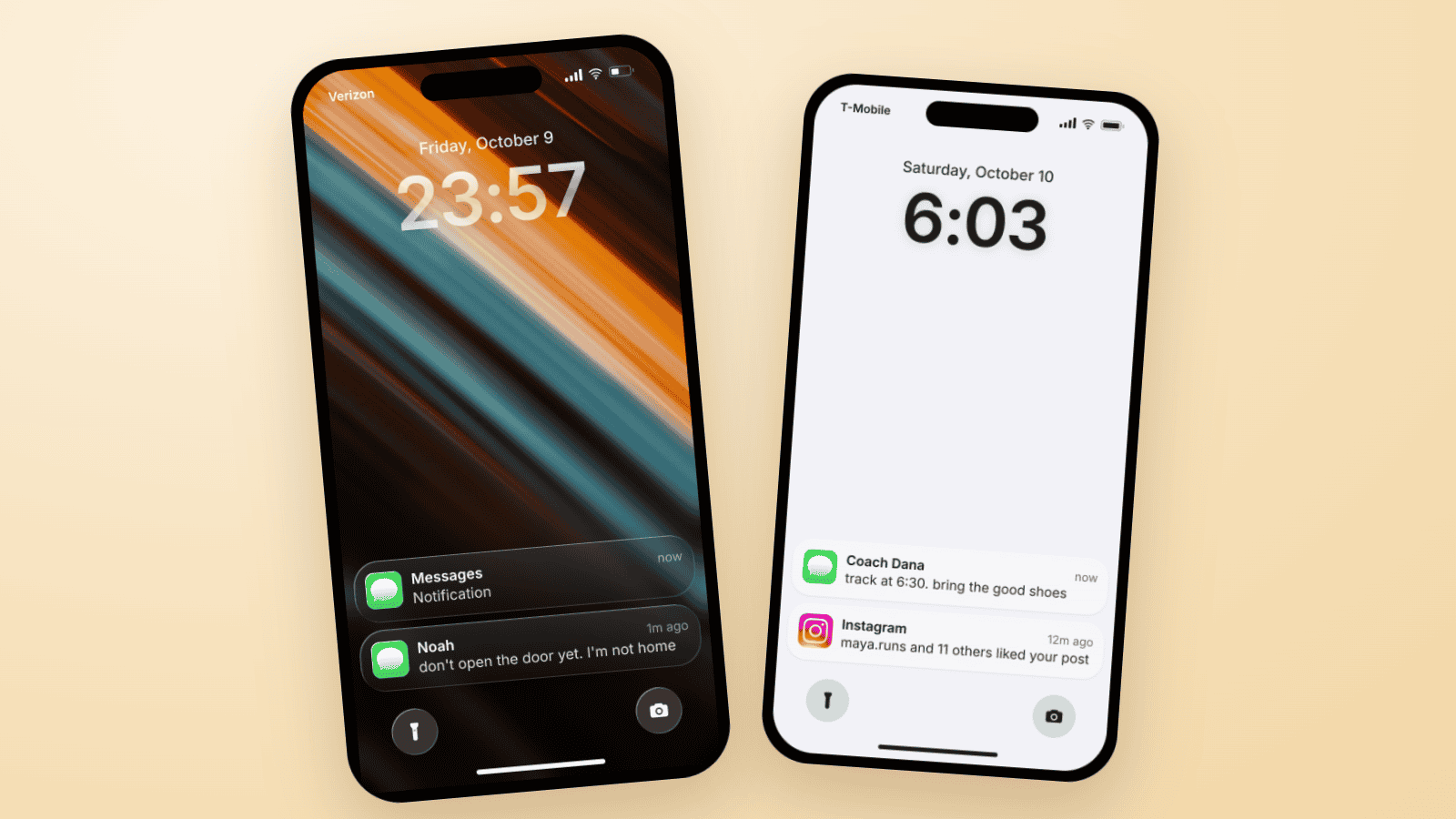
Fake Text on Lock Screen Trend: Build the TikTok Slide
The fake lock screen trend is a TikTok carousel slide: wallpaper, a late clock, one text, a mystery notification. Three examples you can build in Mockly.
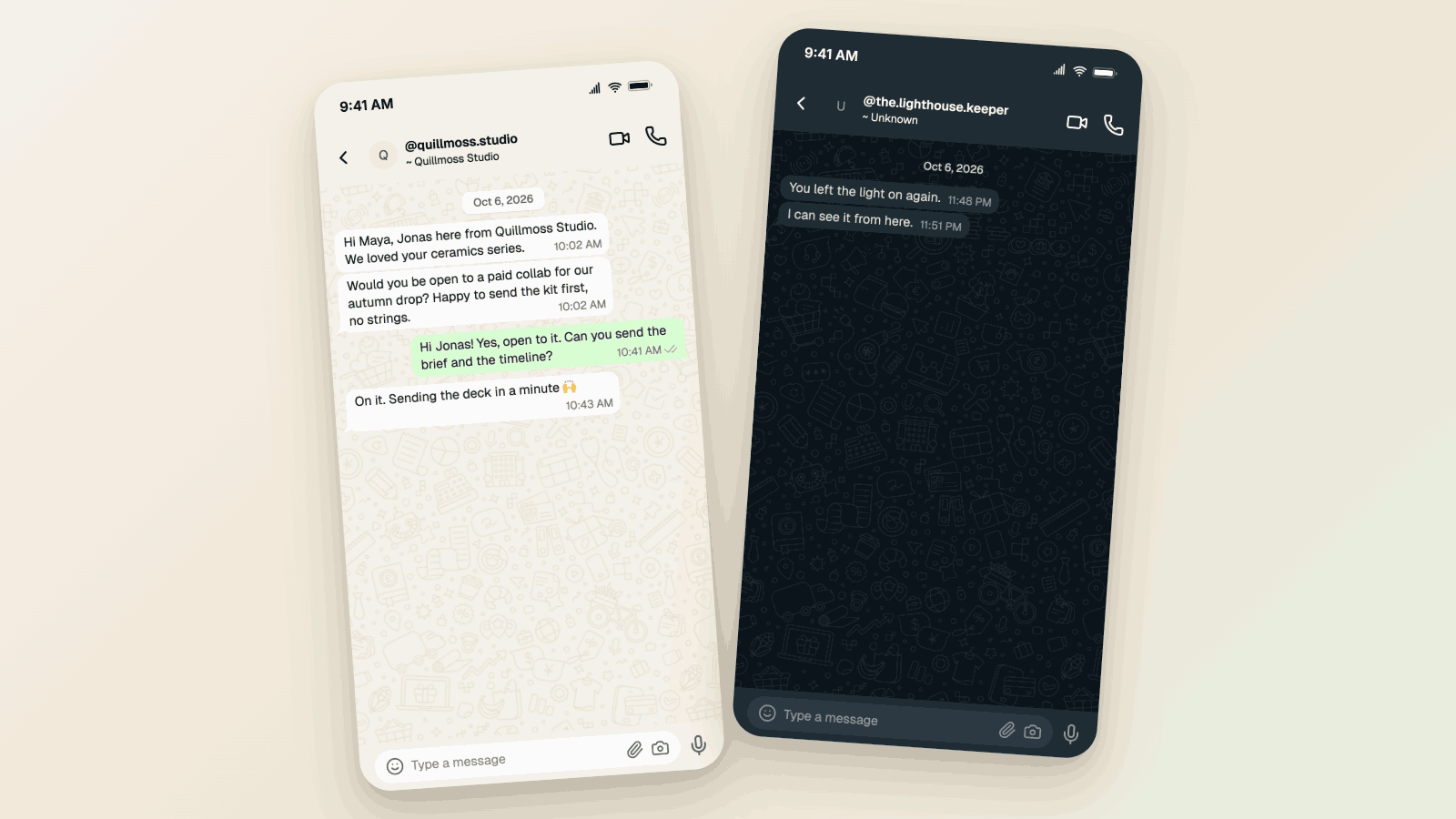
WhatsApp Username Chat Mockups: The @Handle Header (2026)
Make a WhatsApp chat mockup with the @username header. What the 2026 username rollout changed, what stayed, and three examples you can copy. Free to try.
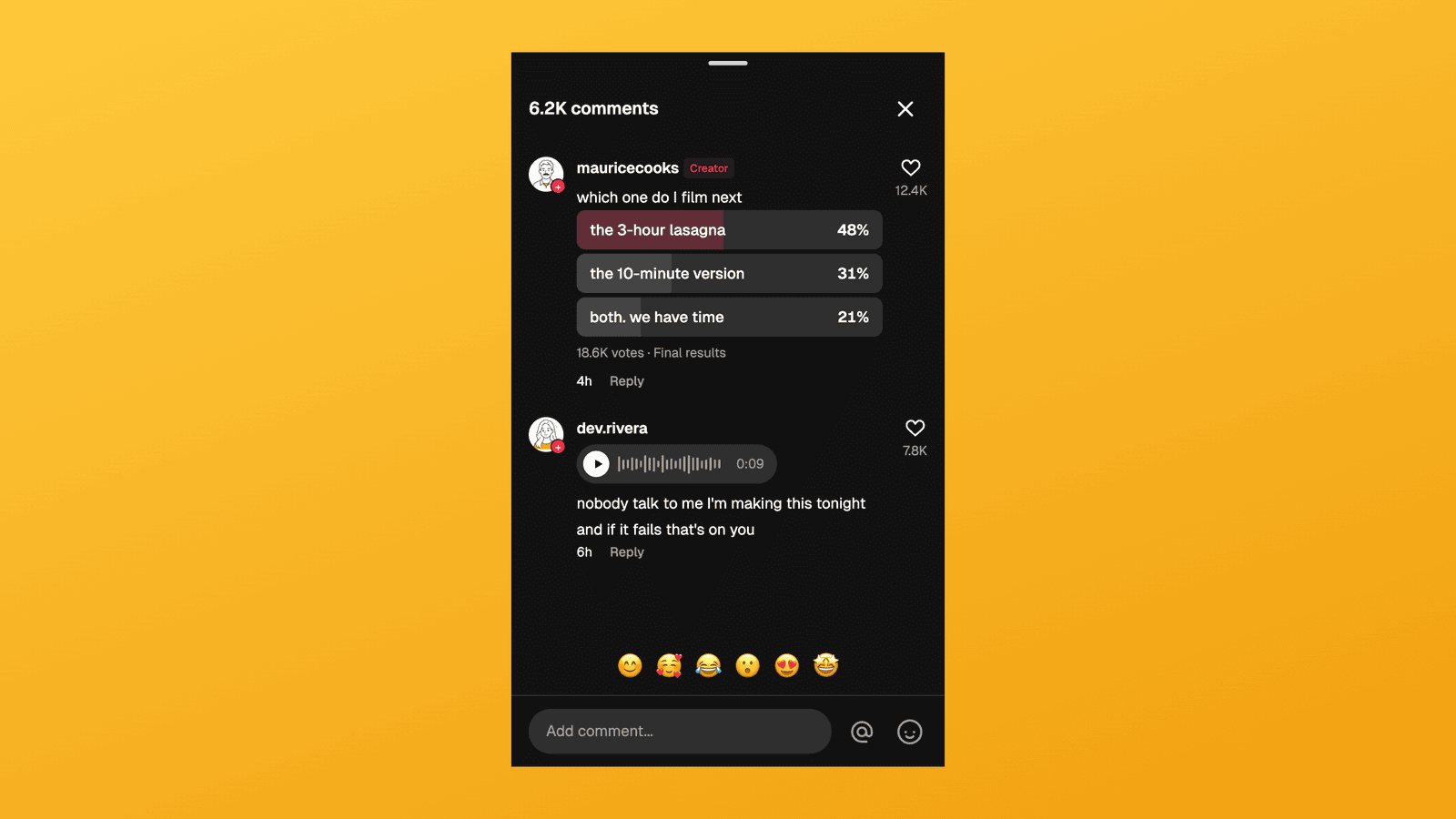
TikTok Comment Template: Voice Comments, Polls and Replies
Make TikTok comment mockups with voice comments and creator polls, plus the Creator badge, replies and heart counts. Free to try, no signup needed.